
CreaX vs Pika: Which Is Better for Product Video Ads?
by the CreaX team
In this guide
- TL;DRThe short answer: CreaX vs Pika
- The competitorWhat Pika is (and who it's built for)
- CreaXWhat CreaX is: the AI ecommerce creative OS
- CompareSide-by-side: features, outputs and workflow
- How the workflows differ
- BudgetPricing: CreaX plans vs Pika
- Fair playWhere Pika is the better pick
- Our recommendationWhere CreaX is the better pick
- ExampleWorked example: one product, both workflows
- Choose with confidenceDecision checklist
- FAQFrequently asked questions
- Q.Is CreaX a Pika alternative?
- Q.Can Pika make product ads?
- Q.Does Pika build landing pages?
- Q.How much does Pika cost?
- Q.Which is better for dropshipping?
Comparison · AI product video ads
CreaX vs Pika is a question more sellers ask as AI video gets better. Pika is a creative AI platform for making video clips and images, with tools to extend footage, grade color, add a soundtrack and create product shots. CreaX starts from your product link and hands back a ready ad kit: studio ads, UGC-style video ads and a landing page. Here is where each one wins, and how to use both.
By the CreaX team
Key takeaways
- ✓Pika is an AI creative studio: Video Studio for clips up to 30-second multi-shot videos, plus Extend Video, Color Grade, Pika Soundtrack, Image Studio, Edit Image, Character Studio and Product Shot, using Pika's own models and third-party ones.
- ✓CreaX is an AI ecommerce creative OS: paste a product link or image and get studio ad creatives, UGC-style video ads, a publish-ready landing page and a multi-tenant store in about 60–120 seconds.
- ✓Pick Pika when you want stylized, creative clips, characters you can reuse, or to extend and grade footage you already have.
- ✓Pick CreaX when you need a complete, matching product test (static ads, video ads and the page) from one link.
In this guide
TL;DRThe short answer: CreaX vs Pika
Pika is a creative video and image studio. CreaX is a product-to-ad workflow. In Pika you prompt, upload references and pick a tool or model for each piece: a clip, an extension, a color grade, a soundtrack, a product shot. The results can be playful, stylized and eye-catching, but you assemble the ad yourself.
CreaX is built for one job: selling a product. Paste the product link and you get the parts of an ad test that belong together: static ads in set styles and sizes, UGC-style video ads and the landing page those ads send traffic to. It is the same split we described in our CreaX vs Runway comparison: creative video tools make shots, CreaX makes the test.
So ask yourself what you need at the end of the session: a few striking clips for your brand, or ads and a page you can launch today.
⚖Our bias, stated upfront
The competitorWhat Pika is (and who it's built for)
Pika describes itself as an AI creative platform built for creatives. Its site lists a set of apps that each handle one creative job:
- Video Studio: generate anything from a short clip to a 30-second multi-shot video.
- Extend Video: make a clip longer by generating extra frames.
- Color Grade: adjust the color, contrast and mood of a photo or clip.
- Pika Soundtrack: score a clip with music, ambience and sound effects matched to the action.
- Image Studio and Edit Image: generate images, or swap, remove and restyle parts of one.
- Character Studio: build a character you can reuse across creations.
- Product Shot: create styled images of your product without a photoshoot.
Pika also gives you access to several models in one place, its own Pika models alongside third-party image and video models. It suits creators, social media teams and brands that want creative control and a distinctive look.
CreaXWhat CreaX is: the AI ecommerce creative OS
CreaX is an all-in-one AI ecommerce creative OS for dropshippers, media buyers, affiliates, ecommerce brands and agencies. Paste a product link (from your store, Alibaba, AliExpress, Amazon, Etsy or any product page) or upload a product image, and in about 60–120 seconds you get:
- Studio ad creatives in five styles (Classic, Humble Orbit, Punch, Luxe, Meta Feed) and four sizes (1:1, 3:4, 4:5, 9:16).
- UGC-style video ads of 18, 30 or 45 seconds.
- A publish-ready landing page at Simple, Detailed or Advanced level, with RTL languages like Arabic supported.
- A multi-tenant store so you can keep niches or client brands apart.
Our explainer on what an AI ecommerce creative OS is goes deeper, and the guide to CreaX UGC-style video ads shows the video side.
CompareSide-by-side: features, outputs and workflow
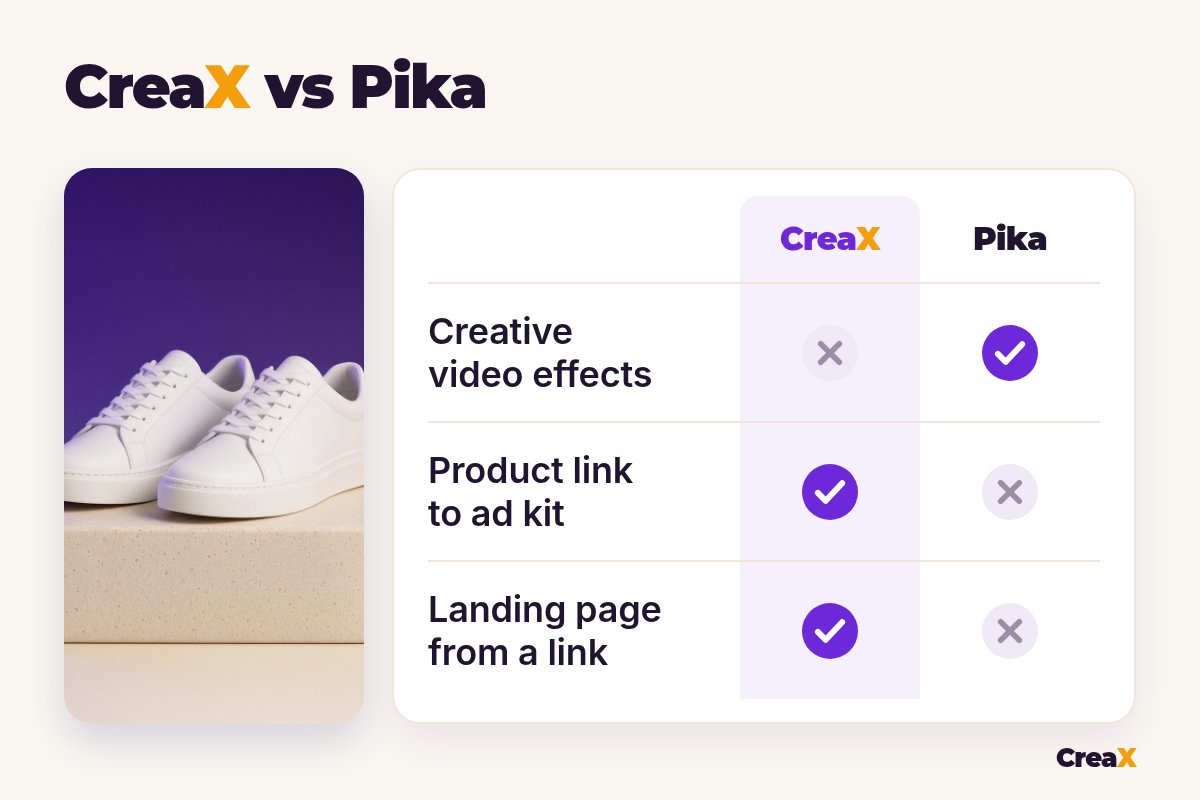
| Pika | CreaX | |
|---|---|---|
| Starting point | A prompt, an image or your own footage | A product link or one product image |
| Main output | Video clips, images, soundtracks | A test kit: static ads, video ads and a landing page |
| Creative control | High: tools and models for each step | Guided: pick styles, sizes and lengths |
| Video | Clips up to 30-second multi-shot videos, extend and grade | UGC-style video ads of 18, 30 or 45 seconds |
| Product images | Product Shot for styled product images | Studio ads in five styles and four sizes |
| Landing page | No | Yes, Simple, Detailed or Advanced |
From Pika's and CreaX's public websites, October 2026. Features change, so check both sites.
How the workflows differ
A typical Pika session for a product ad: upload product photos, generate a few clips in Video Studio, extend the best one, grade it and add a soundtrack, then create product shots for your static ads. You still write the hook, add the offer, lay out each ad size and build the landing page somewhere else.
A typical CreaX session: paste the link, review the landing page, pick the static ads and videos you like, download and launch. Fewer creative choices, far less assembly. Our list of the best AI video generators for product ads shows where other video tools fit between these two approaches.
See your product as a full ad kit
Paste one product link and get studio ads, UGC-style video ads and a landing page in about 60–120 seconds.
BudgetPricing: CreaX plans vs Pika
CreaX uses simple monthly credit plans. Credits are spent when you generate, and you can top up at any time:
| CreaX plan | Price / month | Credits | Good fit |
|---|---|---|---|
| Free | $0 | 0 | Look around the app before buying credits |
| Basic | $4.99 | 2,000 | Your first product tests |
| Standard | $14.99 | 6,500 | Testing new products every week |
| Pro | $29.99 | 14,000 | Several products or stores at once |
| Premium | $49.99 | 25,000 | Agencies and high-volume media buyers |
| Top-up | $1 | 500 | Extra credits when a test takes off |
Current plans on creax.io/pricing.
Pika's plans and credit costs can change and depend on which tool and model you use, so we don't quote them here. Check pika.art for current pricing before you compare.
★Count the whole job, not the credits
Fair playWhere Pika is the better pick
Pika does things CreaX doesn't try to do, and for some brands that settles it:
Pika
Strengths
- +Creative, stylized video clips
- +Extend and color grade existing footage
- +Soundtracks matched to the action
- +Reusable characters in Character Studio
- +Several models in one place
Trade-offs
- −You assemble each ad yourself
- −No landing page
- −Offers and ad layouts are on you
- −Product details can drift and need checking
CreaX
Strengths
- +Static ads, video ads and a landing page from one link
- +Five ad styles and four ad sizes
- +About 60–120 seconds per kit
- +Plans from $4.99/month, top-ups $1 per 500 credits
- +Multi-tenant store for niches and clients
Trade-offs
- −Not a creative video studio
- −Less control over every frame
- −The Free plan has 0 credits, so generating needs a paid plan
⚖Honest take
If you are comparing creative video tools, our guide to the best Sora alternatives for product video ads puts Pika's category side by side, and the CreaX vs Kling AI comparison covers another popular video model.
Our recommendationWhere CreaX is the better pick
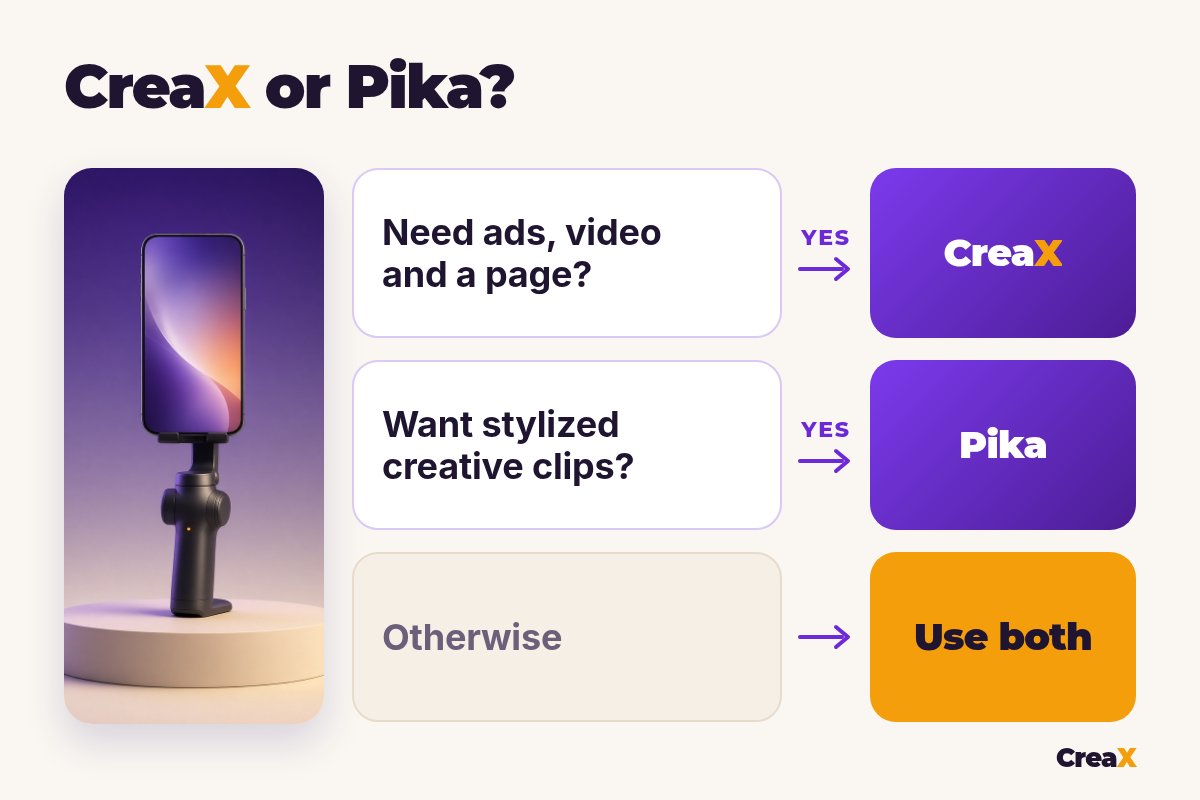
For most ecommerce sellers, the slow part isn't making one fun clip. It's turning a new product into a full test: several angles that match each other and the page. That is where we recommend CreaX.
- You test new products often. One link gives you ads, videos and a landing page together, so the message stays the same from ad to page.
- You want ads that look like ads. UGC-style videos and feed-ready static styles are built for the scroll.
- You don’t want to prompt every shot. You pick styles, sizes and video lengths instead.
- You run several niches or client brands. The multi-tenant store keeps them apart.
If you are choosing between product-link tools rather than creative studios, our CreaX vs Pippit comparison covers a closer rival.
Build the whole test from one link
Get studio ads, UGC-style video ads and a matching landing page from one product link, then launch them wherever you run ads.
ExampleWorked example: one product, both workflows
Say you sell white minimalist sneakers and want to test three angles: “all-day comfort”, “goes with everything” and “easy to clean”. Only use claims your supplier can back up, such as materials and sizes, and keep the shoe looking exactly like the real one.
| Task | Pika setup | CreaX setup |
|---|---|---|
| Video ad for each angle | Prompt a clip per angle with product photos as reference | UGC-style videos of 18, 30 or 45 seconds |
| Static ads for 3 angles | Make product shots, then lay out text and offer yourself | Studio ads in five styles from the product link |
| Ad sizes | Generate or crop for each placement | 1:1, 3:4, 4:5 and 9:16 built in |
| Landing page | Use your store page or another builder | Generated from the same link, then edited |
| Creative range | Wide: stylized scenes, characters, effects | Focused: product ad formats |
A qualitative comparison of the work involved, not a speed or quality benchmark.
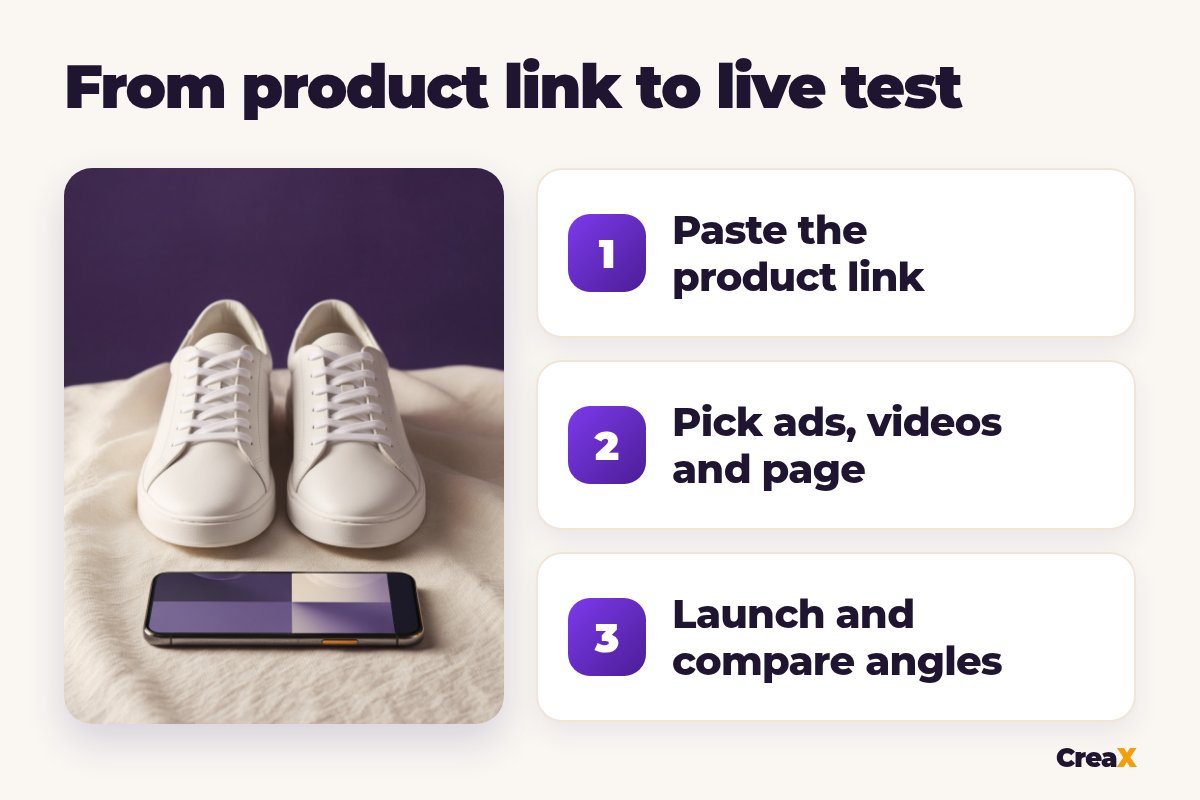
A sensible split: launch the CreaX kit, see which angle wins, then use Pika for one stylized clip for that angle, for example the sneakers walking through a dreamy pastel city. Fast testing first, creative work only for an ad that has proven itself. For the openers, our guide to UGC ad hooks that stop the scroll helps you pick lines worth testing.
!Check every asset before it runs
Choose with confidenceDecision checklist
Answer these before you choose
- ✓Do you want stylized, creative clips? Pika rewards that.
- ✓Do you need ads for a product today? CreaX starts from the link or one image.
- ✓Do you need a landing page for each product? If yes, lean CreaX.
- ✓Do you have footage to extend or regrade? That's Pika.
- ✓Do you need static ads and video from the same input? CreaX makes both.
FAQFrequently asked questions
Q.Is CreaX a Pika alternative?
Q.Can Pika make product ads?
Q.Does Pika build landing pages?
Q.How much does Pika cost?
Q.Which is better for dropshipping?
Ready to test your next product?
One product link, about 60–120 seconds, and you have studio ads, UGC-style video ads and a landing page for your first test.
This guide is published by CreaX. We describe other tools from their own public websites, last checked October 2026, avoid invented scores or prices, and recommend checking each vendor's site for current features and plans.
Your next campaign starts with a link.
Paste a product link and get UGC video ads, ad images and a landing page — everything in under 60 seconds.
Start creating