

10 Best Sora Alternatives for Product Video Ads
Top 10 · AI video for ads
Looking for Sora alternatives? OpenAI has shut down Sora, first the app and website and then the video API, so sellers who made product clips with it need a new tool. This list covers the ten best options for product video ads, from CreaX, which turns a product link into ready video ads, to cinematic models like Google Veo, Kling AI and Runway. For each one: what it does, who it suits and what to watch out for.
By the CreaX team
Key takeaways
- ✓OpenAI has discontinued Sora: the app and web experience first, then the Sora API. Its help center explains how to export your old creations.
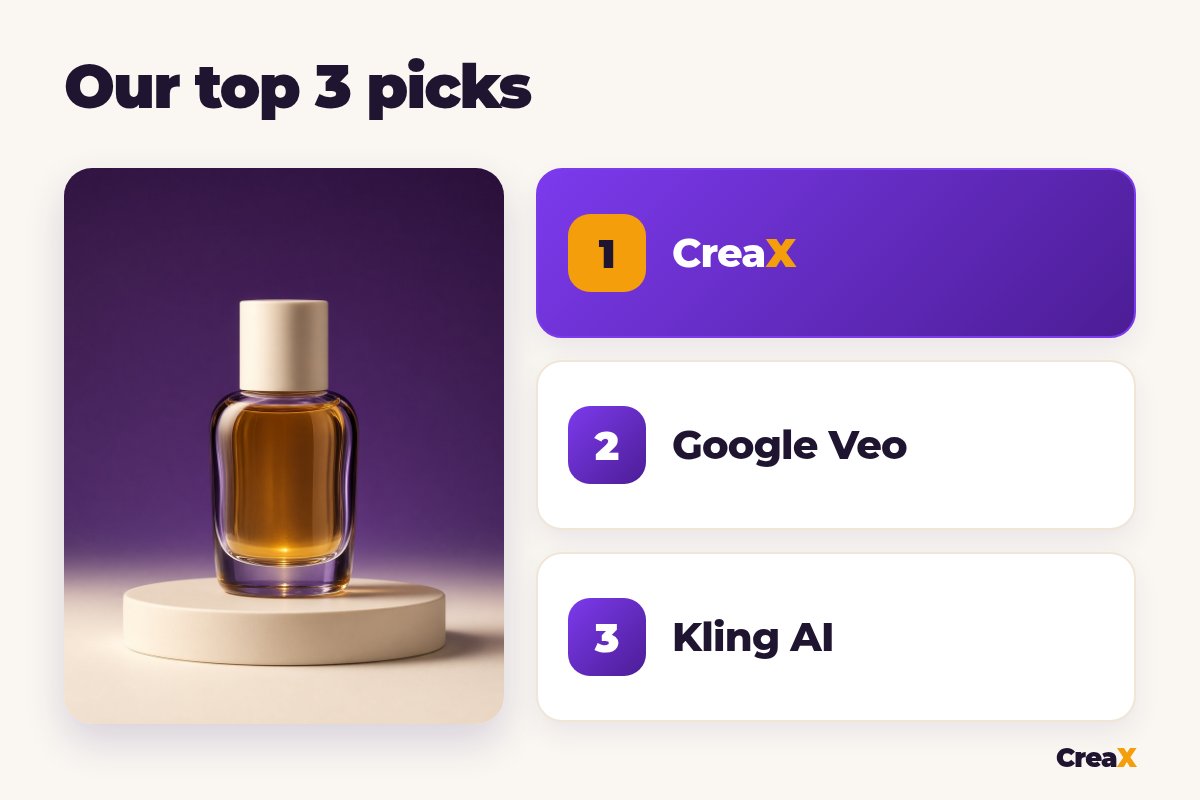
- ✓For product ads, CreaX is our first pick because it starts from your product link or image and gives you UGC-style video ads, studio ads and a landing page, with no clip-by-clip prompting.
- ✓For cinematic clips like the ones Sora made, look at Google Veo, Kling AI, Runway, Seedance and Luma. They give more creative control but you still edit clips into an ad.
- ✓Choose by starting point, product accuracy, clip length, landing page needs and commercial-use terms, not by the prettiest demo reel.
In this guide
The newsWhat happened to Sora
OpenAI's help center article “What to know about the Sora discontinuation” confirms that the Sora web and app experiences were shut down, followed later by the Sora API. If you have old videos there, the same article explains how to export your content before the data is deleted. Our advice: export anything you still need, then move on.
For ecommerce sellers, Sora was mostly a way to get striking product shots or short scenes without filming. The good news is that the market has plenty of strong replacements, and some of them are built more directly for ads. If you want a broader view of the space, our roundup of the best AI video generators for product ads goes deeper on the general-purpose models.
TL;DRQuick picks: the best tool for each situation
| If you need… | Start with | Why |
|---|---|---|
| Ready video ads, static ads and a landing page from a product link | CreaX | Built for product tests, no prompting |
| Cinematic clips with sound from a prompt or image | Google Veo or Kling AI | Strong general video models |
| Generation plus deep editing in one place | Runway | Video models with editing tools and workflows |
| A strong model inside a popular editor | Seedance | Available in Dreamina and CapCut |
| Changing an existing video's look | Luma Dream Machine | Modify video tools |
| A finished explainer with voiceover from a prompt | InVideo AI | Script, visuals and voice in one go |
Our shortlist by job, from each company's public website, October 2026.
MethodHow we chose (criteria, no invented scores)
We looked at each tool's official website and asked five practical questions a seller would ask:
- Starting point: do you start from a product link, an image or a text prompt?
- Product accuracy: can you feed it your real product image so the item stays recognizable?
- Output for ads: do you get a finished ad, or clips you still need to edit?
- Beyond video: does it help with static ads or a landing page?
- Commercial use: do its terms and plans allow ads?
⚖No fake scores
Comparison tableAll 10 at a glance
| Tool | Main job | Starts from | Landing page? |
|---|---|---|---|
| CreaX | Product ad kit: video ads, studio ads, page | Product link or image | Yes |
| Google Veo | General AI video model with audio | Prompt, images | No |
| Kling AI | AI video and image generation | Prompt, images, frames | No |
| Runway | AI video generation and editing suite | Prompt, images, video | No |
| Seedance | ByteDance's AI video model | Prompt, references | No |
| Luma Dream Machine | AI video with modify tools | Prompt, images, video | No |
| Hailuo | MiniMax's AI video platform | Prompt, images | No |
| Pika | Creative AI video platform | Prompt, images | No |
| Higgsfield | AI video studio with many models | Prompt, images, product link | No |
| InVideo AI | Prompt to finished video with voiceover | Prompt or script | No |
From each company's public website, October 2026. Features change, so check each site.
The listThe 10 best Sora alternatives for product video ads
CreaX
Best for: sellers who need ready video ads, not raw clips
CreaX is an all-in-one AI ecommerce creative OS. Instead of prompting a scene, you paste a product link (from Alibaba, AliExpress, Amazon, Etsy or any product page) or upload a product image. In about 60–120 seconds you get UGC-style video ads of 18, 30 or 45 seconds, studio ad creatives in five styles and four sizes, a publish-ready landing page and a multi-tenant store.
That is the main difference from Sora: you don't get one beautiful clip, you get a product test you can launch. Our explainer on how CreaX UGC video ads work shows the generator step by step. Plans start at $4.99 a month for 2,000 credits.
Good for
- Video ads, static ads and a landing page from one link
- No prompting or editing skills needed
- Credit plans from $4.99/month
Keep in mind
- Not a cinematic scene generator
- The Free plan has 0 credits
Google Veo
Best for: cinematic clips with native audio
Veo is Google DeepMind's video model. Google offers it in its Flow filmmaking tool and to developers through the Gemini API and Vertex AI, with features such as image-to-video, frames to video and generated audio. It is one of the closest replacements for Sora's look. Our CreaX vs Google Veo comparison shows where it fits in an ad workflow.
Good for
- High-quality video with sound
- Several ways to access it
- Image and frame controls
Keep in mind
- You prompt and edit each clip
- No ad layouts or landing page
Website: deepmind.google/models/veo/
Kling AI
Best for: image-to-video and multi-shot scenes
Kling AI is a popular AI video and image platform. Its site describes text-to-video, image-to-video, start and end frames, native audio with lip-sync, multi-shot scenes and reference images for consistency, plus ecommerce use cases such as product videos from product images. Clips are short, so plan to edit them together.
Good for
- Strong image-to-video
- Native audio and multi-shot
- Ecommerce use cases on its site
Keep in mind
- Short clips per generation
- No landing page or static ad layouts
Website: klingai.com
Replace Sora with a full ad kit
Paste a product link and get UGC-style video ads, studio ads and a landing page in about 60–120 seconds.
Runway
Best for: generation plus serious editing
Runway is a generative creative suite: its own video models alongside models from other labs, editing tools, workflows that chain models, and a product-photo-to-video-ad use case. It suits creators who want to keep tweaking. Our CreaX vs Runway breakdown covers the trade-offs.
Good for
- Deep editing and control
- Several models in one place
- Workflows for repeat jobs
Keep in mind
- Learning curve
- Still clip-first, no landing page
Website: runwayml.com
Seedance
Best for: a strong model inside Dreamina and CapCut
Seedance is ByteDance's video model, available in Dreamina and inside CapCut. ByteDance's pages describe text and image-to-video with many reference inputs and longer generations in newer versions; availability depends on region and plan. Handy if you already edit in CapCut, which we compare in CreaX vs CapCut.
Good for
- Works where many sellers already edit
- Reference inputs for control
- Fits a CapCut workflow
Keep in mind
- Availability varies by region and plan
- You still build the ad
Website: dreamina.capcut.com
Luma Dream Machine
Best for: restyling and modifying existing video
Luma's Dream Machine runs its Ray video models. Besides generating clips, it offers modify-video tools that change the look, setting or lighting of footage you upload while keeping the motion. Useful if you already have product footage and want new versions.
Good for
- Modify video from your own footage
- Keyframe and reference controls
- Clean creative interface
Keep in mind
- Short clips
- No ad layouts or pages
Website: lumalabs.ai
Hailuo
Best for: quick image-to-video tests
Hailuo is MiniMax's AI video platform. Its site describes text and image-to-video with first and last frame control and reference inputs, with audio in its newer models. A practical choice for fast experiments with a product image.
Good for
- First and last frame control
- Reference inputs
- Simple web app
Keep in mind
- Short clips
- Check commercial terms for your plan
Website: hailuoai.video
Pika
Best for: playful effects and social-style clips
Pika is a creative AI video platform known for fun effects that turn a still image into a short clip, plus scenes built from your own images and a prompt. It is great for scroll-stopping social moments, less so for a full product ad.
Good for
- Eye-catching effects
- Combines your images with a prompt
- Easy to start
Keep in mind
- Short, playful clips
- Not built around product accuracy
Website: pika.art
Higgsfield
Best for: many models and camera presets in one studio
Higgsfield is an AI video and image platform with cinematic camera presets, a choice of well-known models and marketing tools for product content. It sits between a raw model and an ad tool. Our CreaX vs Higgsfield comparison explains when it makes sense.
Good for
- Many models in one place
- Camera presets and effects
- Marketing tools for products
Keep in mind
- Lots of options to learn
- No landing page
Website: higgsfield.ai
Get the ad and the page in one pass
CreaX turns one product link into UGC-style videos, studio ads and a matching landing page.
InVideo AI
Best for: explainer-style videos with voiceover
InVideo AI turns a text prompt into a finished video with script, visuals, voiceover, captions and music, and lets you edit by typing commands such as replacing a scene. Good for explainers and faceless content. See our CreaX vs InVideo AI comparison for product ads specifically.
Good for
- Finished video from a prompt
- Edit by text commands
- Voiceover and captions built in
Keep in mind
- Stock-style visuals may not show your exact product
- No landing page
Website: invideo.io
DecideHow to choose: 5-question checklist
Answer these before you pay
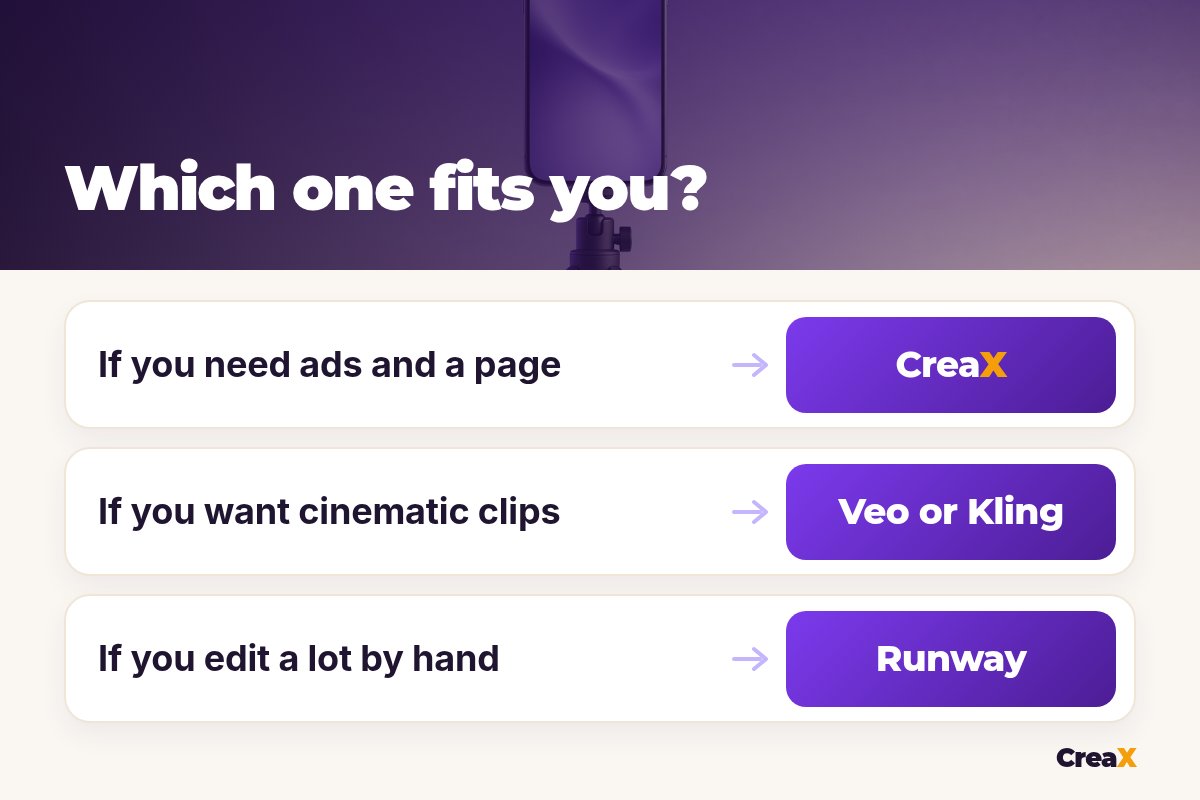
- ✓Do you start from a product page or an idea? Product page: CreaX. Idea: a video model.
- ✓Must the product look exactly right? Use your real product image and check every frame.
- ✓Do you need a finished ad or b-roll? Finished ads: CreaX or InVideo AI. B-roll: Veo, Kling, Runway, Seedance, Luma.
- ✓Do you also need static ads and a landing page? Only CreaX covers those here.
- ✓Do the terms allow commercial use on your plan? Check before you run ads.
If AI UGC-style ads are your main format, our list of the best AI UGC video ad generators for dropshippers compares tools built for that style specifically.
!Check every AI video before it runs
ExampleWorked example: replacing a Sora workflow
Say you sell an amber glass perfume and used Sora for moody shots of the bottle. A sensible replacement setup:
Build the test in CreaX
Add one cinematic shot if you want it
Edit them together
Check product accuracy
Launch and compare angles
| Job | Tool | Why |
|---|---|---|
| Video ads for 3 angles | CreaX | Ready UGC-style ads from the link |
| Static ads | CreaX | Five styles, four sizes |
| Landing page | CreaX | Generated from the same product |
| Cinematic hero shot | Veo or Kling AI | Strong image-to-video |
| Final polish | Your editor | Captions, pacing, music you have rights to |
A suggested split of jobs, not a ranking.
FAQFrequently asked questions
Q.Is Sora shut down?
Q.What is the closest alternative to Sora?
Q.Which Sora alternative is best for ecommerce?
Q.Can I use these tools for ads?
Q.Are any Sora alternatives free?
Q.Will AI video ads get rejected?
Ready to replace Sora for your ads?
One product link, about 60–120 seconds, and you have UGC-style video ads, studio ads and a landing page.
This guide is published by CreaX. We describe other tools from their own public websites, last checked October 2026, avoid invented scores or prices, and recommend checking each vendor's site for current features and plans.