
CreaX vs CapCut: Which Is Better for Ecommerce Video Ads?
Comparison · Ecommerce video ads
CreaX vs CapCut comes up as soon as a seller wants more video ads without filming every day. CapCut is one of the most popular video editors around, and it now ships AI ad tools, avatars and video models inside the editor. CreaX starts from your product link and hands back a finished ad kit: studio ads, UGC-style video ads and a landing page. This guide shows where each one wins, so you can pick the right tool, or use both.
By the CreaX team
Key takeaways
- ✓CapCut is ByteDance's video editor on web, desktop and mobile, with templates, auto captions, AI voiceovers, an AI ad generator, AI avatars for UGC-style ads and AI video models such as Seedance inside the editor.
- ✓CreaX is an AI ecommerce creative OS: paste a product link or image and get studio ad creatives, UGC-style video ads, a publish-ready landing page and a multi-tenant store in about 60–120 seconds.
- ✓Pick CapCut when you edit your own footage, want full timeline control, or polish clips with captions, music and effects.
- ✓Pick CreaX when you need a complete, matching test per product (static ads, video ads and the page) without writing a script or building each asset. Many sellers generate in CreaX and fine-tune in CapCut.
In this guide
TL;DRThe short answer: CreaX vs CapCut
CapCut is an editor with AI tools. CreaX is a product-to-ad workflow. That difference explains most of this comparison. In CapCut you are the editor: you bring clips or a script, arrange them on a timeline, add captions, music and effects, and export. Its newer AI features help you get there faster, but you still steer every video.
CreaX is narrower on purpose. It only cares about selling a product. You paste the link, and instead of one video you get the pieces of a product test that belong together: static ads in set styles and sizes, UGC-style video ads and the landing page those ads point to. If you are already looking at editors, our list of the best CapCut alternatives shows the other options side by side.
So the useful question is not which tool is better at video. It is what you need at the end of the session: one polished edit of footage you own, or a full set of ads and a page you can launch today.
⚖Our bias, stated upfront
The competitorWhat CapCut is (and who it's built for)
CapCut is a video and photo editor from ByteDance, the company behind TikTok. You can use it in the browser, as a desktop app or on your phone. For years it has been the default free editor for short-form video, and its public pages now describe a growing set of AI tools aimed at marketers:
- Editing basics: a multi-track timeline, templates, auto captions, text to speech, music, effects, background removal and resizing for each platform.
- AI ad generator: turn written copy into image ads (posters) with AI layouts, or into video ads with AI voiceovers, auto captions and music.
- Avatar video: create UGC-style ads with AI avatars from a script, without filming an actor. CapCut describes this as a desktop workflow.
- AI video models: CapCut offers Seedance, ByteDance's video model, inside the editor for generating clips from prompts and references.
- Sharing: export, or publish directly to platforms such as TikTok and YouTube.
ByteDance also runs Pippit (formerly CapCut Commerce Pro), a separate product aimed at commerce marketing. We compared it in our CreaX vs Pippit breakdown, so this article sticks to CapCut itself.
In short, CapCut is built for anyone who edits video: creators, social media managers, small brands and sellers who film their own clips or receive footage from creators.
The ad kitWhat CreaX is: the AI ecommerce creative OS
CreaX starts from the product, not from a blank timeline. Paste a product link (from Alibaba, AliExpress, Amazon, Etsy or any product page) or upload a product image, and in about 60–120 seconds you get:
- Studio ad creatives: product photos and static ads in five styles (Classic, Humble Orbit, Punch, Luxe and Meta Feed) and four sizes (1:1, 3:4, 4:5 and 9:16).
- UGC-style video ads of 18, 30 or 45 seconds.
- A publish-ready landing page at three levels: Simple, Detailed or Advanced.
- A multi-tenant store to keep niches or client brands apart.
CreaX is built for dropshippers, media buyers, affiliates, coaches, ecommerce brands and agencies. The landing page matters more than most sellers think: an ad that promises one thing and lands on a generic product page loses buyers. Our guide to the CreaX landing page generator shows what the page includes and how to edit it.
CreaX is not a video editor. You won't use it to cut a vlog, sync a montage to a beat or add keyframed effects. It makes product ads and the page they send traffic to.
CompareSide-by-side: features, outputs and workflow
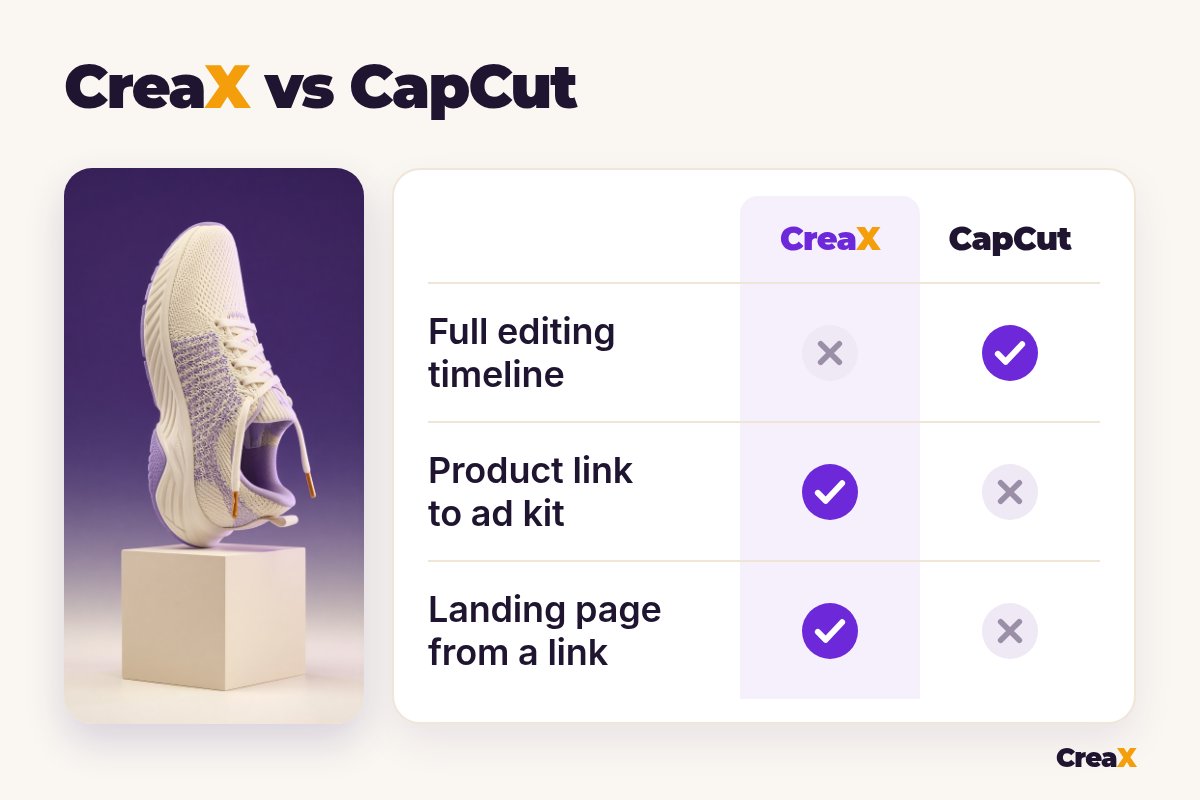
| CapCut | CreaX | |
|---|---|---|
| What it is | Video and photo editor with AI ad tools | AI ecommerce creative OS: ads, video, page, store |
| Starting point | Your footage, a template, a script or a prompt | A product link or product image |
| Output | One video or image per project, edited by you | A kit: static ads, video ads and a landing page |
| Editing control | Full timeline: cuts, layers, captions, effects | Pick and refine the generated assets |
| UGC-style video | AI avatars from a script (desktop workflow) | UGC-style videos of 18, 30 or 45 seconds from the link |
| Static ads | AI design from a product photo and a prompt | Five ad styles, four sizes, from the link |
| Landing page | No | Yes, Simple, Detailed or Advanced |
| Where you use it | Web, desktop and mobile apps | creax.io |
From CapCut's and CreaX's public websites, October 2026. Features change, so check both sites.
How the workflows differ
A typical CapCut session for a product ad: write or generate a script, pick an avatar or import your clips, choose a voice, place captions, add music, trim the pacing and export. Then do it again for the next angle. For static ads you upload a product photo and prompt each design. The landing page lives somewhere else.
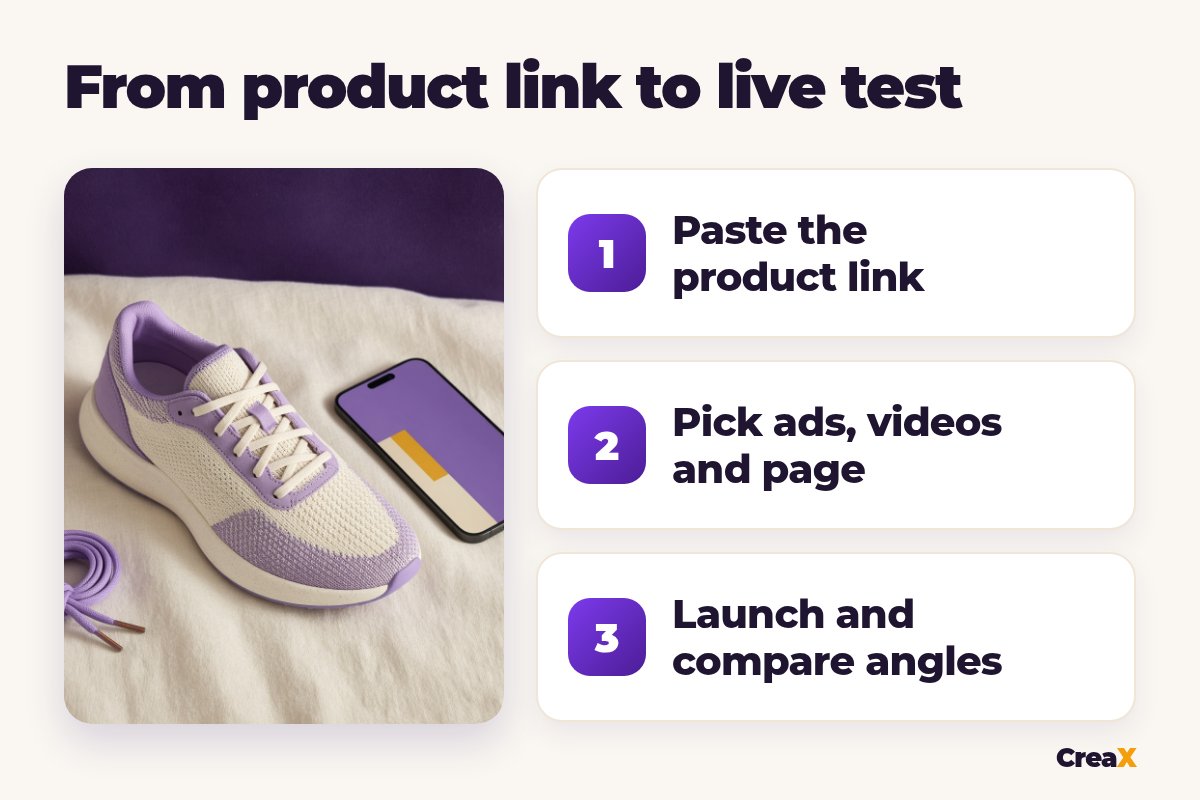
A typical CreaX session: paste the link, review the landing page, pick the static ads and videos you like, download them and launch. Fewer creative decisions, less control, much less assembly. If TikTok Shop is your main channel, our guide to making a TikTok Shop video ad from a product link walks through that exact flow.
See your product as a full ad kit
Paste one product link and get studio ads, UGC-style video ads and a landing page in about 60–120 seconds.
BudgetPricing: CreaX plans vs CapCut
CreaX uses simple monthly credit plans. Credits are spent when you generate, and you can top up any time:
| CreaX plan | Price / month | Credits | Good fit |
|---|---|---|---|
| Free | $0 | 0 | Look around the app before buying credits |
| Basic | $4.99 | 2,000 | Your first product tests |
| Standard | $14.99 | 6,500 | Testing new products every week |
| Pro | $29.99 | 14,000 | Several products or stores at once |
| Premium | $49.99 | 25,000 | Agencies and high-volume media buyers |
| Top-up | $1 | 500 | Extra credits when a test takes off |
Current plans on creax.io/pricing.
CapCut has a free version, and its pages mention free daily credits for some AI tools, with a paid Pro plan for higher limits and advanced features. We don't quote CapCut's prices because they vary by country, platform and plan. Check CapCut's own pricing page in your region for current numbers.
★Count the whole job, not the app
Fair playWhere CapCut is the better pick
CapCut does things CreaX doesn't attempt, and for some sellers that settles it:
CapCut
Strengths
- +Full multi-track timeline editing
- +Works with your own footage and creator clips
- +Auto captions, voices, music and effects
- +AI avatars, AI ad generator and Seedance in one app
- +Free version on web, desktop and mobile
Trade-offs
- −You build each video and angle yourself
- −No landing page
- −Static ads and videos are separate projects
- −Check commercial-use terms for templates and music
CreaX
Strengths
- +Static ads, video ads and a landing page from one link
- +Five ad styles and four ad sizes, ready to run
- +About 60–120 seconds per kit
- +Plans from $4.99/month, top-ups $1 per 500 credits
- +Multi-tenant store for niches and clients
Trade-offs
- −Not a timeline editor
- −Less frame-by-frame control than editing
- −The Free plan has 0 credits, so generating needs a paid plan
⚖Honest take
If CapCut feels like more editor than you need, our roundup of the best AI video editors for ad creatives covers lighter tools, and the CreaX vs VEED comparison looks at another browser editor with AI features.
Our recommendationWhere CreaX is the better pick
For many sellers the slow part isn't editing one video. It's turning a new product into a full test: several angles that match each other and the page.
- You test new products often. One link gives you the ads, the video and the landing page together, so the message stays the same from ad to page.
- You have no footage yet. You can start from the supplier link or one product image instead of waiting for samples.
- You need static ads as well as video. Ad styles and sizes are built in, so you choose instead of designing.
- You run several niches or client brands. The multi-tenant store keeps them apart.
Build the whole test from one link
Get studio ads, UGC-style video ads and a matching landing page from one product link, then launch them wherever you run ads.
ExampleWorked example: one product, both workflows
Say you sell knit running sneakers and want to test three angles: “all-day comfort at work”, “light enough for travel” and “a gift for a runner”. Only use claims your supplier can back up, such as weight and materials, and keep the product looking exactly like the real one.
| Task | CapCut setup | CreaX setup |
|---|---|---|
| Video ad for each of 3 angles | Write or generate a script, pick an avatar or clips, edit each video | UGC-style videos generated from the product link |
| Captions and voice | Auto captions and AI voices, styled by you | Built into the generated videos |
| Static ads | AI design from a photo and a prompt per ad | Studio ads in five styles and four sizes |
| Landing page | Use your store page or another builder | Generated from the same link, then edited |
| Final polish | Strong: full timeline, effects, music | Light: pick, refine, download |
A qualitative comparison of the work involved, not a speed or quality benchmark.
A sensible split: use CreaX to build the launch kit, then open the best video in CapCut if you want your own caption style, a sharper first second or a trending sound. Your hook decides most of the result, so test a few. Our guide to UGC ad hooks that stop the scroll has formulas you can drop into either tool.
Whatever you use, AI video ads need a quick compliance check. Our explainer on whether AI UGC ads are allowed on Meta and TikTok lists what to label and what to avoid.
!Check every video before it runs
Choose with confidenceDecision checklist
Answer these before you choose
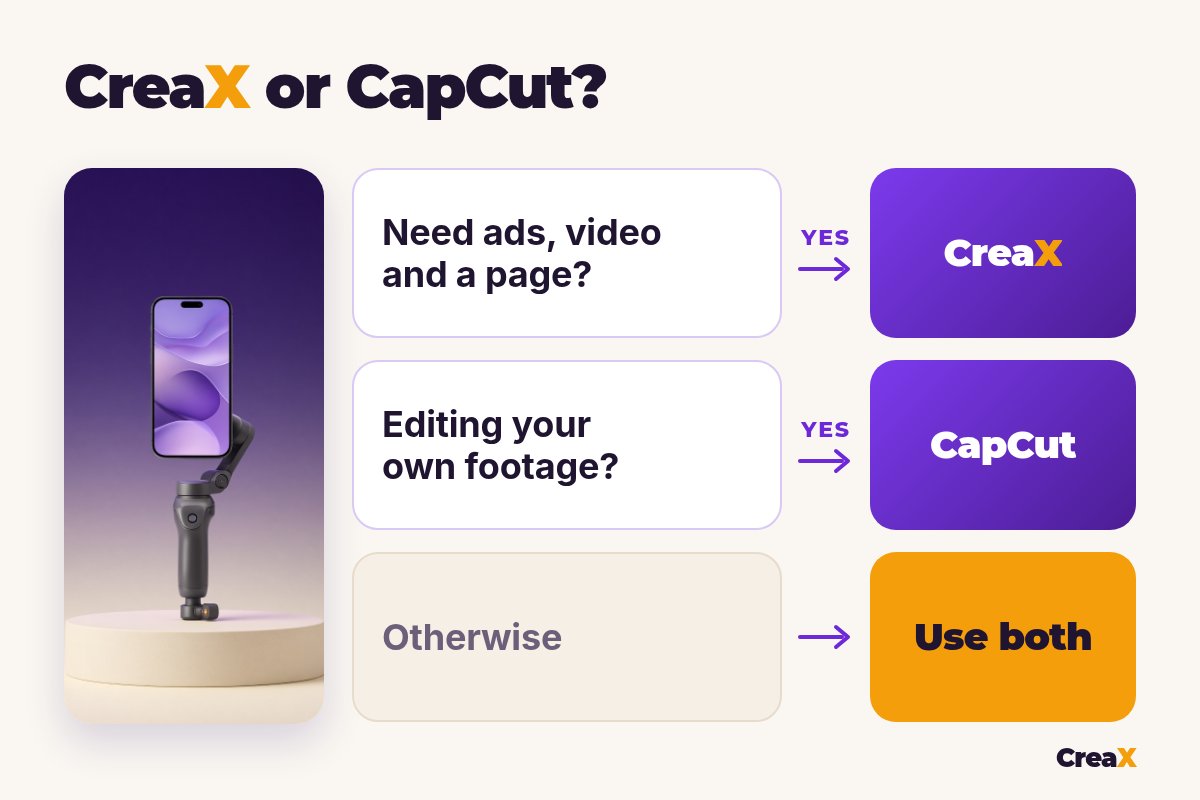
- ✓Do you have footage to edit? If yes, CapCut is the natural home for it.
- ✓Do you need ads for a product you haven’t filmed? CreaX starts from the link or one image.
- ✓Do you need a landing page for each product? If yes, lean CreaX.
- ✓Do you want frame-by-frame control? That's CapCut's strength.
- ✓Do you need static ads and video from the same input? CreaX makes both.
- ✓Do you have time to build every angle by hand? If not, CreaX saves the assembly.
FAQFrequently asked questions
Q.Is CreaX a CapCut alternative?
Q.Can CapCut make UGC-style ads?
Q.Does CapCut build landing pages?
Q.Is CapCut free?
Q.Can I edit CreaX videos in CapCut?
Q.Which is better for dropshipping?
Ready to test your next product?
One product link, about 60–120 seconds, and you have studio ads, UGC-style video ads and a landing page for your first test.
This guide is published by CreaX. We describe other tools from their own public websites, last checked October 2026, avoid invented scores or prices, and recommend checking each vendor's site for current features and plans.