
What Is an AI Ecommerce Creative OS? (And Why One Tool Beats Five)
Explainer · Ecommerce creative
Most stores juggle a design app, a video tool, a page builder, a store platform and a copy assistant just to launch one product test. An AI ecommerce creative OS replaces that chain with one input and one connected system. Here is what the term means, what one should include, where it stops, and how to judge one with your own product.
Updated October 2026 · By the CreaX team
Key takeaways
- ✓An AI ecommerce creative OS is one platform that turns one product input (a link or an image) into the connected assets a sale needs: ad creatives, video ads, a landing page and a store.
- ✓It differs from a tool stack because every asset comes from the same source, so the message and the look match without copy-paste between apps.
- ✓The payoff is speed and consistency: fewer handoffs, fewer mismatched pages and a cost you can see before you generate.
- ✓It is the core of the launch workflow, not the only tool: brand identity, attribution and email still belong to specialists.
In this guide
In one paragraphThe short answer
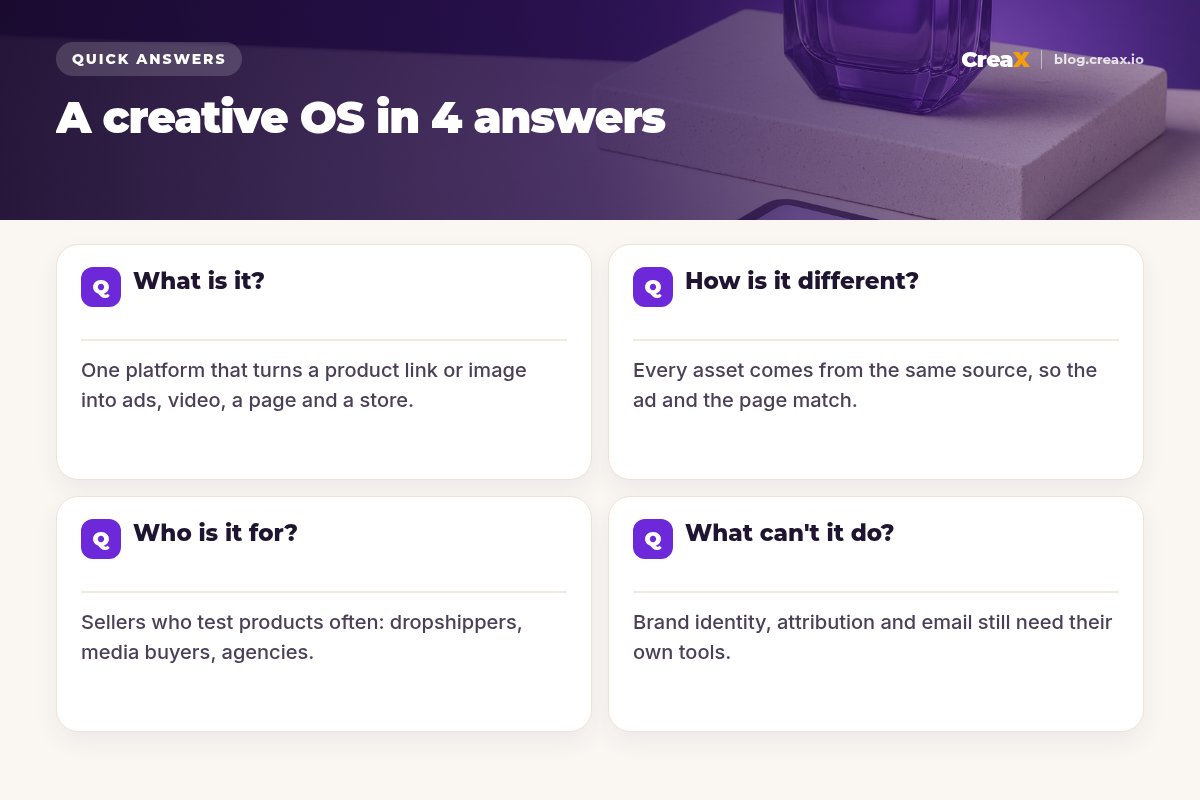
An AI ecommerce creative OS is a single platform that takes one product input and generates the connected set of assets needed to sell it: static ad creatives, UGC-style video ads, a landing page and a storefront, all sharing the same product information, message and visual style. Instead of briefing five tools and moving files between them, you paste a product link or upload an image and review one kit.
“Operating system” sounds like a big word for marketing software, so let's be precise. On a computer, the operating system lets every app share the same files, screen and memory without you moving things between them by hand. A creative OS does the same job for ecommerce marketing: the ad, the video, the page and the store share the same product, message and design, without exporting, re-uploading and rewriting.
DefinitionWhat is an AI ecommerce creative OS?
iDefinition
Three ideas in that definition do the heavy lifting:
- One input. You start from the product itself, not from five separate briefs. Everything downstream knows what the product is.
- Connected. The ad, the video and the page are generated together, so the promise in the ad is the promise on the page.
- Complete. It covers the path from scroll to checkout, not just one asset type.
A tool that only makes static ads is an AI ad generator. A tool that only builds pages is a page builder. Both are useful (our roundup of AI ad creative generators for ecommerce covers many of them). A creative OS is the layer that connects those jobs, which is why people also call it an all-in-one ad creative tool or an AI creative suite for ecommerce.
The componentsWhat does it include?
If a platform calls itself a creative OS for ecommerce, these are the parts you should expect to find working together:
| Component | What it produces | Why it matters |
|---|---|---|
| Studio ad creatives | Static ads with clean product scenes for Meta, TikTok and display | Most tests start with statics because they are quick to read |
| UGC-style video ads | Vertical, social-first videos that show and sell the product | Video is the native format on TikTok, Reels and Shorts |
| Landing page | A publish-ready page whose headline, visuals and offer match the ads | A mismatched page quietly loses the sale |
| Store | A storefront to sell from, ideally several for different niches or clients | Testing niches or serving clients needs more than one shop |
| Shared product context | One understanding of the product used by every asset | This is what makes it an OS rather than a bundle |
What to expect from an all-in-one creative platform. Exact features vary by vendor, so check before you buy.
Speed is the sixth ingredient. If a full kit takes minutes rather than days, testing a new product or angle becomes a same-day decision, and you can follow a plan like turning one product image into a week of ad tests.
One tool vs fiveHow is it different from separate tools?
Here is the stack a typical store owner, dropshipper or media buyer runs to launch one product test:
| Job | Typical separate tool | What gets handed off |
|---|---|---|
| Static ad creatives | A design app or AI image tool | Images exported and re-uploaded to the ad platform |
| Video ads | A video editor or AI video tool | Scripts written elsewhere; renders exported and re-uploaded |
| Ad copy and headlines | An AI writing assistant | Copied and pasted into ads and pages |
| Landing page | A page builder or theme editor | Images, copy and offer rebuilt by hand |
| Store | A store platform | Product details re-entered and the page linked up |
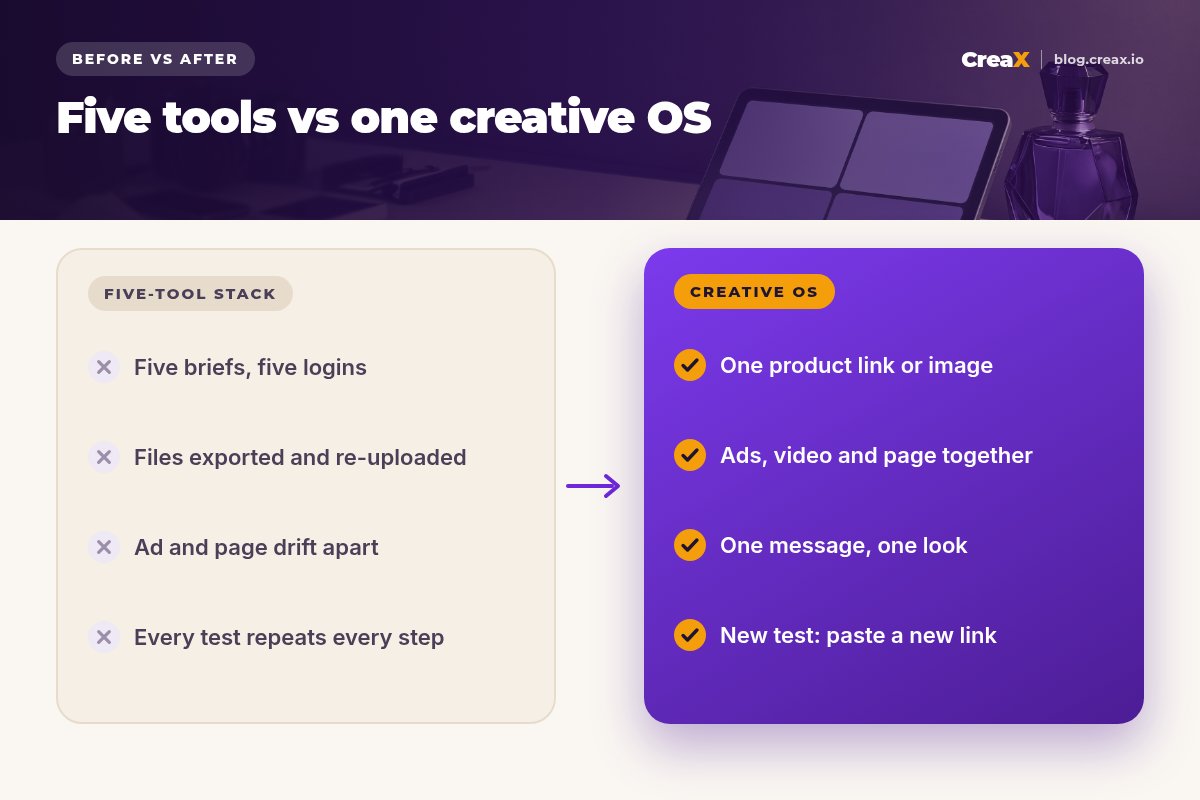
Each handoff between tools is a chance for the message, the visuals or the offer to drift.
None of these tools is bad. The problem is the gaps between them. Every handoff costs time, and every rewrite is a chance for the ad to say one thing and the page another. Multiply that by every product you test and the stack itself becomes the bottleneck.
!The hidden cost
Side by side, the trade-off looks like this:
| Five separate tools | One creative OS (CreaX) | |
|---|---|---|
| Starting point | A separate brief for each tool | One product link or image |
| Time to a full test kit | Hours to days, depending on handoffs | About 60–120 seconds to generate, plus your review |
| Message consistency | Depends on manual copy-paste | Ads and page come from the same source |
| Visual consistency | Different templates per tool | One look across ad, video and page |
| Testing a new product | Repeat every step in every tool | Paste a new link |
| Deep specialist features | Strongest in each category | Focused on the ecommerce launch kit |
Specialist tools can go deeper in their own category. A creative OS wins on connection, speed and consistency.
See what one input can produce
Paste a product link or upload a product image and CreaX generates studio ad creatives, UGC-style video ads, a landing page and a store in about 60–120 seconds.
AudienceWho is it for?
Anyone who launches product or offer tests often, and feels the handoffs most:
- Dropshippers testing several products a week, where a same-day test kit decides how many ideas you can try.
- Media buyers who need a steady supply of genuinely different creatives to keep ad sets fed.
- Affiliates who need a pre-sell or landing page that matches the ad.
- Coaches and creators with an offer to show, who need a page and short video ads without a production team.
- Ecommerce brands that want quick tests without pulling the design team off core work.
- Agencies running several client stores; see our guide to multi-tenant store builders for niche and client stores.
It is less of a fit if you sell one product, rarely change your ads and already have a designer and an editor on staff. In that case a single specialist tool may be all you need. Our comparison of CreaX and Canva for ecommerce ad creatives shows where a general design tool is the better pick.
Honest limitsWhat can't it do?
A creative OS is the core of the launch workflow, not the only tool you will ever use. Add a specialist when the job is outside the launch kit:
- Brand identity. Logos, packaging and brand guidelines still benefit from a designer.
- Advanced attribution. If you spend across many channels, a dedicated tracking tool tells you which ads really drive sales.
- Long-form SEO content. Blog strategy and search optimisation are a different discipline from ad creative.
- Heavy video editing. For long-form content or complex edits, a full video editor still earns its place.
- Email and SMS. Post-purchase flows live in your email and SMS platform.
⚖The right mental model
Buyer checklistHow do you evaluate one?
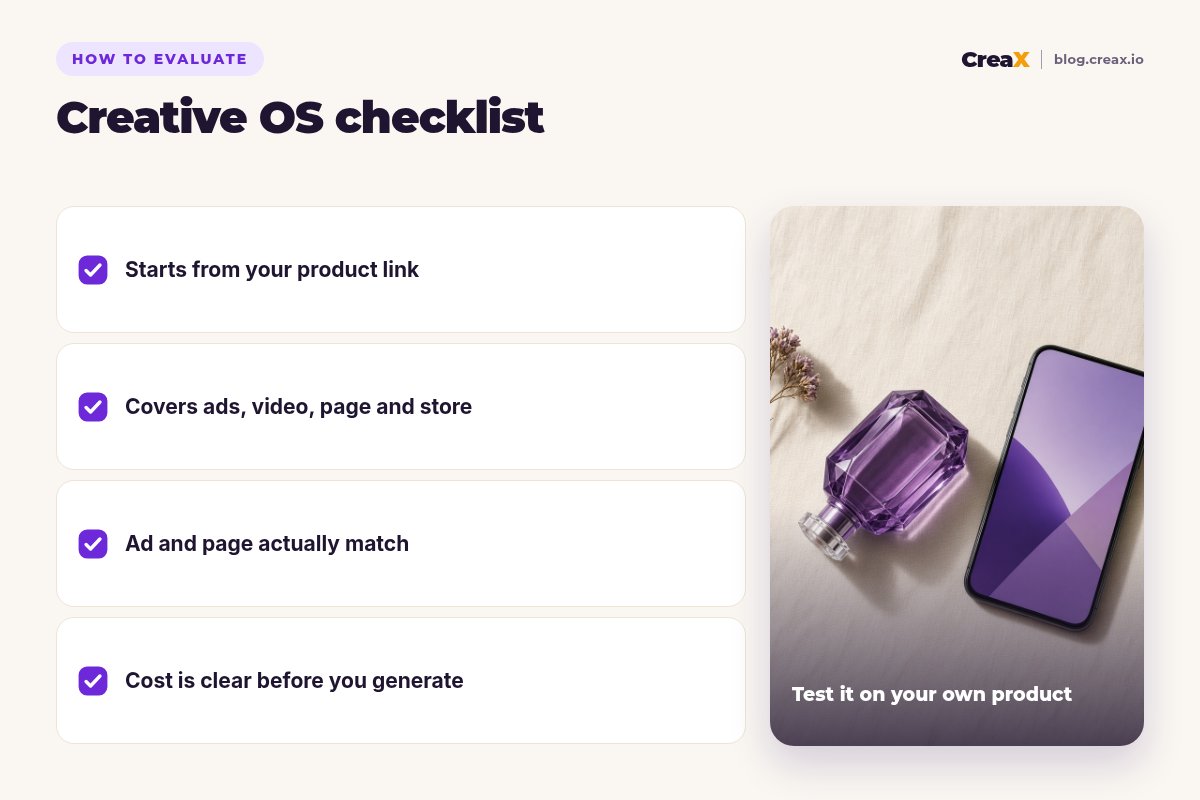
Before you commit to any AI creative suite for ecommerce, run it on one of your own products and answer these questions:
Does it start from my product?
Does it cover ads, video, page and store?
Do the assets actually match?
Is the product shown accurately?
Is the cost clear before I generate?
★Time it
PitfallsCommon mistakes to avoid
- Judging on one asset. A creative OS is about the connected kit. Look at the ad, video and page together.
- Skipping the review. Fast output still needs a human check for product accuracy and honest claims.
- Keeping every old tool “just in case”. Paying for overlapping apps brings the handoffs back. Keep specialists only for jobs outside the kit.
- Testing on a product you don’t sell. Evaluate with a real product, a real page and your real ad account rules.
- Expecting it to replace strategy. It speeds up production. Choosing angles, offers and budgets is still your job; see what creative strategy means in ecommerce.
Evaluation checklist you can copy
- ✓One of my real products ready as a link or image
- ✓Ads, video, page and store checked side by side
- ✓Headline, visuals and offer consistent across assets
- ✓Product details and claims verified
- ✓Time from paste to launch-ready kit measured
- ✓Cost per test calculated from the plan
How CreaX helpsHow CreaX works as a creative OS
CreaX is built as an all-in-one AI ecommerce creative OS. You paste a product link or upload a product image, and in about 60–120 seconds it generates studio ad creatives, UGC-style video ads, a publish-ready landing page and a multi-tenant store from the same product understanding. CreaX's site also lets you choose the market and language for what you generate.
- One input: paste a product link or upload an image.
- Connected generation: ads, video, page and store come from the same source.
- Review: check accuracy, remove anything the product doesn't do and pick the angles to test.
- Launch: publish the page, upload creatives to your ad platforms and point every ad at its matching page.
Pricing is credit-based: Free ($0, 0 credits), Basic $4.99 (2,000 credits), Standard $14.99 (6,500), Pro $29.99 (14,000) and Premium $49.99 (25,000) per month, with top-ups at $1 per 500 credits. Our CreaX pricing and credits guide explains which plan fits which workload.
Replace five tools with one input
Open CreaX, paste a product link or upload an image, and get studio ad creatives, UGC-style video ads, a landing page and a store ready to review.
FAQMore questions sellers ask
Q.What is an AI ecommerce creative platform?
Q.Is a creative OS the same as an AI ad generator?
Q.What is the best all-in-one ad creative tool for ecommerce?
Q.Do I still need Canva or a video editor?
Q.Does a creative OS replace my ad platform or tracking?
Q.How much does CreaX cost?
Start with one product
Paste a link, review the kit, launch the test. That is the whole idea of a creative OS.
This explainer is published by CreaX. It describes the category from our own product and public information as of October 2026, contains no invented statistics, and recommends checking each vendor's site for current features and plans.