
10 Best AI Tools for Google Ads
by the CreaX team
In this guide
- ContextWhat the Google Ads stack needs
- MethodHow we chose (criteria, no invented scores)
- OverviewAll 10 at a glance
- The listThe 10 best AI tools for Google Ads
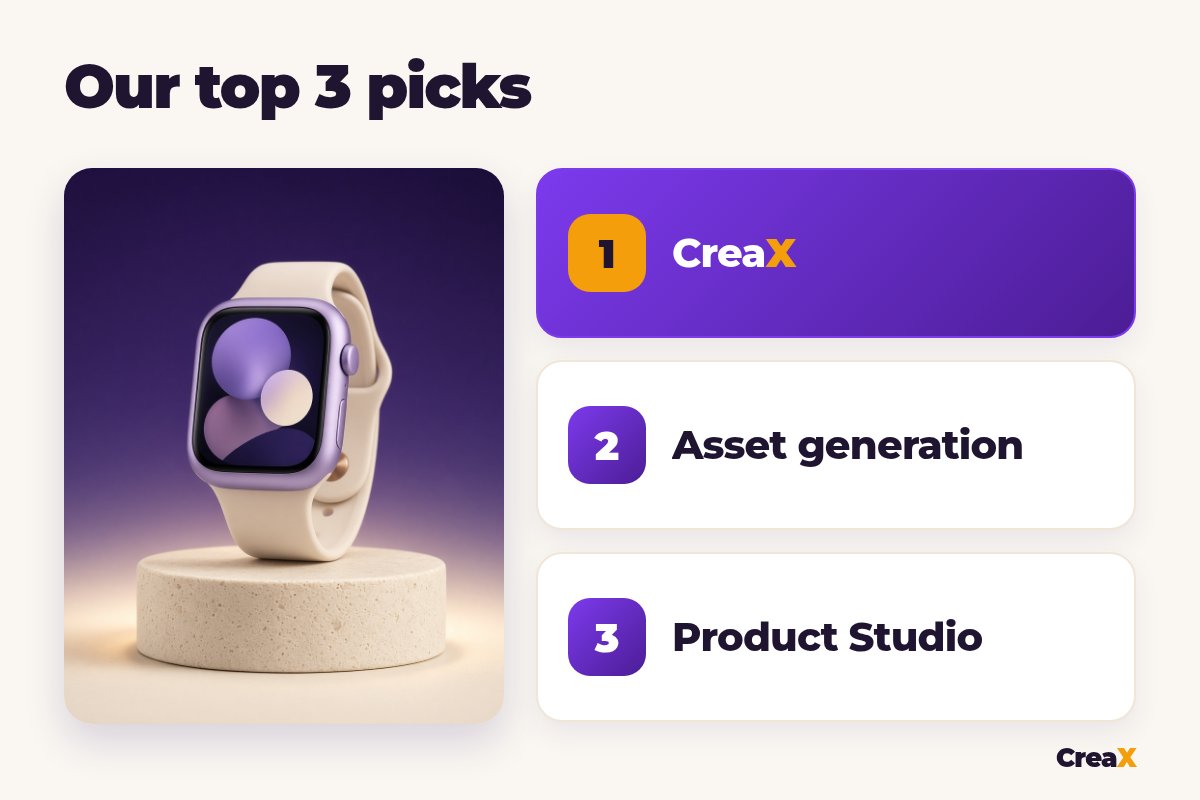
- CreaX
- Google Ads asset generation
- Product Studio
- Optmyzr
- Adzooma
- AdCreative.ai
- ChatGPT
- Canva
- Photoroom
- CapCut
- ChooseHow to choose your Google Ads AI stack
- ExampleWorked example: a lean stack for a new store
- FAQFrequently asked questions
- Q.What is the best AI tool for Google Ads?
- Q.Is Google's own AI enough?
- Q.Can AI write my Google Ads headlines?
- Q.Do I need a PPC management tool as a beginner?
- Q.Can I use CreaX ads in Google Ads?
- Q.How many AI tools should I use?
Top 10 · AI tools for Google Ads
The best AI tools for Google Ads each fix a different part of the job: making creatives, setting up campaigns, polishing product images, or managing and reporting. This guide covers the whole stack, including the AI Google already builds into Google Ads and Merchant Center, so you can pick two or three tools that fill your real gaps instead of paying for ten.
By the CreaX team
Key takeaways
- ✓CreaX is our first pick for creatives: one product link gives you studio ads, UGC-style video ads and a landing page, with plans from $4.99 a month.
- ✓Google Ads asset generation and Product Studio are Google's own AI tools. They're built in, so start there before you buy anything.
- ✓Optmyzr and Adzooma help you run the account: audits, alerts, budget checks and optimisation ideas.
- ✓AdCreative.ai, ChatGPT, Canva, Photoroom and CapCut cover extra creatives, copy, design, product photos and video edits. Most sellers need only one or two.
In this guide
ContextWhat the Google Ads stack needs
Google Ads for an online store usually means Search ads, Shopping ads and Performance Max. Each one leans on different inputs, and AI tools now exist for each job:
- Making creatives: images, short videos and the landing page your ads send people to.
- Text assets: headlines and descriptions for Search and Performance Max.
- Product images for the feed: clean, sharp photos in Merchant Center for Shopping and Performance Max.
- Running the account: audits, budget pacing, search terms, bids and alerts when something breaks.
- Reporting: seeing what changed and why.
If you're still deciding whether Google is the right first channel, read our Google Shopping vs Meta Ads guide. And if your focus is only visuals for Shopping and Performance Max, our list of the best tools for Performance Max creatives goes deeper on that one job. This guide is the wider stack.
MethodHow we chose (criteria, no invented scores)
Every tool here works with Google Ads, either inside Google's own products or by producing assets and changes you use in your account. We checked each one on its official site or Google's help pages and judged them on four questions:
- Which job does it cover? Creatives, text assets, product images, account management or reporting.
- How much do you still do yourself? Prompting, editing, resizing, setting rules or reading reports.
- Does it need live ad data? Some tools only help once you spend steadily; others work from day one.
- Who is it for? New sellers, growing brands, PPC managers or agencies.
⚖Why CreaX is first
OverviewAll 10 at a glance
| # | Tool | Job | Best for |
|---|---|---|---|
| 1 | CreaX | Creatives | Studio ads, UGC-style videos and a page from one link |
| 2 | Google Ads asset generation | Inside Google Ads | Text and image assets from your website |
| 3 | Product Studio | Feed images | Free AI edits to Merchant Center product images |
| 4 | Optmyzr | Account | Audits, rules and alerts for PPC managers |
| 5 | Adzooma | Account | Audits, alerts and budget checks |
| 6 | AdCreative.ai | Creatives | Ad banners, text and creative scoring |
| 7 | ChatGPT | Copy | Headline and description drafts |
| 8 | Canva | Design | Templates, brand kits and resizing |
| 9 | Photoroom | Product photos | Background removal and product shots |
| 10 | CapCut | Editing | Hands-on video edits for YouTube |
Ranked for ecommerce sellers running Google Ads. From each tool's official website or Google's help pages, October 2026.
The listThe 10 best AI tools for Google Ads
CreaX
Best for: studio ads, videos and a landing page from one product link
CreaX is an all-in-one AI ecommerce creative OS. Paste a product link (your store, Alibaba, AliExpress, Amazon, Etsy or any product page) or upload an image, and in about 60–120 seconds you get studio ad creatives in five styles (Classic, Humble Orbit, Punch, Luxe and Meta Feed), UGC-style video ads of 18, 30 or 45 seconds, a publish-ready landing page and a multi-tenant store.
For Google Ads, that gives you image assets in 1:1 and 4:5 for Performance Max and Demand Gen, UGC-style videos you can upload as video assets, and a landing page in 40+ languages for 160+ target countries to use as your final URL. Plans start at Basic: $4.99 a month for 2,000 credits, with top-ups at $1 per 500 credits. Our page on the five CreaX ad styles shows what each one looks like.
Good for
- Ads, videos and a page from one link
- Square, portrait and vertical sizes ready
- Plans from $4.99/month
Keep in mind
- Doesn't set up or manage campaigns
- No search term or bid tools
- The Free plan has 0 credits
Website: creax.io
Google Ads asset generation
Best for: text and image assets from your website
When you build a Performance Max asset group, Google Ads can read the page you enter and suggest or generate headlines, descriptions, long headlines, images, logos and video assets, according to Google's help pages. You choose which ones to keep and can ask for more with your own prompt. Google also offers automatically created assets, which write extra headlines and descriptions from your landing page.
It's free beyond ad spend and built in, so it's worth a look. Google lists limits: the feature depends on your interface language and some site categories aren't eligible. And it works from your page, so a thin product page gives thin assets.
Good for
- Built into Google Ads
- No extra cost beyond ad spend
- You review every asset
Keep in mind
- Only as good as your landing page
- Not available for every account or site
Product Studio
Best for: free AI edits to Merchant Center product images
Product Studio is a free set of AI tools inside Google Merchant Center. Google says it can create new product images, change or remove backgrounds, increase image resolution and generate product videos. It is also available through the Google & YouTube app on Shopify, and images you make there can be pulled into the Google Ads AI image editor.
It suits stores running Shopping or Performance Max with a product feed. It works on the feed images, though, not on ads or landing pages. Our guide to lifestyle vs white-background product photos explains which look to use where.
Good for
- Free inside Merchant Center
- Backgrounds, upscaling and video
- Works with your feed
Keep in mind
- Feed images only, no ads or pages
- Needs a Merchant Center account
Optmyzr
Best for: audits, rules and alerts for PPC managers
Optmyzr is PPC management software. Its site describes account audits, a Rule Engine for custom automations, budget pacing and alerts, one-click optimisations, reporting templates and an AI assistant. It supports Google Ads plus Microsoft, Amazon, Meta, LinkedIn and TikTok ads. It fits agencies and in-house teams who manage several accounts and want guardrails and faster routine work.
Good for
- Deep Google Ads toolset
- Custom rules and alerts
- Works across several ad platforms
Keep in mind
- Built for experienced PPC managers
- Doesn't make creatives
Website: www.optmyzr.com
Adzooma
Best for: audits, alerts and budget checks
Adzooma describes itself as PPC software for Google, Microsoft and Meta ads. Its site lists account audits with prioritised fixes, pre-built alerts for CPA, CPC and spend changes, budget checks, Performance Max and Shopping insights, and product feed audits. It suits smaller teams and freelancers who want regular check-ups without a heavy tool.
Good for
- Quick account audits
- Ready-made alerts
- Shopping and feed checks
Keep in mind
- Recommendations still need judgement
- Doesn't make creatives
Website: www.adzooma.com
Give Google better creatives to work with
Paste a product link and get studio ads, UGC-style video ads and a landing page in about 60–120 seconds.
AdCreative.ai
Best for: ad banners, text and creative scoring
AdCreative.ai generates ad banners, ad text, AI product photoshoots and video ads, and can scan a web page to make ads from it. Its site also lists creative scoring before launch, competitor insights and integrations with ad platforms, including Google. It suits teams that want many banner variations in their brand colours. Our CreaX vs AdCreative.ai comparison looks at the two side by side.
Good for
- Many banner sizes and variations
- Ad text included
- Brand kit support
Keep in mind
- No landing page
- Banner look can feel templated
Website: www.adcreative.ai
ChatGPT
Best for: headline and description drafts
ChatGPT, from OpenAI, is a general AI assistant. For Google Ads it helps you brainstorm keyword themes, draft many headlines and descriptions within the character limits, and rewrite them for different angles. Always edit the output so it fits your brand, follows Google's ad policies and only makes claims you can prove. Our CreaX vs ChatGPT comparison explains where a general assistant stops.
Good for
- Fast first drafts of text assets
- Good for angle and keyword ideas
- Free version available
Keep in mind
- Generic unless you guide it
- You must check every claim
Website: chatgpt.com
Canva
Best for: templates, brand kits and resizing
Canva is a design platform with Canva AI built in: you can describe a design, generate images and elements, apply your brand kit and resize designs for different formats. It is handy for logos, offer graphics and quick image assets. For more ecommerce-focused options, see our list of Canva alternatives for ad creatives.
Good for
- Huge template library
- Brand kit and resizing
- Free plan available
Keep in mind
- Template ads can look generic
- No product-to-ad workflow
Website: www.canva.com
Photoroom
Best for: background removal and product shots
Photoroom is an AI photo editor for ecommerce. Its site lists background removal, AI product photography from a single photo, batch editing, instant resizing, a brand library and video templates. It suits stores that need many clean product photos for listings and feeds. Our CreaX vs Photoroom comparison covers when photo editing is enough and when you need full ads.
Good for
- Clean cutouts and product shots
- Batch editing for big catalogues
- Resizing built in
Keep in mind
- Photos, not finished ads
- No landing page
Website: www.photoroom.com
CapCut
Best for: hands-on video edits for YouTube
CapCut is a video editor for mobile, desktop and web, with templates and AI helpers such as auto captions. If you film your own product videos for YouTube or YouTube Shorts, it gives you control over every cut. Our CreaX vs CapCut comparison explains when to edit by hand and when to generate.
Good for
- Full manual control
- Auto captions and templates
- Free version available
Keep in mind
- You do the creative work
- Check music and template rights for ads
Website: www.capcut.com
ChooseHow to choose your Google Ads AI stack
You don't need ten tools. Most stores do well with Google's own features plus one or two paid tools, picked for the job that holds them back:
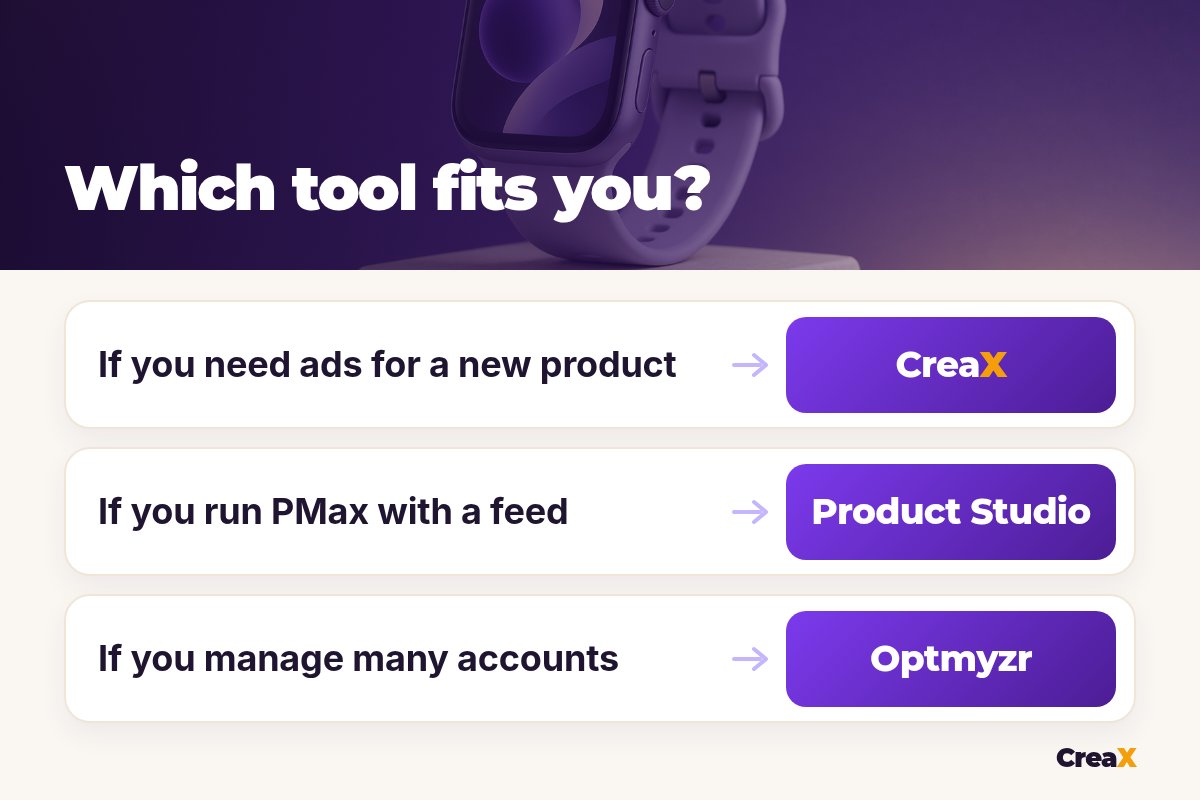
Five checks before you pay for a tool
- ✓Use what Google gives you first. Asset generation and Product Studio cost nothing extra.
- ✓Fix your weakest job. Short on images and video? Get a creative tool. Losing hours on audits? Look at Optmyzr or Adzooma.
- ✓Match the tool to your data. Management tools need steady spend. Creative tools work from day one.
- ✓Fix the landing page too. Google's own AI reads your page, so a weak page means weak assets and weak results.
- ✓Add up the monthly total. Several small subscriptions quickly cost more than your test budget.
★Performance Max needs variety
ExampleWorked example: a lean stack for a new store
Say you sell a lavender smartwatch with a cream strap and you're about to run your first Performance Max campaign. A lean stack could look like this:
| Job | Tool | What you do |
|---|---|---|
| Feed images | Product Studio (free) | Clean up and upscale the main product photos |
| Make creatives | CreaX | Paste the product link, get studio ads, videos and a page |
| Text assets | Google Ads asset generation | Generate headlines from your page, keep the best |
| Extra headline ideas | ChatGPT | Draft angles, then edit to Google's limits |
| Account checks | Adzooma or Optmyzr | Add once you spend steadily and want alerts |
An illustrative stack, not a recommendation for every product or market.
Build one asset group per angle, such as “a fitness tracker that looks like jewellery”, “a gift for runners” and “all-day battery for busy days”, and send each to a matching page; our guide to landing pages vs product pages explains when a dedicated page beats your product page. Add a management tool only when you run several campaigns and the routine checks start to take hours.
!Follow Google's advertising policies
Make the creatives your campaigns run on
One product link gives you studio ads, UGC-style video ads and a landing page, ready for Performance Max, Demand Gen and YouTube.
FAQFrequently asked questions
Q.What is the best AI tool for Google Ads?
Q.Is Google's own AI enough?
Q.Can AI write my Google Ads headlines?
Q.Do I need a PPC management tool as a beginner?
Q.Can I use CreaX ads in Google Ads?
Q.How many AI tools should I use?
Ready to give Google better ads?
One product link, about 60–120 seconds, and you have studio ads, UGC-style video ads and a landing page.
This guide is published by CreaX. We describe other tools from their own public websites, last checked October 2026, avoid invented scores or prices, and recommend checking each vendor's site for current features and plans.
Your next campaign starts with a link.
Paste a product link and get UGC video ads, ad images and a landing page — everything in under 60 seconds.
Start creating