
10 Best Canva Alternatives for Ecommerce Ad Creatives
Top 10 · Canva alternatives
Canva is a great general design tool, but if your real job is making ads for products, a Canva alternative built for that job can save you a lot of time. Here are the 10 we would look at for ecommerce ad creatives, what each one actually does best, and how to pick one without paying for features you won't use.
By the CreaX team
Key takeaways
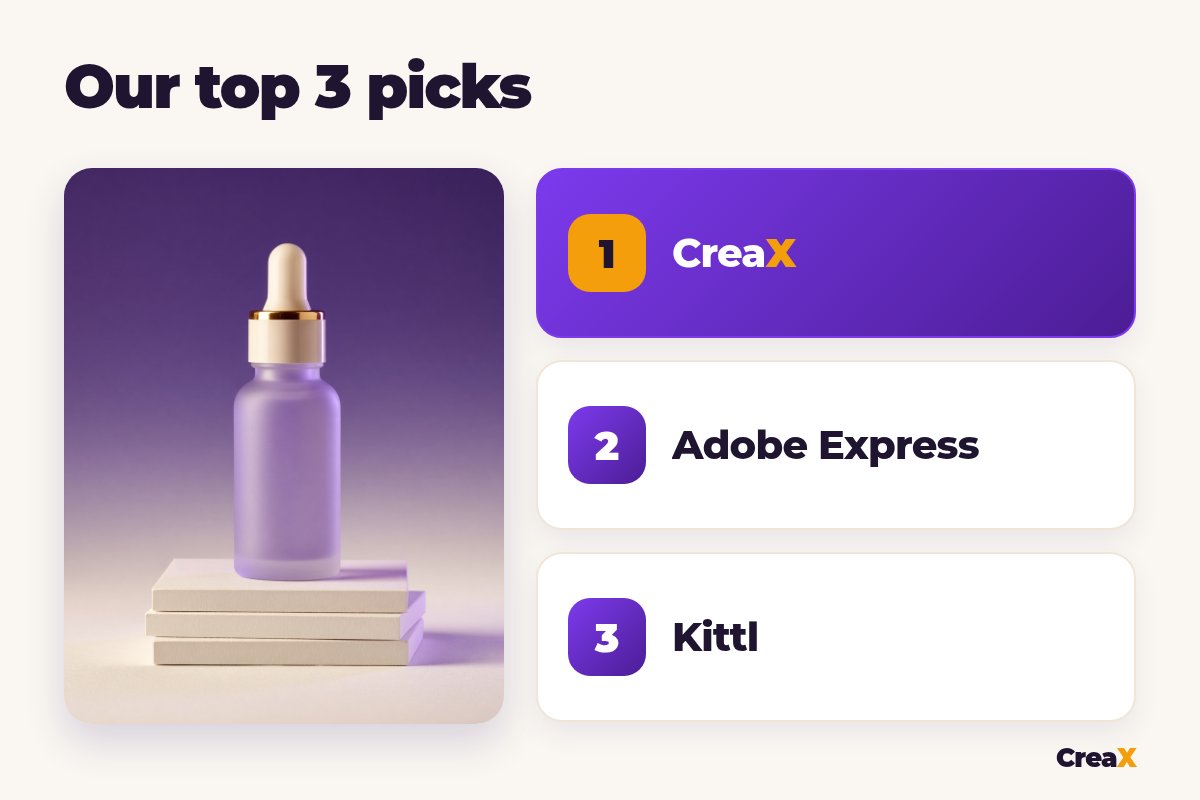
- ✓CreaX is our first pick for sellers: paste a product link or image and get studio ad creatives, UGC-style video ads and a landing page in one pass, instead of designing each ad by hand.
- ✓Adobe Express and VistaCreate are the closest like-for-like swaps for Canva: template editors with brand kits, resizing and built-in AI tools.
- ✓Kittl suits print-on-demand and brand-led shops, Photoroom fixes product photos, and AdCreative.ai, Predis.ai and Pippit focus on generating ads and videos with AI.
- ✓Before you switch, check three things: the ad formats you need, the commercial-use rights on the plan you pick, and the time per finished ad.
In this guide
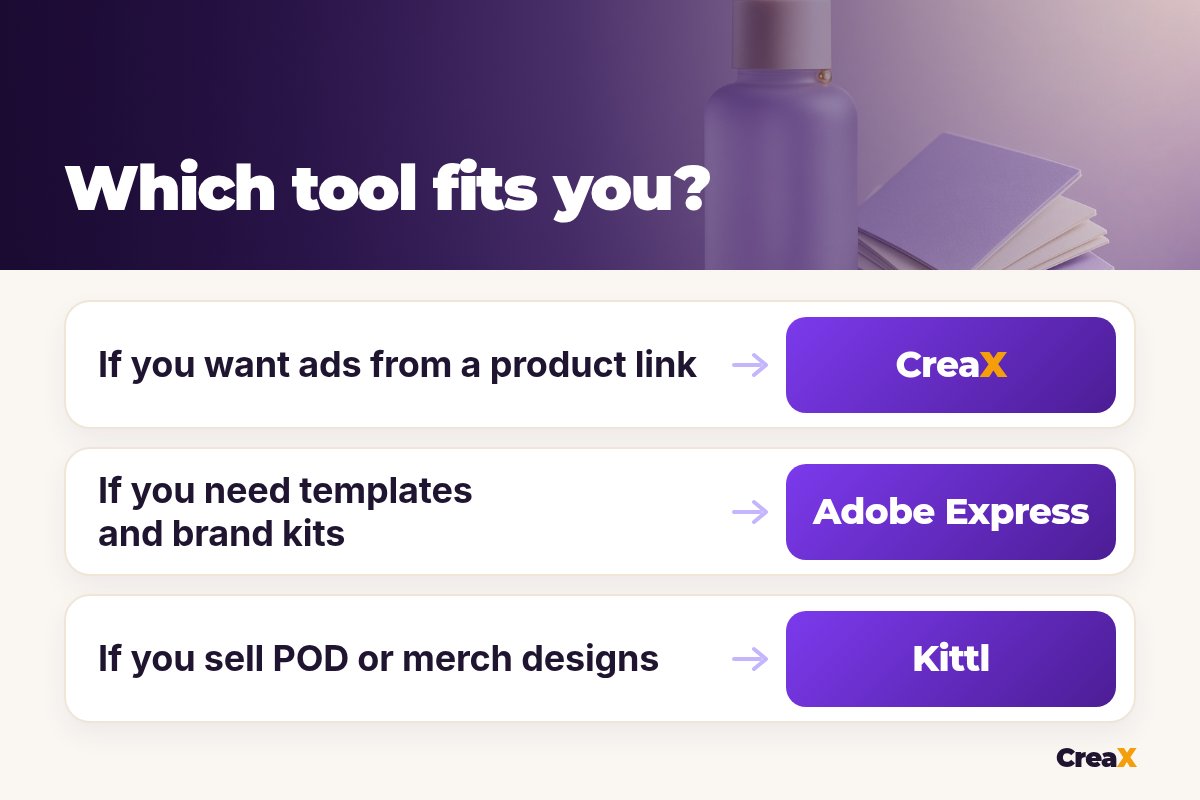
TL;DRQuick picks: the best tool for each situation
People looking for sites like Canva usually want either a similar template editor or a tool that does more of the ad work for them. This table sorts the list by job.
| If you need… | Start with | Why |
|---|---|---|
| Ads, video ads and a landing page from one product | CreaX | Built for ecommerce: a product link or image in, a full ad kit out |
| A Canva-style editor with Adobe tools | Adobe Express | Templates, generative AI, resizing and brand kits |
| Print-on-demand designs and mockups | Kittl | Templates, text effects and listing-ready mockups |
| Photo editing plus many AI models | Picsart | Editing, AI image and video models, bulk editing |
| A free template editor with ad formats | VistaCreate | Ready formats for Facebook, Instagram and display ads |
| Short marketing videos from a link | Pippit | Video and image agents for product content |
| Lots of ad variations to test | AdCreative.ai or Predis.ai | AI ad generators with video and social tools |
| A marketing team workspace | Simplified | AI agents, creative tools and social publishing |
| Clean product photos | Photoroom | Background removal, AI product scenes, batch edits |
MethodHow we chose (criteria, no invented scores)
We judged each tool on five practical questions:
- Ad output: does it make ready-to-run ads (feed, story and video sizes), or only general designs?
- Speed to a finished ad: how much do you still design by hand?
- Product accuracy: does your product still look like the product the buyer receives?
- Cost for a small store: is there a free tier or a low entry plan?
- Commercial use: can you run the output in paid ads on the plan you would actually buy?
⚖No fake scores
If you are mainly weighing CreaX against Canva itself, our head-to-head on CreaX vs Canva for ecommerce ad creatives goes deeper into the workflow differences.
Comparison tableAll 10 at a glance
| Tool | Main job | Makes video? | Free option? |
|---|---|---|---|
| CreaX | Ad creatives, UGC-style video ads, landing page | Yes | Free account; paid plans from $4.99/month |
| Adobe Express | Template design with generative AI | Yes (editing) | Yes |
| Kittl | Brand, POD designs and mockups | Yes (AI video) | Yes, personal use only |
| Picsart | Photo editing and AI creation | Yes | Yes |
| VistaCreate | Template design and animation | Yes (editor) | Yes |
| Pippit | AI video and image agents | Yes | Free to start |
| AdCreative.ai | AI ad generation and insights | Yes | Free trial |
| Predis.ai | AI ads, videos and scheduling | Yes | Free to try |
| Simplified | AI marketing agents and creative suite | Yes | Check simplified.com |
| Photoroom | Product photo editing | Yes (generator) | Check photoroom.com |
Summarised from each tool's public website, October 2026. Free tiers and limits change, so check before you sign up.
The listThe 10 best Canva alternatives for ad creatives
CreaX
Best for: sellers who want finished ads, not a blank canvas
CreaX is an all-in-one AI ecommerce creative OS. Instead of opening a template and designing an ad, you paste a product link (from Alibaba, AliExpress, Amazon, Etsy or any product page) or upload a product image. In about 60–120 seconds you get studio ad creatives (polished product photos and static ads), UGC-style video ads, a publish-ready landing page and a multi-tenant store to keep products organised.
Static ads come in five styles (Classic, Humble Orbit, Punch, Luxe and Meta Feed) and four sizes (1:1, 3:4, 4:5 and 9:16), which cover feed, story and Reels placements; our guide to ecommerce ad creative sizes explains which size goes where. Video ads run 18, 30 or 45 seconds, landing pages come in Simple, Detailed or Advanced versions, and CreaX supports 40+ languages and 160+ target countries. Plans start at $4.99 a month for 2,000 credits, with top-ups at $1 per 500 credits.
Good for
- Ads, video and a landing page from one product
- No design skills needed
- Low entry price, credit-based
Keep in mind
- Not a general design tool for flyers, logos or presentations
- Fewer manual layout controls than a template editor
Adobe Express
Best for: a Canva-style editor backed by Adobe tools
Adobe Express is Adobe's quick-design app for social posts, images, videos and flyers. It has templates, generative AI that Adobe describes as designed to be commercially safe, one-click resizing for different channels, brand kits that apply your fonts and colors, video editing, and scheduling. We compare it with CreaX in detail in CreaX vs Adobe Express.
Good for
- Familiar template workflow
- Brand kits and one-click resize
- Works with other Adobe apps
Keep in mind
- You still design each ad yourself
- No landing pages for your product
Website: www.adobe.com/express/
Kittl
Best for: print-on-demand sellers and brand-led shops
Kittl calls itself an AI-first design platform for creators and businesses with products to sell. It offers customisable templates, text effects, listing-ready mockups, a background remover, and AI image and video generation using models from several providers in one canvas. One detail matters for ads: Kittl's pricing FAQ says the free plan is for personal use only, and commercial licensing comes with its paid plans.
Good for
- Strong typography and text effects
- Mockups for POD listings
- Many AI models in one editor
Keep in mind
- Free plan has no commercial rights
- Design-first, so ad production is still manual
Website: www.kittl.com
Skip the blank canvas for your next product
Paste a product link and get studio ad creatives, UGC-style video ads and a landing page in one pass.
Picsart
Best for: photo editing plus a wide range of AI models
Picsart is a broad creative platform for photos, videos and audio. Its site highlights background and object removal, templates, stock content, brand kits, bulk editing, workflow tools (Picsart Flow) and access to many third-party AI image and video models.
Good for
- Strong photo editing and background removal
- Many AI models in one place
- Bulk editing on paid plans
Keep in mind
- So many features that it can feel busy
- Not built around a single product-to-ad workflow
Website: picsart.com
VistaCreate
Best for: a free template editor with ready ad formats
VistaCreate is a free graphic design tool with a large template library and ready formats for Facebook ads, Instagram ads, display ads, stories and animations. It includes a brand kit, background remover, AI image generator, AI writer and a video editor, with a paid plan you can trial. It is one of the closest matches to how Canva works.
Good for
- Very close to the Canva workflow
- Ad formats ready to use
- Free plan
Keep in mind
- Template ads can look like other sellers' ads
- No product-to-ad automation
Website: create.vista.com
Pippit
Best for: short marketing videos and posters from a link
Pippit describes itself as a creative agent for marketing content. Its Video Agent turns a link, file or media into videos, can follow the structure of a reference video, and translates videos. Its Image Agent makes product posters and social posts, removes backgrounds and batch-edits images, and it also offers AI avatars. Our page on CreaX vs Pippit compares the two for product ads.
Good for
- Video-first, made for social
- Works from a link or media
- Free to start
Keep in mind
- No landing page for the product
- Avatar videos need a careful check before you run them
Website: www.pippit.ai
AdCreative.ai
Best for: generating many ad variations
AdCreative.ai is an AI ad creative generator. Its site describes static and video ads (including UGC-style and product videos from an uploaded image), ads in many sizes for different platforms, and creative insights that analyse how your ads perform before you make new ones. It offers a free trial. For a side-by-side view, see CreaX vs AdCreative.ai.
Good for
- Built for ads, not general design
- Many sizes per platform
- Creative performance insights
Keep in mind
- No landing page for the product
- Lots of variations still need a human pick
Website: www.adcreative.ai
Predis.ai
Best for: ads plus social posts and scheduling
Predis.ai is an AI ad and content generator. It makes ads, video ads, UGC-style videos, carousels and social posts from prompts, and has ecommerce tools such as a Shopify video ad maker. It also includes a content scheduler, approval flow and competitor insights. We compare it with CreaX in CreaX vs Predis.ai.
Good for
- Ads and organic posts in one tool
- Built-in scheduling
- Ecommerce video templates
Keep in mind
- Social-first, so pages and stores are not included
- Outputs need brand and accuracy checks
Website: predis.ai
Want ads and the page they send traffic to?
CreaX builds the ad creatives, UGC-style video ads and a publish-ready landing page from the same product, so your test is ready to launch.
Simplified
Best for: marketing teams that want AI agents and a shared workspace
Simplified now presents itself as AI agents for marketing workflows, starting with Riley, an AI marketing agent that plans, creates, approves and publishes social content. Under that sits a creative suite (AI writer, image generator, photo editor, video tools) plus social scheduling. Our CreaX vs Simplified comparison looks at where it fits next to an ecommerce tool.
Good for
- Team workflows and approvals
- Writing, design and video together
- Publishing built in
Keep in mind
- Broad marketing focus rather than product ads
- More setup than a single-purpose tool
Website: simplified.com
Photoroom
Best for: clean, consistent product photos
Photoroom is an AI photo editor and listing studio for ecommerce. It is best known for background removal and also offers AI product photography, product staging, resizing, a brand kit, batch processing and a video generator. A clean product photo improves every ad you make from it. See CreaX vs Photoroom for how the two fit together.
Good for
- Fast, clean cutouts
- Batch edits for whole catalogs
- Web and mobile
Keep in mind
- Photos first: no full ad kit or landing page
- AI scenes still need an accuracy check
Website: www.photoroom.com
DecideHow to choose: 5-question checklist
A Canva alternative only helps if it removes the work that slows you down. If you design ads by hand, the basics in our guide to designing a static ad that converts apply whatever tool you use. Then answer these five questions:
Answer these before you pay
- ✓What do I make most? Static feed ads, video ads, product photos, or general graphics like flyers and posts.
- ✓Do I want a template or a result? Template editors give you control; AI ad tools give you finished drafts faster.
- ✓Can I run the output in paid ads? Read the licence on the plan you will actually buy, especially for fonts, stock and AI images.
- ✓Does it keep my brand consistent? Look for brand kits, saved fonts and colors, or styles you can reuse.
- ✓How long does one finished ad take? Time a real test: from product photo to an ad you would upload.
If brand consistency is your main worry, set up the basics first with our guide to creating a brand kit for your ad creatives. For commercial use of AI output, our answer to whether AI-generated ads are safe to use commercially covers what to check.
ExampleWorked example: a small-budget stack
Say you sell a skincare serum, want to test it with Meta ads next week, and have only supplier photos and a tight budget. A lean setup:
| Job | Tool | What you do |
|---|---|---|
| Clean product photo | Photoroom | Remove the busy supplier background and keep the bottle accurate |
| Ads, video ads and landing page | CreaX | Paste the product link, pick ad styles and sizes, get UGC-style video and a page |
| Extra organic posts | Adobe Express or VistaCreate | Turn the best ad into a few posts with a template |
One tool per job keeps the monthly bill low and the workflow simple.
CreaX covers most of the ad work on its own, so you can start there and add a template editor only for organic posts. For more options, see the wider list in our guide to the best AI ad creative generators for ecommerce.
★Test the tool on your real product
Honest takeWhen to stay with Canva
Canva is still a strong choice if you make many kinds of graphics, not just ads: presentations, print flyers, social posts, documents and more. Its template library is huge, its editor is easy, and many teams already share designs there. If your ads are only a small part of what you design, keeping Canva and adding one specialised ad tool can make more sense than switching everything.
Switch, or add a tool, when ads are your main output and you keep rebuilding the same layouts for every new product.
FAQFrequently asked questions
Q.What is the best free Canva alternative?
Q.Is there a Canva alternative that makes ads automatically?
Q.Can I use designs from free plans in paid ads?
Q.Is CreaX a full replacement for Canva?
Q.Which tool is best for print-on-demand sellers?
Turn your product into a full ad kit
Paste a product link or upload an image and get studio ad creatives, UGC-style video ads and a publish-ready landing page in about 60–120 seconds.
This guide is published by CreaX. We describe other tools from their own public websites, last checked October 2026, avoid invented scores or prices, and recommend checking each vendor's site for current features and plans.