

Lifestyle vs White-Background Product Photos: Which Do You Need?
FAQ · Product photography
Should your product photos be on a plain white background or in a styled, real-life scene? The honest answer is that most online stores need both, because they do different jobs. Here is what each type is for, what Amazon, Google and Etsy expect, which one tends to work in ads, and how many of each you actually need.
Updated October 2026 · By the CreaX team
Key takeaways
- ✓White-background photos show exactly what the product is. They are the standard for marketplace main images, product grids and comparison.
- ✓Lifestyle photos show the product in use, with scale and context. They help buyers imagine owning it, and they usually fit ads and social feeds better.
- ✓Marketplaces set the rules for the main image: Amazon requires a pure white background for it, Google wants a clean image with no overlays, and Etsy wants a clear, centered first photo.
- ✓A practical starting set is one or two white shots, two or three lifestyle or scale shots, and a few details, then you adjust from what your data shows.
In this guide
TL;DRThe short answer
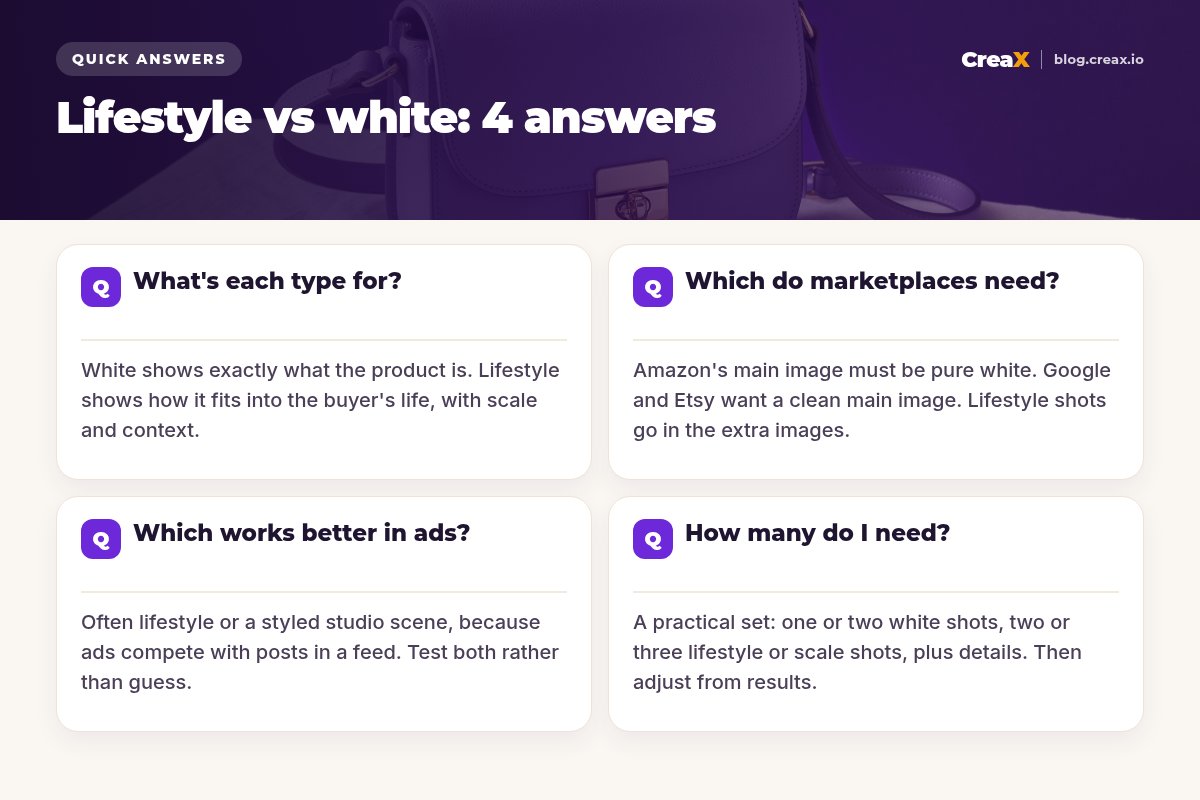
Use white-background photos wherever clarity and rules matter most: marketplace main images, category pages and product grids. Use lifestyle photos wherever you need attention and context: ads, social posts, landing pages and the later images in a listing. Neither type is better in general. Each answers a different question in the buyer's head: white answers "what exactly is it?", lifestyle answers "what is it like to own?"
iWhat we mean by each term
The jobsWhat's each type for?
White-background photos: clarity and consistency
A white background removes every distraction. Shoppers see the true shape, color and details, and every product in your store looks consistent next to the others. That is why white is the default for:
- Marketplace main images, where the rules often require it.
- Category pages and product grids, where a row of mixed backgrounds looks messy.
- Comparison: shoppers flicking between variants or similar products can compare like for like.
- Reuse: a clean cutout can be placed on new backgrounds, in ads, or in AI tools later.
Lifestyle photos: context, scale and desire
A lifestyle photo shows what the white photo cannot: how big the product is next to everyday objects, who it is for, and the mood of using it. A handbag on a café chair says size, style and occasion in one look. Lifestyle photos are most useful for:
- Showing scale: a backpack on a shoulder or a lamp on a bedside table answers "how big is it?" faster than dimensions.
- Explaining use: how a product works, where it goes, what it solves.
- Ads and social feeds, where an image has to look natural next to posts from friends and creators.
- Landing pages, where the story matters as much as the spec.
★Think in questions, not styles
The rulesWhich do marketplaces need?
Marketplaces and shopping platforms care most about your main image, the one that appears in search results. Here is what the big three publish, as of October 2026. Rules change, so check the current help pages before you upload.
| Platform | Main image | Lifestyle images |
|---|---|---|
| Amazon | Pure white background (RGB 255, 255, 255), product filling about 85% of the frame, no added text, logos or props not included | Allowed in the additional images |
| Google Merchant Center | Clean, unobstructed view of the product; no promotional text, watermarks, borders or products not sold with it | Has its own lifestyle image attribute |
| Etsy | Clear, well-lit first photo, landscape or square, product centered with room to crop | Encouraged in later photos |
Summarised from Amazon Seller Central, Google Merchant Center Help and Etsy Help, October 2026.
Amazon is the strictest: its main image must sit on pure white, show only what is included in the purchase, and fill most of the frame. Your other images can show the product in use, in context or with infographics. Our guide to the best AI tools for Amazon sellers covers tools that help.
Google Merchant Center focuses on the image being clean: no calls to action, prices, "free shipping" text, watermarks, borders or added logos on the main image. It recommends framing the product so it fills roughly 75–90% of the image, and it offers a separate lifestyle image attribute for in-context shots. Google also asks that AI-generated images keep the metadata that marks them as AI-made.
Etsy does not demand white, but it asks for a clear first photo, horizontal or square, with the product centered and enough space around it to survive square, portrait and landscape thumbnail crops. Transparent PNGs show up with black backgrounds on Etsy, so export cutouts with a solid background. A simple approach is a clean, neutral first photo with lifestyle shots after it; see our Etsy seller tools guide.
!Your own store has no rulebook, but consistency still matters
Paid social and searchWhich works better in ads?
There is no universal winner, and anyone who quotes a fixed percentage for your product is guessing. What we can say is why each type behaves the way it does:
- In social feeds (Meta, TikTok, Pinterest), people scroll past anything that looks like a catalog. Lifestyle and styled studio images tend to blend in with organic posts and give the eye a reason to stop.
- In shopping ads and catalog ads, clean product images help shoppers compare at a glance, and the platform rules for the main image apply.
- In retargeting, people already know the product, so a clean shot with a clear offer can work well.
- For new products, the angle matters more than the background. A lifestyle shot that shows the right use case often beats a perfect packshot with no story.
The only reliable way to know is to test. Run the same offer with a white or studio version and a lifestyle version, send both to the same page, and let the numbers decide. Our guide to studio ad creatives from one product photo shows how to get several looks from one image, and ad creative sizes covers the formats you need.
Turn one product photo into a set of studio ads
Upload a product image or paste a link and get studio ads in five styles and four sizes, plus UGC-style video ads and a landing page.
The photo setHow many do I need?
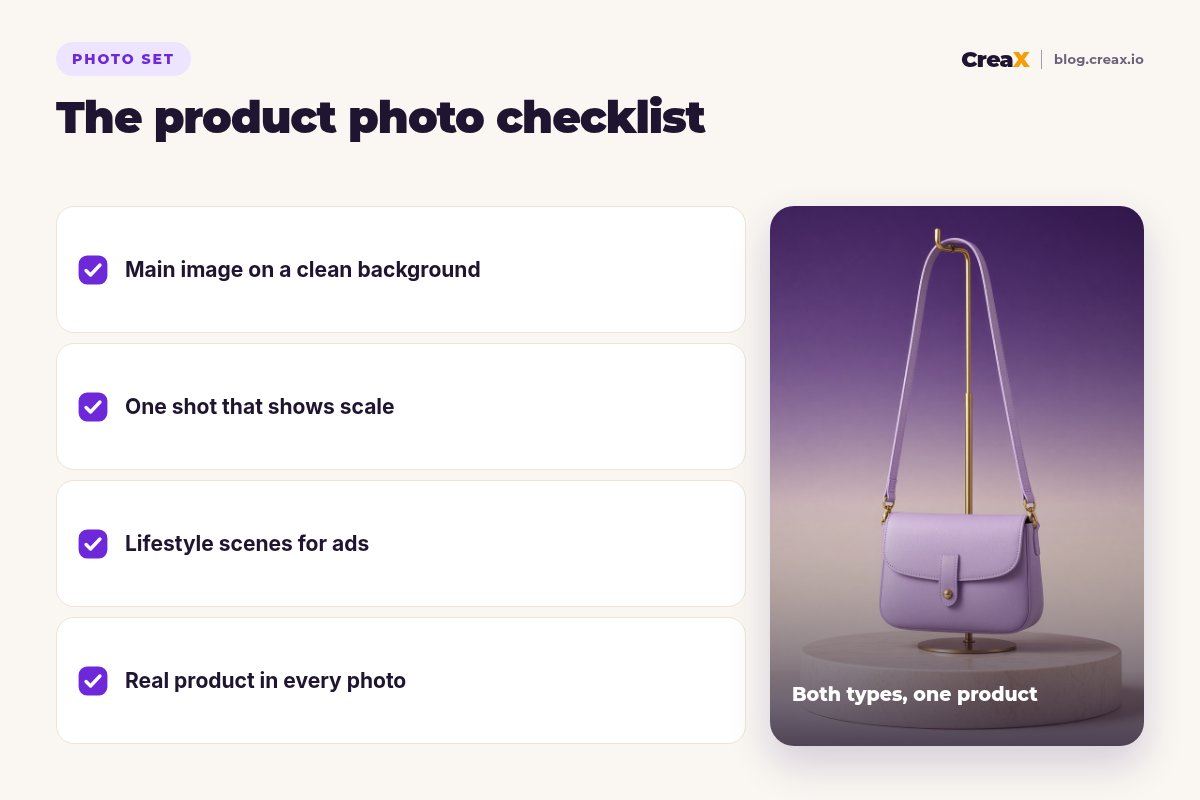
You do not need dozens of photos to start. You need a small set where each photo has a job. A practical starting point for most products:
| Photo | Type | Job |
|---|---|---|
| Main image | White or clean background | Search results, grids, marketplace rules |
| Second angle | White or clean background | Back, side or open view |
| Scale shot | Lifestyle | Shows size next to a hand, body or room |
| In use | Lifestyle | Shows who it is for and how it works |
| Detail shot | Close-up | Material, texture, stitching, finish |
| Mood or ad image | Lifestyle or styled studio | Ads, social posts, landing page hero |
A starting set, not a rule. Add more where buyers keep asking questions.
Then let your data guide you. If shoppers keep asking about size, add another scale shot. If returns mention color, add a daylight shot that shows the true color. If an ad angle wins, make more images in that style.
Can AI help fill the set? Yes, with care. AI tools can remove backgrounds, place a product in a scene and make styled ad images from one clean photo. Our guides to the best AI product photo generators and whether AI product photos can replace a photoshoot go deeper. The rule that never changes: the product in every image must match what the buyer receives.
Save yourself returnsCommon mistakes to avoid
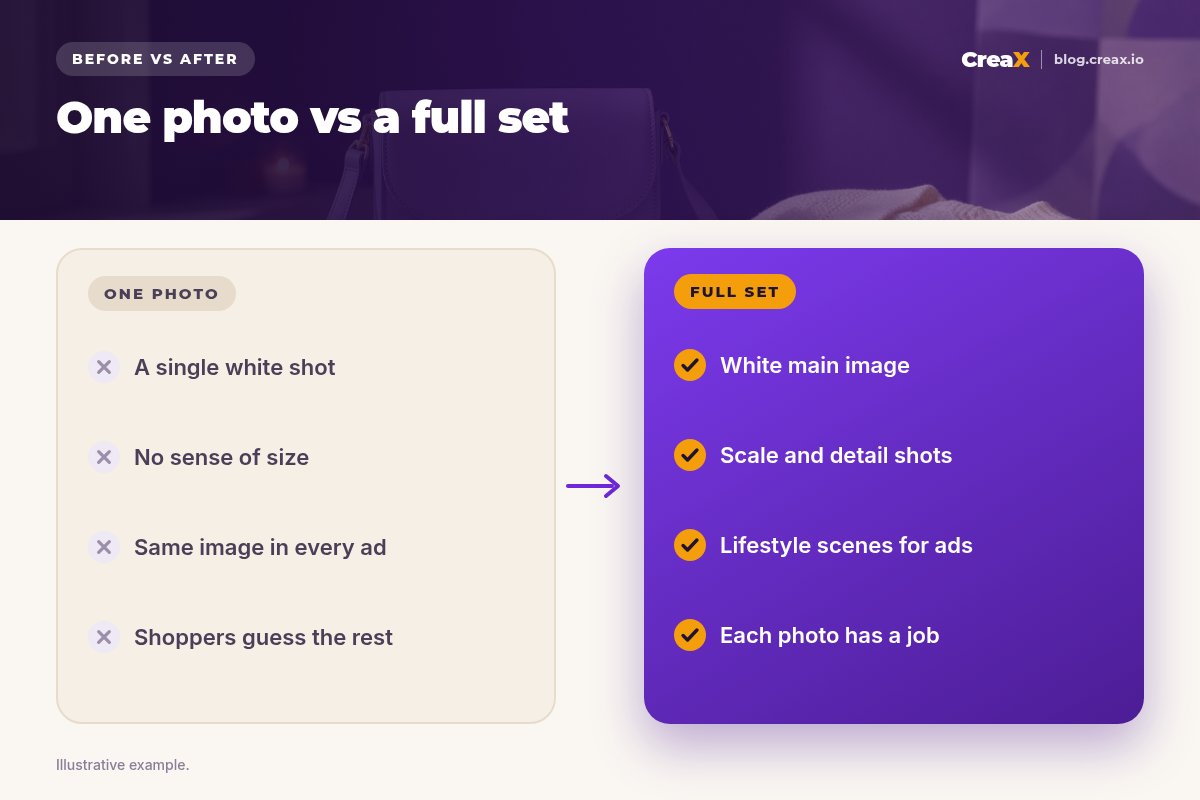
- Using only one photo. A single white shot leaves buyers guessing about size and feel.
- Lifestyle scenes with no clear product. If the product is a small part of a busy room, nobody knows what you are selling.
- Props that look included. On Amazon this breaks the main-image rules, and anywhere it can cause disappointed buyers.
- Text and badges on the main image. Amazon and Google both forbid added promotional text on the main image.
- AI scenes that change the product. Different color, shape or proportions lead to returns and complaints.
- Inconsistent backgrounds across the store. Mixed main images make a collection look untrustworthy.
Before you uploadChecklist you can copy
Your product photo checklist
- ✓Main image: clean background, product centered and filling most of the frame, no added text.
- ✓Platform check: Amazon pure white; Google no overlays; Etsy landscape or square with room to crop.
- ✓Scale: at least one photo that shows real size.
- ✓Use: at least one lifestyle photo that shows who it is for.
- ✓Detail: a close-up of material, texture or finish.
- ✓Accuracy: every photo shows the real product, color and included items.
- ✓Ads: a lifestyle or styled version ready to test against a clean version.
Our toolHow CreaX helps (briefly)
CreaX is an AI ecommerce creative OS. Paste a product link (from Alibaba, AliExpress, Amazon, Etsy or any product page) or upload a product image and, in about 60–120 seconds, it generates studio ad creatives, UGC-style video ads, a publish-ready landing page and a multi-tenant store. A clean white-background photo is a great input: CreaX turns it into styled ads in five styles (Classic, Humble Orbit, Punch, Luxe and Meta Feed) and four sizes (1:1, 3:4, 4:5 and 9:16), so you can test different looks without a new shoot. See CreaX ad styles explained.
Video ads come in 18, 30 or 45 seconds, landing pages in Simple, Detailed or Advanced levels, and creax.io lists 40+ languages and 160+ target countries. Paid plans start at $4.99 a month for 2,000 credits.
Give every product photo a job in your ads
One product link or image: studio ads, UGC-style video ads and a landing page that matches them, ready to test.
FAQMore questions sellers ask
Q.Is a white background required on Shopify?
Q.Can my Amazon main image be a lifestyle photo?
Q.Should my Etsy first photo be white?
Q.Are AI-generated lifestyle photos allowed?
Q.Does CreaX make white-background photos?
Ready to test your product photos in real ads?
One product link or image, about 60–120 seconds: studio ads, UGC-style video ads and a landing page for your first test.
This guide is published by CreaX. It summarises Amazon's, Google Merchant Center's and Etsy's public image guidelines as of October 2026. Platform rules change and can vary by marketplace and category, so check the current help pages before you upload.