
How to Fix a Black Friday Landing Page That Isn't Converting
How-to · Black Friday troubleshooting
Your Black Friday landing page is getting clicks, but the orders aren't coming. Don't redesign everything in a panic. This guide shows you how to fix a Black Friday landing page that isn't converting by checking seven things in the right order, from the ad that sends the traffic to the last tap at checkout, with what to look at and how to fix each one.
By the CreaX team
Key takeaways
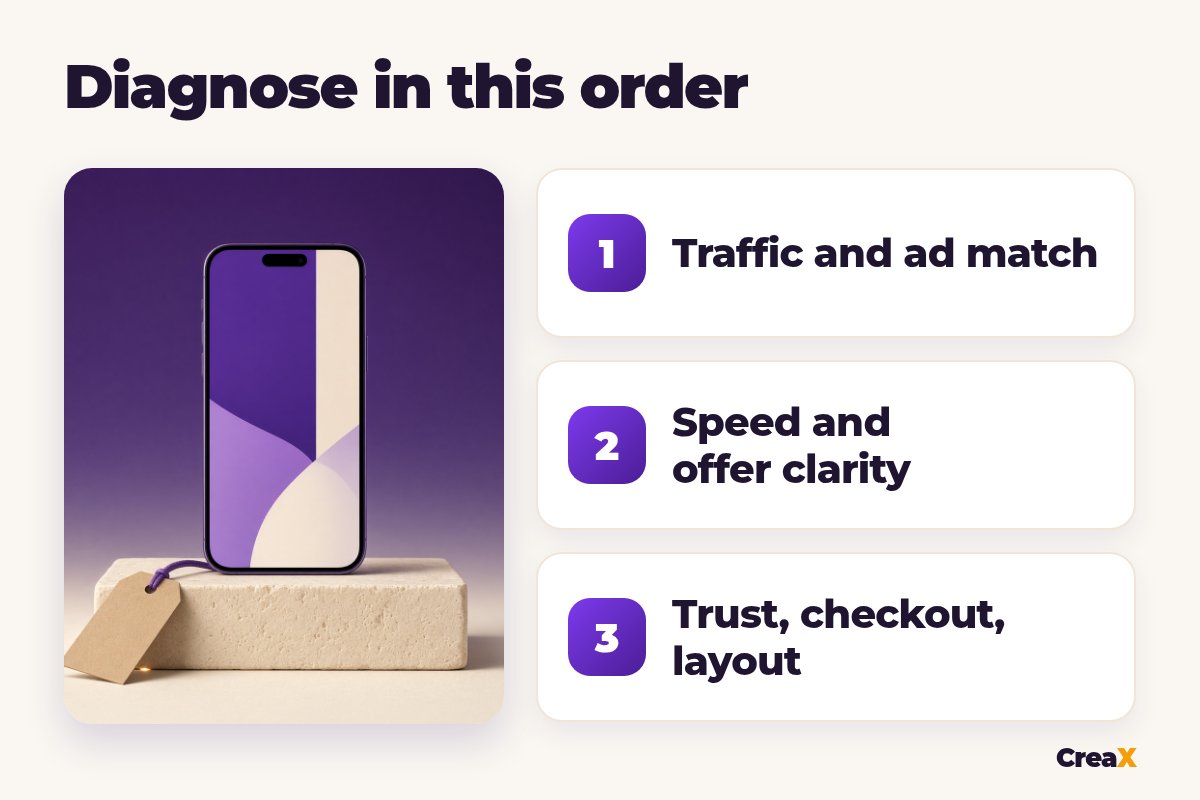
- ✓Diagnose in order: traffic and ad match first, then mobile speed, offer clarity, the deal, trust, checkout and mobile layout. Earlier problems hide later ones.
- ✓Most fixes are small: a headline that repeats the ad's deal, lighter images, delivery dates you can honor, and fewer steps before payment.
- ✓Urgency must be honest: a real end date for the sale, never a timer that resets or stock warnings that aren't true.
- ✓If several things are broken at once, rebuilding the page fast can beat patching it, as long as the new page matches your ads.
In this guide
- What you'll have at the end
- What you need before you start
- Quick triage: symptom to likely cause
- Step 1: Check traffic and ad match
- Step 2: Test mobile page speed
- Step 3: Make the offer clear up top
- Step 4: Fix the deal and urgency
- Step 5: Show shipping and returns
- Step 6: Cut checkout friction
- Step 7: Fix the mobile layout
- When to rebuild the page fast
- Worked example
- Mistakes to avoid
- Triage checklist
- FAQ
The goalWhat you'll have at the end
By the end you'll know where your page is leaking, which fix to make first, and whether it's faster to repair the page or replace it. You'll also get a triage checklist to rerun on Cyber Monday.
A quick reminder on timing: Black Friday is the Friday after US Thanksgiving, and Cyber Monday is the Monday that follows; together they're often called BFCM. Every hour a broken page stays live costs ad spend. If you're still planning the season, our Q4 holiday prep checklist for dropshippers covers the work that should happen before the rush.
PrepWhat you need before you start
- Your ad dashboard (Meta, TikTok or Google), with the ads pointing at this page and their clicks, landing page views and purchases.
- Your store analytics: sessions, add-to-carts, checkouts started and orders for the page.
- A real phone on mobile data, not just your desktop browser, so you see the page the way ad clickers do.
- Your offer details: the exact deal, end date, shipping times and return policy you can actually honor.
iLook at the funnel before you change anything
Start hereQuick triage: symptom to likely cause
Use this table to jump to the step that matches what you see. If the numbers look fine everywhere but sales are still low, our broader guide on why a store conversion rate is low covers the causes that aren't specific to Black Friday.
| What you see | Likely cause | Go to |
|---|---|---|
| Many clicks, far fewer landing page views | Slow page or accidental clicks | Steps 1 and 2 |
| Visitors leave within seconds | Ad and page don't match, offer unclear | Steps 1 and 3 |
| People scroll but don't add to cart | Weak deal, low trust, unclear delivery | Steps 4 and 5 |
| Add-to-carts but no orders | Checkout surprises or friction | Steps 5 and 6 |
| Desktop sells, mobile doesn't | Mobile layout or speed | Steps 2 and 7 |
A starting point, not a rule. Confirm with your own funnel numbers.
DiagnoseStep 1: Check traffic and ad match
Before you blame the page, check who is arriving and what they were promised.
- What to check: open each ad that points at the page and compare it with the first screen of the page. Is it the same product, the same variant or color, the same deal and the same price? In your ad dashboard, break results down by placement and audience, and compare link clicks with landing page views.
- How to fix it: make the page headline repeat the ad's promise in almost the same words, and show the product exactly as it appears in the ad. Pause placements that bring lots of cheap clicks but no add-to-carts. If one ad sends people expecting a different deal, change the ad or give it its own page.
If the ads themselves need work, our guide on how to make Black Friday ads for an online store covers angles and formats.
DiagnoseStep 2: Test mobile page speed
A slow page loses people before they see your offer. If clicks are much higher than landing page views, speed is a prime suspect.
- What to check: run the page through Google PageSpeed Insights (pagespeed.web.dev) on the mobile setting, then open it on your phone over mobile data with the cache cleared. Note what appears first and how long the hero image and buy button take to show.
- How to fix it: compress and resize large images, especially the hero; avoid autoplaying heavy video at the top; remove apps, widgets and scripts you added for the sale but don't need (extra popups, spinning wheels, several review widgets); and let images further down load later. Re-test after each change.
DiagnoseStep 3: Make the offer clear up top
Visitors decide very quickly whether to keep reading. On a phone, the first screen has to answer three questions without scrolling: what is it, what's the deal, and why should I care?
- What to check: look only at the first screen on a phone. Can you see the product, a headline that names the benefit, the deal (for example the sale price next to the regular price, or the bundle) and a clear button? Is anything generic like "Welcome to our store" taking up space?
- How to fix it: put the product image, a benefit headline, the deal and the main button in the first screen. Move brand stories, long feature lists and FAQs further down. Use one main button label and keep it consistent all the way down the page.
For the long-term version of this, see what makes a high-converting product page; the same rules apply to a sale page, just with the deal pushed higher.
Need a fresh Black Friday page fast?
Paste your product link and get a landing page, studio ads and UGC-style video ads in about 60–120 seconds.
DiagnoseStep 4: Fix the deal and urgency
Sometimes the page is fine and the deal is the problem: in BFCM a small or confusing discount gets ignored.
- What to check: is the deal easy to understand in one line? Does it beat what you offered the rest of the season? Is the end date real and visible? Is any countdown timer tied to that real end date, and are any stock warnings true?
- How to fix it: simplify the offer (one clear discount, a bundle or a free gift beats a stack of codes), make sure it still clears your margin, and show the real end date. A bundle is often a stronger BFCM offer than a bigger percentage off; our guide to a bundle offer landing page shows how to lay one out. For gift-focused offers, a holiday gift guide landing page can work better than a single product page.
!Keep urgency honest
Not sure your offer is strong enough? Our FAQ on what makes a good ecommerce offer has a quick way to test it.
DiagnoseStep 5: Show shipping and returns
In the holiday season, delivery is part of the offer. Gift buyers won't order if they can't tell when it arrives or how returns work.
- What to check: can a visitor see, near the buy button, the shipping cost, an estimated delivery window, and the return policy in plain words? Do those promises match what your supplier and carrier can really deliver at peak season?
- How to fix it: add a short line under the button, such as an estimated delivery window, the shipping cost or free-shipping threshold, and how returns work. Only promise dates you can honor; if delivery to some markets is slow, say so and set a clear last order date for gifts. Add real contact details and real reviews only.
For more on the trust side, see how to make your online store look trustworthy.
DiagnoseStep 6: Cut checkout friction
If people add to cart but don't buy, look for surprises and extra steps between cart and payment.
- What to check: place a real test order on your phone. Count the steps and fields. Do shipping costs or taxes appear for the first time at checkout? Is account creation forced? Is the discount applied automatically, or does the buyer have to hunt for a code? Are the payment methods your market expects available?
- How to fix it: show shipping costs on the page before checkout, allow guest checkout, apply the BFCM discount automatically where your platform supports it, and turn on the express wallets and local payment methods your store platform offers for your markets (cash on delivery is still common in some markets). Remove optional fields you don't need.
Our deeper guide on why people add to cart but don’t buy goes through cart and checkout leaks one by one.
DiagnoseStep 7: Fix the mobile layout
If desktop visitors buy and mobile visitors don't, look here.
- What to check: scroll the whole page on a phone. Do popups cover the product or the button? Is text big enough to read without zooming? Are buttons easy to tap? Do images crop the product awkwardly? Is there a buy button within reach as you scroll?
- How to fix it: delay or remove sale popups on mobile, use a readable font size, make buttons full width, crop images for a vertical screen, and add a sticky buy button if your theme supports it. Test again on at least one iPhone and one Android phone.
Repair or replaceWhen to rebuild the page fast
Patching is usually right when one or two steps fail. Rebuilding is often faster when the page fails several steps at once, when it was built for a different offer or season, or when your ads and page tell different stories and editing the old page would take longer than starting fresh.
This is where CreaX helps. You paste the product link (a store page, AliExpress, Amazon, Etsy or any product page), choose a landing page level, Simple, Detailed or Advanced, and get a new landing page in about 60–120 seconds. From the same link you can create studio ad creatives in several styles and sizes (1:1, 3:4, 4:5 and 9:16) and UGC-style video ads of 18, 30 or 45 seconds, so the ads and the page share the same product, angle and message, which is the whole point of Step 1.
⚖What CreaX doesn't do
For the full BFCM workflow with CreaX, from offers to ads, see CreaX for Black Friday and Cyber Monday.
Rebuild your sale page and ads from one link
A new landing page at the level you choose, plus matching studio ads and UGC-style videos, in about 60–120 seconds.
ExampleWorked example: one leaky page, three fixes
Say you sell wireless earbuds and run a Black Friday bundle: earbuds plus a charging case cover. Your ads get plenty of clicks, but orders are low. This is a hypothetical walk-through, not real data.
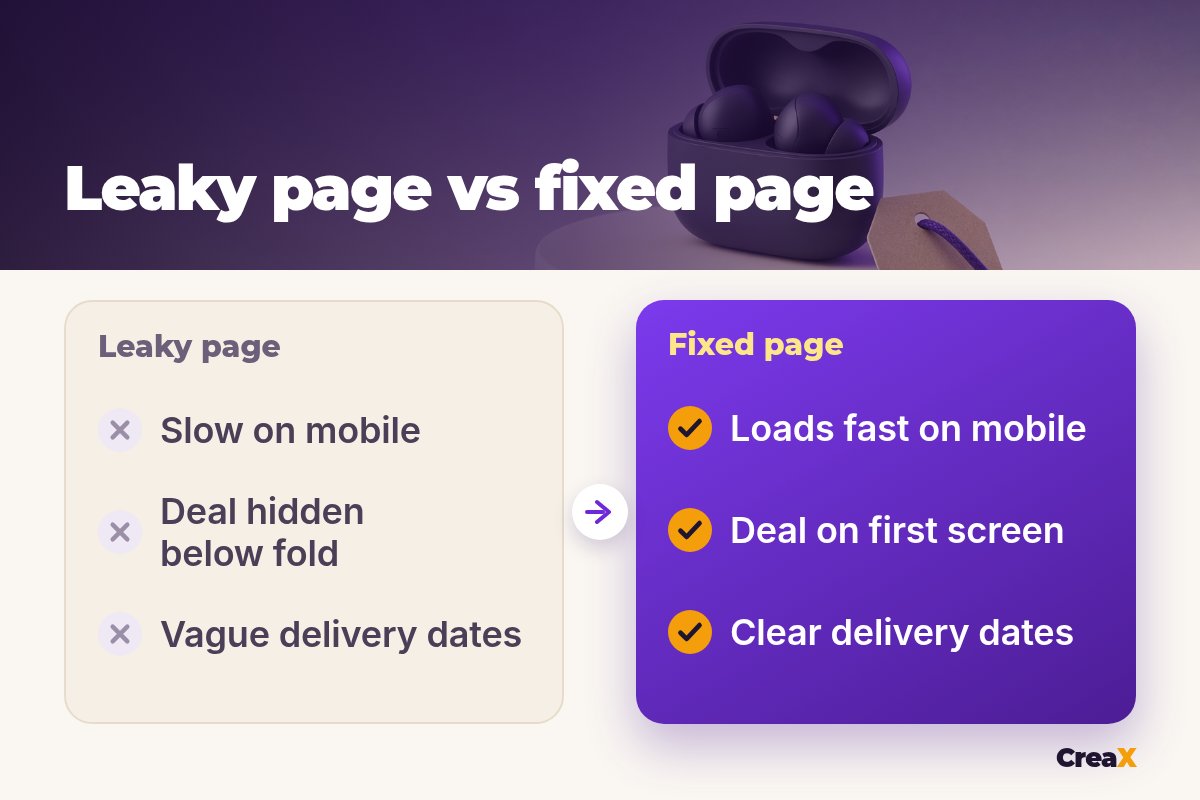
- Funnel check. Landing page views are far below clicks, and few visitors add to cart. That points to Steps 1, 2 and 3.
- Ad match. The video ad shows the black earbuds and says "bundle deal", but the page opens on the white version with no mention of the bundle. Fix: switch the hero image to black and put the bundle in the headline.
- Speed. The page autoplays a large video at the top and loads three popup apps. Fix: replace the video with a compressed image and keep one popup, delayed on mobile.
- Offer clarity. The deal is only explained halfway down. Fix: show the bundle price next to the separate prices, the sale end date and the button in the first screen.
- Re-check. After a day, compare landing page views and add-to-carts with the day before. If add-to-carts rise but orders don't, move on to Steps 5 and 6.
Watch outMistakes to avoid
- Changing five things at once. You won't know what worked. Fix in order and re-check after each change.
- Blaming the page for bad traffic. Check placements and ad match before rewriting copy.
- Fake urgency. Resetting timers and invented stock warnings cost trust and can get ads rejected.
- Promising delivery dates you can’t control. Late gifts turn into refunds and disputes.
- Judging after a few visits. Give each change enough traffic before deciding.
Copy thisYour Black Friday page triage checklist
BFCM page triage
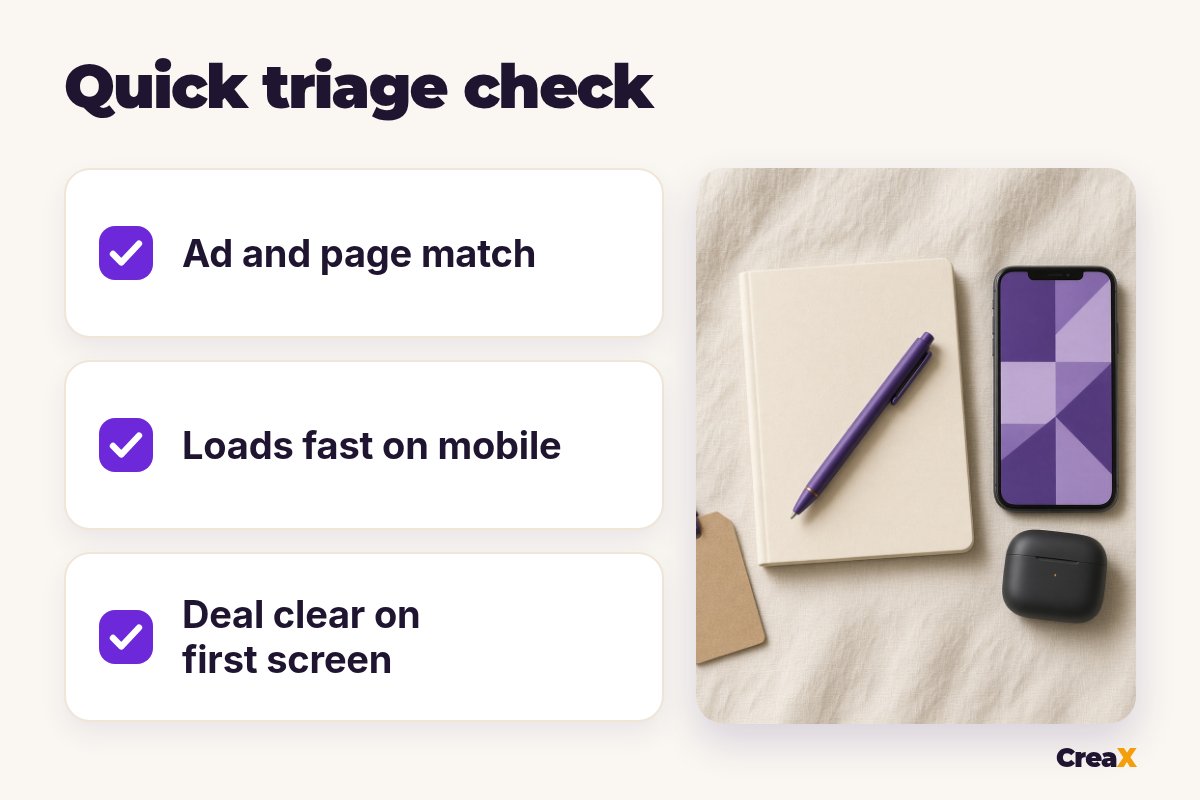
- ✓The first screen repeats the ad's product, deal and price.
- ✓The page loads quickly on a phone over mobile data.
- ✓Product, benefit, deal and button are visible without scrolling.
- ✓The deal is simple, clears my margin and has a real end date.
- ✓Shipping cost, delivery window and returns are near the button.
- ✓A test order on my phone had no surprise costs or forced account.
- ✓No popup blocks the product or button on mobile.
FAQFrequently asked questions
Q.Why is my Black Friday landing page not converting?
Q.When is Black Friday and Cyber Monday?
Q.Should I use a countdown timer on my sale page?
Q.Should I fix my current page or build a new one?
Q.How long should I wait after a fix before judging it?
Q.Can CreaX set my Black Friday discount or checkout?
Fix the page, keep the momentum
Get a matching landing page, studio ads and UGC-style video ads from one product link in about 60–120 seconds.
This guide is published by CreaX. We describe other tools from their own public websites, last checked October 2026, avoid invented scores or prices, and recommend checking each vendor's site for current features and plans.