
CreaX for Black Friday and Cyber Monday: Launch Sale Ads Fast
Use case · Black Friday and Cyber Monday
Black Friday ads are won in the weeks before Black Friday. Competition for attention rises, creatives tire quickly, and a store that starts building ads on the day is already behind. This guide shows how to use CreaX to turn each Black Friday and Cyber Monday offer into a sale landing page, studio ads and UGC-style video ads early, so you launch calmly and keep fresh versions ready all weekend.
By the CreaX team
Key takeaways
- ✓Decide your offers first: one to three clear BFCM offers, such as a bundle, a gift set or a tiered discount, each tied to a product you can ship on time.
- ✓One product link per offer in CreaX gives you a landing page, studio ad creatives in 1:1, 3:4, 4:5 and 9:16, and UGC-style video ads of 18, 30 or 45 seconds in about 60–120 seconds.
- ✓Build early, launch early, refresh often. Have several angles per offer ready before the busiest days so you can swap tired ads fast.
- ✓Stay honest: real discounts, real end dates and real shipping times. CreaX makes the creatives and pages; you set prices, discounts and ad schedules in your store and ad accounts.
In this guide
Who it's forWho this is for: Black Friday and Cyber Monday sellers
Black Friday falls on the Friday after US Thanksgiving, and Cyber Monday on the Monday after it. Together with the weekend in between, sellers call it BFCM. This guide is for anyone running paid or organic ads in that window:
- Dropshippers testing one or two hero products with a sale angle.
- Ecommerce brands with a catalog who need ads for several offers at once.
- Media buyers and agencies who must deliver fresh creatives for many clients in the same busy weeks.
- Affiliates and coaches promoting a time-limited deal or program discount.
If you are still deciding what to run, our broader guide to Black Friday ads for an online store covers channels, budgets and offer types. This article focuses on getting the creatives and pages built fast with CreaX.
Why prep mattersThe problem this solves
Three things usually go wrong for small stores during BFCM:
- Ads are built too late. Creatives are made in a rush the week of the sale, with no time to test angles before the busiest days.
- Ads and pages don’t match. The ad says “bundle deal”, the click lands on a normal product page with the old price and no bundle.
- Creative fatigue arrives fast. Audiences see many sale ads in a short time. One tired ad running all weekend loses steam, and there is nothing ready to replace it.
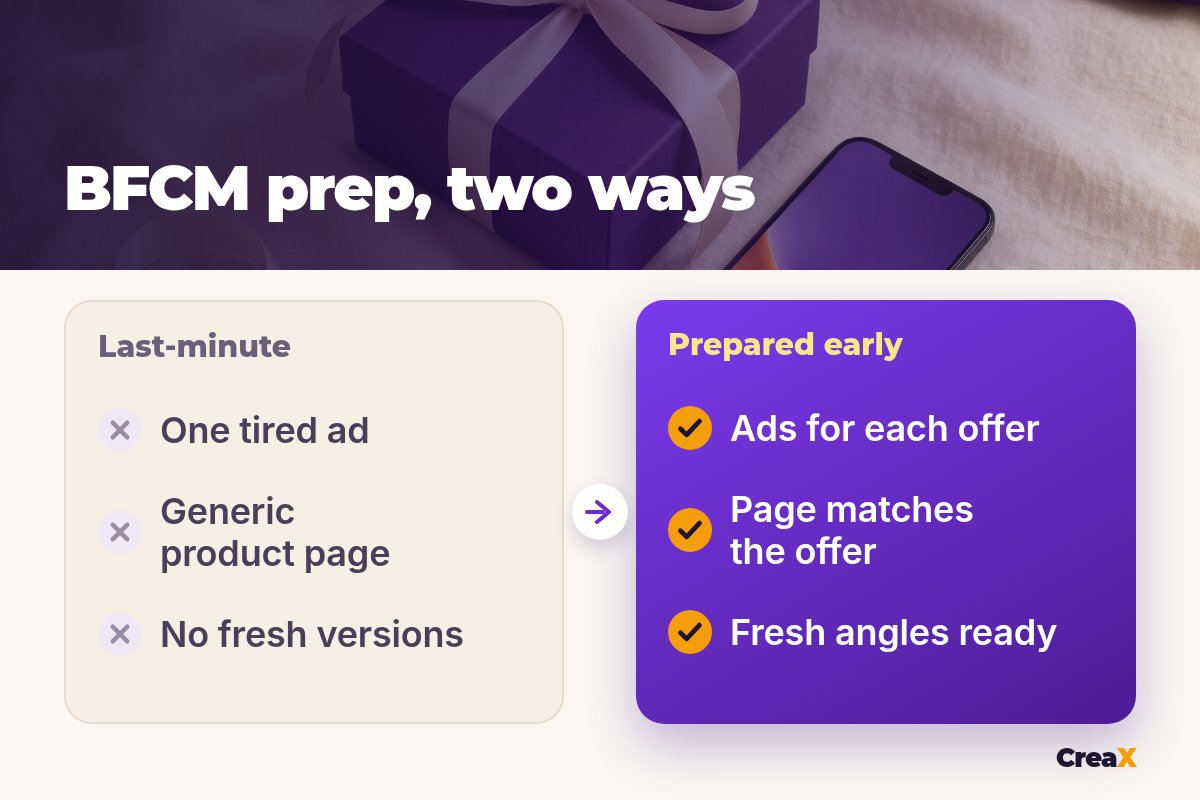
The fix isn't a secret tactic. It is preparation: clear offers, a page per offer, and more than one creative angle ready to go.
The kitWhat CreaX produces from one product link or image
CreaX is an AI ecommerce creative OS. Paste a product link (from Alibaba, AliExpress, Amazon, Etsy or any product page) or upload a product image, and in about 60–120 seconds you get:
| Asset | What you get | How it helps during BFCM |
|---|---|---|
| Landing page | Publish-ready page at Simple, Detailed or Advanced level | A page per offer, so ad and page say the same thing |
| Studio ad creatives | Styles Classic, Humble Orbit, Punch, Luxe, Meta Feed; sizes 1:1, 3:4, 4:5, 9:16 | Punch and Meta Feed suit bold sale messages; every placement covered |
| UGC-style video ads | 18, 30 or 45 seconds | Gift and problem angles that feel native in the feed |
| Multi-tenant store | Separate stores for niches or clients | Keeps several offers or client brands apart |
CreaX features as described on creax.io, October 2026.
CreaX also works in 40+ languages and 160+ target countries, which helps if you run BFCM in more than one market. If you want to see the page builder in detail, our guide to a Christmas landing page made with AI walks through a seasonal page step by step.
iWhat CreaX does not do
How toStep-by-step workflow
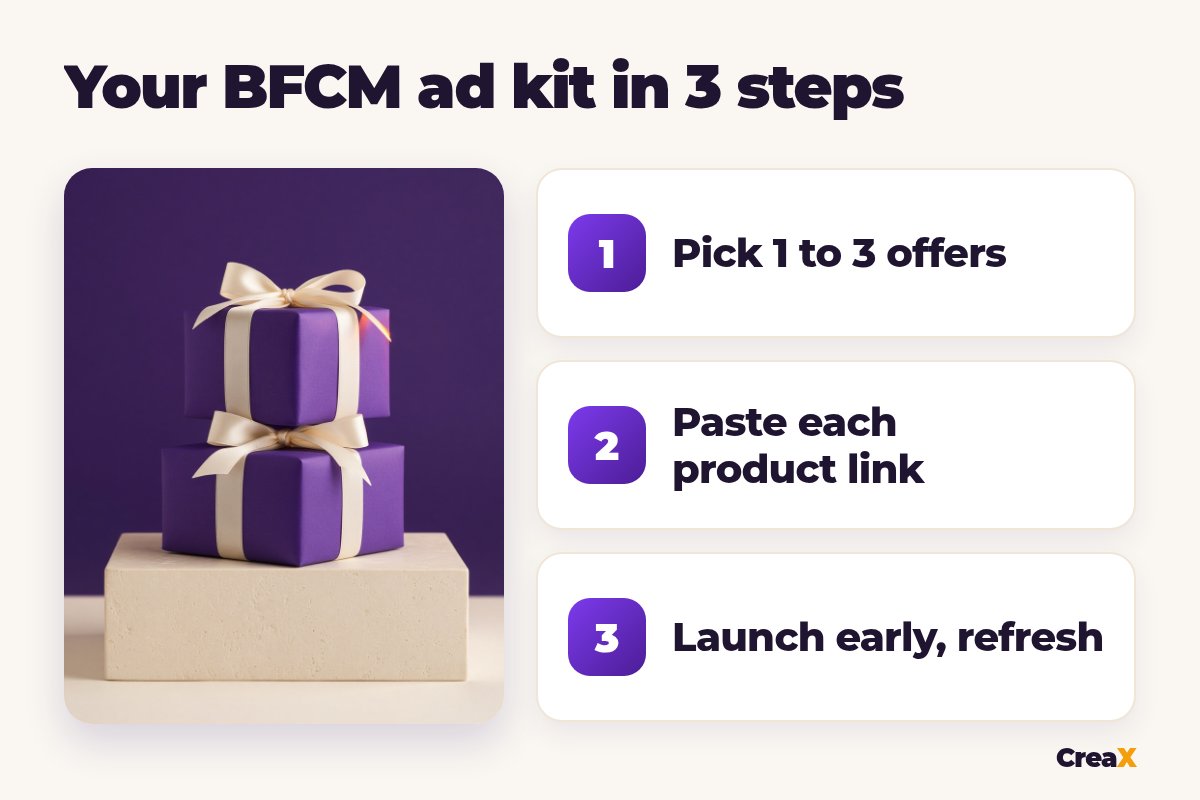
Plan one to three offers
Set the offer in your store
Paste each product link into CreaX
Edit the page to match the offer
Pick creatives per offer
Launch early, then refresh
Offers matter more than design. Our guide to what makes a good ecommerce offer helps you choose one that is worth advertising, and the guide to building a bundle offer landing page shows how to present a bundle clearly.
Build your BFCM ad kit now
Paste a product link and get a sale landing page, studio ads and UGC-style video ads in about 60–120 seconds.
TimingA simple BFCM calendar
| When | What to do |
|---|---|
| A few weeks before | Decide offers, check stock and shipping, generate pages and creatives in CreaX |
| One to two weeks before | Launch tests of your angles; keep the ones that hold up |
| Early access (optional) | Offer subscribers or past buyers early access with the same page and offer |
| Black Friday | Run your strongest angles; keep backup creatives ready |
| The weekend | Refresh creatives that slow down; check stock and delivery messages |
| Cyber Monday | Use a clear Cyber Monday message on the ad and the page |
| After BFCM | Switch to Christmas messaging and state realistic delivery cut-offs |
A planning outline, not a rule. Adjust to your offers, stock and shipping times.
After Cyber Monday the season keeps going. Our list of the best AI tools for holiday ecommerce covers what else helps through December.
ExampleWorked example
Say you sell a scented candle gift set and plan two offers: a bundle of three candles at a lower price per candle, and a gift box with free gift wrapping.
- You create both offers in your store and confirm you can ship before the holidays.
- You paste the candle product link into CreaX twice, once per offer, and generate a Detailed landing page for each.
- You edit each page: the bundle page explains what's included and the price; the gift page shows the box and the wrapping, with honest delivery times.
- You pick Punch studio ads for the bundle (bold price message) and Luxe ads for the gift box, in 4:5 for feeds and 9:16 for Stories and Reels.
- You choose two UGC-style videos per offer: a cozy-evening angle and a “gift they'll actually use” angle.
- You launch both offers before Black Friday, keep the winners running, and swap in the backup videos over the weekend.
★Keep backup versions ready
BudgetWhich plan fits (real CreaX prices)
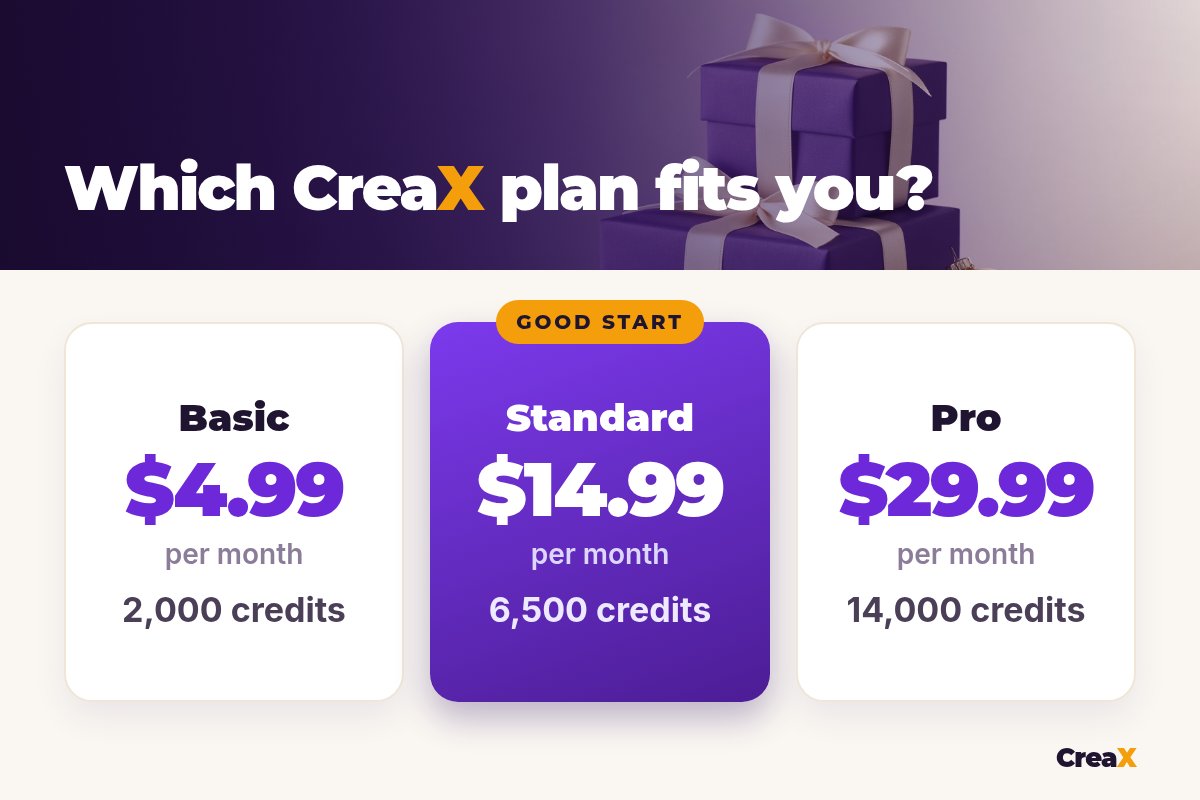
| Plan | Price / month | Credits | Good fit for BFCM |
|---|---|---|---|
| Free | $0 | 0 | Look around before you buy |
| Basic | $4.99 | 2,000 | One hero offer |
| Standard | $14.99 | 6,500 | Two or three offers with backup creatives |
| Pro | $29.99 | 14,000 | Several products or stores |
| Premium | $49.99 | 25,000 | Agencies with many clients |
| Top-up | $1 | 500 | Extra credits mid-weekend |
Current plans on creax.io/pricing.
Credits are spent when you generate. If you are unsure how far credits go, our guide to CreaX pricing and credits explains how they work. Top-ups at $1 per 500 credits are handy if you need more versions during the sale.
TipsTips for better results
BFCM creative checklist
- ✓Put the offer on the creative: what the deal is, in a few words.
- ✓Make the page match the ad: same product, same price, same offer.
- ✓State a real end date, and only if the offer really ends then.
- ✓Show shipping times clearly, especially as Christmas gets close.
- ✓Use 9:16 for Stories, Reels and TikTok and 4:5 or 1:1 for feeds.
- ✓Check every AI-generated creative for product accuracy and claims.
!No fake urgency
Get ahead of the BFCM rush
Turn each offer into a landing page, studio ads and UGC-style videos today, and keep fresh versions ready for the weekend.
Honest limitsLimits and when to use other tools
CreaX covers the creatives and the page. For the rest of your BFCM setup you still need:
- Your store platform for discounts, bundles, stock and checkout.
- Your ad accounts for campaign setup, budgets and scheduling.
- Email or SMS tools if you message past buyers about early access.
- A video editor if you want to add your own footage or a custom caption style.
If you already have strong product footage or creator videos, use them too. AI creatives work best as part of a mix, and real footage can be worth keeping in rotation.
FAQFrequently asked questions
Q.When should I start Black Friday ads?
Q.Can CreaX make Black Friday landing pages?
Q.Does CreaX set discounts or countdown timers?
Q.What ad sizes should I use for BFCM?
Q.How many creatives do I need?
Q.Which CreaX plan is best for Black Friday?
Ready for Black Friday and Cyber Monday?
One product link per offer, about 60–120 seconds each, and you have a sale landing page, studio ads and UGC-style videos.
This guide is published by CreaX. We describe other tools from their own public websites, last checked October 2026, avoid invented scores or prices, and recommend checking each vendor's site for current features and plans.