

How to Build a Holiday Gift Guide Landing Page That Sells
How-to · Holiday gift guides
A holiday gift guide landing page is the page gift buyers actually want: not your whole catalog, but a short, curated answer to “what do I get them?”. This guide shows you how to build one that sells, step by step: pick gift-worthy products, group them by recipient and budget, write gift-first copy, add bundles and trust, and send each ad to the section that matches it.
By the CreaX team
Key takeaways
- ✓Treat the gift guide as a landing page with a point of view, not a product grid with a festive banner on top.
- ✓Organize it the way gift buyers think: by recipient, by budget, by interest. Keep each section short so shoppers can decide quickly.
- ✓Gift buyers worry about two things your normal page may ignore: will it arrive in time, and will they like it. Put delivery cut-offs, returns and gift options right next to the buttons.
- ✓Make one ad per section and link it straight to that section. CreaX can turn each hero product link into UGC-style video ads, studio ads and a matching landing page in about 60–120 seconds.
In this guide
The goalWhat you'll have at the end
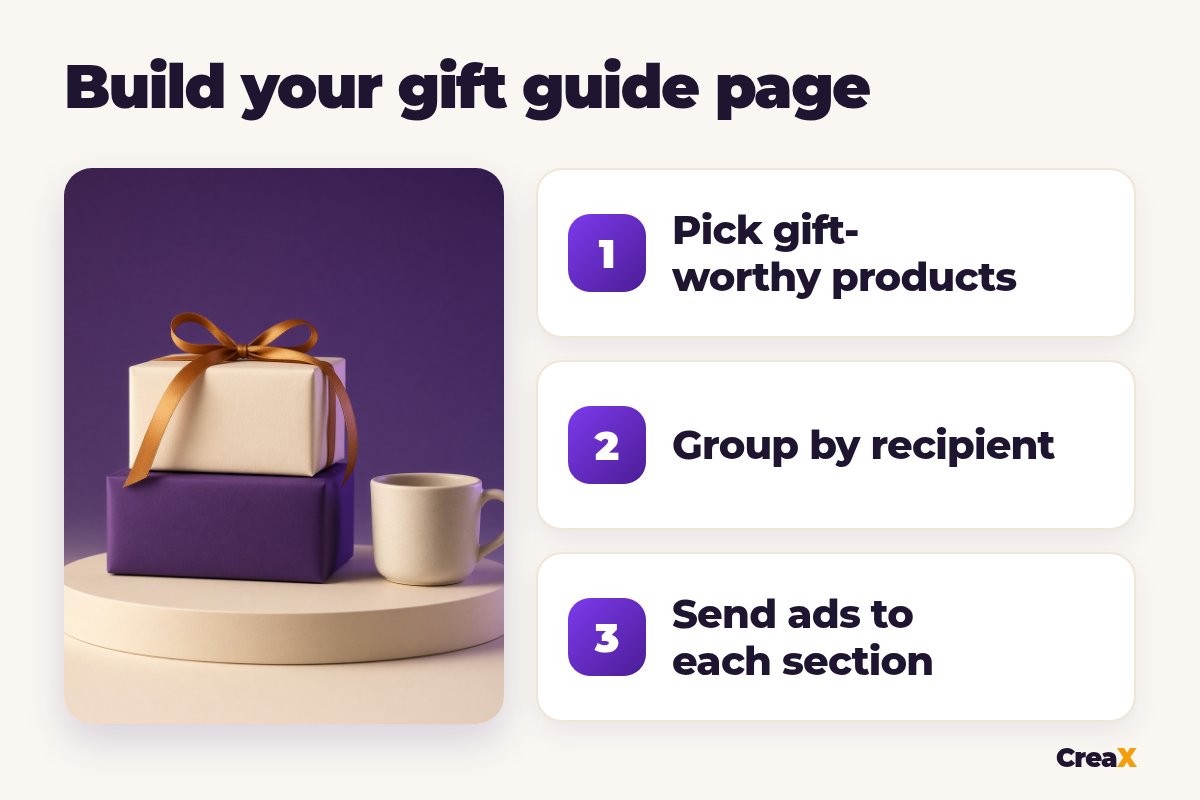
By the end of this guide you will have:
- A single gift guide page with a simple, shareable address (for example yourstore.com/gifts) that you can link from ads, email, social and your homepage.
- Three to six sections, each built around one type of gift buyer, with a short intro and its own button.
- At least one gift bundle and clear gift options such as wrapping or a note, if you can offer them.
- One ad per section, each sending people to the matching part of the page, plus a plan to update the page every week until the season ends.
If you are starting late, don't skip this: a focused gift page is often the fastest win of the season. Our answer to whether it is too late to dropship for Christmas explains how shipping times change what you can promise.
PrepWhat you need before you start
- Your product list with stock levels. A gift guide that sends people to sold-out products wastes your ad spend.
- Real delivery times for each product and each market you sell in. You need these to set honest order-by dates.
- Your holiday offer, if you have one: a discount, free shipping over a threshold, a free gift note or a bundle price.
- A page builder or store where you can create a landing page with sections and anchor links. Most store platforms can do this with a collection page or a custom page.
- Product images and short videos that show the item as a gift: wrapped, unboxed, in use.
★Landing page or blog post?
Step 1Step 1: Pick gift-worthy products
Not every product makes a good gift. Some sell well for self-purchase but feel odd to give. Run each candidate through a few quick questions:
- Would someone be happy to receive it, even if they didn't pick it themselves?
- Is the size, fit or taste low-risk? Products that need an exact size or a very personal taste are harder gifts.
- Does it look good unboxed? Packaging and presentation matter more for gifts.
- Can it arrive in time? If delivery is slow, it only belongs in the guide early in the season.
- Do you have stock? Feature products you can actually ship through the season.
Keep the guide small. A few strong picks per section beat a long list. If you don't know which products to feature, start with what already sells and what people already buy as gifts, then add one or two new items you want to test. Our guide on what makes a good ecommerce offer helps you decide which products deserve the spotlight.
Step 2Step 2: Group by recipient and budget
Gift buyers start with a person, not a product category. So build your sections around who the gift is for and how much the buyer wants to spend. Common groupings:
| Group by | Example sections | Best when |
|---|---|---|
| Recipient | For her, for him, for kids, for the host | Your products suit different people |
| Budget | Under a set price, mid-range, luxury | Your price range is wide |
| Interest | For the home cook, for the runner, for pet lovers | You sell to clear hobbies or niches |
| Occasion | Stocking stuffers, Secret Santa, last-minute | You want urgency late in the season |
Pick one main grouping and, if needed, one secondary filter. Too many groupings confuse shoppers.
Pick one main way to group and stick to it. Give each section a clear name a shopper would use (“Gifts for the home cook” beats “Kitchen collection”), a one-line intro and a button. Add anchor links at the top of the page so shoppers can jump straight to their section, and so you can link ads and emails to it.
Order matters too. Put your strongest section first and keep the layout simple on mobile, where many gift buyers browse. If you want a refresher on what makes a seasonal page convert, our guide on building a Christmas landing page that sells covers the page basics in detail.
Step 3Step 3: Write gift-first copy
Normal product copy talks to the person who will use the product. Gift copy talks to the person buying it for someone else. That changes what you write:
Say who it's for
Say why they'll love it
Remove the buyer's doubt
Show the price and the date
Keep it short. A gift guide is scanned, not read. A headline, two lines of copy and a button per product is usually enough. Use your best photos: the product wrapped, unboxed or in use in a cozy setting.
Need gift-ready visuals fast?
Paste a product link into CreaX and get studio ads, UGC-style video ads and a landing page for that gift in about 60–120 seconds.
Step 4Step 4: Add bundles and trust
Bundles work well in gift guides because they solve the buyer's problem in one click: “the complete gift”. Pair a main product with a smaller add-on that makes sense, give the set a gift-style name and show what's inside clearly. If you offer a bundle price, show it honestly next to the separate prices. Our step-by-step guide to creating a bundle offer landing page shows how to present a bundle so it's easy to buy.
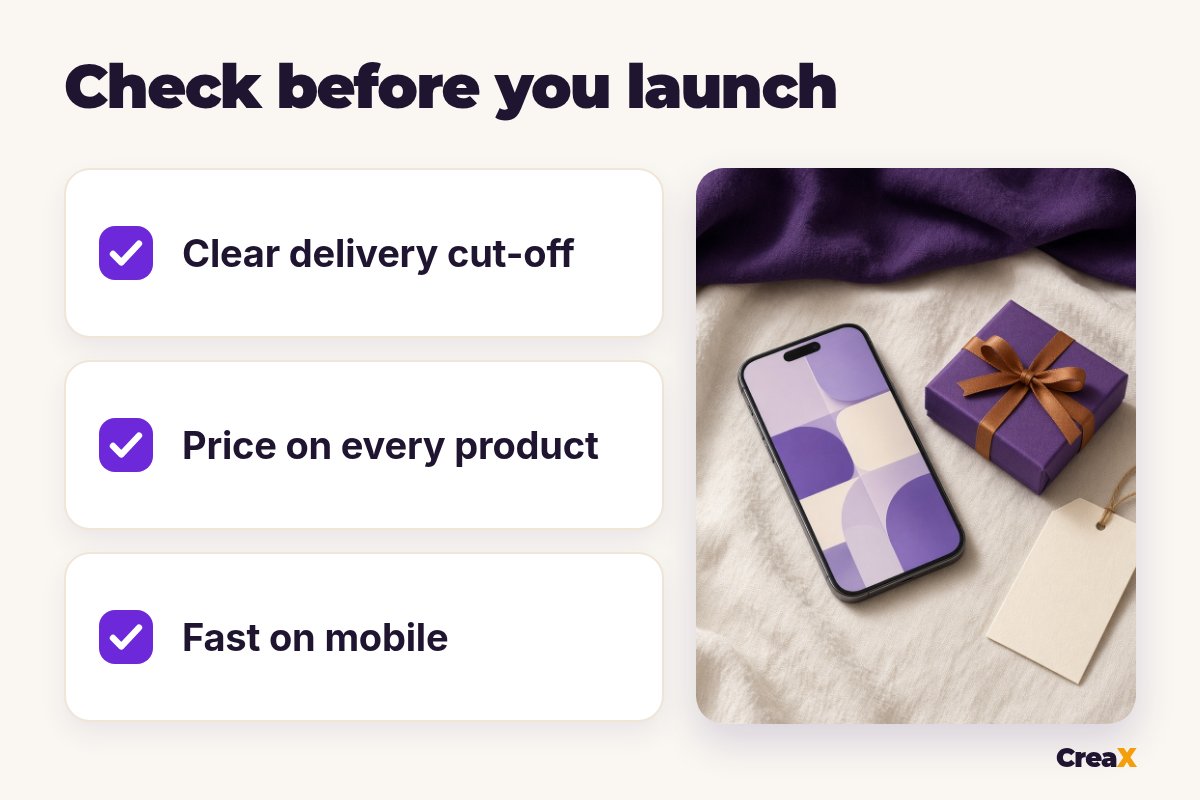
Then add the trust details gift buyers look for, close to the buttons rather than hidden in the footer:
- Order-by dates for delivery before the holiday, per region if they differ.
- Returns and exchanges in one sentence, especially extended holiday returns if you offer them.
- Gift options like wrapping, a gift note or a gift receipt, only if you really provide them.
- Real reviews for featured products, if you have them. Never invent reviews or ratings.
!Never promise a date you can't keep
Step 5Step 5: Send ads to each section
A gift guide that sits in your menu won't do much by itself. Bring traffic to it, and make every source land on the right part of the page. The rule is simple: one ad, one section. An ad about gifts for dog lovers goes to the dog-lover section, not to the top of the guide.
- Paid social: make one or two ads per section, built around the hero product of that section. Use a hook that names the recipient, such as “for the friend who has everything”.
- Email: send one section at a time to the people most likely to care, and link to that section's anchor.
- Your own site: add the guide to the homepage, the main menu and an announcement bar while the season lasts.
- Organic social: carousels or short videos that walk through the picks of one section.
This is where CreaX saves the most time. Paste the product link of each section's hero product (or upload a product image) and in about 60–120 seconds you get UGC-style video ads, studio ad creatives and a publish-ready landing page for that gift. Use the ads for the section, and use the single-product landing page when you want to test one hero gift on its own. For the bigger sale days, our playbook on making Black Friday ads for your online store shows how to plan those creatives.
One product link, a full set of gift ads
CreaX turns each hero gift into UGC-style videos, studio ads and a matching landing page, ready to launch before the rush.
Step 6Step 6: Update it weekly
A gift guide is a living page during the season. Once a week, at least:
- Remove or replace anything that is sold out or can no longer arrive in time.
- Move the sections that sell higher on the page, and give their ads more budget.
- Change the banner as the season moves: early planning, sale days, last shipping dates, then last-minute options such as gift cards if you sell them.
- Refresh tired ads. The same ad shown for weeks stops working. Our guide on the signs of ad creative fatigue tells you when to swap a creative.
Watch a few simple numbers in your store and ad tools: clicks to each section, add-to-carts and orders from the guide. If people visit but don't buy, our checklist on why a store conversion rate is low walks you through what to check first.
ExampleWorked example
Say you run a small home and cozy goods store selling candles, blankets, mugs and scarves. Here is how a gift guide could look:
- Products: you pick the items with good stock and reliable delivery, and drop anything that needs exact sizing.
- Sections: “For the friend who is always cold” (blankets, scarves), “For the host” (candles, serving pieces), “Stocking stuffers” (small mugs, mini candles).
- Copy: each product gets one line about who it's for and one reason they'll love it, plus the price and the order-by date.
- Bundle: a “cozy night in” set with a blanket, a candle and a mug, shown with what's inside.
- Ads: you paste the link of each section's hero product into CreaX, pick a UGC-style video and two studio ads per section, and link each ad to its section anchor.
- Weekly update: the scarf sells out in week two, so you replace it and move the best-selling section to the top.
Nothing here needs a big team. It needs a clear plan, honest dates and enough creatives to test a few angles. If you want more tools for the season, see our roundup of the best AI tools for holiday ecommerce marketing.
Watch outMistakes to avoid
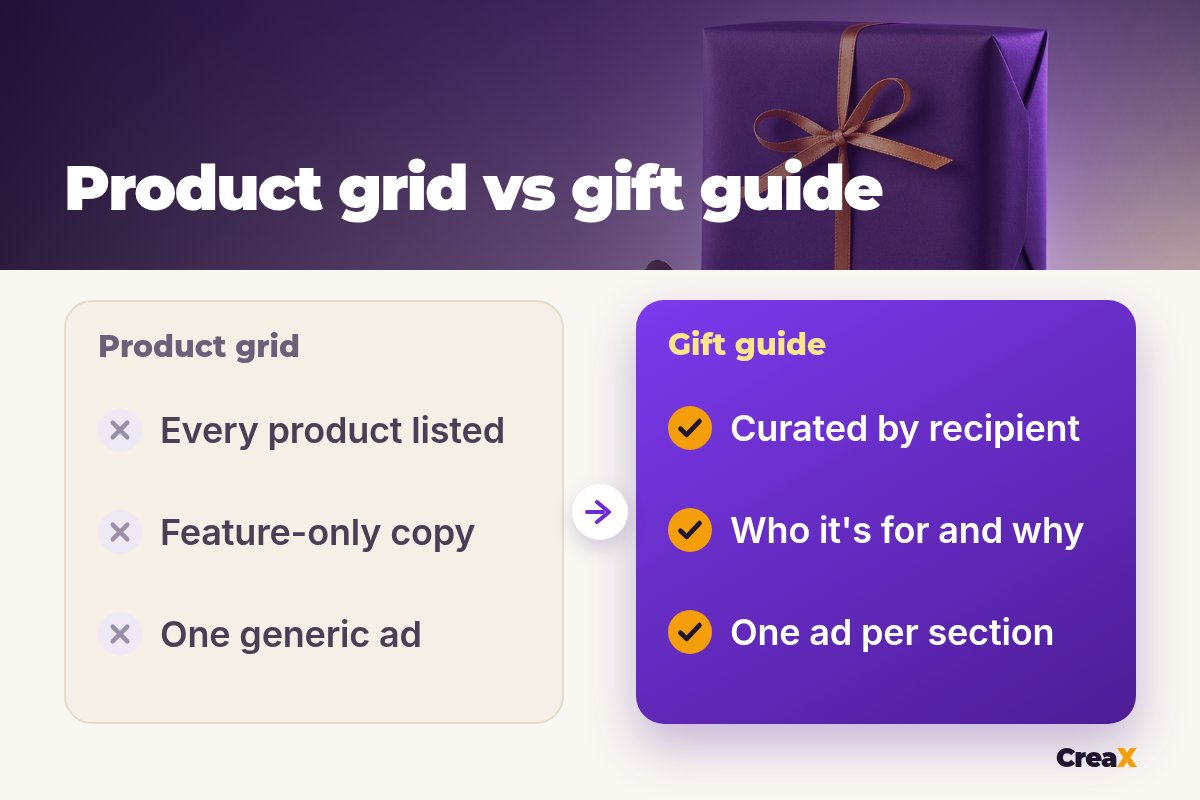
- Listing your whole catalog. A guide with everything is not a guide. Curate.
- Naming sections like a warehouse. Use the words a gift buyer would use.
- Hiding delivery dates. Put them next to the buttons, not only in the footer.
- Sending every ad to the top of the page. Link each ad to the section it promotes.
- Fake urgency or fake reviews. Only use countdowns for real cut-offs and only show real reviews.
- Launching too late. Build the page before the busiest days, so you have time to test and fix it.
Copy thisChecklist
Gift guide landing page checklist
- ✓Gift-worthy products with stock and reliable delivery.
- ✓Three to six sections grouped by recipient, budget or interest.
- ✓Anchor links at the top; one button per section.
- ✓Gift-first copy, price and order-by date on every product.
- ✓At least one bundle, shown clearly.
- ✓Returns and gift options near the buttons.
- ✓One ad per section, linked to its anchor.
- ✓Weekly update planned until the season ends.
FAQFrequently asked questions
Q.When should my gift guide go live?
Q.How many products should a gift guide have?
Q.Should I group by recipient or by price?
Q.Can I use a blog post instead of a landing page?
Q.Can CreaX build the gift guide page?
Q.What if a product sells out mid-season?
Ready to fill your gift guide with ads?
Paste one product link and get UGC-style video ads, studio ads and a landing page in about 60–120 seconds.
This guide is published by CreaX. We describe other tools from their own public websites, last checked October 2026, avoid invented scores or prices, and recommend checking each vendor's site for current features and plans.