
Why Are People Adding to Cart but Not Buying?
FAQ · Checkout conversion
Add to cart but no purchase is one of the most frustrating patterns in ecommerce: the ad worked, the product page worked, and then the buyer disappeared. The good news is that the causes are well known and most fixes are small. This guide answers the questions sellers ask most, in the order you should fix things.
Updated October 2026 · By the CreaX team
Key takeaways
- ✓Some abandonment is normal: many shoppers use the cart as a wishlist or to see the total. You are fixing the avoidable part, not chasing zero.
- ✓The usual causes are surprise costs (shipping, taxes, fees), unclear delivery times, low trust and checkout friction like forced accounts.
- ✓An ad-to-page mismatch also shows up at the cart: if the offer, price or bundle in the ad is not what the cart shows, buyers hesitate.
- ✓Fix in this order: costs and delivery info → trust signals → checkout steps → ad-page match → recovery emails.
In this guide
TL;DRThe short answer
When people add to cart but do not buy, the product has already done its job: they wanted it. Something between the cart and the payment button made them stop. Usually it is one of four things: the final price was higher than expected, the delivery time was unclear or too long, the store did not feel safe enough to enter card details, or the checkout asked for too much.
Start by looking at where they drop. In your store analytics, compare how many sessions reach the cart, start checkout, reach the shipping step and reach payment. A big drop between cart and checkout points to costs or trust; a drop inside checkout points to friction or a payment problem. Fix the biggest leak first.
iSet a realistic goal
Question 1Why do shoppers abandon carts?
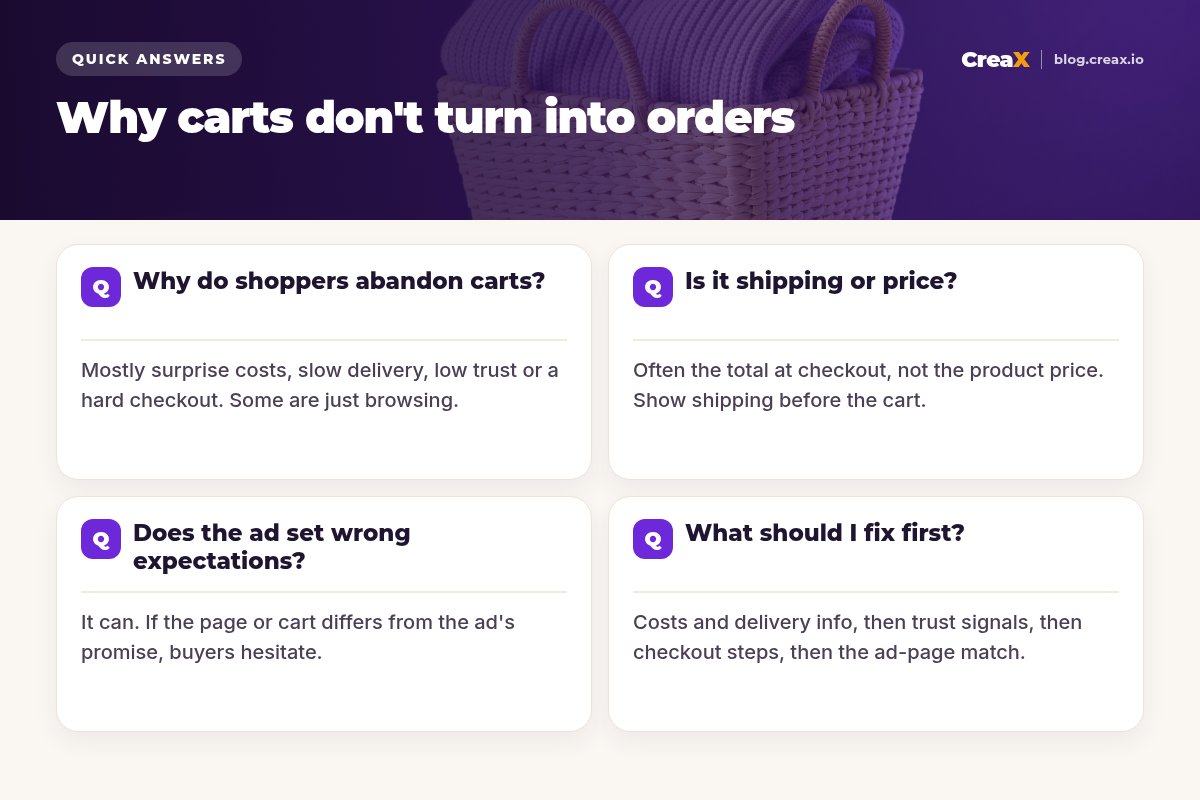
The reasons fall into a few groups. Some you cannot control, most you can:
| Reason | What the shopper thinks | Can you fix it? |
|---|---|---|
| Just browsing or saving for later | “I'll come back when I'm ready.” | Partly: reminders and recovery emails |
| Surprise costs at checkout | “The total is more than I expected.” | Yes: show costs early |
| Unclear or long delivery | “Will it arrive in time?” | Yes: show a delivery window |
| Low trust | “Is this store real? Can I get a refund?” | Yes: policies, contact, reviews |
| Forced account or long forms | “Too much effort.” | Yes: guest checkout, fewer fields |
| Payment method missing or failing | “My usual way to pay isn't here.” | Yes: add common methods, test them |
| Ad promised something else | “Where's the discount I saw?” | Yes: match ad, page and cart |
Common causes of cart abandonment. Your own checkout data tells you which ones matter most for your store.
Treat this table as a diagnostic list. You do not need to fix everything at once; you need to find the one or two causes that explain most of your drop-off.
Question 2Is it shipping or price?
Usually it is the total, not the product price. A shopper decided to buy at the price on the product page. If the checkout then adds shipping, taxes or a handling fee they did not expect, the deal they agreed to has changed, and many walk away.
- Show shipping before the cart. A short line under the price (“Free shipping over $X” or “Shipping calculated at checkout, from $Y”) removes the surprise.
- Consider building shipping into the price. Free shipping at a slightly higher product price often feels better than a low price plus a fee. Test it.
- Be clear about taxes and duties if you ship across borders. A surprise import fee at delivery hurts future orders too.
- Check your price against the value. If buyers add to cart and then leave to compare prices, see our guide on how to price a dropshipping product.
★A quick test
Question 3Does the ad set wrong expectations?
It can, and it is often missed because the ad metrics look fine. If the ad says “Buy 2, get 1 free” and the cart does not apply it, or the video shows a color the page does not offer, or the ad hints at a lower price, the buyer arrives with one expectation and meets another at the cart.
- Same offer everywhere. The discount, bundle or free gift in the ad should be visible on the page and applied automatically in the cart.
- Same product. The variant, color and size shown in the ad should be the default on the page.
- Same promise. If the ad sells “arrives before the weekend”, the page and checkout must say the same.
- Same look. A polished ad that lands on a page with supplier photos breaks trust at the worst moment.
This is also why a dedicated landing page per angle often converts better than sending every ad to a generic product page. Our guide on landing page vs product page explains when to use each, and why Facebook ads are not converting covers the ad side.
Question 4What should I fix first?
Work through the fixes in this order. The first ones are usually quick and affect every buyer:
Show all costs and delivery times early
Add trust signals near the buy button
Remove checkout friction
Match the ad, page and cart
Set up cart recovery
Then measure for a week or two and look at where the drop moved. If you are getting carts but very little traffic, the issue is the ads, not checkout; see why your CTR is low.
Make the ad and the page tell the same story
CreaX builds the landing page and the ads from the same product link, so the offer and the look match from the first click to the cart.
Watch outCommon mistakes to avoid
- Fake urgency. Countdown timers that reset and “only 2 left” banners that never change damage trust when buyers notice.
- Hiding the return policy. If buyers cannot find it in a few seconds, many assume it is bad.
- Too many upsells before payment. One relevant offer is fine; a wall of pop-ups between cart and payment is not.
- Untested payment methods. A broken or missing local payment option can block a whole country. Test every method on mobile.
- Discount codes that do not work. A coupon field with a code from your ad that fails is a fast way to lose the sale.
- Judging too fast. A few days of data rarely shows a clear trend. Give each fix enough traffic before deciding.
ChecklistChecklist you can copy
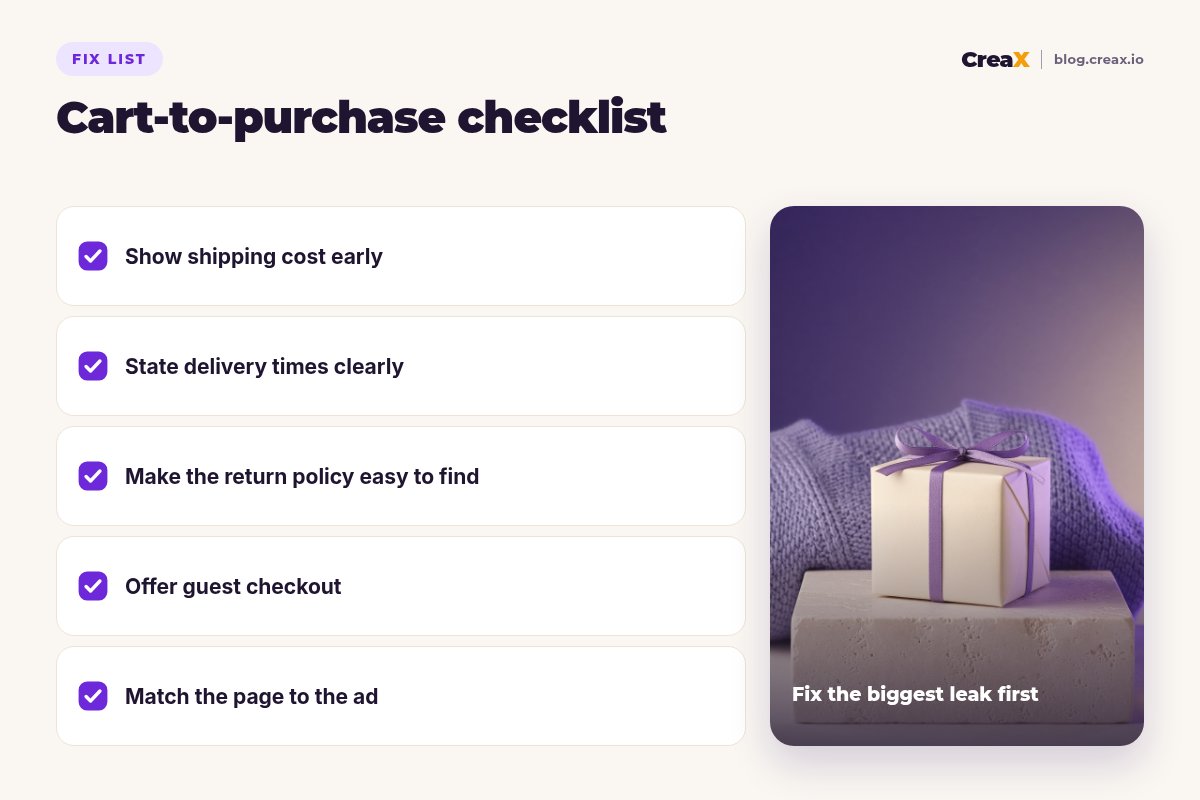
Cart-to-purchase checklist
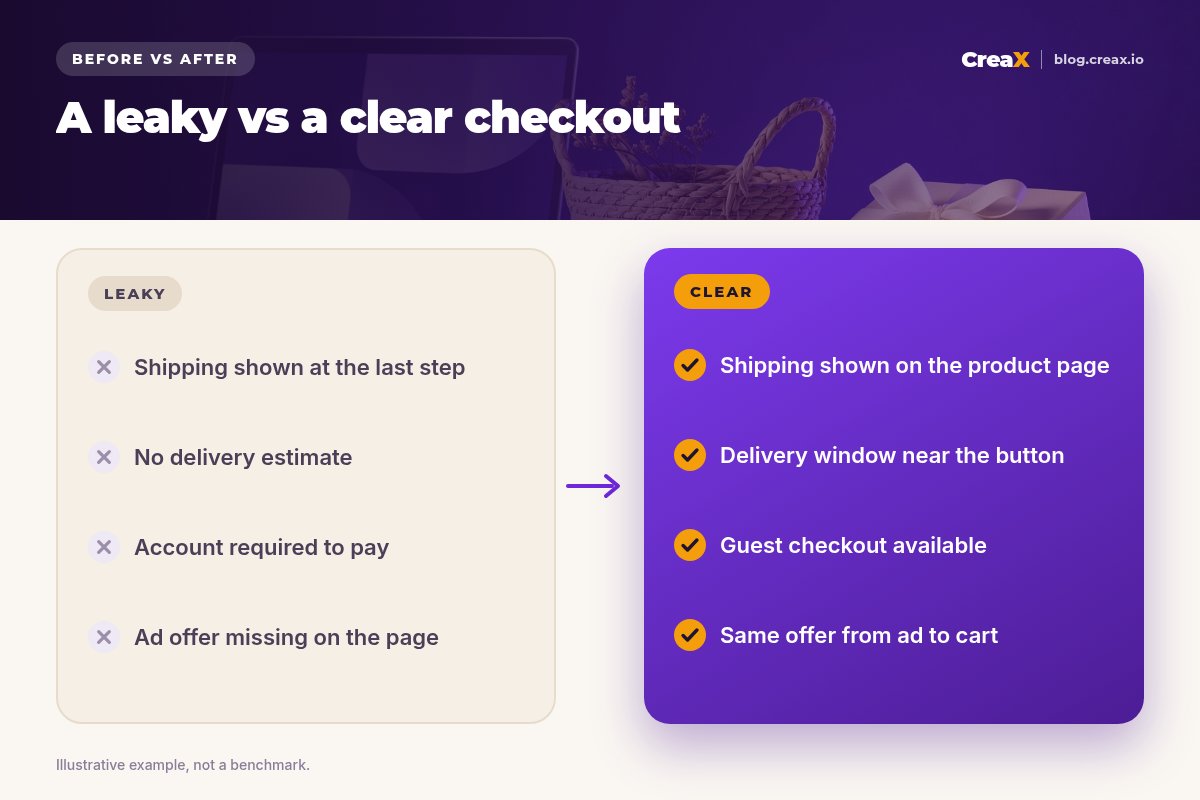
- ✓Shipping cost or threshold shown on the product page.
- ✓Delivery window shown near the add-to-cart button.
- ✓Return policy linked from the product page and checkout.
- ✓Guest checkout enabled; account optional.
- ✓Common payment methods for your markets, tested on mobile.
- ✓Ad offer, product variant and promise match the page and cart.
- ✓Cart recovery set up for shoppers who opted in.
For a deeper look at the page itself, see what makes a high-converting product page, and for page copy, how to write product page copy that converts.
Where CreaX fitsHow CreaX helps (briefly)
Most cart problems live in checkout settings, which you fix in your store platform. CreaX helps with the part that often causes them: a mismatch between the ads and the page. CreaX is an AI ecommerce creative OS. Paste a product link or upload a product image and, in about 60–120 seconds, it builds a publish-ready landing page, studio ad creatives and UGC-style video ads from the same input, plus a multi-tenant store if you need one.
- One message from ad to page. The page and the ads come from the same product understanding, so the promise stays the same.
- A page with room for trust. Simple, Detailed or Advanced page levels give space for delivery info, returns and an FAQ, which you review and edit before publishing.
- Clean, consistent visuals. Studio creatives replace mismatched supplier photos between the ad and the page.
CreaX does not change your checkout settings, payment methods or shipping rules; those stay in your store platform.
Close the gap between your ads and your page
One product link, about 60–120 seconds: a landing page, studio ads and UGC-style video ads that all tell the same story.
FAQFrequently asked questions
Q.Is some cart abandonment normal?
Q.Should I offer free shipping?
Q.Do cart recovery emails work?
Q.Why do people abandon at the payment step?
Q.Can my ads cause cart abandonment?
Q.How long should I test a checkout change?
Ready to fix your funnel from the first click?
Paste a product link and get a matching landing page, studio ads and video ads for your next test.
This guide is published by CreaX. It contains general guidance only, without invented statistics; check your own store analytics and your platform's documentation for checkout settings.