
CreaX vs Pixelcut: Which Is Better for Ecommerce Ads?
by the CreaX team
In this guide
- What is each tool for?
- Side-by-side: the jobs each tool does
- Where Pixelcut wins
- Where CreaX wins
- Using both together
- Who should pick which?
- Frequently asked questions
- Is Pixelcut a replacement for CreaX?
- How can I create a landing page with CreaX?
- What video lengths can I make with CreaX?
- Can CreaX reach customers in other countries and languages?
- How much does Pixelcut cost?
If you sell online, you have probably seen both CreaX and Pixelcut pop up when you search for AI tools for product visuals. They overlap a little, but they are built for different jobs. This friendly comparison is for dropshippers, media buyers, coaches and small ecommerce brands who want to know which one fits their ads.
What is each tool for?
CreaX is an all-in-one AI ecommerce creative OS. You paste a product link (Alibaba, AliExpress, Amazon, Etsy or any product page) or upload a product image, and in about 60-120 seconds you get a publish-ready landing page, studio ad creatives, UGC-style video ads and a store. It supports 40+ languages and 160+ target countries, including right-to-left languages like Arabic.
Pixelcut is an AI photo editing app for sellers and creators. It is known for background removal, AI backgrounds and product photo editing on mobile and web.
Side-by-side: the jobs each tool does
| Job | CreaX | Pixelcut |
|---|---|---|
| Starting point | A product link or a product image | Photos you already have |
| Studio ad creatives | Yes, in Classic, Humble Orbit, Punch, Luxe and Meta Feed styles | Photo editing and AI backgrounds for product shots |
| Ad sizes | 1:1, 3:4, 4:5 and 9:16 | Check their site |
| UGC-style video ads | Yes, 18, 30 or 45 seconds | Check their site |
| Landing page | Yes, Simple, Detailed or Advanced | Not its focus |
| Background removal and quick edits | Not its focus | Yes, a core strength |
| Mobile editing | Not its focus | Yes, easy on your phone |
| Languages | 40+ languages, right-to-left supported | Check their site |
| Pricing | Free plan plus paid plans and top-ups | Check their pricing page |
Where Pixelcut wins
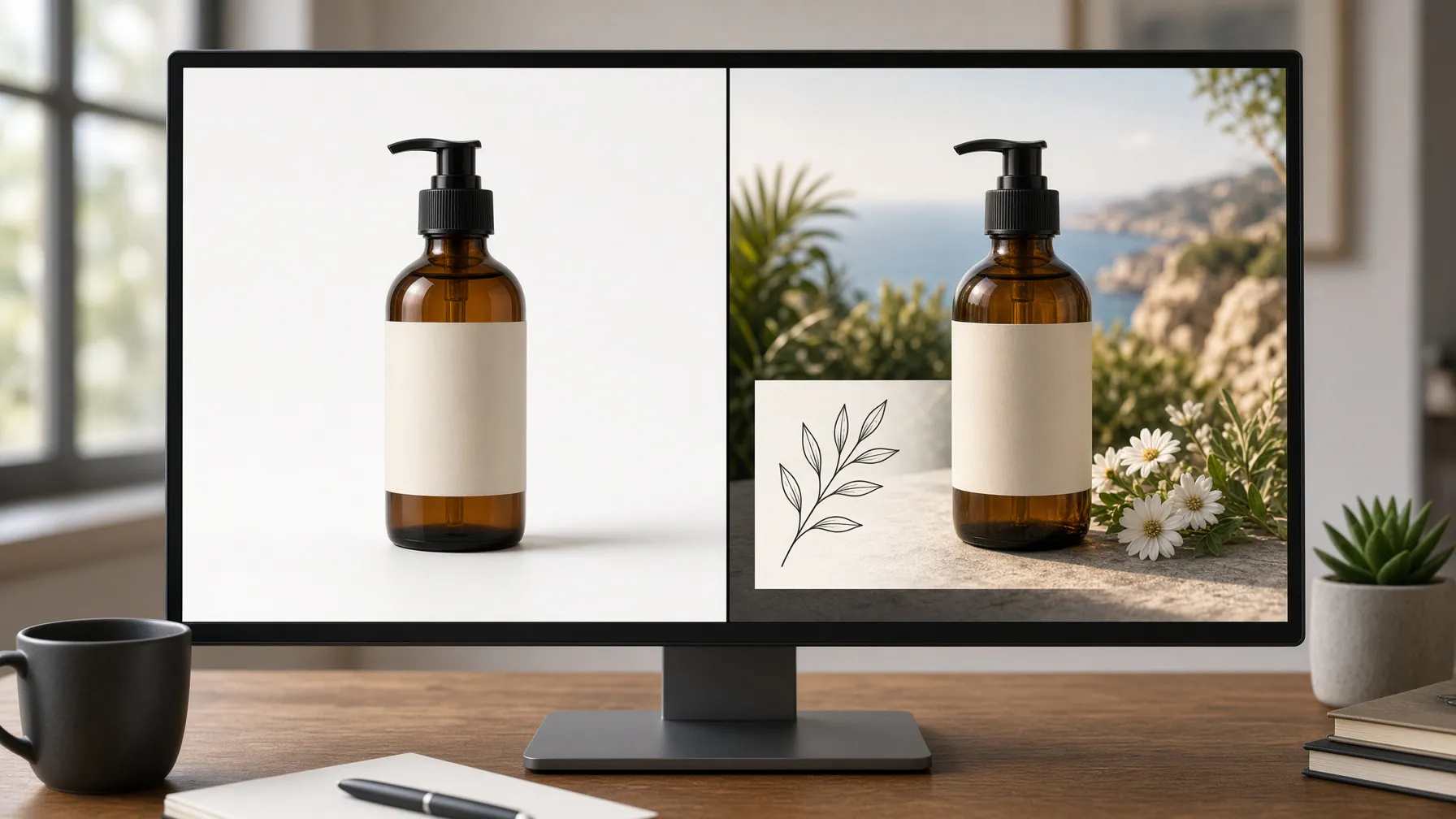
Let's be fair: if you already have photos and just want them to look better, Pixelcut is a great fit. It makes quick, hands-on photo edits easy, and its background removal gives you clean product shots without a design background. It is also comfortable to use on your phone, so you can fix a photo while you are away from your desk. If your day-to-day job is editing photos you have already shot, Pixelcut does that job very well, and CreaX is not trying to replace it. For more tools in this space, see our guide to the best AI background removers for product photos.
Where CreaX wins
CreaX starts from your product link, so you do not need a finished photo to begin. It gives you ready ads in the styles Classic, Humble Orbit, Punch, Luxe and Meta Feed, in sizes 1:1, 3:4, 4:5 and 9:16. It also makes UGC-style videos of 18, 30 or 45 seconds and a landing page to send your traffic to, all in one place. If you want to compare it with similar generators, our roundup of the best AI product photo generators is a good next read, and the best AI image upscalers for product photos covers a related need.
Using both together
You do not have to pick only one. You might clean up a photo in Pixelcut, then bring your product into CreaX to turn it into ads, videos and a landing page. Curious how CreaX stacks up against other tools? Read CreaX vs Photoroom, CreaX vs Claid AI and CreaX vs Pebblely. If you are weighing options, our list of Photoroom alternatives is also worth a look.
Who should pick which?
- Pick CreaX if you want to go from a product link to ads, videos and a landing page, and you want it fast.
- Pick Pixelcut if you mainly want to edit and polish photos you already have, especially on your phone.
- Pick both if you like polishing photos by hand and also need ready-made ad creatives.
Frequently asked questions
Is Pixelcut a replacement for CreaX?
Not really. Pixelcut is a photo editor, while CreaX turns a product link into ads, videos and a landing page.
How can I create a landing page with CreaX?
Paste your product link or upload a product image. CreaX builds a publish-ready landing page in Simple, Detailed or Advanced levels.
What video lengths can I make with CreaX?
UGC-style video ads come in 18, 30 or 45 seconds.
Can CreaX reach customers in other countries and languages?
Yes. It supports 40+ languages and 160+ target countries, including right-to-left languages like Arabic.
How much does Pixelcut cost?
Please check their pricing page for current details.
Your next campaign starts with a link.
Paste a product link and get UGC video ads, ad images and a landing page — everything in under 60 seconds.
Start creating