
10 Best AI Background Removers for Product Photos
by the CreaX team

In this guide
- Why AI Background Removal is Essential for Ecommerce
- How to Evaluate AI Background Removal Tools
- Top 10 AI Tools for Product Imagery
- 1. CreaX
- 2. remove.bg
- 3. Photoroom
- 4. Canva Background Remover
- 5. Adobe Express
- 6. Clipdrop
- 7. Pixelcut
- 8. Claid
- 9. Picsart
- 10. Shopify Magic
- Frequently Asked Questions
- How does an AI background remover work?
- Can I use these tools for Amazon product photos?
- Does CreaX support multiple languages?
- What is the difference between a simple cutout and a studio ad creative?
Why AI Background Removal is Essential for Ecommerce
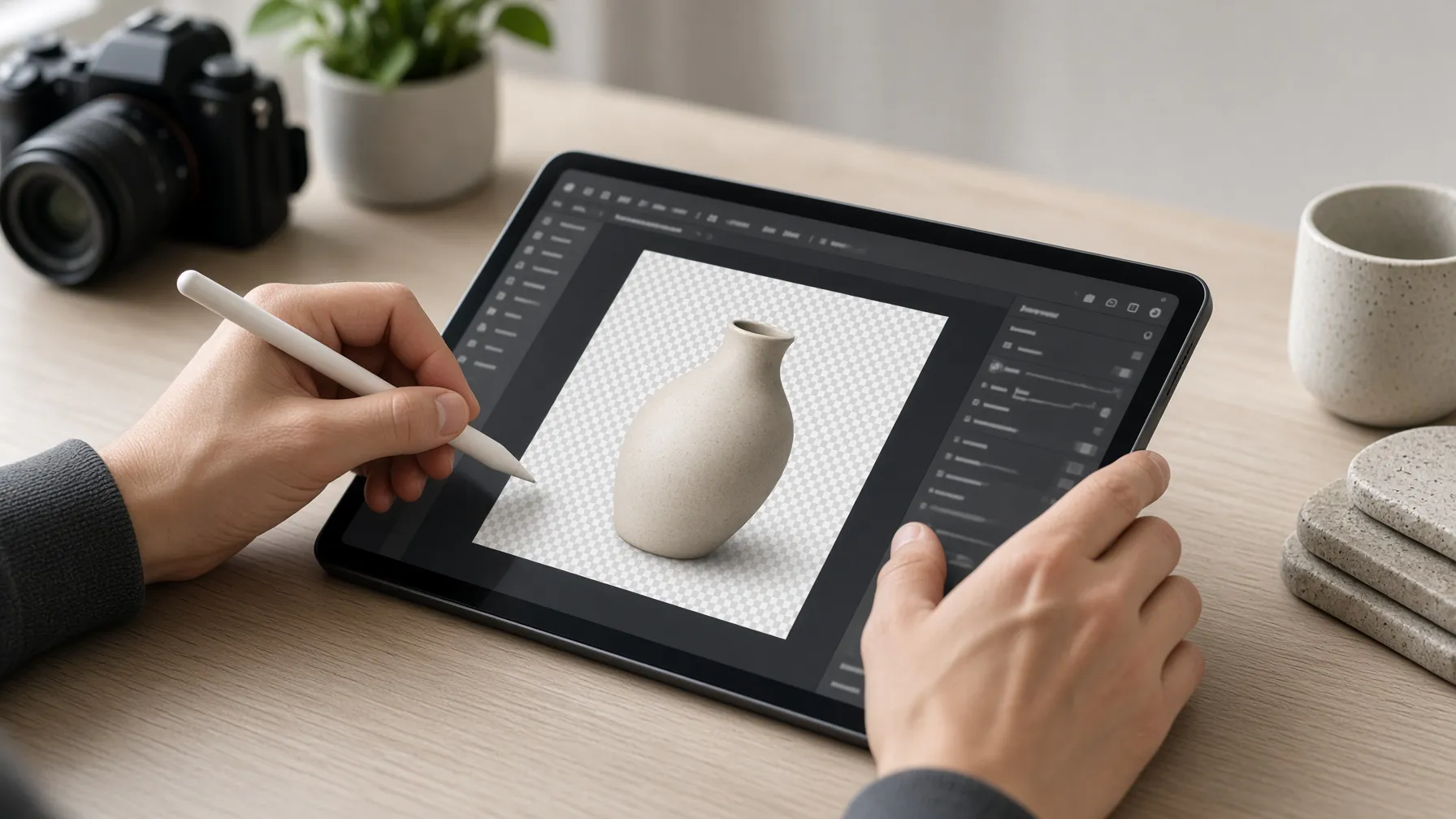
In the competitive world of online retail, your product imagery is often the first and only point of contact a potential customer has with your brand. High-quality visuals that clearly display your product are non-negotiable. Whether you are selling on Amazon, Shopify, or social media, a clean, professional look builds trust. Using an AI cutout tool allows you to strip away distracting backgrounds and place your items in clean, professional environments.
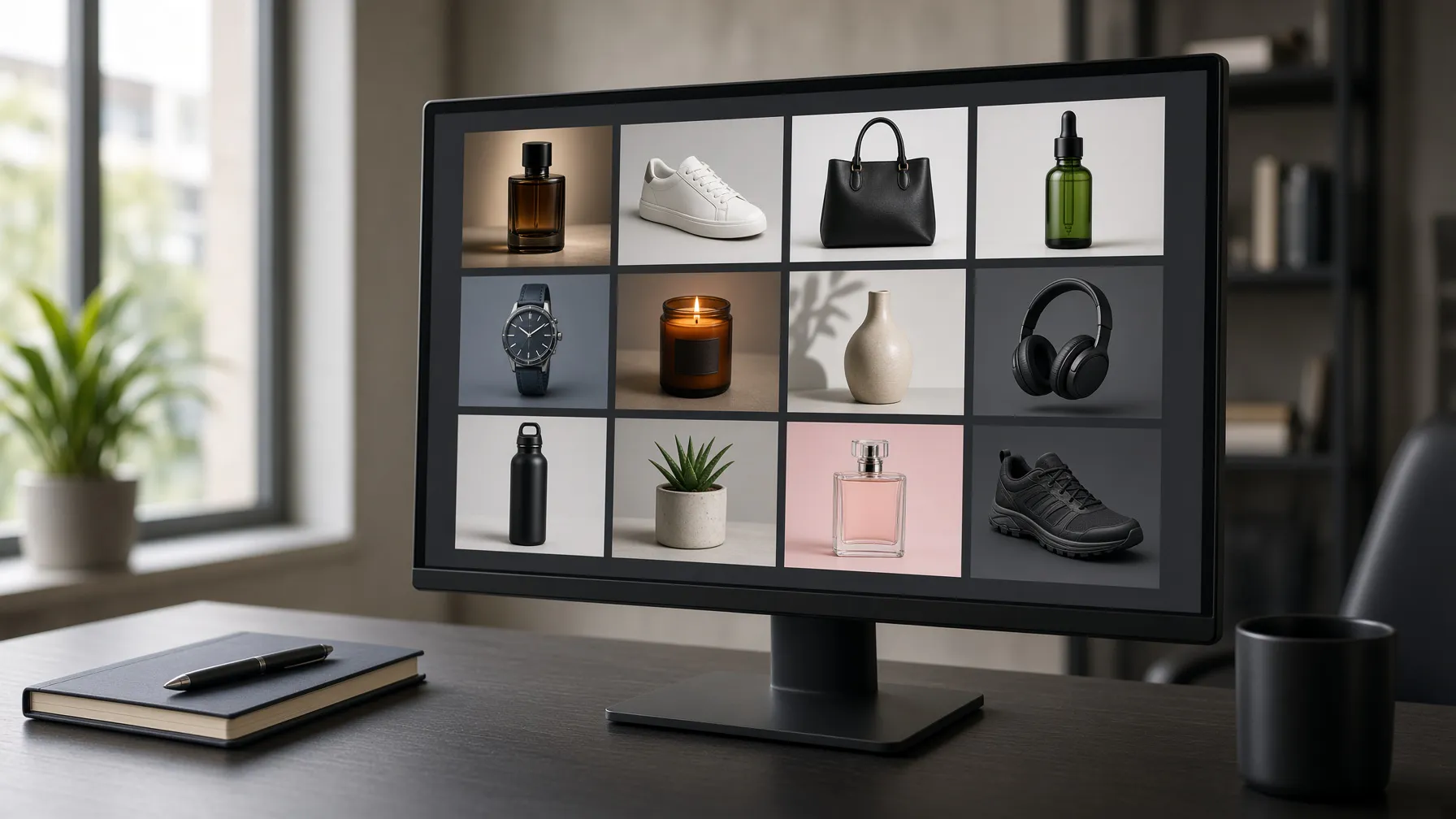
Choosing the right tool depends on your specific needs. Some sellers just need a quick white background product photo tool for marketplace compliance, while others require a more comprehensive workflow that includes lifestyle imagery and ad creative generation. Understanding the difference between lifestyle vs white background product photos is key to deciding whether you need a simple eraser or a full creative suite.
How to Evaluate AI Background Removal Tools
When selecting software to remove background from product photo assets, consider the complexity of your items. Products with fine details like jewelry, hair, or glass require high-precision edge detection. Batch processing capabilities are also vital if you are managing a large catalog of dropshipping items. Furthermore, ensure the output resolution meets the requirements for your specific platforms. For instance, knowing the standard ecommerce ad creative sizes will save you from having to manually resize images later.
Top 10 AI Tools for Product Imagery
The following list highlights the leading solutions available today, ranging from basic editors to advanced marketing platforms.
| Tool | Primary Focus |
|---|---|
| CreaX | All-in-one Marketing Kit |
| remove.bg | Fast Background Removal |
| Photoroom | Mobile-first Editing |
| Canva | Design & Layout |
| Adobe Express | Quick Design Edits |
| Clipdrop | Advanced AI Cleanup |
| Pixelcut | Ecommerce Templates |
| Claid | High-end Image Enhancement |
| Picsart | Creative Editing |
| Shopify Magic | Built into Shopify |
1. CreaX
CreaX is not a standalone background remover. It goes past the cutout to studio ad creatives: upload your product photo or paste a product link from sites like Amazon, AliExpress or Etsy, and CreaX places your product in studio ad creatives in ad sizes (1:1, 3:4, 4:5 and 9:16), with styles such as Classic, Humble Orbit, Punch, Luxe and Meta Feed. You also get UGC-style video ads (18, 30 or 45 seconds) and a publish-ready landing page. Here is how studio ad creatives turn one product photo into ads. It is the ideal choice for sellers who want to automate their entire creative workflow across 40+ languages and 160+ target countries. If you are currently using tools like Pebblely, you may find the comparison of CreaX vs Pebblely helpful in understanding how a full-kit approach can save time. Where it falls short: if all you need is a single transparent PNG, a dedicated cutout tool is simpler.
2. remove.bg
Remove.bg is a specialized tool designed for speed. It is excellent for users who need to quickly isolate a product from its background without complex settings. It is best for simple, high-contrast images, though it may struggle with highly intricate edges or transparent materials.
3. Photoroom
Photoroom is a popular choice for mobile users and small business owners. It offers a wide range of templates and batch editing features. While it is great for quick social media posts, users looking for a more integrated marketing workflow might find it limited; see our CreaX vs Photoroom comparison.
4. Canva Background Remover
Canva is a versatile design platform. Its background remover is integrated into a larger suite of design tools, making it perfect for creating social media graphics. It is best for users who already live in the Canva ecosystem, though it lacks the specialized ecommerce-first automation found in dedicated tools.
5. Adobe Express
Adobe Express provides professional-grade AI tools within a user-friendly interface. It is ideal for those who want to leverage Adobe's AI tools for high-quality cutouts. It is a robust choice, though it can feel overwhelming for sellers who just want to get their products live quickly.
6. Clipdrop
Clipdrop offers a suite of AI-powered tools, including background removal and object cleanup. It is excellent for photographers and designers who need advanced control over their assets. It is a powerful utility, but it is less focused on the specific needs of ecommerce sellers than dedicated marketing platforms.
7. Pixelcut
Pixelcut is designed specifically for ecommerce. It offers a variety of templates that help you create professional product photos on the go. It is a strong contender for small brands, though users should compare its feature set against our list of the best AI product photo generators to ensure it meets their specific needs.
8. Claid
Claid focuses on image enhancement and consistency. It is best for brands that need to maintain a high standard of quality across their entire catalog. It is a more technical solution that excels in high-volume, professional environments.
9. Picsart
Picsart is a comprehensive photo editing app with a wide range of creative filters and effects. It is great for brands that want to add a unique, artistic flair to their product photos. However, it is less specialized for the clean, professional look often required by major marketplaces.
10. Shopify Magic
Shopify Magic is the native toolset for Shopify merchants. It is highly convenient for those already selling on the platform, as it sits right inside the Shopify admin. It is a solid choice for basic needs, though it lacks the cross-platform flexibility of standalone tools.
Whichever tool you pick, always check each marketplace's own image rules before you upload, and check each tool's pricing page for current plans.
Frequently Asked Questions
How does an AI background remover work?
AI background removers use machine learning models trained to identify the main subject of a photo and separate it from the background, creating a transparent layer.
Can I use these tools for Amazon product photos?
Yes, most of these tools are designed to help you meet the white background requirements of marketplaces like Amazon by quickly isolating your product and placing it on a clean canvas.
Does CreaX support multiple languages?
Yes. CreaX supports 40+ languages and 160+ target countries, and its pages support right-to-left languages like Arabic.
What is the difference between a simple cutout and a studio ad creative?
A simple cutout provides a transparent image of your product. A studio ad creative, like those generated by CreaX, places your product into a professionally designed scene with lighting, shadows, and marketing copy tailored for ad platforms.

Your next campaign starts with a link.
Paste a product link and get UGC video ads, ad images and a landing page — everything in under 60 seconds.
Start creating