
10 Best Photoroom Alternatives for Product Photos and Ads
by the CreaX team
In this guide
- TL;DRQuick picks: the best alternative for each job
- The problemWhy sellers look for a Photoroom alternative
- MethodHow we chose
- CompareAll 10 at a glance
- The listThe 10 best Photoroom alternatives
- CreaX
- Pixelcut
- Claid
- Pebblely
- Flair AI
- Picsart
- Canva
- Adobe Express
- remove.bg
- Adobe Photoshop
- DecideHow to choose the right alternative
- ExampleWorked example: a sneaker store
- FAQFrequently asked questions
- Q.What is the best Photoroom alternative?
- Q.Is there a free Photoroom alternative?
- Q.Can CreaX remove backgrounds?
- Q.Which alternative makes video ads?
- Q.Can I use AI product photos in ads?
- Q.Should I use more than one tool?
Top 10 · Product photo and ad tools
Photoroom is one of the best-known apps for product photos: remove the background, drop the product on a clean or AI scene, and export for your store. But it isn't the only option, and depending on what you really need, such as ads, video, catalog fixes or a free tool, another app may fit better. This guide ranks the 10 best Photoroom alternatives for product photos and ads, and explains who each one is for.
By the CreaX team
Key takeaways
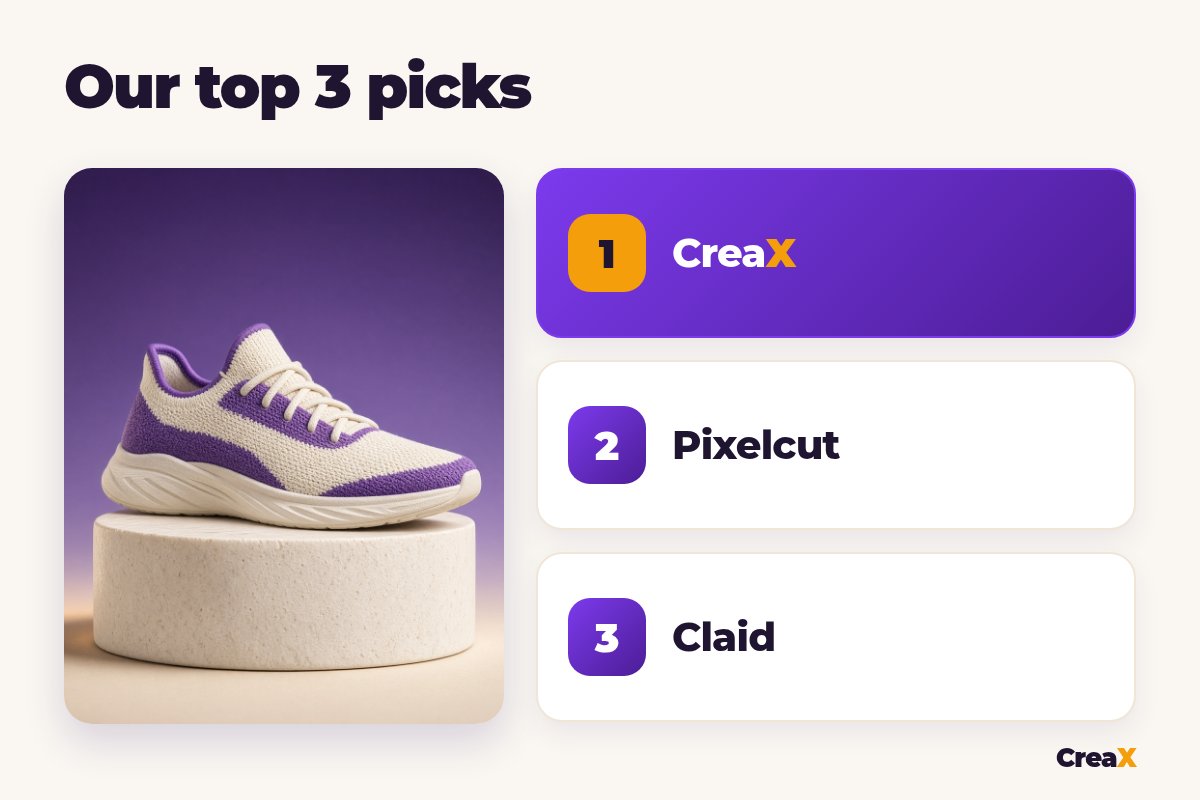
- ✓CreaX is our first pick for sellers who need ads, not just a clean photo. Paste a product link and get studio ads, UGC-style video ads and a landing page in about 60–120 seconds.
- ✓For phone-first photo editing, Pixelcut and Picsart are the closest swaps. For catalogs, Claid focuses on consistent product images at scale.
- ✓For AI product settings, Pebblely and Flair AI place your product in styled settings. For design, Canva and Adobe Express add layouts and text.
- ✓Test before you switch: run the same product photo through two or three tools and check edges, labels and colours at full size.
In this guide
TL;DRQuick picks: the best alternative for each job
| If you need… | Start with | Why |
|---|---|---|
| Ads and a page from one product link | CreaX | Studio ads, video ads and a landing page |
| A quick photo editor on your phone | Pixelcut | Background removal and AI product shots |
| Consistent images for a big catalog | Claid | Product photo tools built for scale |
| Styled AI backgrounds for a product | Pebblely or Flair AI | Place the product in generated settings |
| Text, layouts and social posts | Canva or Adobe Express | Design tools with background removal |
| Just a transparent background | remove.bg | One job, done fast |
Our shortlist by job, from each company's public website, October 2026.
The problemWhy sellers look for a Photoroom alternative
Photoroom is good at what it does. People usually look elsewhere for one of these reasons:
- They need ads, not photos. A clean product on white is a starting point, but a seller still needs ad layouts, hooks, video and a page.
- They need video. Short video ads drive a lot of sales on Reels and TikTok, and a photo editor doesn't make them.
- They manage a large catalog and want more control over consistency across hundreds of images.
- They want a different price or plan. We don't compare prices here, so check each site, and try free versions where they exist.
If you are mainly comparing the two head to head, our full review of CreaX vs Photoroom goes deeper. If you only need cut-outs, see the best AI background removers for product photos.
!AI edits can change your product
MethodHow we chose
We looked at each tool's own website and help pages and picked tools that sellers actually use for product images. We judged them on:
- Product accuracy: does the tool aim to keep the real product intact?
- What you get: a cut-out, a styled photo, a designed ad, a video or a page.
- Workflow fit: phone app, browser, batch or API.
- Ways to try it: free versions or trials. We don't quote prices; check each site.
We didn't run benchmark tests or invent scores. Results depend on your photo, so try a few tools on the same image.
CompareAll 10 at a glance
| Tool | Type | Best for | Ads and video |
|---|---|---|---|
| CreaX | AI ecommerce creative OS | Ads and a page from a link | Yes |
| Pixelcut | AI photo editor app | Quick product photos on a phone | Partly |
| Claid | Product image suite | Catalog consistency | Partly |
| Pebblely | AI product settings | Styled backgrounds | No |
| Flair AI | AI product photoshoots | Designed brand settings | Partly |
| Picsart | Photo and video editor | All-round editing | You design them |
| Canva | Design platform | Social posts and layouts | You design them |
| Adobe Express | Design app | Quick branded content | You design them |
| remove.bg | Background remover | Fast cut-outs | No |
| Adobe Photoshop | Image editor | Full manual control | You design them |
From each company's public website, October 2026. Features change, so check each site.
Skip the editing, get the ads
Paste one product link or upload a photo and get studio ads, UGC-style video ads and a landing page in about 60–120 seconds.
The listThe 10 best Photoroom alternatives
CreaX
Best for: turning a product link into ads, videos and a page
CreaX does more than edit a photo. Paste a product link (your store, Alibaba, AliExpress, Amazon, Etsy or any product page) or upload one image, and in about 60–120 seconds you get studio ad creatives in five styles (Classic, Humble Orbit, Punch, Luxe, Meta Feed) and four sizes (1:1, 3:4, 4:5, 9:16), UGC-style video ads of 18, 30 or 45 seconds, and a publish-ready landing page in 40+ languages. Our guide to studio ad creatives from one product photo shows how it works.
Good for
- Ads, videos and a page from one link
- No design or prompting skills needed
- Plans from $4.99/month, top-ups $1 per 500 credits
Keep in mind
- Not a manual photo editor
- The Free plan has 0 credits
Pixelcut
Best for: quick product photos on your phone
Pixelcut is an AI photo editor with mobile apps and a web version. It covers background removal, AI backgrounds and product photo tools, and it's popular with small sellers who shoot and edit on their phone. It's the closest like-for-like swap for many Photoroom users.
Good for
- Phone-first and easy to learn
- Background removal and AI backgrounds
- Useful batch tools
Keep in mind
- Focused on photos rather than full ad kits
- No landing pages
Claid
Best for: consistent images across a large catalog
Claid is built for product images at scale. Its tools cover enhancing, upscaling, background changes and AI product backgrounds, with an API for teams that process many images. Our comparison of CreaX vs Claid explains where each fits.
Good for
- Made for catalogs and marketplaces
- API for automated processing
- Strong focus on product photos
Keep in mind
- More setup than a simple app
- Ads and pages are outside its scope
Pebblely
Best for: styled AI backgrounds for a product
Pebblely places your product into generated settings, such as a marble counter, a beach or a cosy shelf. It's quick for lifestyle-style images when you have no studio. See CreaX vs Pebblely for a head-to-head.
Good for
- Fast lifestyle-style images
- Simple to use
- Good for listing images
Keep in mind
- Still images only
- You add ad text elsewhere
Flair AI
Best for: designed brand settings and photoshoots
Flair AI lets you build product settings on a canvas, arranging props and settings around your product for a more designed, branded look. We compare it with CreaX in CreaX vs Flair AI.
Good for
- Canvas control over the scene
- Good for brand-style imagery
Keep in mind
- Takes more time per image
- No landing pages
Picsart
Best for: all-round photo and video editing
Picsart is a broad photo and video editor with AI tools, including background removal and templates. It suits sellers who also make social content and want one creative app.
Good for
- Many editing tools in one app
- Photo and video
- Templates for social posts
Keep in mind
- Not product-specific
- You build each ad yourself
Canva
Best for: social posts, layouts and text
Canva is a design platform with templates for ads and social posts, plus a background remover and AI features. It's the easiest way to put a cut-out product into a branded layout with text.
Good for
- Huge template library
- Easy for teams
- Good for text-heavy ads
Keep in mind
- You design every ad
- Product photos come from elsewhere
Adobe Express
Best for: quick branded content
Adobe Express offers quick actions like background removal, templates and AI features from Adobe, in the browser and on mobile. It suits sellers who want fast designs with Adobe's tools.
Good for
- Quick actions for common edits
- Templates for social
- Works with other Adobe apps
Keep in mind
- Not built for product catalogs
- No landing pages
remove.bg
Best for: fast, simple cut-outs
remove.bg does one job: it removes the background from an image, in the browser, in apps and through an API. If a transparent cut-out is all you need, it's quick and simple.
Good for
- Very simple
- API and integrations
Keep in mind
- Background removal only
- No backgrounds, ads or video
Adobe Photoshop
Best for: full manual control
Photoshop is the professional image editor, with AI features such as generative fill alongside classic selection and retouching tools. It gives the most control, but it takes the most skill and time.
Good for
- Total control over every detail
- Powerful AI and manual tools
Keep in mind
- Steep learning curve
- Slow for many products
If sharpness is the issue rather than the background, our list of the best AI image upscalers for product photos covers that job.
DecideHow to choose the right alternative
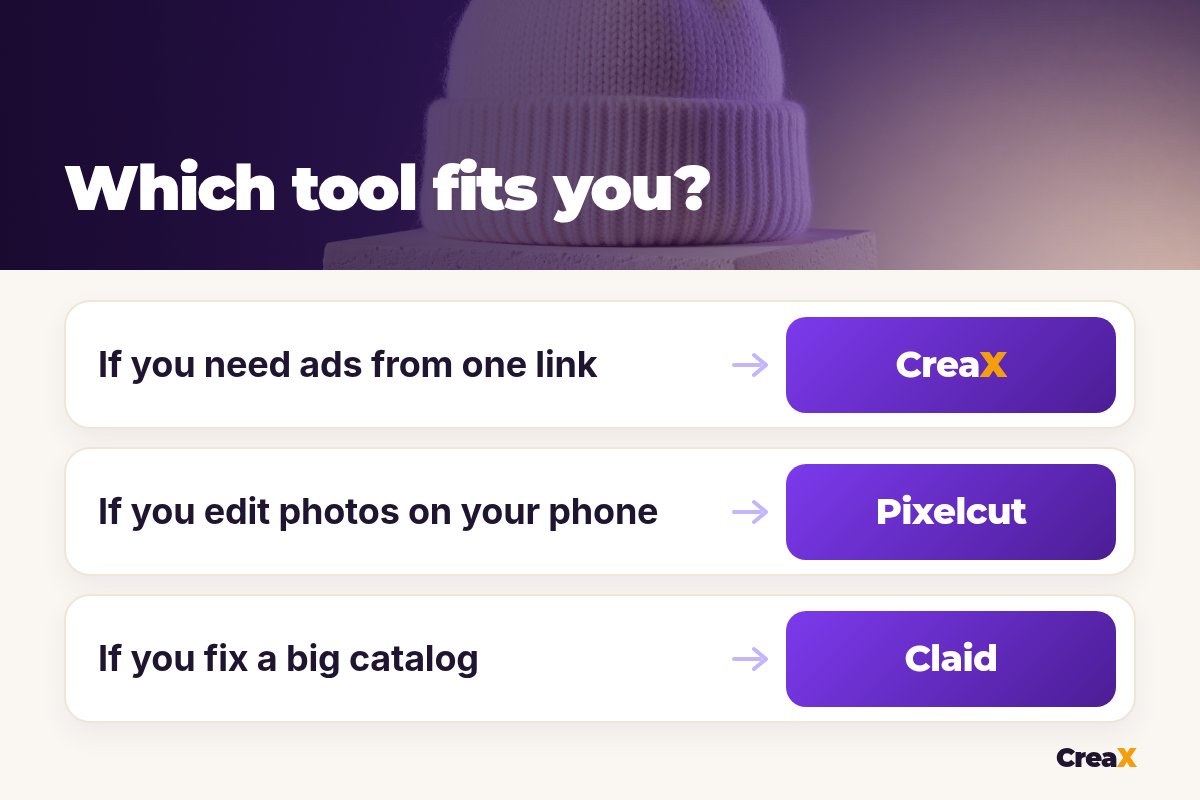
Start from what happens after the photo. The right tool depends on where the image goes next:
Five questions before you switch
- ✓Into an ad? Pick a tool that makes ads and videos, like CreaX, or pair a photo tool with a design tool.
- ✓Into a big catalog? Pick a tool with batch processing or an API, like Claid or remove.bg.
- ✓Into a styled listing? Pick an AI scene tool like Pebblely or Flair AI.
- ✓Edited on your phone? Pixelcut or Picsart are the easiest swaps.
- ✓Used commercially? Check each tool's terms for commercial use of generated images.
★One photo, three tools
Turn your product link into ads
Studio ads, UGC-style video ads and a matching landing page from one product link, ready to test.
ExampleWorked example: a sneaker store
Say you sell knit sneakers and used Photoroom for white-background photos. A simple setup with alternatives:
| Need | Tool | What you get |
|---|---|---|
| Marketplace listing photos | Pixelcut or remove.bg | Clean cut-outs on white |
| Lifestyle images for the store | Pebblely or Flair AI | The sneaker in styled settings |
| Ads to test on Meta and TikTok | CreaX | Studio ads, UGC-style videos and a page |
| A one-off banner with text | Canva | A branded layout |
An example setup, not a results benchmark.
Most sellers end up with two tools: one for listing photos and one for ads. Our list of the best AI product photo generators covers more photo-first options.
FAQFrequently asked questions
Q.What is the best Photoroom alternative?
Q.Is there a free Photoroom alternative?
Q.Can CreaX remove backgrounds?
Q.Which alternative makes video ads?
Q.Can I use AI product photos in ads?
Q.Should I use more than one tool?
This guide is published by CreaX. We describe other tools from their own public websites, last checked October 2026, avoid invented scores or prices, and recommend checking each vendor's site for current features and plans.
Your next campaign starts with a link.
Paste a product link and get UGC video ads, ad images and a landing page — everything in under 60 seconds.
Start creating