
10 Best AI Image Upscalers for Product Photos
by the CreaX team

In this guide
- TL;DRQuick picks: the best tool for each job
- The problemWhen you actually need an upscaler
- MethodHow we chose
- CompareAll 10 at a glance
- The listThe 10 best AI image upscalers for product photos
- CreaX
- Topaz Gigapixel
- Magnific
- Let's Enhance
- Claid
- Upscayl
- Adobe Photoshop
- Krea
- Picsart
- Photoroom
- Buying guideHow to choose the right upscaler
- Step by stepA simple workflow for weak supplier photos
- ExampleWorked example: a leather handbag with a tiny supplier photo
- FAQFrequently asked questions
- Q.What is the best AI image upscaler for product photos?
- Q.Does CreaX upscale images?
- Q.Can upscaling change my product?
- Q.Is there a free AI image upscaler?
- Q.Should I upscale supplier photos before making ads?
- Q.Can I use upscaled images in ads?
Top 10 · AI tools for product photos
An AI image upscaler can rescue a small, soft or compressed product photo, which is handy when your supplier only sends tiny images. But a sharper photo isn't an ad yet. This guide ranks the 10 best AI image upscalers for product photos, explains what each one is good at, and shows when it makes more sense to skip the upscale and turn the photo straight into ad creatives.
By the CreaX team
Key takeaways
- ✓Upscalers make an image larger and sharper by predicting missing detail. They're great for supplier photos, old shots and images you want to crop or print.
- ✓CreaX is our first pick for sellers because most sellers don't need a bigger photo; they need ads. CreaX turns a product photo or link into studio ads, UGC-style video ads and a landing page.
- ✓For pure upscaling, Topaz Gigapixel and Magnific lead for quality and control, Let's Enhance and Claid suit catalogs, and Upscayl is free and open source.
- ✓Always check the result: upscalers can invent detail, blur labels or change logos. Compare at full zoom with the real product.
In this guide
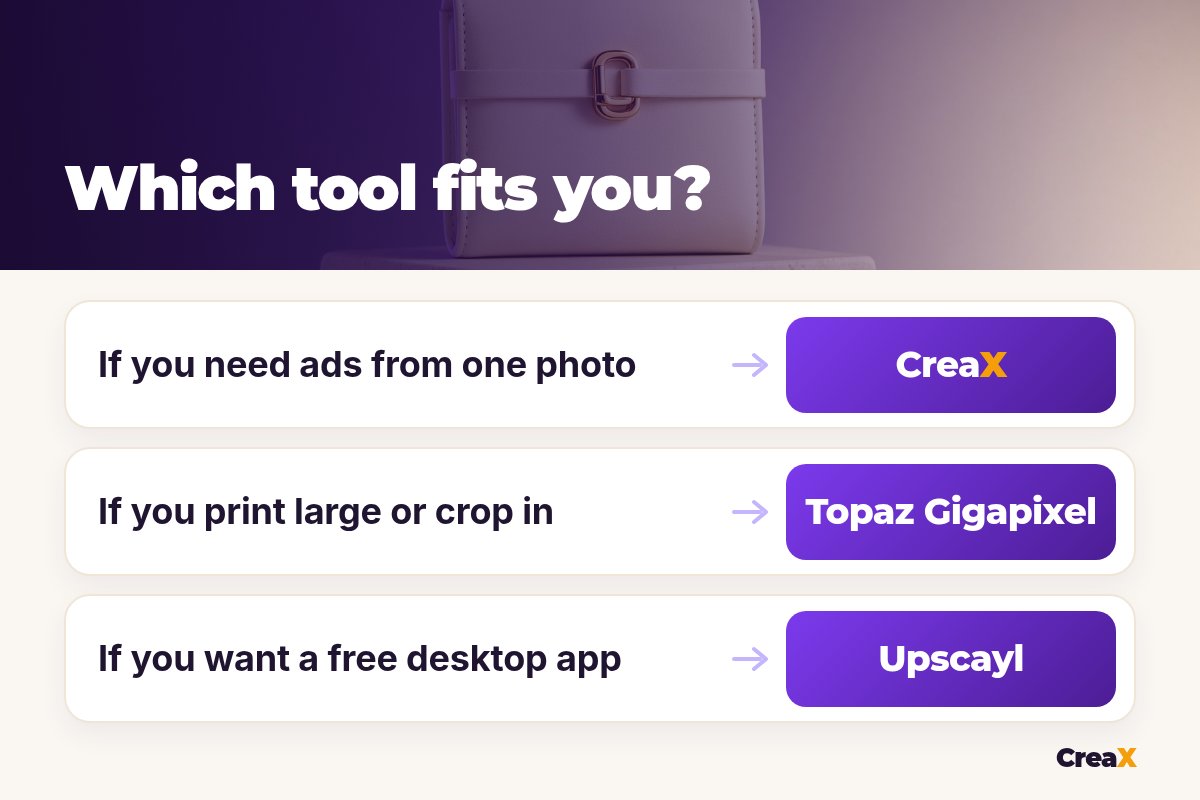
TL;DRQuick picks: the best tool for each job
| If you need… | Start with | Why |
|---|---|---|
| Ads from one product photo or link | CreaX | Studio ads, video ads and a page, no upscale step |
| Maximum control and print-size enlargements | Topaz Gigapixel | Desktop app with several models and plugins |
| Creative upscaling that adds new detail | Magnific | Upscaler inside a full AI creative platform |
| Quick fixes for many catalog images | Let's Enhance or Claid | Batch enhance and product-focused tools |
| A free tool on your own computer | Upscayl | Free, open-source desktop app |
| Upscaling inside Photoshop | Adobe Photoshop | Generative Upscale in the editor you know |
Our shortlist by job, from each company's public website, October 2026.

The problemWhen you actually need an upscaler
Upscaling solves a specific problem: the image you have is too small or too soft for where you want to use it. Common cases for online sellers:
- Supplier images are tiny or heavily compressed, so they look blurry on a product page.
- You want to crop in on a detail, like a stitch, a clasp or a texture, and the crop falls apart.
- You need a print: packaging inserts, posters or a market stall banner.
- An old photo of a best-seller is all you have, and reshooting isn't possible.
If your real goal is a better photo from scratch, our guide to shooting product photos with your phone often beats any upscale. And if the problem is the background rather than the sharpness, see our list of the best AI background removers for product photos.
!Upscaling can invent detail
MethodHow we chose
We looked at each tool's own website and help pages and picked tools that are useful for ecommerce product photos. We judged them on:
- Product accuracy: does the tool aim to keep labels, logos and shapes true to the original?
- Workflow fit: browser, desktop, mobile or plugin, and batch processing for catalogs.
- What comes next: does the tool stop at a sharper image, or help you turn it into ads?
- Ways to try it: free versions, trials or open-source options. We don't quote prices; check each site.
We didn't run benchmark tests or invent scores. Results depend heavily on your source image, so try two or three tools on the same photo.
CompareAll 10 at a glance
| Tool | Type | Best for | Ads from the photo |
|---|---|---|---|
| CreaX | AI ecommerce creative OS | Studio ads, video ads and a page | Yes |
| Topaz Gigapixel | Desktop upscaler | Large enlargements, plugins | No |
| Magnific | AI creative platform | Creative upscaling and generation | Partly, you build them |
| Let's Enhance | Web enhancer and upscaler | Fast fixes, batches | No |
| Claid | Product photo suite | Catalog consistency | Partly, product visuals |
| Upscayl | Free open-source app | Free local upscaling | No |
| Adobe Photoshop | Image editor | Upscaling inside Photoshop | You design them |
| Krea | AI image and video platform | Enhancing AI images | Partly, you build them |
| Picsart | Online editor | Quick upscale plus editing | You design them |
| Photoroom | Product photo app | Phone-first sellers on iOS | Partly, templates |
From each company's public website, October 2026. Features change, so check each site.
Skip the upscale, get the ads
Paste one product link or upload a photo and get studio ads, UGC-style video ads and a landing page in about 60–120 seconds.
The listThe 10 best AI image upscalers for product photos
CreaX
Best for: turning a product photo or link into ad-ready creatives
CreaX isn't a resolution tool, and we won't pretend it is. It's on this list because most sellers searching for an upscaler really want better ads from a weak photo. Paste a product link or upload one product image, and in about 60–120 seconds CreaX gives you studio ad creatives in five styles (Classic, Humble Orbit, Punch, Luxe, Meta Feed) and four sizes (1:1, 3:4, 4:5, 9:16), UGC-style video ads of 18, 30 or 45 seconds, and a publish-ready landing page. Our guide to studio ad creatives from one product photo shows how it works.
Good for
- Ads, videos and a page from one photo or link
- No prompting or design skills needed
- Plans from $4.99/month, top-ups $1 per 500 credits
Keep in mind
- Not built for enlarging a photo for print
- The Free plan has 0 credits
Topaz Gigapixel
Best for: large enlargements with lots of control
Topaz Gigapixel is a dedicated upscaling app for Windows and macOS from Topaz Labs. It offers several AI models for different kinds of images, local and cloud rendering, batch processing, and plugins for Photoshop and Lightroom Classic. It's a favourite of photographers who print large or crop in hard.
Good for
- Several models for different images
- Works as a plugin or standalone
- Local processing keeps files on your computer
Keep in mind
- Subscription, and commercial use terms depend on the plan
- More settings than a quick web tool
Website: www.topazlabs.com/gigapixel
Magnific
Best for: creative upscaling that adds new detail
Magnific started as an upscaler and, after Freepik rebranded as Magnific, is now a full AI creative platform with image, video, audio and 3D tools, a large stock library and the original upscaler. Its creative upscaling can add rich new detail, which looks great on textures but needs a careful check on product labels. For a sense of how general AI image platforms compare with CreaX, see CreaX vs Krea AI.
Good for
- Creative and detailed results
- Many AI models in one platform
- Plugins for popular editors
Keep in mind
- Creative detail can change product details
- Credit-based; check the site for plans
Website: magnific.ai
Let's Enhance
Best for: fast fixes and batches in the browser
Let's Enhance is a web app that enhances, upscales and restores images, with batch editing and modes for different image types. Its site points ecommerce teams with big catalogs to its sister product, Claid.
Good for
- Simple browser workflow
- Batch processing
- Modes for detailed images and old photos
Keep in mind
- Stops at a better image; ads are a separate job
- Check the site for plans and limits
Website: letsenhance.io
Claid
Best for: consistent catalog photos
Claid is an AI product photo suite: upscaling, background removal, light and colour fixes, AI photoshoots and on-model fashion shots, with an API for big catalogs. It says its AI is trained on product photography to keep logos and shapes intact. Our CreaX vs Claid comparison explains when catalog photos or ad creatives matter more.
Good for
- Built for product images
- API and automation for catalogs
- Several fixes in one place
Keep in mind
- Focused on catalog photos rather than ad kits
- Check the site for plans
Website: claid.ai
Upscayl
Best for: free upscaling on your own computer
Upscayl is a free, open-source desktop upscaler for Linux, macOS and Windows, with several models and batch upscaling. It also offers a cloud version. It's the easiest way to try AI upscaling at no cost.
Good for
- Free and open source
- Runs locally
- Batch upscaling
Keep in mind
- Fewer product-specific features
- You handle editing and ads elsewhere
Website: upscayl.org
Adobe Photoshop
Best for: upscaling inside the editor you already use
Photoshop's Generative Upscale lets you upscale an image inside Photoshop, choosing a 2x or 4x scale and a model: Adobe's Firefly upscaler, or Topaz models for users with a premium plan. Handy if you already edit your product photos in Photoshop.
Good for
- No extra app if you use Photoshop
- Choice of models
- Full editing afterwards
Keep in mind
- Needs a Photoshop subscription
- Ads still have to be designed by hand
Krea
Best for: enhancing AI-generated images
Krea is an AI image and video platform with an Enhancer for upscaling and adding detail, next to its image and video generators. It suits sellers who already create product visuals with AI and want to sharpen the results in the same place.
Good for
- Enhancer next to image and video tools
- Good for AI-made visuals
- Browser-based
Keep in mind
- General creative tool, not ecommerce-specific
- Check the site for plans
Website: www.krea.ai
Picsart
Best for: a quick upscale plus easy editing
Picsart's AI upscaler enlarges images by 2x, 4x or a custom size, with batch support. Its site says the free version gives a low-resolution download and high-resolution downloads need Picsart Plus. You can keep editing in Picsart afterwards.
Good for
- Very easy to use
- Batch support
- Editor and templates included
Keep in mind
- Full-quality downloads need a paid plan
- Has a size cap, so check the site
Website: picsart.com/image-upscale/
Photoroom
Best for: phone-first sellers on iOS
Photoroom is a popular product photo app. Its AI Upscale (Image Enhancer) is a Pro feature that its site says is available on iOS first, with enhance, transform and reimagine options. Good if you already make listing photos on your phone.
Good for
- Phone-first workflow
- Background tools in the same app
- Free trial of Pro on its site
Keep in mind
- Upscale is iOS-only for now, per its site
- Pro feature
Website: www.photoroom.com/tools/ai-upscale
Buying guideHow to choose the right upscaler
Start with what happens after the upscale. If the image goes on a product page or into print, a dedicated upscaler is the right tool. If it's going into ads, ask whether you need the upscale at all, or whether a tool that makes ads from the photo saves you the extra step.
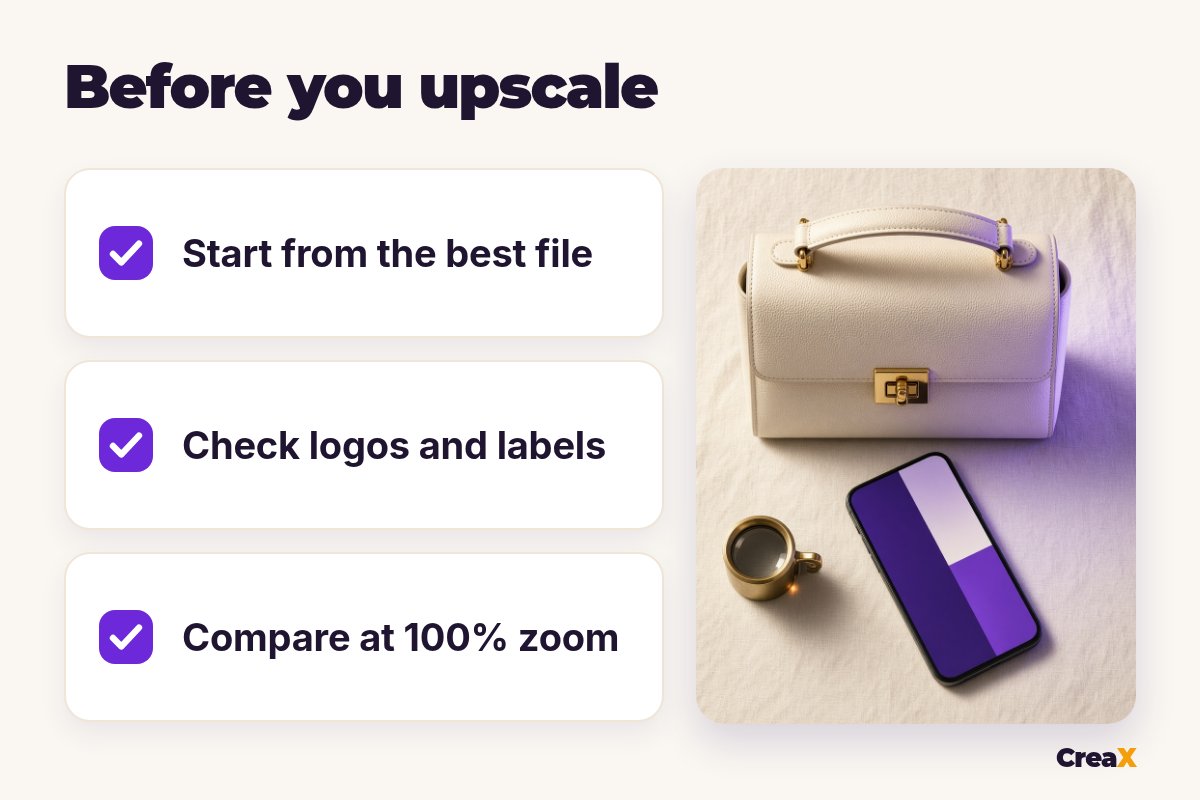
Before you pick a tool
- ✓Start from the best file you have. Ask your supplier for the original image before upscaling a screenshot.
- ✓Check labels, logos and text at full zoom. These are the first things an upscaler gets wrong.
- ✓Pick the right model: faithful models for product photos, creative models only for mood shots.
- ✓Check commercial use terms on the tool's site before using results in ads.
- ✓Think about the next step: if the photo is going into ads, try making the ads directly.
Step by stepA simple workflow for weak supplier photos
Collect the best source images
Upscale only what needs it
Check against the real product
Turn the photo into ads
Test a few angles
ExampleWorked example: a leather handbag with a tiny supplier photo
Say you sell a cream leather handbag and the supplier only has a small, slightly blurry photo. Here's how the options compare:
| Goal | Best tool | What to check |
|---|---|---|
| Sharper main image for the product page | Topaz Gigapixel, Let's Enhance or Upscayl | Stitching, clasp shape and leather texture |
| Consistent catalog shots for many bags | Claid | Same background and light across products |
| Ads to test this week | CreaX | Product details in every ad and video |
| A mood shot for a brand post | Magnific or Krea | That the bag still looks like your bag |
A qualitative guide, not a quality benchmark.
For most sellers the fastest path is to fix the main product image once, then let CreaX build the ad kit from the product link. If you are wondering whether AI images can stand in for a shoot at all, read can AI product photos replace a photoshoot, and for generating new product images rather than enlarging old ones, see the best AI product photo generators.
Turn a product photo into a test kit
Get studio ads, UGC-style video ads and a matching landing page from one product link or photo, then launch them wherever you run ads.
FAQFrequently asked questions
Q.What is the best AI image upscaler for product photos?
Q.Does CreaX upscale images?
Q.Can upscaling change my product?
Q.Is there a free AI image upscaler?
Q.Should I upscale supplier photos before making ads?
Q.Can I use upscaled images in ads?
Ready to make ads from your product photos?
One product link or photo, about 60–120 seconds, and you have studio ads, UGC-style video ads and a landing page.
Checked on each company's site, October 2026.
This guide is published by CreaX. We describe other tools from their own public websites, last checked October 2026, avoid invented scores or prices, and recommend checking each vendor's site for current features and plans.
Your next campaign starts with a link.
Paste a product link and get UGC video ads, ad images and a landing page — everything in under 60 seconds.
Start creating