
CreaX vs Motion: Creative Analytics or a Full Ad Kit?
by the CreaX team
In this guide
- TL;DRThe short answer: CreaX vs Motion
- The competitorWhat Motion is (and who it's built for)
- CreaXWhat CreaX is: the AI ecommerce creative OS
- CompareSide-by-side: features, outputs and workflow
- How the workflows differ
- BudgetPricing: CreaX plans vs Motion
- Fair playWhere Motion is the better pick
- Our recommendationWhere CreaX is the better pick
- ExampleWorked example: one product, both workflows
- Choose with confidenceDecision checklist
- FAQFrequently asked questions
- Q.Is CreaX a Motion alternative?
- Q.Does Motion make ads?
- Q.Does CreaX show ad performance?
- Q.Which ad platforms does Motion cover?
- Q.Which is better for a new dropshipping store?
Comparison · Creative analytics vs ad creation
CreaX vs Motion is a comparison people search when they want to win more with paid social, but the two tools do very different jobs. Motion is AI creative analytics: it reads the ads you already run and tells you what is working and what to make next. CreaX makes the ads in the first place: one product link becomes studio ads, UGC-style video ads and a landing page. Here is who each one is for, where each wins, and when you want both.
By the CreaX team
Key takeaways
- ✓Motion is AI-powered creative analytics for Meta, TikTok, YouTube and LinkedIn ads: visual reports, AI tagging of every creative, video drop-off analysis and AI suggestions on which ads to make next.
- ✓CreaX is an AI ecommerce creative OS: paste a product link or image and get studio ad creatives, UGC-style video ads, a publish-ready landing page and a multi-tenant store in about 60–120 seconds.
- ✓Pick Motion when you already spend steadily across many live ads and need to understand why winners win.
- ✓Pick CreaX when you need new creatives and a page for a product, today, without a designer or editor.
In this guide
TL;DRThe short answer: CreaX vs Motion
Motion answers “what is working, and why?” CreaX answers “what do I launch next?” Motion connects to your ad accounts and turns the creatives and numbers you already have into reports your media buyers and creative team can read together. It does not design ads or build landing pages. You or your editors still make every new creative.
CreaX sits at the other end of the loop. You paste a product link and get the creative assets: static ads in set styles and sizes, UGC-style video ads and the landing page those ads send traffic to. It does not read your ad account or tell you which ad made the most sales.
So the real question is where your bottleneck is. If you have plenty of ads but no clear view of what wins, that is an analytics problem. If you have a product and nothing to launch, or your winners are tired and you need fresh angles fast, that is a production problem. Our guide to creative testing on Meta ads explains how both sides fit together.
⚖Our bias, stated upfront
The competitorWhat Motion is (and who it's built for)
Motion describes itself as AI-powered creative analytics that helps you know what is working, why it is working and which ads to make next. According to its website, the main parts are:
- Visual reports for Meta, TikTok, YouTube and LinkedIn ads, showing creatives next to their metrics, and grouping similar creatives so you see patterns, not just single ads.
- AI tagging that labels every creative by things like asset type, visual format, hook and creative angle, so you can sort and compare them.
- Deeper analysis: video drop-off frame by frame, placements and demographic data, plus comparative reports across formats, messages, creators and agencies.
- AI agents that suggest what to fix or make next, track competitors' new ads, review ads before they launch and summarise a weekly report.
- Integrations such as Northbeam and GA4 for third-party attribution and custom conversions, and live reports you can share with a team or clients.
Motion is built for growth and creative teams at brands and agencies that already run a lot of ads. The more ads and data you have, the more patterns it has to find. Its focus on creative diversity also lines up with how Meta now matches ads to people, which we cover in our Meta Andromeda explainer.
CreaXWhat CreaX is: the AI ecommerce creative OS
CreaX is an all-in-one AI ecommerce creative OS for dropshippers, media buyers, affiliates, ecommerce brands and agencies. Paste a product link (from your store, Alibaba, AliExpress, Amazon, Etsy or any product page) or upload a product image, and in about 60–120 seconds you get:
- Studio ad creatives in five styles (Classic, Humble Orbit, Punch, Luxe, Meta Feed) and four sizes (1:1, 3:4, 4:5, 9:16).
- UGC-style video ads of 18, 30 or 45 seconds.
- A publish-ready landing page at Simple, Detailed or Advanced level, in 40+ languages for 160+ target countries, including RTL languages like Arabic.
- A multi-tenant store so you can keep niches or client brands apart.
Our page on the five CreaX ad styles shows what each one looks like, and the landing page generator explainer covers the three page levels.
CompareSide-by-side: features, outputs and workflow
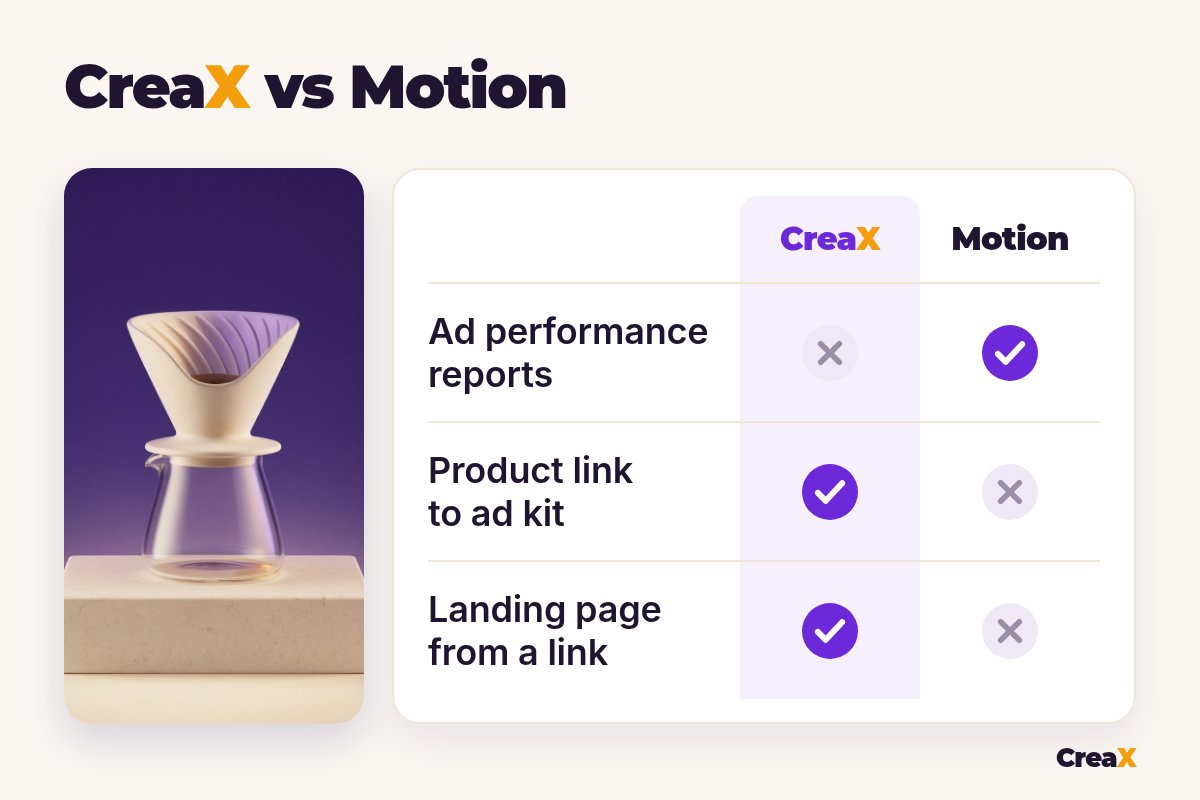
| Motion | CreaX | |
|---|---|---|
| Main job | Analyse ads you already run | Make new ads and a page for a product |
| What you start with | Connected ad accounts and live data | A product link or one product image |
| Main output | Reports, AI tags, insights and briefs | Static ads, video ads and a landing page |
| Makes creatives | No, it tells you what to make | Yes, in five styles and four sizes |
| Video ads | Analyses them, including drop-off | Makes UGC-style videos of 18, 30 or 45 seconds |
| Landing page | No | Yes, Simple, Detailed or Advanced |
| Competitor research | Yes, an agent tracks rivals' ads | No |
| Best with | Steady spend and many live ads | New products and fresh creative tests |
From Motion's and CreaX's public websites, October 2026. Features change, so check both sites.
How the workflows differ
A typical Motion week: your ads run, Motion pulls in the creatives and metrics, the AI tags them, and you open a report to see which hooks, formats and angles drove results. Then you brief your designers and editors on the next round. Clean ad names help a lot here; our guide to naming and tracking ad creatives shows a simple system.
A typical CreaX session: paste the link, review the landing page, pick the static ads and videos you like, download them and launch. Instead of waiting on a design brief, you have a set of angles to test the same day.
Turn your next brief into ads in minutes
Paste one product link and get studio ads, UGC-style video ads and a landing page in about 60–120 seconds.
BudgetPricing: CreaX plans vs Motion
CreaX uses simple monthly credit plans. Credits are spent when you generate, and you can top up at any time:
| CreaX plan | Price / month | Credits | Good fit |
|---|---|---|---|
| Free | $0 | 0 | Look around the app before buying credits |
| Basic | $4.99 | 2,000 | Your first product tests |
| Standard | $14.99 | 6,500 | Testing new products every week |
| Pro | $29.99 | 14,000 | Several products or stores at once |
| Premium | $49.99 | 25,000 | Agencies and high-volume media buyers |
| Top-up | $1 | 500 | Extra credits when a test takes off |
Current plans on creax.io/pricing.
Motion offers a trial with no credit card required, according to its website. Its plans are aimed at teams and can change, so we don't quote them here. Check motionapp.com for current pricing.
★Price the job, not just the tool
Fair playWhere Motion is the better pick
Motion does things CreaX doesn't try to do, and for some teams that settles it:
Motion
Strengths
- +Visual creative reports across Meta, TikTok, YouTube and LinkedIn
- +AI tagging of hooks, formats and angles
- +Video drop-off and placement analysis
- +Competitor ad tracking and pre-launch review agents
- +Northbeam and GA4 integrations
Trade-offs
- −Doesn't make the ads
- −No landing page
- −Needs live ad data to be useful
- −Built for teams more than first-time sellers
CreaX
Strengths
- +Static ads, video ads and a landing page from one link
- +Five ad styles and four ad sizes
- +About 60–120 seconds per kit
- +Plans from $4.99/month, top-ups $1 per 500 credits
- +Multi-tenant store for niches and clients
Trade-offs
- −No ad account reporting
- −No competitor ad tracking
- −The Free plan has 0 credits, so generating needs a paid plan
⚖Honest take
If you are comparing research and insight tools, our CreaX vs Foreplay comparison covers ad inspiration and briefs, and CreaX vs Madgicx covers ad automation and reporting.
Our recommendationWhere CreaX is the better pick
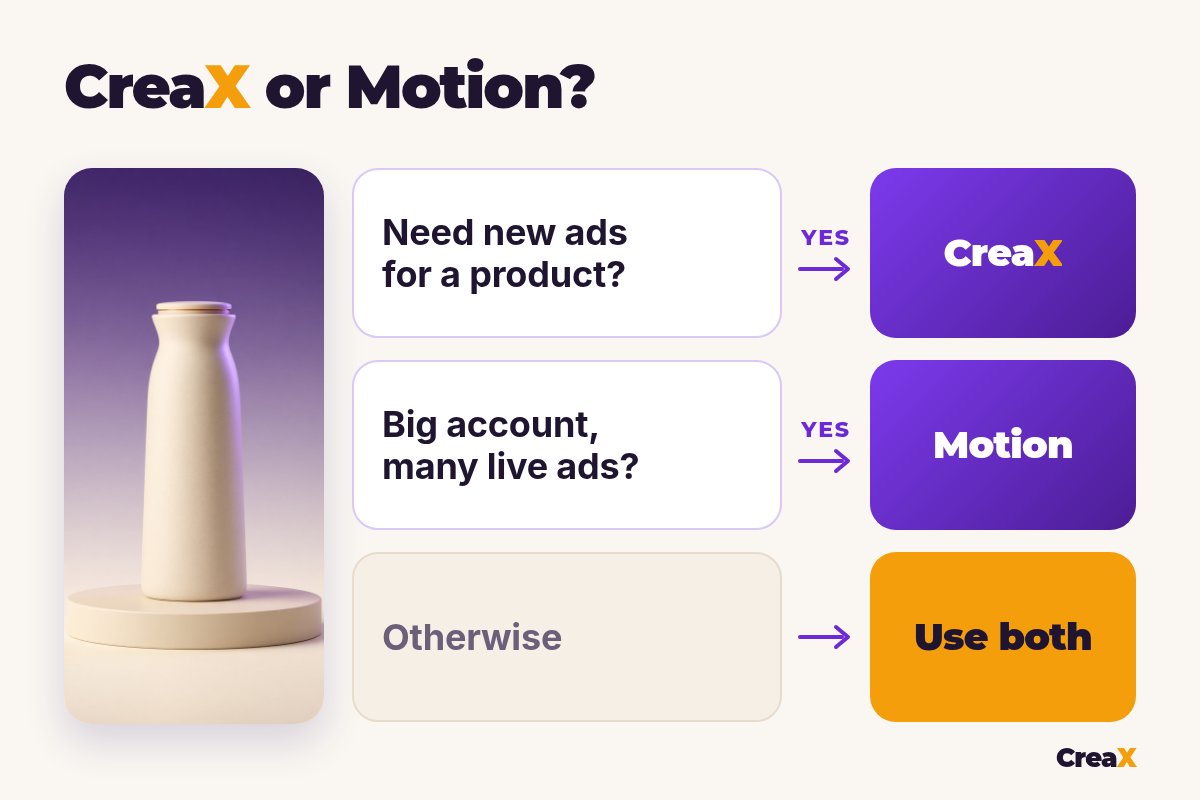
For most ecommerce sellers, the hard part is not a lack of reports. It's having enough good creatives to test in the first place. That is where we recommend CreaX.
- You are launching a new product. There is no data for an analytics tool to read yet, but one link gives you ads, videos and a page.
- Your winners are getting tired. You need fresh angles quickly; our list of creative fatigue signs shows when.
- You don’t have a design team. CreaX videos and static ads come out ready to launch.
- You sell in several markets. Pages in 40+ languages for 160+ target countries, including RTL languages like Arabic.
Make the creatives your data asks for
Get studio ads, UGC-style video ads and a matching landing page from one product link, then launch them wherever you run ads.
ExampleWorked example: one product, both workflows
Say you sell a ceramic pour-over coffee set and you already run a few ads on Meta. Your best ad is a calm morning-ritual video, but results are slipping. Here is how each tool helps:
| Task | With Motion | With CreaX |
|---|---|---|
| Find out why the old winner worked | Reports and AI tags show its hook, format and angle | Not covered |
| See where viewers drop off | Frame-by-frame video drop-off | Not covered |
| Make 3 new angles to test | Brief your editor or designer | Studio ads and UGC-style videos from the product link |
| Ad sizes | Made by your team | 1:1, 3:4, 4:5 and 9:16 built in |
| Landing page for the new angle | Not covered | Generated from the same link, then edited |
A qualitative comparison of the work involved, not a speed or results benchmark.
A sensible loop: use Motion to learn that, say, ritual-style hooks beat feature lists, then use CreaX to produce three new ritual-style angles, such as “a slower morning”, “a gift for coffee lovers” and “café coffee at home”, with a matching page. Launch them and let the next report tell you which won. Our guide to scaling winning creative variations covers what to do once one angle pulls ahead.

Smaller sellers can run a lighter version of the same loop without an analytics tool: compare the numbers in Ads Manager and track hook rate for each video. If your budget is still small, that is often enough.
!Check every asset before it runs
Choose with confidenceDecision checklist
Answer these before you choose
- ✓Do you already have many live ads and steady spend? Motion has data to work with.
- ✓Do you need new ads for a product this week? CreaX starts from the link or one image.
- ✓Do you need a landing page for each product or angle? If yes, lean CreaX.
- ✓Does your team argue about why ads win? Motion's reports and AI tags help.
- ✓Do you want both learning and making? Use Motion to read results and CreaX to make the next round.
FAQFrequently asked questions
Q.Is CreaX a Motion alternative?
Q.Does Motion make ads?
Q.Does CreaX show ad performance?
Q.Which ad platforms does Motion cover?
Q.Which is better for a new dropshipping store?
Ready to test your next angle?
One product link, about 60–120 seconds, and you have studio ads, UGC-style video ads and a landing page for your next test.
This guide is published by CreaX. We describe other tools from their own public websites, last checked October 2026, avoid invented scores or prices, and recommend checking each vendor's site for current features and plans.
Your next campaign starts with a link.
Paste a product link and get UGC video ads, ad images and a landing page — everything in under 60 seconds.
Start creating