
CreaX vs Luma AI: Which Is Better for Product Video Ads?
Comparison · AI product video ads
CreaX vs Luma AI comes up as soon as you want product video ads without a film crew. Luma AI (the team behind Dream Machine and the Ray video models) gives creative teams a powerful studio for cinematic, art-directed video and images. CreaX starts from your product link and hands back a ready ad kit: studio ads, UGC-style video ads and a landing page. Here is where each one wins, and how sellers can use both.
By the CreaX team
Key takeaways
- ✓Luma AI is a generative video and image studio: its own Ray video models and Photon / Uni-1 image models, plus third-party models, with tools to modify, extend and reframe clips inside an AI agent workspace.
- ✓CreaX is an AI ecommerce creative OS: paste a product link or image and get studio ad creatives, UGC-style video ads, a publish-ready landing page and a multi-tenant store in about 60–120 seconds.
- ✓Pick Luma AI when you want cinematic hero clips, restyled footage or brand campaigns you art-direct shot by shot.
- ✓Pick CreaX when you need a complete, matching product test (static ads, video ads and the page) from one link, without briefing every asset.
In this guide
TL;DRThe short answer: CreaX vs Luma AI
Luma AI is a generative video studio. CreaX is a product-to-ad workflow. In Luma you are the director: you describe a shot or upload references, let the Luma Agent or a model you choose generate it, then modify, extend or reframe the result until it looks right. The output can be beautiful and cinematic, but each clip is a creative project of its own.
CreaX is built around one job: selling a product. You paste the product link, and instead of one clip you get the parts of an ad test that belong together: static ads in set styles and sizes, UGC-style video ads and the landing page those ads send traffic to. It is the same split we found in our CreaX vs Runway comparison: generative video tools make shots, CreaX makes the test.
So the real question is what you need at the end of the session: one stunning clip for your brand, or ads and a page you can launch today.
⚖Our bias, stated upfront
The competitorWhat Luma AI is (and who it's built for)
Luma AI (Luma Labs) is the company behind Dream Machine and its own family of video and image models. Today its app works as an AI creative workspace: an infinite canvas where a Luma Agent plans, generates and refines images, video, audio and text with you. Here is what its public pages describe:
- Ray video models: Luma's own models for text-to-video and image-to-video. The newer Ray versions also power Modify Video, which restyles footage you already have (new look, setting or wardrobe while the motion holds), and Reframe.
- Image models: Luma's Photon image model and its newer Uni-1, for generating and editing stills such as product hero shots and packaging mockups.
- Third-party models: the workspace also lists models such as Veo, Kling, Seedance, Nano Banana, GPT Image and Seedream, plus ElevenLabs for voice, music and sound effects.
- Modify, extend and reframe: change the style of a clip, extend its duration, or expand it to a new aspect ratio by filling the frame with scene-aware content.
- Audio and finishing: voiceovers, music, sound effects, captions, lip sync and stitching clips into a deliverable.
- Consistency and teams: reference assets for products, characters and logos, shared canvases, team workspaces and an API for developers.
Luma's own use cases include product visuals and short social video ads, so it is a real option for sellers. But the platform is pitched at creative professionals, agencies and brand teams: people who want to direct a campaign and are happy to spend time shaping every shot. If you want to see how other big video models compare, our CreaX vs Kling AI breakdown covers one that Luma also offers inside its workspace.
The ad kitWhat CreaX is: the AI ecommerce creative OS
CreaX starts from the product, not from a prompt. Paste a product link (from Alibaba, AliExpress, Amazon, Etsy or any product page) or upload a product image, and in about 60–120 seconds you get:
- Studio ad creatives: product photos and static ads in five styles (Classic, Humble Orbit, Punch, Luxe and Meta Feed) and four sizes (1:1, 3:4, 4:5 and 9:16).
- UGC-style video ads of 18, 30 or 45 seconds.
- A publish-ready landing page at three levels: Simple, Detailed or Advanced.
- A multi-tenant store to keep niches or client brands apart.
CreaX is made for dropshippers, media buyers, affiliates, coaches, ecommerce brands and agencies: people who need to test products and angles fast, not people who want to make a short film. It supports 40+ languages. Our explainer on how CreaX UGC-style video ads work walks through the video side in detail.
CreaX is not a cinematic video studio. You won't use it to restyle drone footage or build a film trailer. It makes product ads and the page they point to.
CompareSide-by-side: features, outputs and workflow
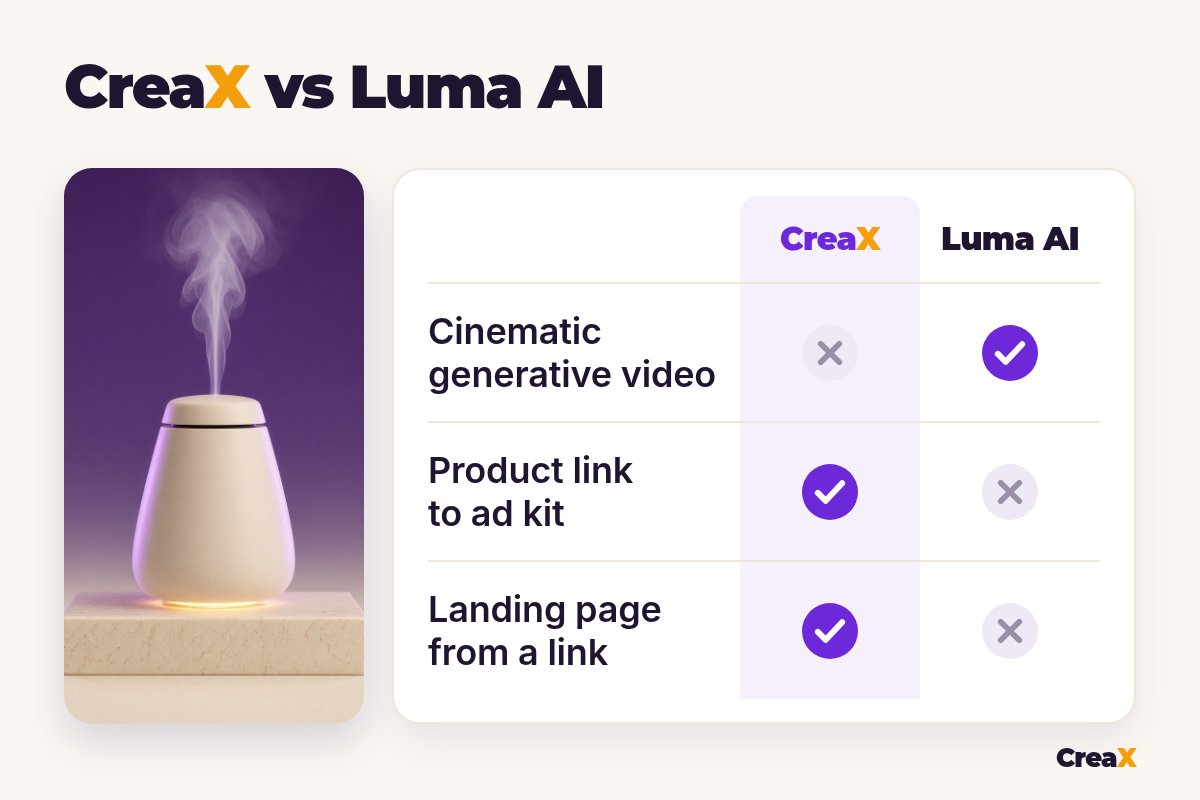
| Luma AI | CreaX | |
|---|---|---|
| What it is | AI video and image studio with an agent workspace | AI ecommerce creative OS: ads, video, page, store |
| Starting point | A brief, a prompt, reference images or footage | A product link or product image |
| Output | Clips and images you shape one by one | A kit: static ads, video ads and a landing page |
| Creative control | High: models, references, keyframes, modify | Guided: pick styles, sizes and lengths |
| Video | Cinematic text-to-video, image-to-video, restyling | UGC-style video ads of 18, 30 or 45 seconds |
| Static ads | Generate images, then lay out the ad yourself | Five ad styles, four ad sizes, from the link |
| Landing page | No | Yes, Simple, Detailed or Advanced |
| Learning curve | Directing shots and choosing models takes practice | Paste a link, review, download |
From Luma's and CreaX's public websites, October 2026. Features change, so check both sites.
How the workflows differ
A typical Luma AI session for a product video ad: upload product photos as reference assets, describe the shot or the campaign, let the agent pick a model or choose one yourself, generate a few versions, then modify, extend or reframe the best one for each placement. You still decide the hook, the offer and the order of scenes, and the landing page lives somewhere else.
A typical CreaX session: paste the link, review the landing page, pick the static ads and the videos you like, download and launch. Fewer creative choices, far less assembly. Our list of the best AI video generators for product ads shows where other video tools sit between these two approaches.
See your product as a full ad kit
Paste one product link and get studio ads, UGC-style video ads and a landing page in about 60–120 seconds.
BudgetPricing: CreaX plans vs Luma AI
CreaX uses simple monthly credit plans. Credits are spent when you generate, and you can top up at any time:
| CreaX plan | Price / month | Credits | Good fit |
|---|---|---|---|
| Free | $0 | 0 | Look around the app before buying credits |
| Basic | $4.99 | 2,000 | Your first product tests |
| Standard | $14.99 | 6,500 | Testing new products every week |
| Pro | $29.99 | 14,000 | Several products or stores at once |
| Premium | $49.99 | 25,000 | Agencies and high-volume media buyers |
| Top-up | $1 | 500 | Extra credits when a test takes off |
Current plans on creax.io/pricing.
Luma AI also runs on monthly subscriptions with a credit allowance, and the credits a generation uses depend on what you make (an image, a video clip, audio) and which model you pick. Business plans for teams are handled through sales. We don't quote Luma's prices here because plans and credit costs change; check luma.ai pricing for the current numbers.
★Count the whole job, not the credits
Fair playWhere Luma AI is the better pick
Luma AI does things CreaX doesn't try to do, and for some brands that settles it:
Luma AI
Strengths
- +Cinematic text-to-video and image-to-video
- +Modify Video restyles footage you already have
- +Extend and reframe clips for new placements
- +Many video, image and audio models in one workspace
- +Team canvases, reference assets and an API
Trade-offs
- −You direct and refine every clip yourself
- −No landing page
- −Static ad layouts and offers are on you
- −Product details can drift and need checking
CreaX
Strengths
- +Static ads, video ads and a landing page from one link
- +Five ad styles and four ad sizes, ready to run
- +About 60–120 seconds per kit
- +Plans from $4.99/month, top-ups $1 per 500 credits
- +Multi-tenant store for niches and clients
Trade-offs
- −Not a cinematic video studio
- −Less control over every frame
- −The Free plan has 0 credits, so generating needs a paid plan
⚖Honest take
If you are weighing the big generative video names, our guide to the best Sora alternatives for product video ads puts Luma's category side by side, and the CreaX vs Google Veo comparison looks at another model you can reach inside Luma.
Our recommendationWhere CreaX is the better pick
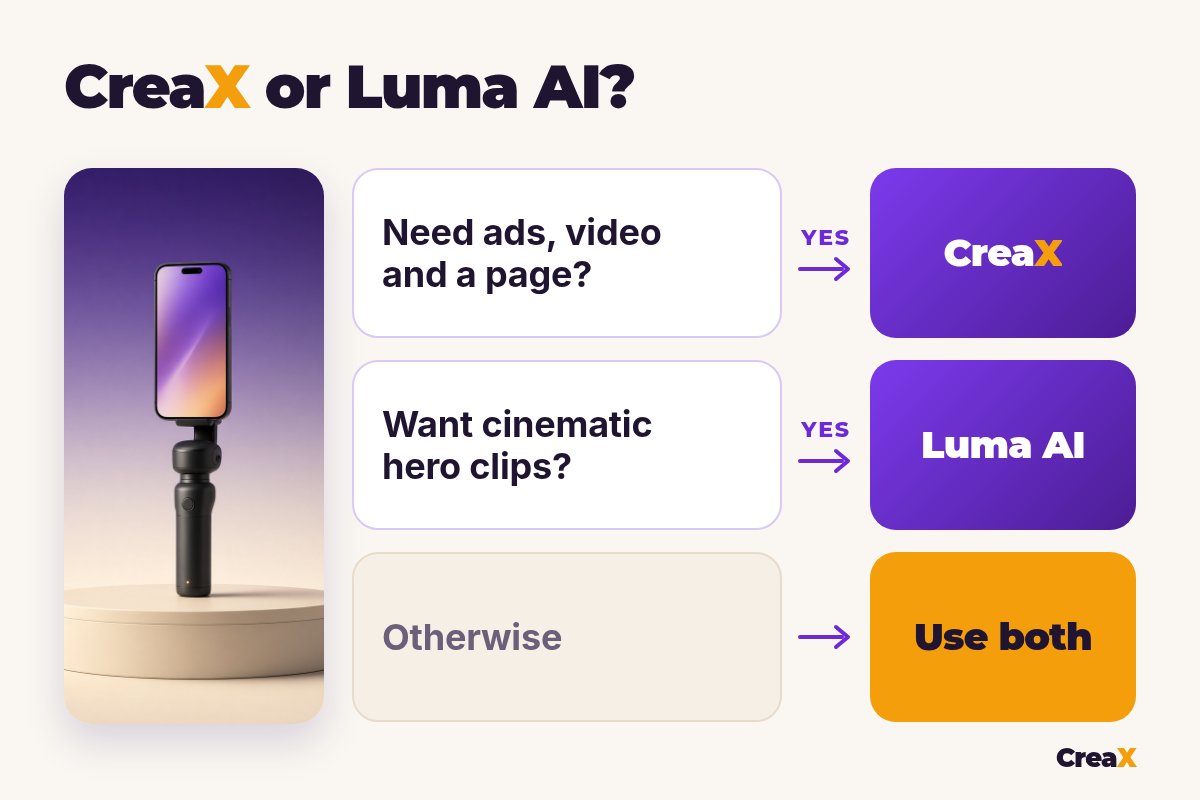
For most ecommerce sellers, the slow part isn't making one beautiful clip. It's turning a new product into a full test: several angles that match each other and the page. That is where we recommend CreaX.
- You test new products often. One link gives you the ads, the videos and the landing page together, so the message stays the same from ad to page.
- You want ads that look like ads, not trailers. UGC-style videos and feed-ready static styles are built for the scroll.
- You don’t want to direct every shot. You pick styles, sizes and video lengths instead of writing scene briefs.
- You run several niches or client brands. The multi-tenant store keeps them apart.
If you are choosing between product-link video tools rather than cinematic models, our CreaX vs Pippit comparison covers a closer rival.
Build the whole test from one link
Get studio ads, UGC-style video ads and a matching landing page from one product link, then launch them wherever you run ads.
ExampleWorked example: one product, both workflows
Say you sell a ceramic aroma diffuser and want to test three angles: “a calmer bedroom routine”, “a gift for a new home” and “a cozy desk setup”. Only use claims your supplier can back up, such as size, run time and materials, and keep the diffuser looking exactly like the real one.
| Task | Luma AI setup | CreaX setup |
|---|---|---|
| Video ad for each angle | Brief a cinematic clip per angle with the diffuser as reference | UGC-style videos of 18, 30 or 45 seconds |
| Static ads for 3 angles | Generate stills, then lay out text and offer yourself | Studio ads in five styles from the product link |
| Ad sizes | Reframe each clip or image to the placement | 1:1, 3:4, 4:5 and 9:16 built in |
| Landing page | Use your store page or another builder | Generated from the same link, then edited |
| Creative range | Wide: any scene or style you can describe | Focused: product ad formats |
A qualitative comparison of the work involved, not a speed or quality benchmark.
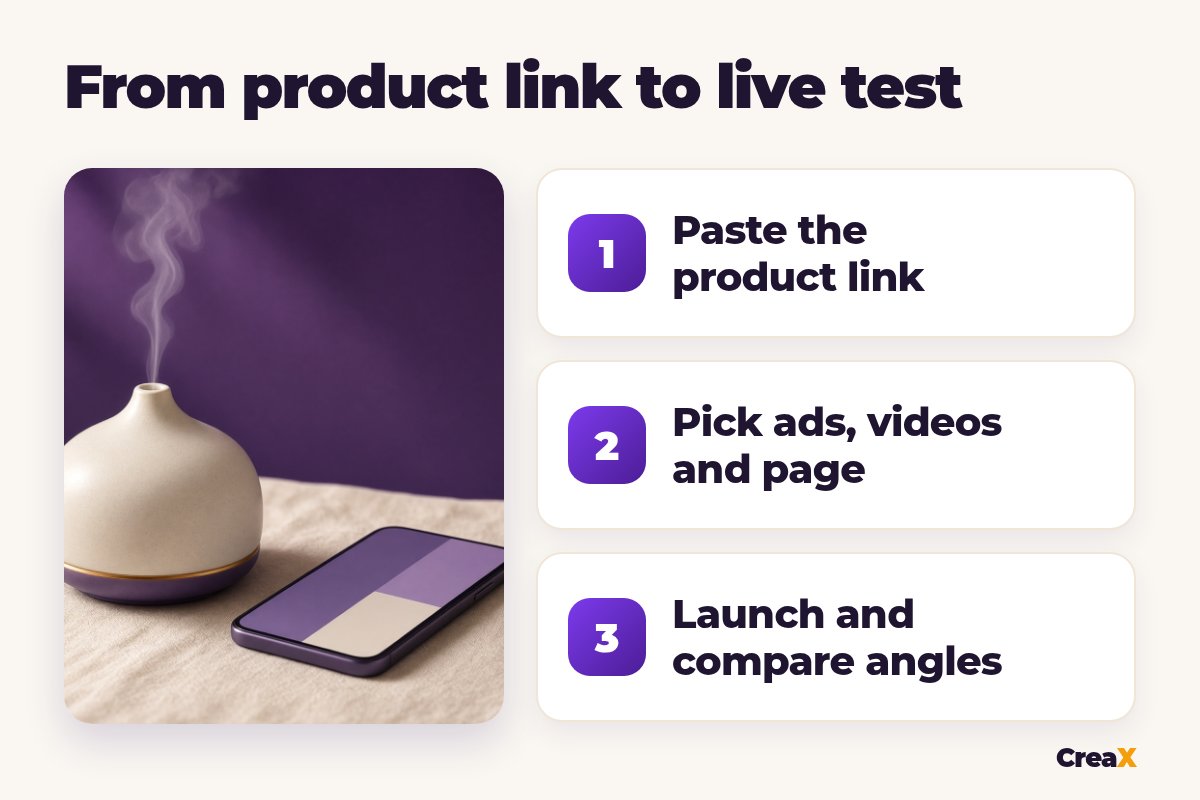
A sensible split: launch the test kit from CreaX, see which angle wins, then use Luma to make one cinematic hero clip for that angle, for example the diffuser's mist drifting through a slow, moody bedroom shot. Fast testing first, slow creative work only for an ad that has already proven itself. For the UGC side, our guide to UGC ad hooks that stop the scroll helps you pick the opening lines worth testing.
!Check every asset before it runs
Choose with confidenceDecision checklist
Answer these before you choose
- ✓Do you want cinematic, art-directed video? Luma rewards that.
- ✓Do you need ads for a product today? CreaX starts from the link or one image.
- ✓Do you need a landing page for each product? If yes, lean CreaX.
- ✓Do you have footage you want to restyle? That's Luma's Modify Video.
- ✓Do you need static ads and video from the same input? CreaX makes both.
- ✓Do you have time to direct every angle by hand? If not, CreaX saves the assembly.
FAQFrequently asked questions
Q.Is CreaX a Luma AI alternative?
Q.Is Luma AI the same as Dream Machine?
Q.Can Luma AI make product video ads?
Q.Does Luma AI build landing pages?
Q.How much does Luma AI cost?
Q.Which is better for dropshipping?
Ready to test your next product?
One product link, about 60–120 seconds, and you have studio ads, UGC-style video ads and a landing page for your first test.
This guide is published by CreaX. We describe other tools from their own public websites, last checked October 2026, avoid invented scores or prices, and recommend checking each vendor's site for current features and plans.