
Why Was My Facebook Ad Account Disabled? What to Do Next
FAQ · Meta ads
A Facebook ad account disabled message can stop a store overnight. The good news: Meta tells you where to look and what you can do, and panicking usually makes it worse. This guide walks through the questions in the order you should handle them, using only Meta's own help pages: why it happened, which asset is affected, how to request a review and how to keep it from happening again.
By the CreaX team
Key takeaways
- ✓Meta restricts advertising when it thinks its policies or standards were broken, or when it sees unusual or high-risk activity such as a hacked account or failed payments.
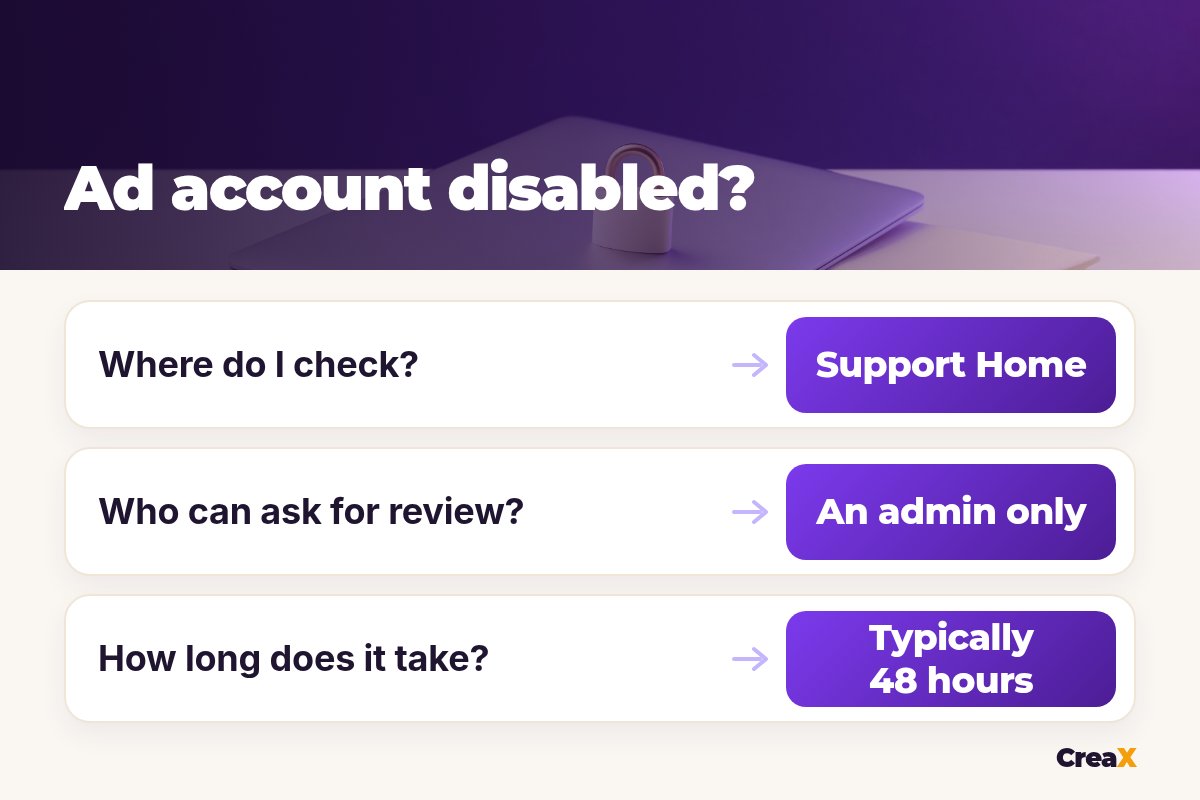
- ✓Your first stop is Meta Business Support Home: open the restricted asset and read the What you can do section.
- ✓Only an admin can request a review. Meta says reviews are typically completed in 48 hours but may take longer, you get a limited number, and the decision is final.
- ✓Don’t open a new account to get around a restriction. Fix the cause, request one clear review, and use the wait to rebuild compliant ads and a clean landing page.
In this guide
TL;DRThe short answer
Your ad account was most likely restricted for one of two reasons Meta lists in its help center: something in your ads, pages or account went against its Advertising Standards, Community Standards or Commerce Policies, or Meta saw unusual activity it wants to check, such as a possible hack, missing two-factor authentication or a run of failed or disputed payments.
What to do next is the same in almost every case: go to Meta Business Support Home, open the restricted account, read the reason and follow the steps under What you can do. That may be confirming your identity, completing verification, securing your account or requesting a review. Nobody outside Meta can promise you the account back, and anyone who does is guessing.
⚖What this guide can and can't do
The causeWhy was my ad account disabled?
Meta's help page on advertising restrictions lists the situations where it may limit or stop your advertising. In plain words:
| What Meta says | What it often looks like for sellers |
|---|---|
| You didn't follow its policies and standards | An ad with exaggerated health or results claims, a misleading offer or a landing page that doesn't match the ad |
| Your business portfolio or assets may be compromised | Logins from unknown places, new admins you didn't add, ads you didn't create |
| You don't meet two-factor authentication requirements | Admins on the account without two-factor login turned on |
| Unusual payment or account activity | Failed payments, chargebacks or disputes, a card that keeps being declined |
| Meta wants to be sure you consistently follow its policies | Temporary spend limits or billing limits while you build a history |
Summarized from Meta's Business Help Center page 'About advertising restrictions', checked October 2026.
For ecommerce, the content side is the most common one to fix yourself. Claims like “lose weight in a week”, dramatic body comparisons and fake scarcity are classic problems. Our guide on why ads get rejected on Meta and TikTok covers the usual disapproval reasons, and our explainer on before-and-after ads shows how to show results without breaking the rules.
A single rejected ad doesn't usually disable an account on its own, but repeated disapprovals and policy-breaking ads add up. Look at your rejected ads first: they often point to the real cause.
Which assetIs it the ad account, the business or my profile?
Meta can restrict four different things, and the fix depends on which one it is:
- Ad account: the account that runs and pays for ads. If restricted, the account, its ads and some of its assets are disabled.
- Business portfolio: the container for your Pages, ad accounts, catalogs and people. If restricted, the business can't advertise.
- Page: the Facebook Page your ads run from. If restricted, that Page can't advertise.
- Personal profile: the person who advertises. If restricted, that person can't use Meta products to advertise, and ad accounts where they are the only user may also be disabled. Other members of the business may still be able to advertise.
Business Support Home shows the status of each asset, so check all of them, not just the ad account. A restriction on your own profile, for example, can look like an ad account problem.
Step oneWhat should I do first?
Do these before anything else, in this order:
Stay calm and don't create anything new
Open Meta Business Support Home on a computer
Read the reason and the What you can do section
Secure your account
Find the ad or page behind it
If your account is fine but ads simply stopped delivering, that is a different problem. Our guide to Facebook ads not spending covers delivery issues that look scary but aren't restrictions.
The reviewHow do I request a review?
If you believe the restriction is a mistake, or you have fixed the cause, Meta recommends requesting a review. Its steps:
- In Business Support Home, select Account status overview in the left menu.
- Select the restricted account.
- In the What you can do section, select Request review.
- Complete the on-screen steps.
You must be an admin on the account to request a review. If you're not, ask the admin to do it. When there is space to explain, keep it short and factual: what the account sells, what you checked, what you changed (for example, removed an ad with a claim you couldn't prove, fixed a landing page) and why you believe the account follows the policies now. No anger, no long stories.
!You only get a few tries
Rebuild clean ads while you wait
Paste your product link into CreaX and get fresh studio ads, UGC-style videos and a landing page you can check line by line.
TimingHow long does a review take?
Meta says its review is typically completed in 48 hours, although it may take longer in some cases. If Meta decides the restriction should stay, the account stays blocked. If it decides it shouldn't, it removes the restriction and the account is reinstated.
Two details people miss. First, ads that were running before the restriction don’t restart automatically: you need to turn them back on in Ads Manager. Second, if an ad account disabled for a policy violation stays ineligible for reinstatement for six months, Meta says it can't be reinstated after that and unused prepaid funds may be forfeited where the law allows. Meta also reserves the right to disable an account permanently earlier in some cases.
Don'tShould I open a new ad account?
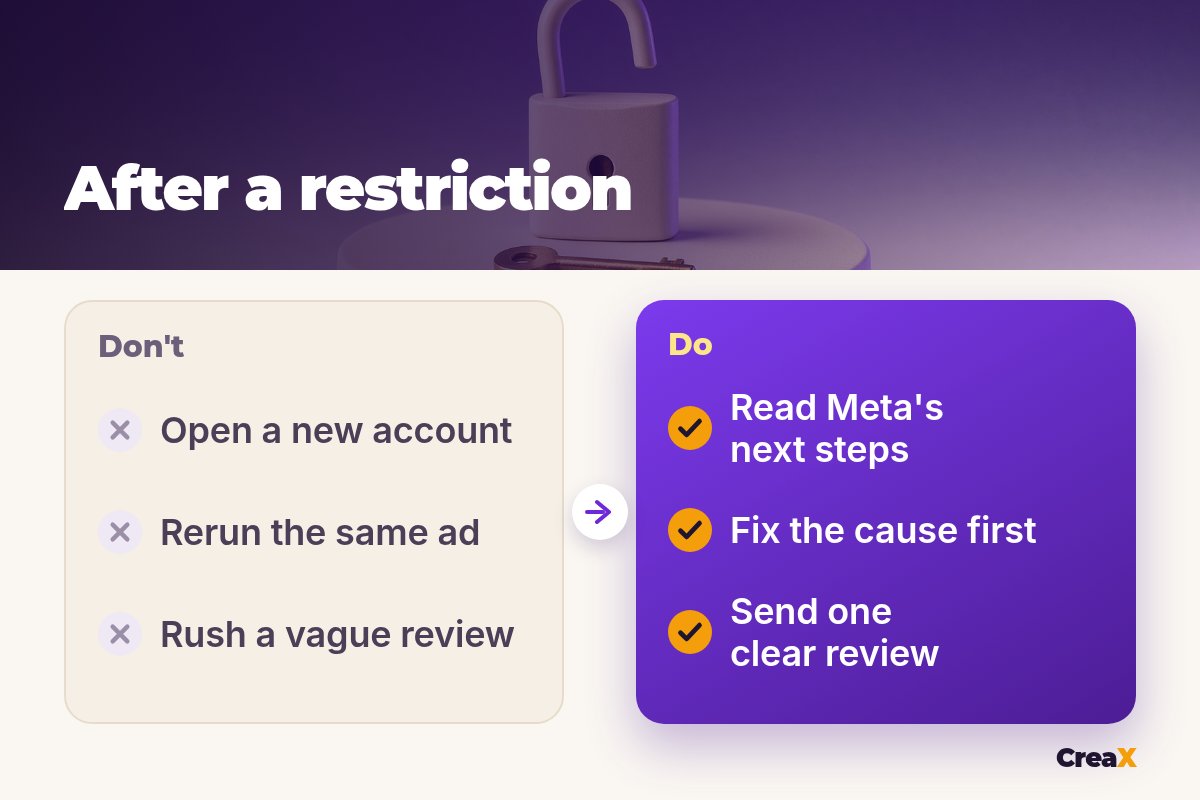
No. It is tempting, but Meta's advertising standards treat creating new accounts or other business assets to get around a restriction as evading enforcement. That can lead to more restrictions on related assets, including your profile and business portfolio. The same goes for buying, renting or borrowing someone else's account to keep running the same ads.
If your restriction is on one ad account and your business portfolio is in good standing, Meta's own tools will show what you're still allowed to do. Stick to that.
PreventionHow do I stop it happening again?
Most of prevention is boring, and that is the point:
- Make claims you can prove. No miracle results, no fake reviews, no invented discounts. If AI made the creative, check it says only true things. Our guide on whether AI UGC ads are allowed on Meta and TikTok explains what to watch.
- Match the page to the ad. Same product, same price, same offer. Clear shipping, returns and contact details.
- Secure every login. Two-factor authentication for every admin, and remove people who no longer need access.
- Keep payments clean. A valid payment method in your name or your business's name, and handle disputes quickly.
- Grow spend steadily. Sudden jumps on a new account can look unusual; raise budgets in steps.
A trustworthy store helps with both Meta and buyers. Our checklist to make your store look trustworthy covers the pages and details that matter.
Watch outCommon mistakes to avoid
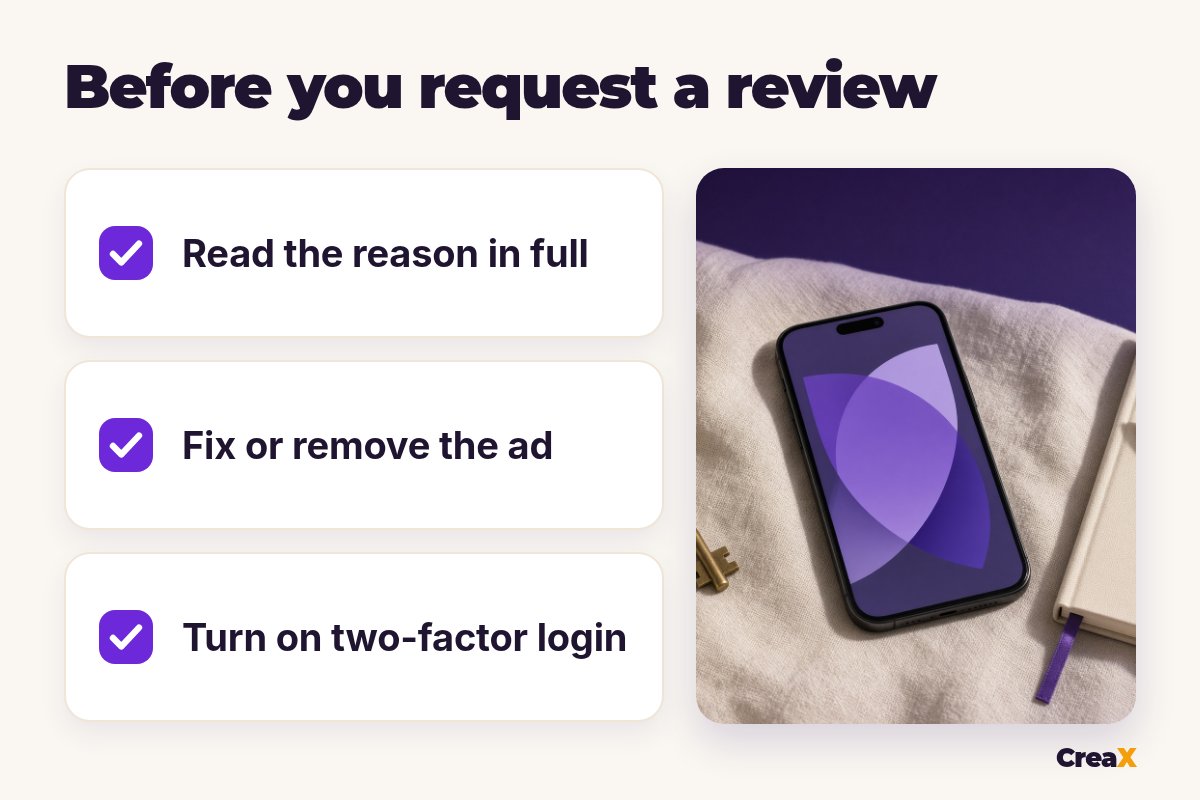
- Sending a review request before reading the reason or fixing anything.
- Creating new ad accounts, Pages or business portfolios to keep running the same ads.
- Using rented or bought accounts.
- Relaunching the exact ad that caused the problem once the account comes back.
- Ignoring the other assets: a restricted profile or Page can block you even if the ad account looks fine.
- Trusting anyone who promises guaranteed reinstatement for a fee.
While you wait, it is fine to keep selling through channels where you are in good standing. Our comparison of Meta ads vs TikTok ads for ecommerce explains when TikTok is a sensible place to test, with its own ad policies to respect.
Start again with compliant creatives
One product link gives you new studio ads, UGC-style video ads and a matching landing page to review before anything goes live.
Copy thisChecklist you can copy
Disabled ad account checklist
- ✓Open Business Support Home and check every asset: ad account, business portfolio, Page and profile.
- ✓Read the reason and the What you can do section in full.
- ✓Secure the account: new passwords, two-factor login for all admins, remove unknown people.
- ✓Find and fix or remove the ads and landing pages behind the restriction.
- ✓Check the payment method and settle any failed or disputed payments.
- ✓Ask an admin to request one short, factual review.
- ✓After reinstatement, turn ads back on yourself and don't rerun the old problem ad.
Our toolHow CreaX helps (briefly)
CreaX can't get an account back, and nothing can promise that. What it can do is help you rebuild the part you control. Paste a product link or image and in about 60–120 seconds you get studio ad creatives, UGC-style video ads and a publish-ready landing page that matches them. Because everything comes from the same product page, it is easier to keep the ad and page consistent.
Treat the output as a draft: read every line, remove any claim you can't prove, and check each ad against Meta's Advertising Standards before you run it. Plans start at $4.99 a month for 2,000 credits.
FAQFrequently asked questions
Q.Can I get my Facebook ad account back?
Q.Why was my ad account disabled with no warning?
Q.Who can request a review?
Q.How many times can I request a review?
Q.Will my ads restart after reinstatement?
Q.Can I just use a friend's ad account?
Ready when your account is?
Get fresh studio ads, UGC-style videos and a landing page from one product link, so you can relaunch with a clean set.
This guide is published by CreaX. We describe other tools from their own public websites, last checked October 2026, avoid invented scores or prices, and recommend checking each vendor's site for current features and plans.