
Why Are My Facebook Ads Not Spending? Fixes That Work
FAQ · Meta ads
Facebook ads not spending is one of the most frustrating problems in media buying: the campaign says Active, the budget is set, and nothing happens. The good news is that the cause is usually findable in a few minutes. This guide answers the questions sellers ask most, in the order you should check things, from delivery status and spending limits to bids, audiences and the creative itself.
Updated October 2026 · By the CreaX team
Key takeaways
- ✓Start with the Delivery column at all three levels. A campaign can look active while its ad set or ad is still in review, paused or blocked.
- ✓Most stalled ads have a setup cause: review, schedule, account or campaign spending limits, or a payment problem.
- ✓If setup is clean, look at bid caps, cost goals and audience size. A tight cap on a small audience is a classic no-spend combination.
- ✓Creative matters too. Meta's auction considers how likely people are to respond and the quality of the ad, so a weak or stale ad can lose auctions and barely spend.
In this guide
TL;DRThe short answer
When a Facebook ad does not spend, something is stopping it from entering auctions, or it is entering auctions and losing them. The first group is setup: the ad is still in review, the schedule has not started, a spending limit has been reached, or the payment method failed. The second group is competitiveness: the bid cap is too low, the audience is too small, or the ad is not predicted to get a response, so other advertisers win the placement.
Check setup first because it is fast and binary: either the ad can run or it cannot. Only when the setup is clean does it make sense to adjust bids, audiences and creatives. And resist the urge to change everything at once, because then you never learn what the real cause was.
Q1Why is my ad not spending?
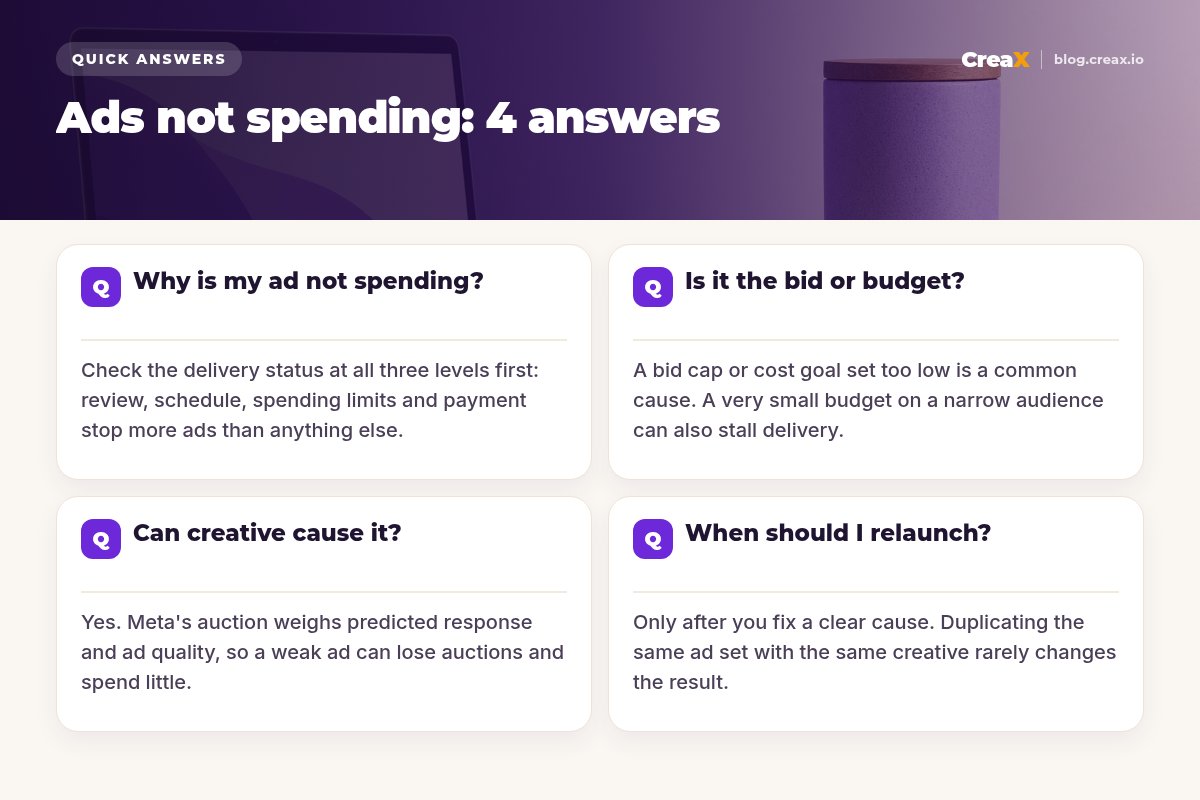
Open Meta Ads Manager and look at the Delivery column for the campaign, then the ad set, then each ad. Meta's help center notes that these levels can show different statuses: your campaign may appear active while an ad set or ad is still in review after a recent change. Expand all three before you touch anything.
Then work through the setup causes one by one:
| What to check | Where to look | What it looks like |
|---|---|---|
| Ad review | Delivery column on the ad | In review, rejected, or with an error |
| Schedule | Ad set budget and schedule | Start date in the future, or wrong time zone |
| Account spending limit | Billing and payments settings | Limit reached, ads stop across the account |
| Campaign spending limit | Campaign settings | Limit reached for that campaign |
| Payment method | Billing and payments | Failed charge or no usable funds |
| Account status | Account Quality | Restrictions or verification prompts |
Common setup causes, summarised from Meta's Business Help Center delivery troubleshooting pages, October 2026.
Meta's troubleshooting page for campaigns that are not running also says you may need to wait up to 24 hours to see delivery after a campaign starts. If everything above is clean and you have waited, move on to the bid and the audience.
iActive does not mean delivering
Q2Is it the bid or the budget?
Once the ad can run, the most common reason it still does not spend is a cost control that is too tight. If you set a bid cap or a cost per result goal, Meta will only enter auctions where it expects to get results at or below that amount. Set the number too low, especially on a new product with no history, and the system finds very few auctions it is allowed to win. Meta's delivery statuses even flag this directly as Bid limited or Cost limited.
Try these in order:
- Remove the cap for a test. Run the ad set on the highest volume (lowest cost) strategy to see whether it spends at all.
- If you need a cap, raise it. Base it on your real numbers. Our guide on break-even ROAS shows how to work out what you can actually afford per sale.
- Check the budget against the audience. A tiny daily budget on a narrow audience can deliver unevenly. Use a budget that can realistically buy a few results a day for your price point.
- Widen the audience. Stacked interests, tight age ranges and long exclusion lists can shrink the pool until delivery stalls. Broader audiences give the system more room to find buyers.
Watch for audience overlap as well. If several of your ad sets target the same people, they compete with each other in the same auctions. Meta may then deliver one and hold back the others. Consolidating into fewer ad sets often fixes this.
★One change at a time
Q3Can the creative cause ads not to spend?
Yes, and it is the cause sellers overlook most. Meta's ad auction does not simply pick the highest bid. It also considers how likely someone is to respond to the ad and the quality of the ad. An ad that is predicted to get few clicks or conversions needs a higher bid to win the same placement. With a cost control in place, it may not win at all.
Signs that creative is part of the problem:
- Only some ads in the ad set spend. Meta's help center explains that the delivery system predicts which ads will get the best results, so other ads in the same ad set may barely deliver. That is normal, but if all of them are weak, the whole ad set struggles.
- Spend drops on an ad that used to work. Creative fatigue can push an old winner out of auctions. See our guide to ad creative fatigue signs.
- Low ad relevance diagnostics. Ads Manager shows quality, engagement rate and conversion rate rankings compared with ads competing for the same audience. Below-average rankings point to the creative.
- Low click-through and hook rate. If people scroll past, the system learns that quickly. Our guides on why your CTR is low and hook rate help you diagnose it.
The fix is not to tweak the same ad. It is to give the ad set two or three genuinely different angles: a different first frame, a different promise, a different format. Our guide on how many ad creatives to test per product covers how many to start with.
Give stalled ad sets fresh angles
CreaX turns one product link into studio ad creatives and UGC-style video ads in about 60–120 seconds, so you can add new angles without a shoot.
Q4When should I relaunch or duplicate?
Duplicating a stalled ad set is a popular trick, and sometimes the copy does deliver. But if the bid cap, audience and creative are the same, you are mostly hoping for a different result from the same inputs, and every relaunch restarts learning.
Relaunch when you have changed something meaningful:
- You fixed a setup problem that blocked delivery for days and want a clean start.
- You changed the optimisation event, for example from purchases to add to cart because you get too few purchases to learn from.
- You built a new ad set with new creatives and a broader audience, and want to retire the old one.
- Meta support or Account Quality told you to recreate an asset after a restriction.
Do not relaunch when the ad set is simply in learning, when it has been live for only a few hours, or when you have not yet removed a tight cap. Meta's troubleshooting guidance suggests contacting support if a campaign has been active with no spend for 48 hours after the setup checks pass. That is a better next step than duplicating it five times.
MistakesCommon mistakes to avoid
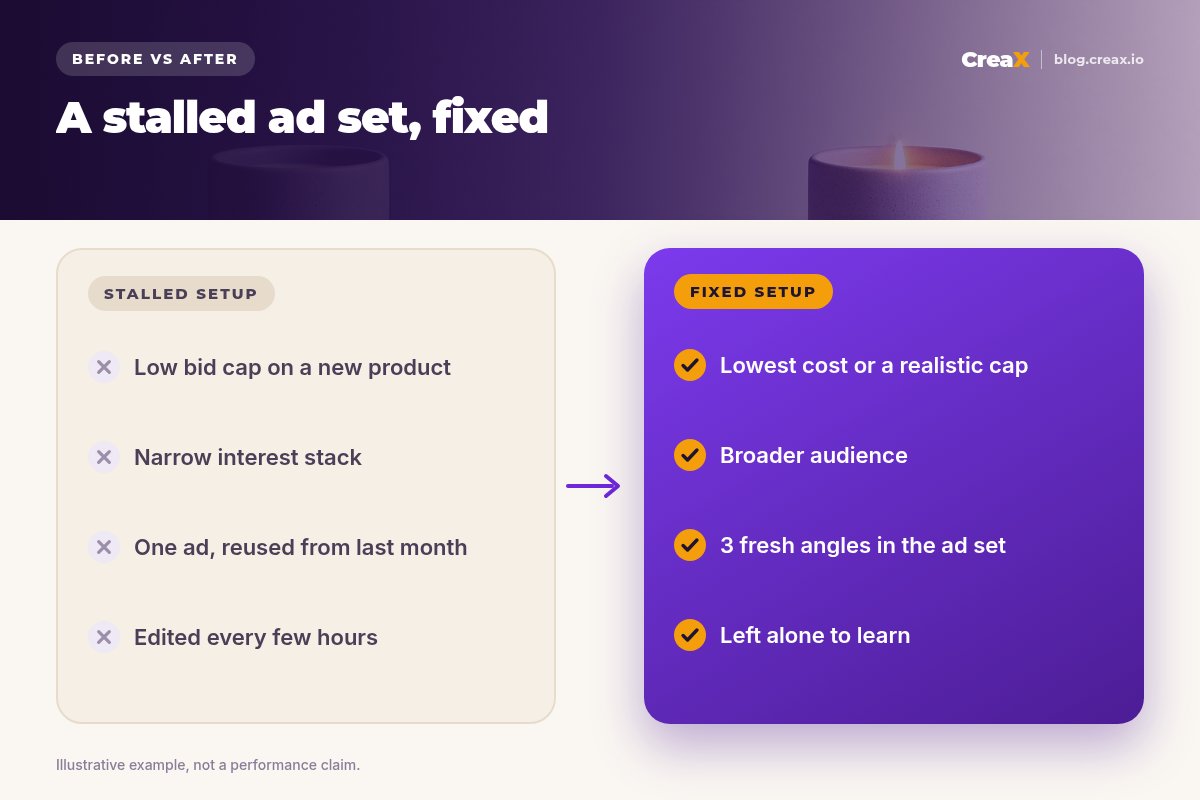
- Reading the toggle, not the status. Always check the Delivery column on the campaign, ad set and ad.
- Setting a cost cap from wishful numbers. A cap below what the market will accept means no delivery, not cheap sales.
- Editing every few hours. Significant edits can send the ad set back into learning. Make one change and give it a day.
- Splitting a small budget across many ad sets. Each ad set gets too little to deliver well, and they compete with each other.
- Running one ad for months. Fatigued creative loses auctions. Keep a pipeline of fresh angles.
- Ignoring the landing page. If clicks do not turn into purchases, a purchase-optimised ad set has little to learn from. See why Facebook ads are not converting.
ChecklistChecklist you can copy
Before you change anything else
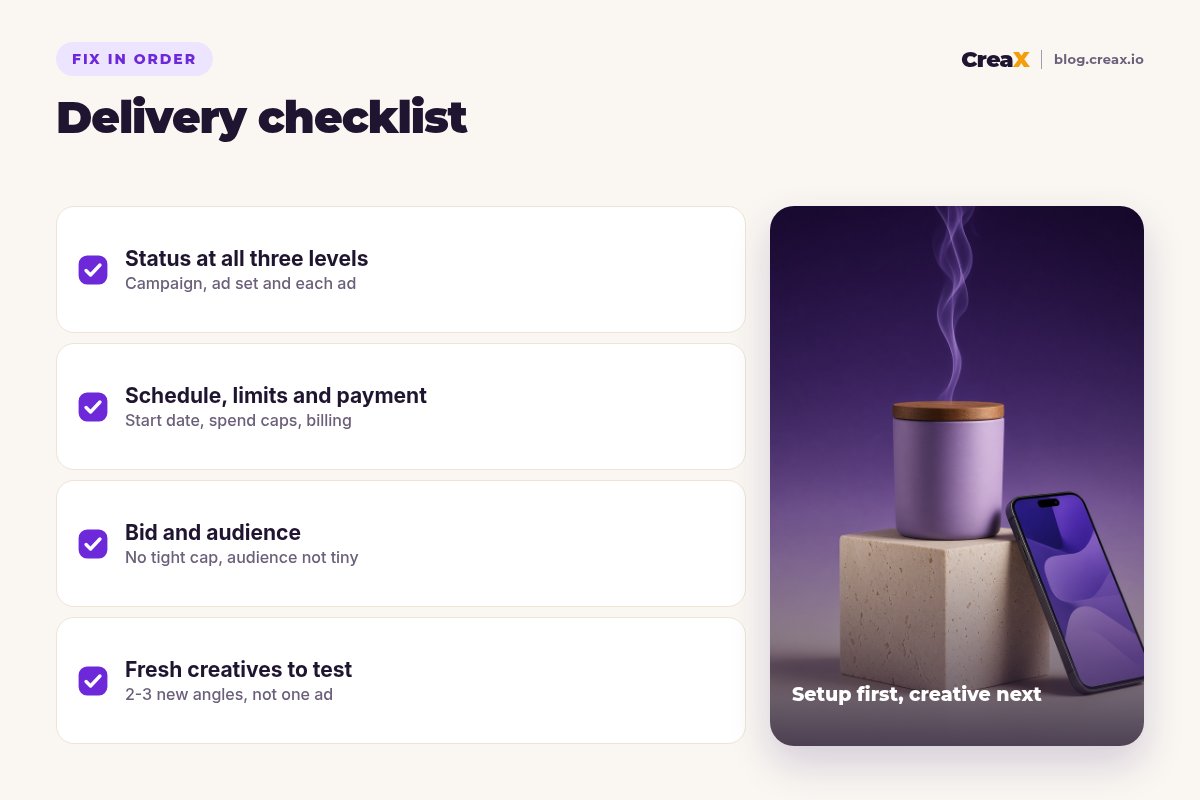
- ✓Delivery status checked at all three levels: no review, error or rejection on the ad.
- ✓Schedule correct: start date has passed, account time zone understood.
- ✓Limits clear: account and campaign spending limits not reached.
- ✓Payment working: default payment method valid, no failed charges.
- ✓Cost controls realistic: no cap, or a cap based on your break-even numbers.
- ✓Audience not too narrow: few stacked interests, no overlapping ad sets.
- ✓Two or three fresh creatives: different angles, not small edits of one ad.
- ✓Patience: one change, then wait before judging.
Work top to bottom. The first four items take minutes. The last four are where most of the improvement comes from once the ad can run.
CreaXHow CreaX helps (briefly)
CreaX cannot fix a payment method or a spending limit. Where it helps is the creative side of the problem: when an ad set stalls because every ad in it is weak or tired, you need new angles quickly. CreaX is an AI ecommerce creative OS. Paste a product link or upload a product image and, in about 60–120 seconds, you get studio ad creatives, UGC-style video ads (18, 30 or 45 seconds), a publish-ready landing page and a multi-tenant store.
For Meta, the ad sizes include 1:1, 4:5 and 9:16, and the ad styles (Classic, Humble Orbit, Punch, Luxe and Meta Feed) let you test visibly different looks for the same product. Our guide to creatives for Meta Advantage+ campaigns shows how to feed a campaign with variety.
Refill your ad sets in minutes
Paste a product link and get studio ads, UGC-style videos and a matching landing page, ready to test on Meta today.
FAQMore questions sellers ask
Q.How long should I wait before worrying that an ad is not spending?
Q.Why is one ad spending and the others are not?
Q.Does a low budget stop ads from spending?
Q.Can a rejected ad stop the whole ad set?
Q.Will new creatives fix an ad set that is not spending?
Q.Is Learning limited the same as not spending?
Ready to give Meta better ads to deliver?
One product link, about 60–120 seconds, and you have fresh creatives, video ads and a landing page for your next test.
This guide is published by CreaX. We summarise Meta's own Business Help Center as of October 2026 and avoid invented numbers. Ad platform features and statuses change often, so check Meta's current help pages.