
Why Was My Ad Rejected? Meta and TikTok Disapprovals Explained
FAQ · Ad policies
Your Facebook ad was rejected, or TikTok marked it as not approved, and the notice feels vague. In most cases the cause is one of a handful of things: a claim you cannot back up, copy that points at the viewer's personal traits, a sensitive image, or a landing page that does not match the ad. Here is how Meta and TikTok review ads, how to find the real reason, and how to fix or appeal it without risking your account.
Updated October 2026 · By the CreaX team
Key takeaways
- ✓Both platforms review the whole ad: image or video, text, targeting and the landing page. A problem in any one of them can get the ad rejected.
- ✓The rejection notice names the policy. Read it first, in Account Quality or Business Support Home on Meta, or by clicking the Disapproved label in TikTok Ads Manager.
- ✓Most fixes are small: describe the product, not the person, cut claims you cannot prove, and make the page repeat the ad's offer exactly.
- ✓If you broke a rule, edit and resubmit. If you are confident you did not, request another review. Don't spam near-identical ads.
In this guide
TL;DRThe short answer
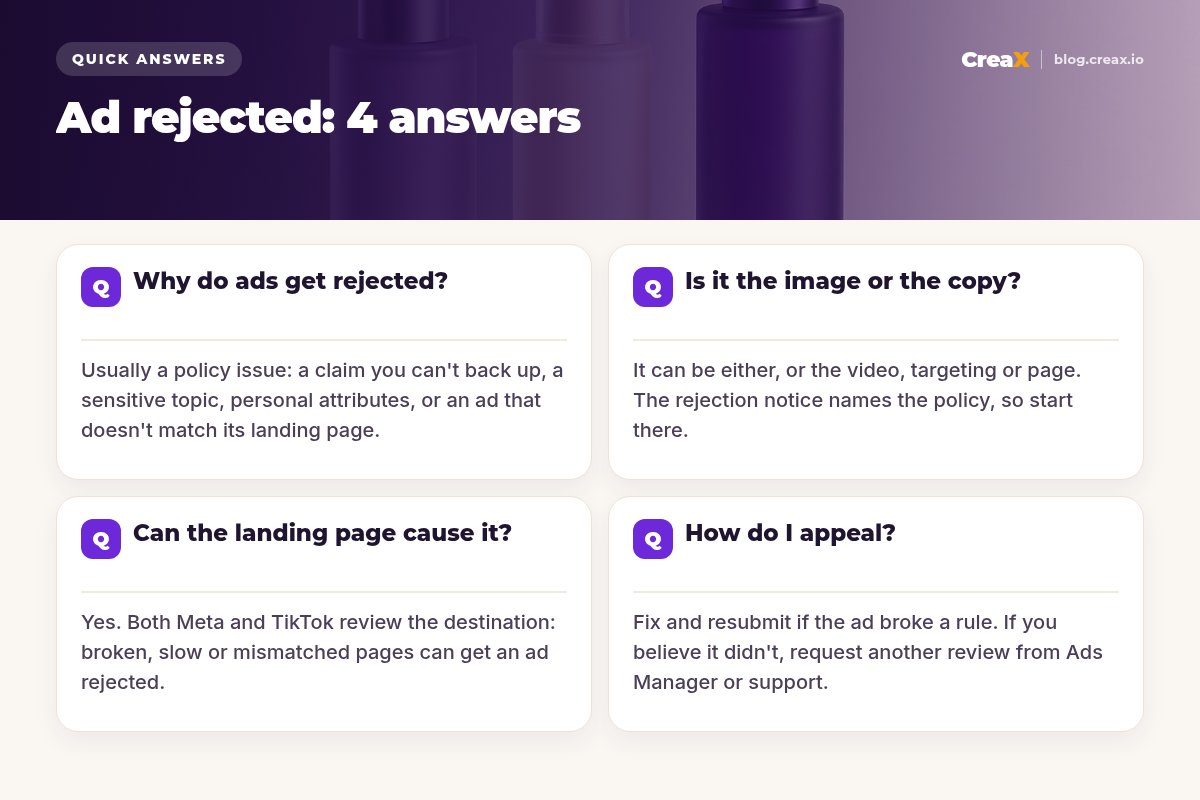
An ad gets rejected when the platform's review decides it breaks an advertising policy. Meta says its review looks at images, video, text and targeting, as well as the ad’s destination, and that review is typically completed within 24 hours, though it can take longer and ads can be reviewed again after they go live. TikTok says most ads are reviewed within 24 hours and checks both the creative and the landing page.
Reviews are largely automated, so two things are true at once: many rejections point to a real problem you can fix in minutes, and some are simply mistakes you can get overturned. Your job is to tell the two apart quickly, fix what is real, and appeal only what is not.
iWhat this guide is (and is not)
The usual causesWhy do ads get rejected?
For ecommerce sellers, nearly every rejection falls into one of these buckets:
| Cause | What it looks like | Typical fix |
|---|---|---|
| Misleading or exaggerated claims | "Guaranteed results", "cures", miracle timeframes, fake scarcity | Only claim what you can prove; soften to benefits |
| Personal attributes | "Are you overweight?", "Struggling with your debt?" | Talk about the product, not the viewer's traits |
| Restricted or prohibited products | Supplements, weight loss, adult items, weapons, some financial offers | Check the category rules; some need approval or cannot run |
| Sensitive or shocking imagery | Close-ups of body parts, gore, before-and-after shots for health or weight | Use neutral product or lifestyle visuals |
| Ad and page don't match | Ad says 50% off, page says 30%; product A in the ad, product B on the page | Same product, price and offer on both |
| Landing page problems | Broken link, under construction, not mobile-friendly, forced downloads | A fast, complete, working page |
| Intellectual property | Another brand's logo, characters or music you don't have rights to | Use your own or licensed assets |
Summarised from Meta's and TikTok's public advertising policies and help pages, October 2026.
TikTok's own help pages list misleading claims, intellectual property infringement and inconsistent information between the ad and the website among the common reasons. Meta's Advertising Standards add rules like personal attributes, which trip up a lot of skincare, fitness and finance advertisers. If you sell in health, beauty or wellness, our guide to before-and-after ads that don’t get rejected covers that category in detail.
!Repeated rejections can hurt the account, not just the ad
Find the real reasonIs it the image or the copy?
It can be either, and it can also be the video, the targeting or the page. Guessing wastes time. Start with the notice:
- On Meta: open the rejected ad in Ads Manager, or go to Account Quality or Business Support Home. The notice names the policy and often the part of the ad it applies to.
- On TikTok: in Ads Manager, open the Campaign tab, find the ad, and click the Disapproved label. TikTok shows the reason and a View more link with policy details and which placements are affected.
Then look at the ad the way a reviewer would. A few patterns cover most cases:
Copy that triggers rejections
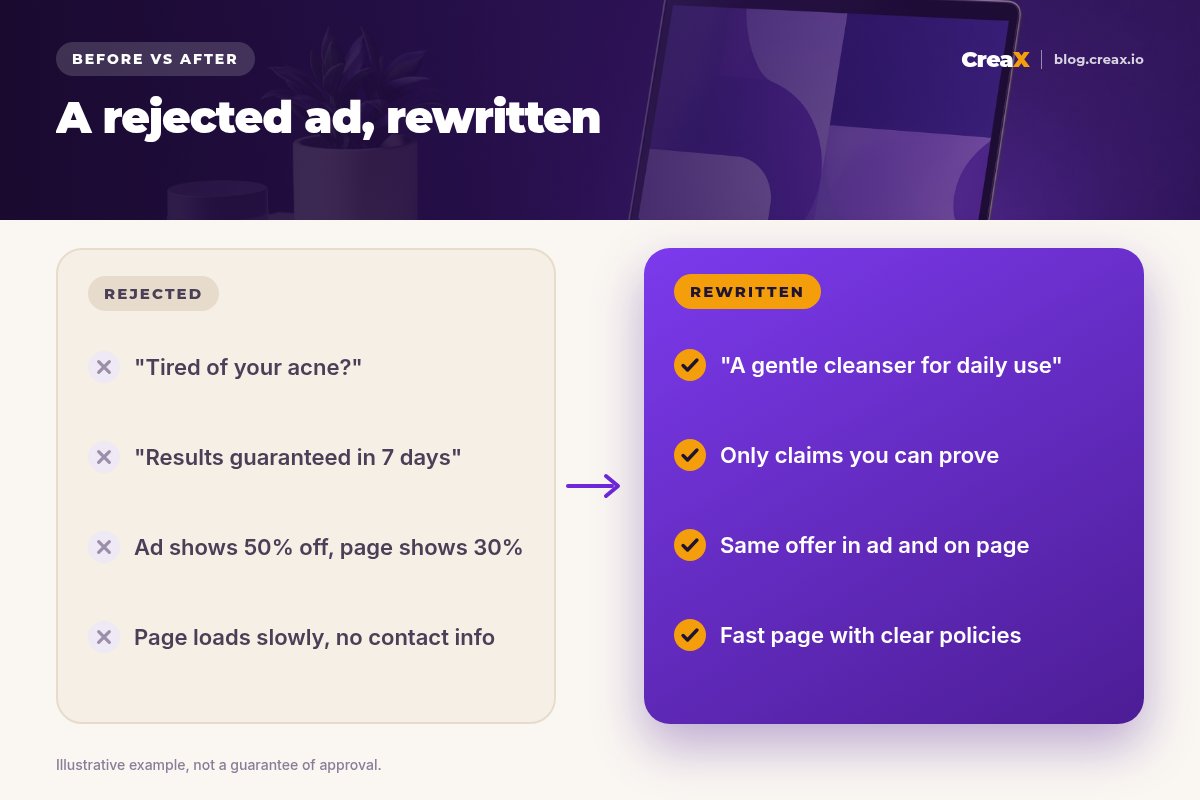
- “You” plus a trait. Meta's policy says ads must not assert or imply personal attributes such as health, age, religion or financial status, and specifically warns against using “you” or “your” that way. “Tired of your acne?” fails; “A gentle cleanser for daily use” does not.
- Absolute promises. “Guaranteed”, “100% effective”, “instant results”, or specific outcomes you cannot document.
- Fake urgency or functionality. Countdown claims that are not real, or text and buttons that pretend to be part of the app.
Images and video that trigger rejections
- Before-and-after shots for weight loss, skin or other health results, and zoomed-in body parts.
- Shocking or sexualised visuals, even when the product itself is harmless.
- Logos, characters or music you don't have the rights to use.
If you use AI-generated people or voices, also follow each platform's disclosure rules; our guide on whether AI UGC ads are allowed on Meta and TikTok explains what to check.
The destination countsCan the landing page cause it?
Yes, and it is one of the most overlooked causes. Meta reviews an ad's destination as part of the ad. TikTok's ad format and functionality policy lists landing pages that are expired or under construction, have incomplete content, are not mobile-friendly, auto-download files, or demand personal details before showing the main content. It also rejects ads whose prices or discounts don't match the website.
Open your own ad link on a phone, on mobile data, and check what a reviewer sees:
- The page loads quickly and fully, with no errors or redirects to somewhere else.
- The product, price and offer are exactly what the ad promised.
- There is real content: product details, images, shipping and returns information, and a way to contact you.
- No pop-up, age gate or form blocks the content before the visitor can read it.
- Claims on the page follow the same rules as the ad. A page full of miracle promises can sink a clean ad.
If your page is thin or slow, fixing it helps far beyond approval: it is also why many ads that do get approved still don’t convert. See what goes into a high-converting product page.
Make the ad and the page tell the same story
CreaX builds your studio ads, UGC-style video ads and landing page from the same product link, so the offer stays consistent from click to checkout.
Fix or request a reviewHow do I appeal?
You have three options on both platforms. Pick the right one:
Edit the ad (when you broke a rule)
Create a new ad (when the concept is the problem)
Request another review (when you believe it was a mistake)
★Don't delete the rejected ad before you appeal
When you request a review, be specific. Explain which policy you believe the ad complies with and why, for example that the claim is backed by product documentation or that the image shows the product, not a body result. Then wait: re-reviews also typically take about a day.
Save yourself a banCommon mistakes to avoid
- Re-uploading the same ad again and again. Duplicating a rejected ad with tiny changes looks like trying to get around review and can make things worse.
- Hiding the claim on the page. Moving a risky promise from the ad to the landing page doesn't make it safe; the page is reviewed too.
- Cloaking or redirects. Showing reviewers one page and buyers another is a serious violation on both platforms.
- Ignoring the account-level picture. Check Account Quality on Meta regularly, not only when something breaks.
- Copying competitor ads blindly. An ad you saw running may be rejected later, or may be running in a different country with different rules.
Before you hit publishChecklist you can copy
Pre-approval checklist
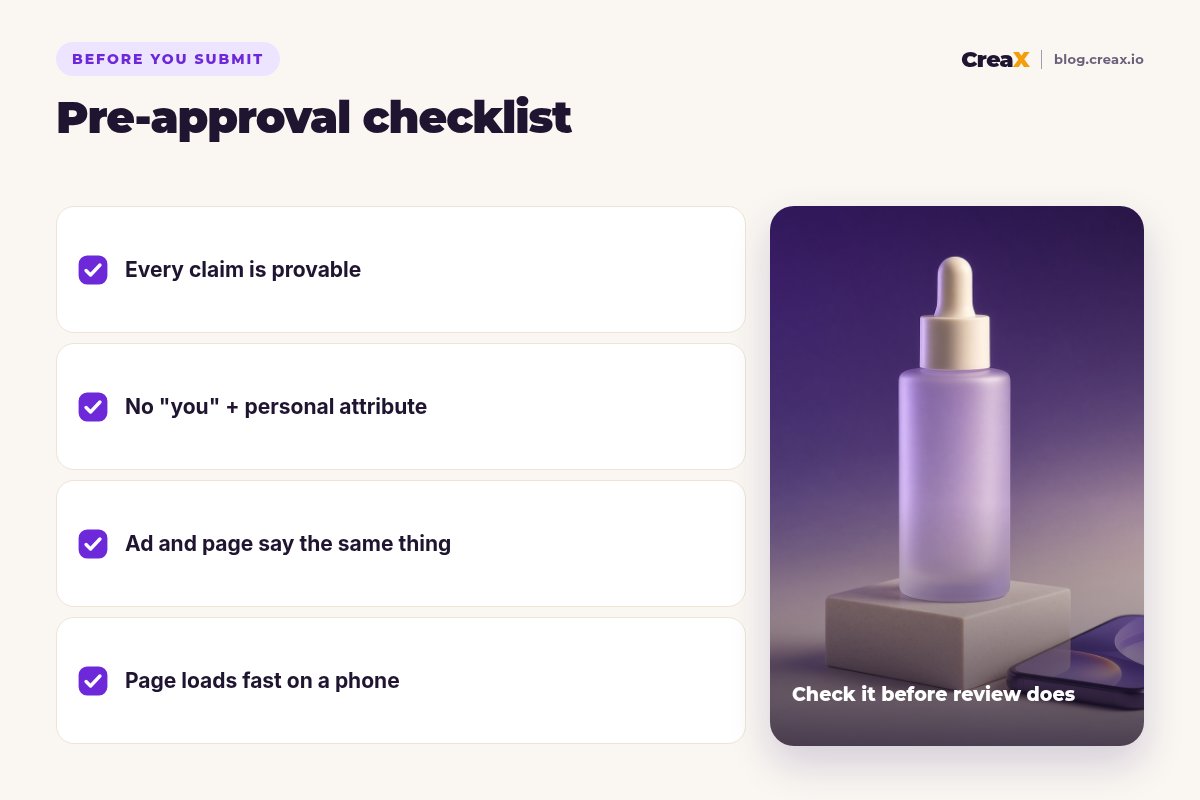
- ✓Claims: every benefit is something you can prove; no guarantees, cures or invented numbers.
- ✓Personal attributes: no “you/your” paired with health, age, weight, finances or other traits.
- ✓Visuals: product-focused; no before-and-after body results, shocking or sexualised images.
- ✓Rights: logos, music, fonts and footage are yours or licensed.
- ✓Match: product, price and offer are identical in the ad and on the page.
- ✓Page: loads fast on mobile, complete content, shipping, returns and contact details visible.
- ✓Category: you have checked whether your product needs approval or cannot be advertised at all.
Here is what a typical fix looks like in practice for a skincare product:
Our toolHow CreaX helps (briefly)
CreaX is an AI ecommerce creative OS. Paste a product link (from Alibaba, AliExpress, Amazon, Etsy or any product page) or upload a product image, and in about 60–120 seconds it generates studio ad creatives, UGC-style video ads, a publish-ready landing page and a multi-tenant store. Because the ads and the page come from the same product understanding, it is easier to keep the offer, product and message consistent, which removes one common cause of rejection.
It also makes it cheap to replace a rejected angle: you can generate fresh, product-focused variations in five ad styles and four sizes (1:1, 3:4, 4:5 and 9:16) instead of rebuilding by hand. What CreaX cannot do is guarantee approval. You still review every claim, follow each platform's category rules, and label AI-generated content where required. Plans start at $4.99 a month; see creax.io/pricing.
Replace a rejected ad with a clean new angle
Paste your product link and get fresh studio ads, UGC-style video ads and a matching landing page to review before you resubmit.
FAQMore questions sellers ask
Q.How long does ad review take?
Q.Why was my ad approved and then rejected later?
Q.Can I just duplicate the ad and try again?
Q.Does a rejected ad hurt my ad account?
Q.Why do my ads get rejected for “personal attributes”?
Q.Is my TikTok ad rejected because of the landing page?
Build your next ad and landing page together
One product link, about 60–120 seconds: consistent studio ads, UGC-style video ads and a landing page for your next test.
This guide is published by CreaX. It summarises Meta's and TikTok's public advertising policies and help pages as of October 2026. Policies change and vary by country and category, so check the current versions before you launch. Not legal advice.