
CreaX vs Picsart: Which Is Better for Ecommerce Ads?
by the CreaX team
In this guide
- What each tool is for
- Side-by-side: the jobs each tool does
- Where Picsart wins
- Where CreaX wins
- Using both together
- Who should pick which
- Frequently asked questions
- Is Picsart good for ecommerce ads?
- Can CreaX replace Picsart?
- What do I need to start with CreaX?
- How long do videos in CreaX run?
- Does CreaX work in other languages?
- How much does Picsart cost?
What each tool is for
If you sell online, you have probably wondered whether a popular creative editor is enough to produce your ads, or whether you need something built around the product itself. That is really the question behind CreaX vs Picsart, so let's keep it friendly and fair.
Picsart is a popular photo and video editing and design platform on mobile and web. It has AI tools such as background removal and AI image generation, plus templates and editing effects, and it is used by creators and small businesses. For pricing, check their pricing page.
CreaX is an all-in-one AI ecommerce creative OS. You paste a product link (Alibaba, AliExpress, Amazon, Etsy or any product page) or upload a product image, and in about 60-120 seconds you get a publish-ready landing page, studio ad creatives, UGC-style video ads and a store.
Side-by-side: the jobs each tool does
| Job | CreaX | Picsart |
|---|---|---|
| Starting point | A product link or product image | A photo, video or blank canvas you work on yourself |
| Hands-on photo and video editing | Not the focus | Core strength |
| Templates and effects for social content | Ready ad styles generated for you | Wide choice to customise |
| Background removal | Not the focus | Available as an AI tool |
| Studio ad creatives | Classic, Humble Orbit, Punch, Luxe and Meta Feed styles in 1:1, 3:4, 4:5 and 9:16 | Build them yourself from templates |
| UGC-style video ads | 18, 30 or 45 seconds | Edit video clips yourself |
| Landing page | Simple, Detailed or Advanced level | Not its job |
| Languages | 40+ languages, 160+ target countries, right-to-left supported | Check their site |
| Pricing | Free plan, then paid plans from $4.99 | Check their pricing page |
Where Picsart wins
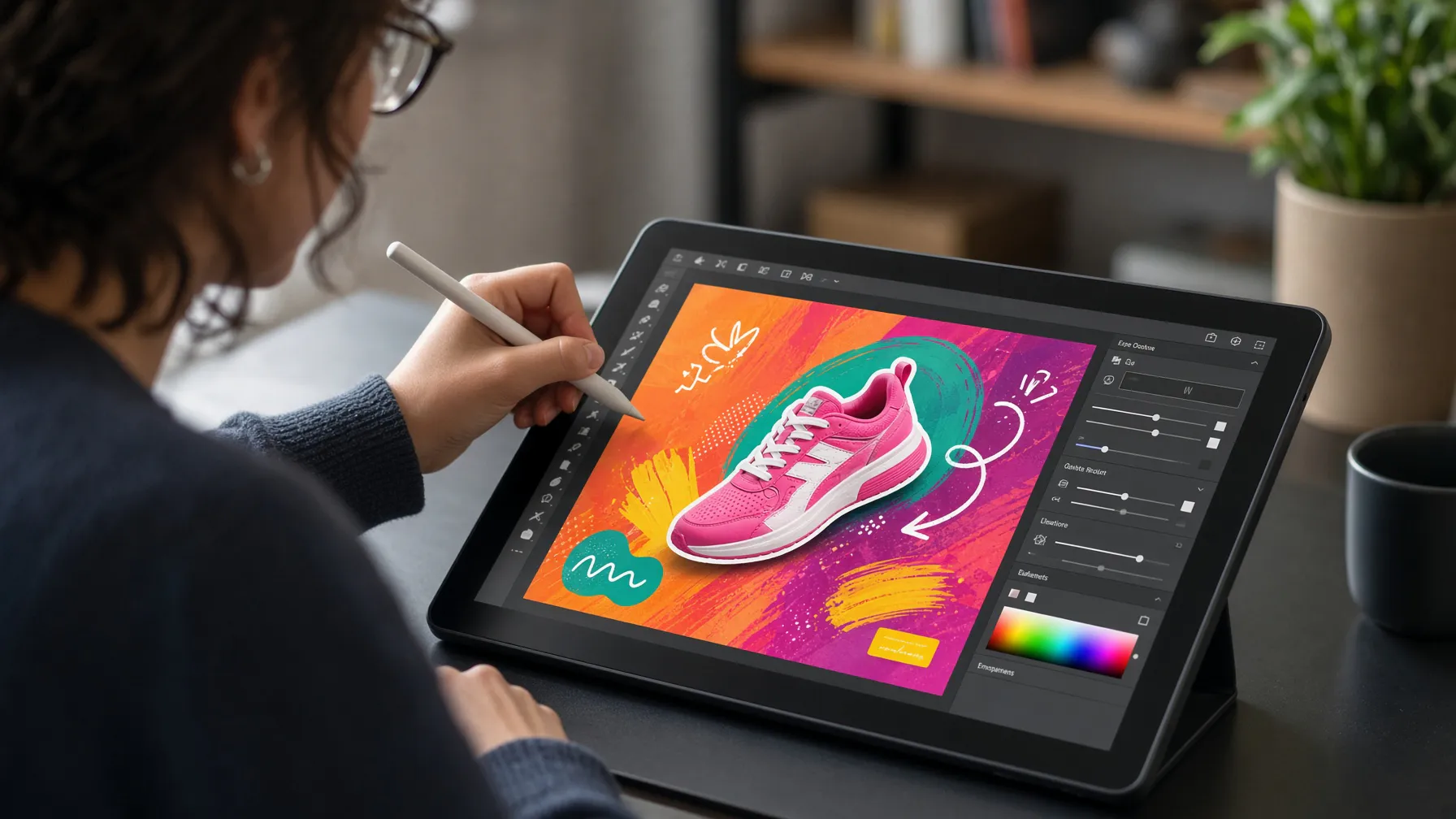
Picsart deserves real credit. If you enjoy designing, it gives you broad hands-on control over photos and videos, and it is a great fit when you already have photos you want to edit. Its templates and effects make social content quick to put together, and its AI background removal is handy for cleaning up an image.
It is also a general-purpose creative space, so it suits content that is not tied to one product page: personal brand posts, creator content, seasonal graphics and anything where you want to play with the look and feel yourself. If you are weighing editors in general, our guide to 10 Best Canva Alternatives for Ecommerce Ad Creatives shows where tools like Picsart sit among the options.
Where CreaX wins
CreaX wins when you want to start from the product, not a blank canvas. Paste your link and you get ready ads in the styles Classic, Humble Orbit, Punch, Luxe and Meta Feed, in sizes 1:1, 3:4, 4:5 and 9:16, so they fit feeds and stories without manual resizing.
You also get UGC-style video ads in 18, 30 or 45 seconds, and a landing page at the level you choose: Simple, Detailed or Advanced. Everything works in 40+ languages across 160+ target countries, and pages support right-to-left languages like Arabic. Plans run from Free to Basic at $4.99 for 2,000 credits, Standard at $14.99 for 6,500, Pro at $29.99 for 14,000 and Premium at $49.99 for 25,000, with top-ups at $1 per 500 credits.
Comparing other editors? Read CreaX vs Adobe Express for Ecommerce Ad Creatives and CreaX vs Photoroom: Product Photo Editing vs Ad Creation, or see how CreaX vs Pixelcut: Which Is Better for Ecommerce Ads? plays out. If you mainly need cleaner product shots, the roundups 10 Best Photoroom Alternatives for Product Photos and Ads and 10 Best AI Background Removers for Product Photos will help you pick.
Turn your product link into ads See CreaX plans
Using both together
You do not have to choose. Many sellers generate their ads, videos and landing page in CreaX, then open a photo they love in Picsart for extra polish on a social post or a custom touch. CreaX gives you speed and volume; Picsart gives you creative control when you want it.
Who should pick which
- Pick CreaX if you are a dropshipper, media buyer, coach or small brand that wants ads, videos and a page from one product link.
- Pick Picsart if you like designing by hand, already have photos to edit, or need flexible content for social channels.
- Pick both if you want fast product ads plus room to tweak creative details.
Frequently asked questions
Is Picsart good for ecommerce ads?
It can be, especially if you like to design yourself and already have product photos. You build each creative by hand, so it takes more of your time.
Can CreaX replace Picsart?
For turning a product link into ads, videos and a landing page, yes. For general photo and video editing, Picsart is the broader tool.
What do I need to start with CreaX?
A product link from Alibaba, AliExpress, Amazon, Etsy or any product page, or just a product image.
How long do videos in CreaX run?
You can choose 18, 30 or 45 seconds.
Does CreaX work in other languages?
Yes. It supports 40+ languages and 160+ target countries, including right-to-left languages like Arabic.
How much does Picsart cost?
Please check their pricing page for the latest details.
Your next campaign starts with a link.
Paste a product link and get UGC video ads, ad images and a landing page — everything in under 60 seconds.
Start creating