
CreaX for Viral Gadget Stores: Demo Ads From a Product Link
by the CreaX team
In this guide
- AudienceWho this is for: viral and problem-solving gadget stores
- Why it's hardThe problem this solves
- The kitWhat CreaX produces from one gadget link
- AnglesAngles that sell gadgets
- How it worksStep-by-step workflow
- ExampleWorked example: a handheld mini vacuum
- PricingWhich plan fits (real CreaX prices)
- TipsTips for better gadget ads
- Honest limitsLimits and when to use other tools
- FAQFrequently asked questions
- Q.Can CreaX make ads from an AliExpress gadget listing?
- Q.How long are the video ads?
- Q.Which ad sizes do I get?
- Q.Do I need a sample of the gadget?
- Q.Can I sell in other countries?
- Q.Which plan should a gadget store start with?
Use case · Viral gadget stores
Viral gadgets sell on one thing: the moment a viewer sees the problem solved and thinks “I need that”. A mini vacuum pulling crumbs out of a car seat, a clip-on fan on a hot commute, a gadget that makes a boring chore quick. CreaX helps gadget stores turn a product link into UGC-style video ads, studio ads and a landing page built around that moment, so you can test several angles before the trend moves on.
By the CreaX team
Key takeaways
- ✓Who it is for: stores and dropshippers selling problem-solving and impulse gadgets: cleaning, kitchen, car, desk, travel and home gadgets.
- ✓What you get from one link or photo: UGC-style video ads of 18, 30 or 45 seconds, studio ads in five styles and four sizes (1:1, 3:4, 4:5, 9:16), and a publish-ready landing page, in about 60–120 seconds.
- ✓What sells gadgets: a clear problem, the gadget solving it, and an honest answer to “does it really work?”, on the ad and on the page.
- ✓The non-negotiable step: check every claim, size and spec against the real product and your supplier's listing. Gadgets get refunds fast when the ad overpromises.
In this guide
AudienceWho this is for: viral and problem-solving gadget stores
This guide is for sellers whose products are small, visual and easy to understand in a few seconds: handheld vacuums, clip-on fans, kitchen helpers, cable organisers, car gadgets, travel accessories and the endless “why didn't I think of that” items that trend on TikTok and Reels. It suits one-product stores, general gadget stores, dropshippers testing many products and media buyers running ads for them.
If you mainly sell phones, chargers and tech accessories, our guide to CreaX for electronics and phone accessory stores covers spec-heavy products in more depth. This article focuses on gadgets that sell on a visible problem and a quick payoff.
Why it's hardThe problem this solves
Gadget stores live and die by testing speed. A trend can rise and fade in weeks, and most products you test won't win. That creates three problems:
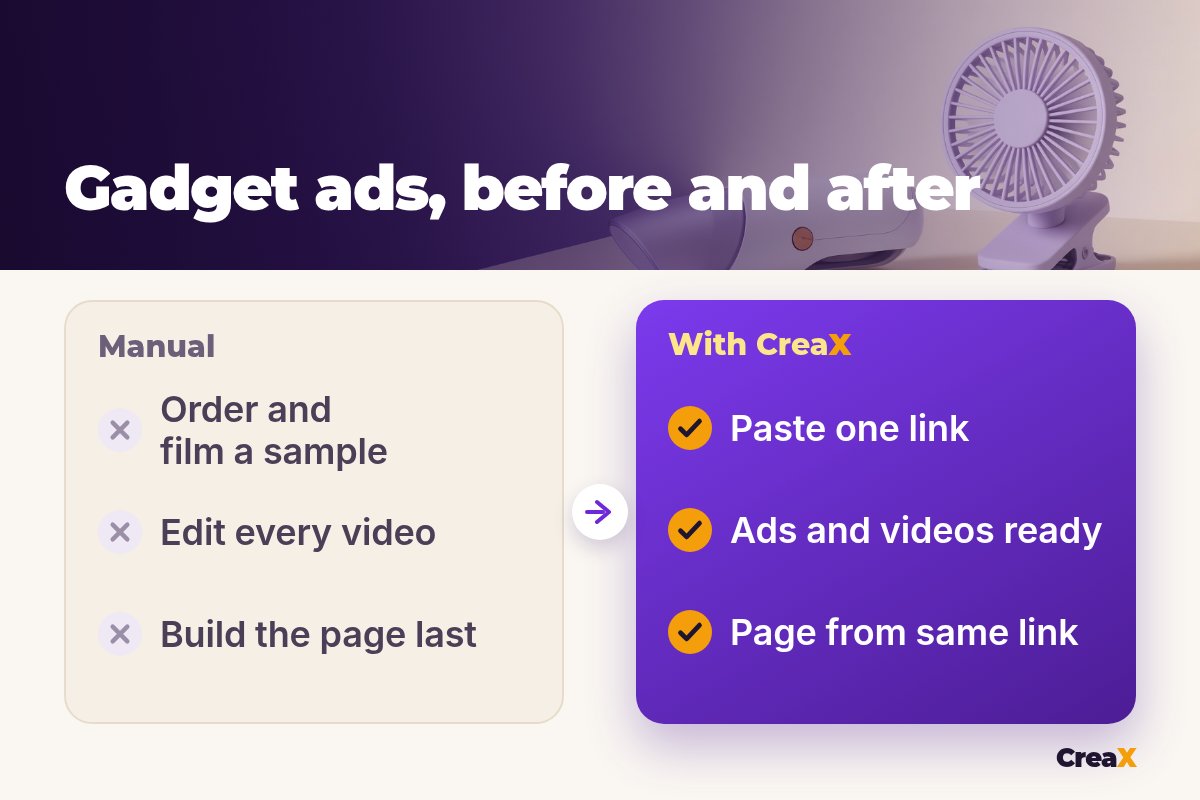
- You need creatives before you have stock. Ordering a sample and filming it can take longer than the trend lasts.
- Each product needs several angles. The same mini vacuum can be a car-cleaning ad, a desk ad or a pet-hair ad, and you don't know which works until you test.
- The page has to back up the ad. Shoppers who click on a gadget ad want proof: what it does, how big it is, how it charges, what is in the box.
Our guide on product demo video ads without filming explains the creative side of this problem in more detail.
The kitWhat CreaX produces from one gadget link
Paste a product link (your store, Alibaba, AliExpress, Amazon, Etsy or any product page) or upload a product photo, and in about 60–120 seconds CreaX gives you:
- UGC-style video ads of 18, 30 or 45 seconds, the native-feeling format that gadget ads usually run on.
- Studio ad creatives in five styles (Classic, Humble Orbit, Punch, Luxe, Meta Feed) and four sizes (1:1, 3:4, 4:5, 9:16).
- A publish-ready landing page at Simple, Detailed or Advanced level, in 40+ languages for 160+ target countries, including RTL languages like Arabic.
- A multi-tenant store if you want to keep gadget niches or client stores apart.
See the five CreaX ad styles for how each one looks, then pick the ones that fit your gadget and your audience.
AnglesAngles that sell gadgets
Most winning gadget ads use one of a few simple structures. Pick two or three for each product and test them side by side:
| Angle | What the ad shows | Example for a mini vacuum |
|---|---|---|
| Problem → solution | The annoying problem, then the gadget fixing it | Crumbs in the car seat, gone in one pass |
| Before and after | The mess or the hassle, then the result | A dusty keyboard, then a clean one |
| Use cases | One gadget, three situations | Car, desk and pet hair |
| Gift angle | Who would love it | A gift for the friend who keeps their car spotless |
| Honest doubt | Answer “does it actually work?” | Showing what it picks up, and what it doesn't |
Angles are starting points for your own tests, not guaranteed winners.
Our guides to problem-solution video ads and before-and-after ads go deeper on the two strongest structures, and UGC ad hooks that stop the scroll has opening lines to try.
!Show what it really does
How it worksStep-by-step workflow
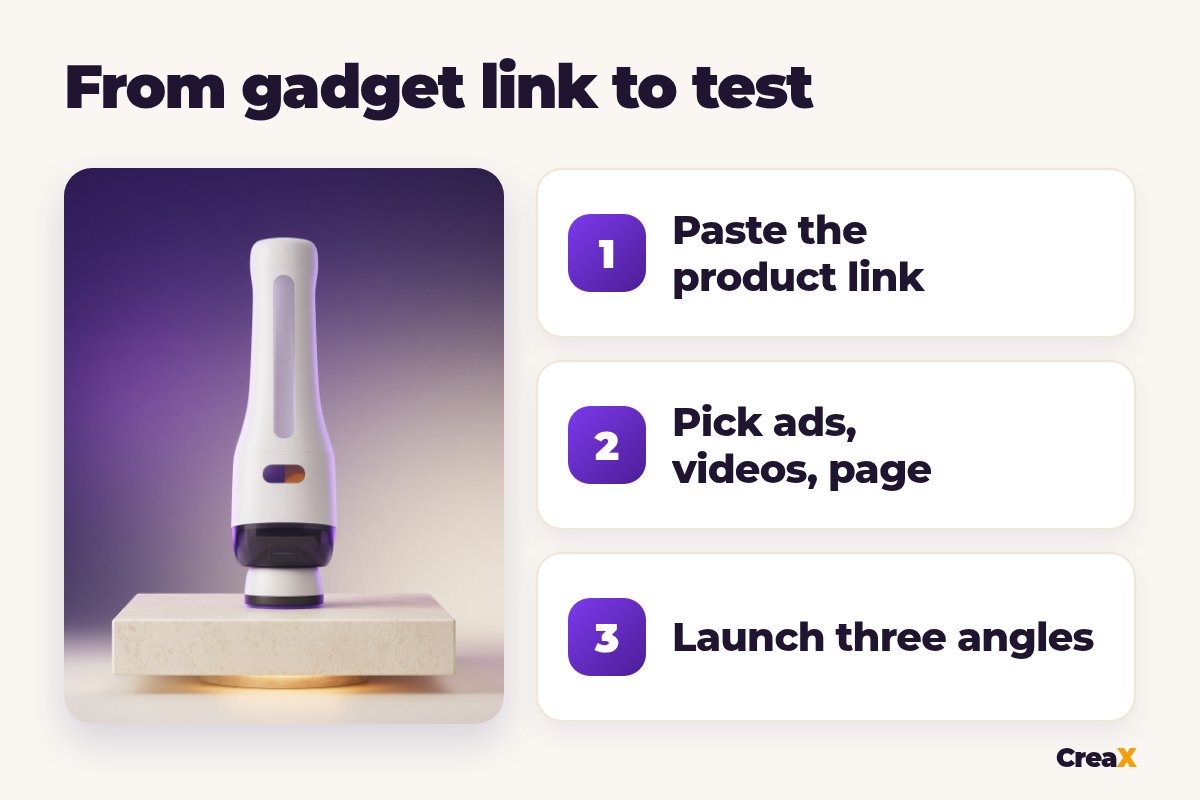
Paste the product link or photo
Review the landing page
Pick studio ad styles
Pick UGC-style videos
Launch a simple test
Not sure how many angles to run? Our guide to testing ad angles for a new product has a simple plan.
Test your next gadget before the trend moves on
Paste one product link and get UGC-style video ads, studio ads and a landing page in about 60–120 seconds.
ExampleWorked example: a handheld mini vacuum
Say you are testing a matte white cordless handheld mini vacuum from a supplier listing. You haven't received a sample yet, and you want to know if it's worth ordering stock.
- Paste the supplier link into CreaX and check every detail in the results against the listing: size, charging, attachments.
- Pick three angles: “car crumbs gone in seconds” (problem-solution), “clean desk, clear head” (use case) and “the gift for the neat freak” (gift angle). Avoid timing claims you can't prove.
- Choose the creatives: an 18-second UGC-style video for each angle, plus static ads in two styles, in 9:16 and 4:5.
- Review the Detailed landing page: add a clear “what's in the box” section and an honest line on what the vacuum is and isn't for.
- Launch the three angles with a small test budget and compare cost per result after a few days.
If one angle wins, order a sample, film a short real clip to sit next to the AI creatives, and scale. If none win, you have learned cheaply and can move to the next product. Similar sellers in home and kitchen and car accessories follow the same loop.
PricingWhich plan fits (real CreaX prices)
CreaX uses simple monthly credit plans. Credits are spent when you generate, and top-ups are $1 per 500 credits:
| Plan | Price / month | Credits | Good fit for gadget stores |
|---|---|---|---|
| Free | $0 | 0 | Look around the app before buying credits |
| Basic | $4.99 | 2,000 | Testing your first gadgets |
| Standard | $14.99 | 6,500 | Testing new gadgets every week |
| Pro | $29.99 | 14,000 | Several products or stores at once |
| Premium | $49.99 | 25,000 | Agencies and high-volume media buyers |
Current plans on creax.io/pricing. Top-ups: $1 per 500 credits.

Our guide to CreaX pricing and credits explains how to choose a plan for your testing pace.
TipsTips for better gadget ads
Five habits of strong gadget ads
- ✓Lead with the problem, not the product name. People don't search for the gadget; they recognise the annoyance.
- ✓Show scale: a hand, a car seat or a desk next to the product, so the size is clear.
- ✓Answer the doubt: one honest line on what it does and doesn't do builds more trust than hype.
- ✓Match ad and page: the same angle, the same offer and the same images on both.
- ✓Refresh fast: gadget ads tire quickly, so plan new angles before the old ones fade.
Honest limitsLimits and when to use other tools
CreaX is built to make creatives and pages fast. It is not the right tool for everything a gadget store needs:
- Product research: CreaX doesn't find trending products for you. Use a research tool or your platform's trend pages.
- Real footage: for a winning product, a short real clip of the gadget in use is worth adding next to AI creatives.
- Fulfilment and ad management: CreaX doesn't handle orders, suppliers or your ad accounts.
⚖Our bias, stated upfront
Turn your gadget link into a full test
Get UGC-style video ads, studio ads and a matching landing page from one product link, then launch them wherever you run ads.
FAQFrequently asked questions
Q.Can CreaX make ads from an AliExpress gadget listing?
Q.How long are the video ads?
Q.Which ad sizes do I get?
Q.Do I need a sample of the gadget?
Q.Can I sell in other countries?
Q.Which plan should a gadget store start with?
Ready to test your next gadget?
One product link, about 60–120 seconds, and you have UGC-style video ads, studio ads and a landing page.
This guide is published by CreaX. We describe other tools from their own public websites, last checked October 2026, avoid invented scores or prices, and recommend checking each vendor's site for current features and plans.
Your next campaign starts with a link.
Paste a product link and get UGC video ads, ad images and a landing page — everything in under 60 seconds.
Start creating