
CreaX for Amazon Sellers: Ads and Landing Pages for External Traffic
Use case · Amazon sellers
Ads for Amazon sellers usually means Sponsored Products inside Amazon. But many sellers also want shoppers from TikTok, Instagram, Facebook and Google, and that traffic needs creative Amazon doesn't make for you. CreaX turns your Amazon listing link into studio ads, UGC-style video ads and a landing page in about 60–120 seconds, so you can test external traffic without briefing a designer or booking a shoot.
By the CreaX team
Key takeaways
- ✓Paste your Amazon listing link (or upload a product image) and CreaX returns studio ad creatives, UGC-style video ads of 18, 30 or 45 seconds and a publish-ready landing page.
- ✓Measurement happens in Amazon’s tools, not in CreaX. Use Amazon Attribution tags on the links in your ads so you can see which ad led to detail page views and sales.
- ✓Brand owners in Amazon’s US store may be able to earn a Brand Referral Bonus on qualifying external traffic. Amazon sets the rules, so read its own pages before you count on it.
- ✓Start small: two or three angles, one product, tagged links, and a few days of data before you scale anything.
In this guide
AudienceWho this is for: Amazon sellers
This guide is for Amazon sellers who want sales from outside Amazon search. That includes:
- Private label brands that want to build demand on social media instead of relying only on Sponsored Products.
- New listings that need a push while they have few reviews and little organic ranking.
- Sellers on several channels who sell on Amazon and on their own store and want ads that work for both.
- Agencies and freelancers who run external traffic for several Amazon brands.
If you're still choosing your wider tool stack, our list of the best AI tools for Amazon sellers shows where CreaX fits next to research, listing and PPC tools.
Why it mattersThe problem this solves
Your listing images and Amazon's own ad tools are built for shoppers who are already on Amazon. Once you look beyond Amazon, you need a different kind of creative:
- Vertical video that feels native on TikTok, Reels and Shorts, not a slideshow of listing photos.
- Static ads in social sizes with a clear hook, not white-background main images.
- Several angles to test, because one ad rarely tells you whether the product works with cold traffic.
- Sometimes a page between the ad and the listing, to tell the story a listing can't.
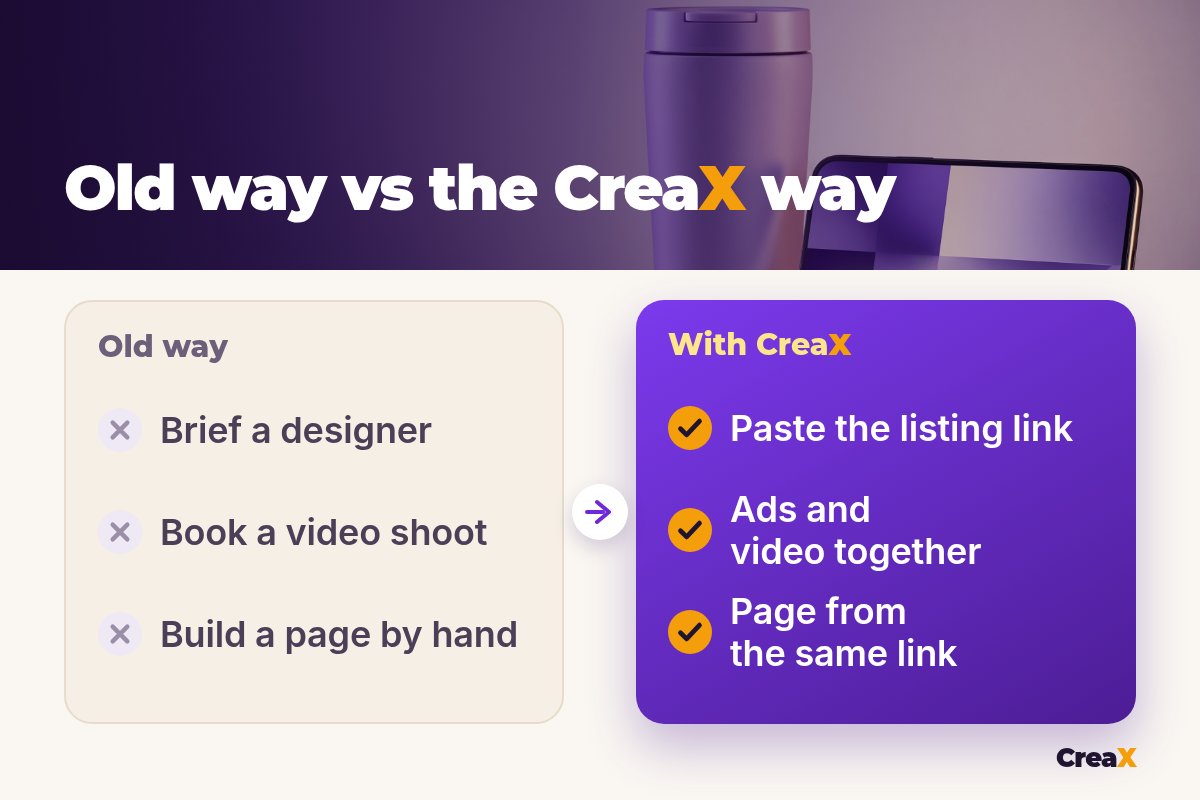
Getting all of that the usual way means briefing a designer, ordering samples for a shoot, finding a creator and building a page. For a product you haven't proven off Amazon yet, that is a lot of time and money before the first click.
The kitWhat CreaX produces from one product link or image
Paste your Amazon listing link (creax.io says it accepts links from Amazon, Alibaba, AliExpress, Etsy and any product page) or upload a product image. In about 60–120 seconds you get:
- Studio ad creatives: product photos and static ads in five styles (Classic, Humble Orbit, Punch, Luxe and Meta Feed) and four sizes (1:1, 3:4, 4:5 and 9:16). See CreaX ad styles explained for what each style looks like.
- UGC-style video ads of 18, 30 or 45 seconds for TikTok, Reels and Shorts. Our guide to CreaX UGC video ads shows how they're put together.
- A publish-ready landing page at three levels: Simple, Detailed or Advanced.
- A multi-tenant store to keep brands or product lines apart.
CreaX works in 40+ languages and 160+ target countries and supports right-to-left languages such as Arabic on its pages, which helps if you sell in several Amazon marketplaces. To see how the page is built and what each level includes, read how the CreaX landing page generator works.
Turn your listing into ads
Paste your Amazon product link and get studio ads, UGC-style video ads and a landing page in about 60–120 seconds.
How it worksStep-by-step workflow
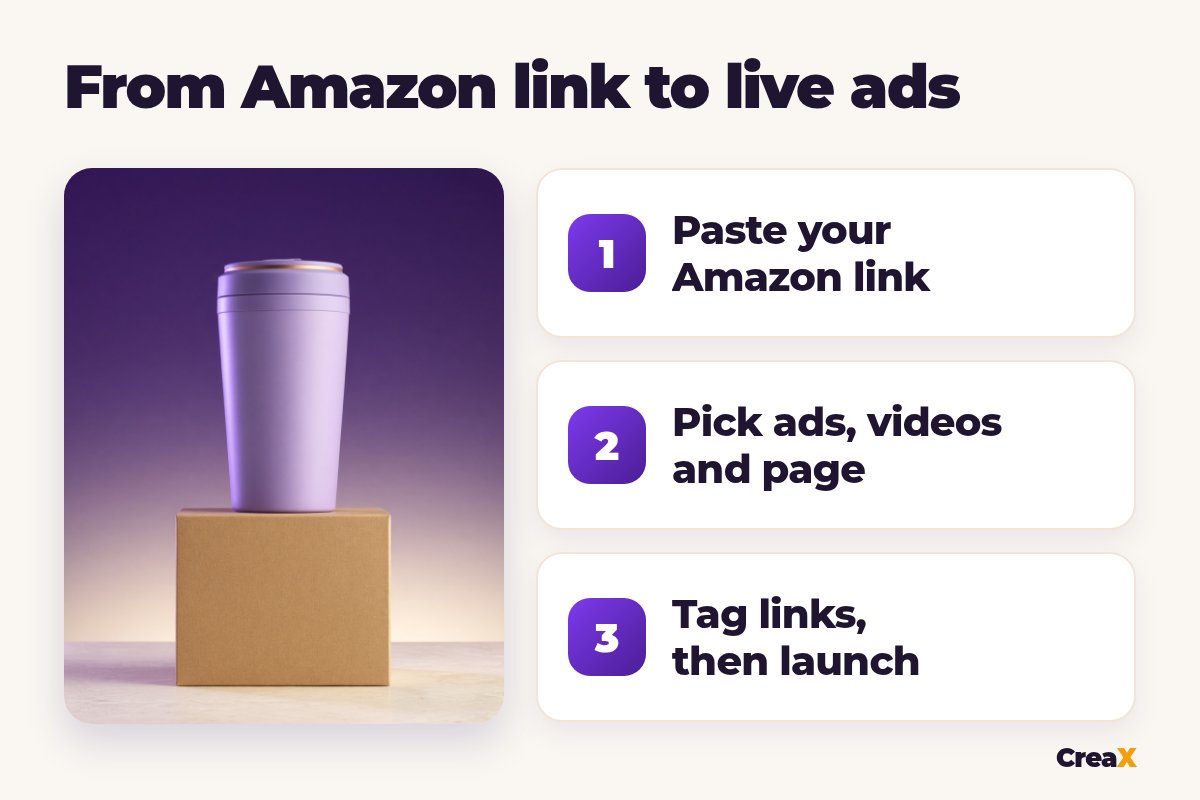
Paste your Amazon product link
Review the landing page
Pick studio ads
Pick UGC-style videos
Tag your links and send traffic
Amazon describes Amazon Attribution as a free measurement solution that shows how non-Amazon marketing (search, social, display, video and email) leads to detail page views, add-to-carts and purchases on Amazon. Amazon lists who is eligible on that page, so check it before you plan your test. Our step-by-step guide on how to drive external traffic to Amazon covers tags, reports and how to read them.
iDirect to listing, or a page first?
ExampleWorked example
Say you sell an insulated stainless steel tumbler on Amazon and want to test social traffic. You pick three angles, each based on something the listing can back up:
| Angle | Static ad | Video | Link |
|---|---|---|---|
| Keeps drinks cold on the commute | Luxe style, 4:5 | 18-second UGC-style video | Tagged listing link (tag: commute) |
| Fits the car cup holder | Punch style, 9:16 | 30-second UGC-style video | Tagged listing link (tag: car) |
| A gift for a coffee lover | Classic style, 1:1 | 18-second UGC-style video | Landing page, buy button with tag: gift |
An example test plan. Pick angles your listing and supplier can prove.
Run all three with the same budget for the same days, then open the Amazon Attribution reports. Compare each tag from top to bottom: clicks, detail page views, add-to-carts and purchases. An angle with lots of clicks but few detail page views may have a link or page problem; one with views but few purchases may be attracting the wrong shopper.
Keep the winner, refresh the creative for the next round, and test a new angle against it. Our guide to testing ad angles for a new product explains how to keep these tests fair.
PricingWhich plan fits (real CreaX prices)
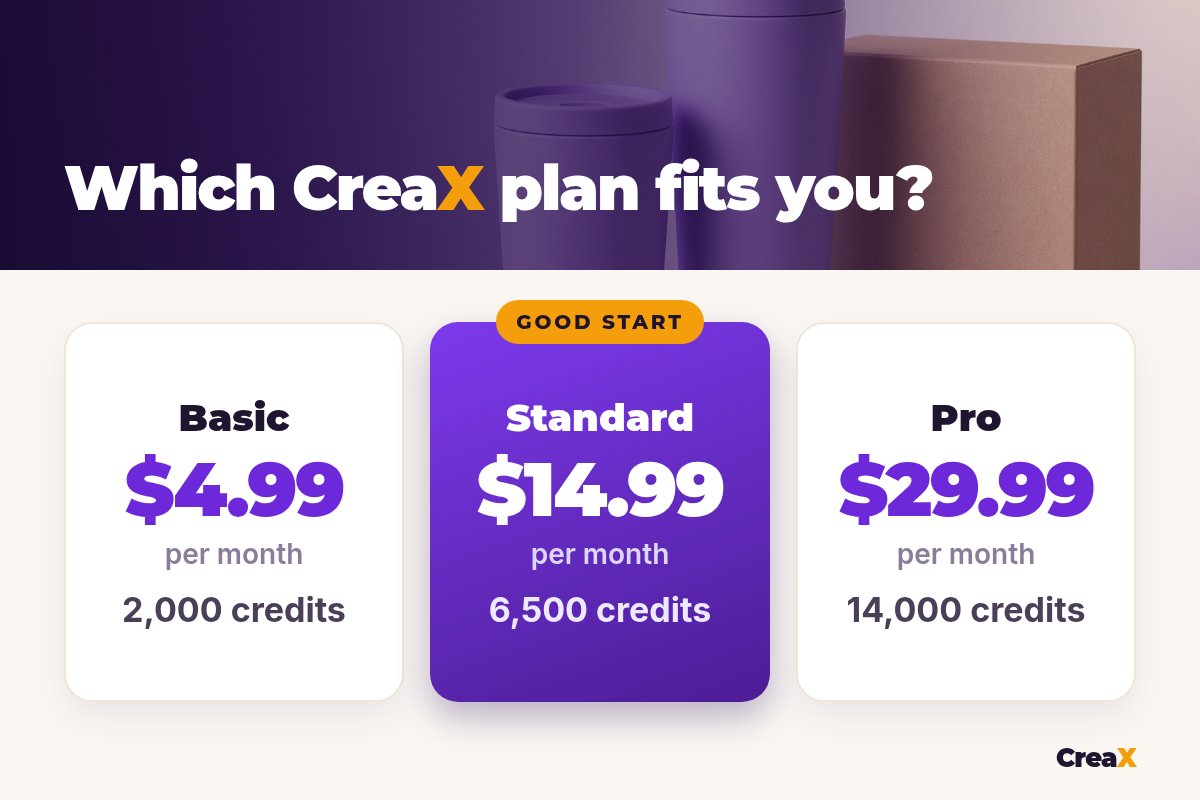
| CreaX plan | Price / month | Credits | Good fit for Amazon sellers |
|---|---|---|---|
| Free | $0 | 0 | Look around the app before buying credits |
| Basic | $4.99 | 2,000 | A first external-traffic test for one product |
| Standard | $14.99 | 6,500 | Testing angles for a few products every month |
| Pro | $29.99 | 14,000 | A full catalogue or several marketplaces |
| Premium | $49.99 | 25,000 | Agencies running several Amazon brands |
| Top-up | $1 | 500 | Extra credits when a test takes off |
Current plans on creax.io/pricing.
Credits are spent when you generate. If you're not sure, start on Basic or Standard with one product, see how many generations a full test takes, then move up only if you need more.
Test external traffic for your best listing
Get studio ads, UGC-style video ads and a landing page from your Amazon link, then send tagged traffic and compare angles.
Do thisTips for better results
Before you launch
- ✓Start with a listing that already converts on Amazon. External traffic is easier to read when the listing itself is strong.
- ✓One tag per ad or angle. Otherwise you can't tell which creative drove the sales.
- ✓Match the ad, the page and the listing. Same product, same colour, same promise.
- ✓Keep every claim provable. Use what your listing, supplier and tests support, and follow each ad platform's rules.
- ✓Check Amazon’s programs yourself. Eligibility and terms for Amazon Attribution and the Brand Referral Bonus are set by Amazon and can change.
- ✓Refresh creatives before they tire. A new batch from the same link keeps the test going.
If you're a brand owner selling in Amazon's US store, read Amazon's own page on the Brand Referral Bonus. Amazon describes it as a bonus, credited against referral fees, on qualifying sales from non-Amazon marketing that carries an Amazon Attribution tag. Rates, eligibility and payment timing are set by Amazon, so check the current terms in Seller Central rather than relying on any summary, including this one.
Sizes matter on every platform, and the wrong crop can cut off your product. Our guide on what size ecommerce ad creatives should be lists the common placements.
Be realisticLimits and when to use other tools
CreaX is built for creative and pages. It doesn't replace Amazon's own tools or your listing work:
- Listing images: CreaX ads with headlines are made for social ads and pages, not Amazon main images, which must follow Amazon's image rules. Use a photo editor for listing images.
- Measurement: CreaX doesn't measure Amazon sales. Use Amazon Attribution and your ad platforms' reports.
- Ads inside Amazon: Sponsored Products, Sponsored Brands and other Amazon ads are run in Amazon Ads, with Amazon's own creative tools.
- Launching and managing campaigns: CreaX doesn't launch ads. You upload them to Meta, TikTok or Google Ads, or the launch tool you use.
- Policy outcomes: no tool can promise how Amazon or an ad platform will treat your ads or listing. Follow their rules and check their pages.
⚖Honest take
FAQFrequently asked questions
Q.Can I paste my Amazon listing link into CreaX?
Q.Does CreaX track Amazon sales?
Q.Should I send ads to my listing or to a landing page?
Q.Can I earn a Brand Referral Bonus with CreaX ads?
Q.Can CreaX make my Amazon main image?
Q.Which ad sizes do I get?
Bring new shoppers to your listing
One Amazon link, about 60–120 seconds, and you have studio ads, UGC-style video ads and a landing page for your first external traffic test.
This guide is published by CreaX. Amazon Attribution and Brand Referral Bonus details come from Amazon's public pages, checked October 2026. Programs, eligibility and terms change, so check Amazon's current pages before you launch.