
10 Best Free AI Ad Generators for Ecommerce
Top 10 · Free AI ad generators
Searching for a free AI ad generator? Most tools say “free”, but that word can mean a few credits a month, a daily cap, a watermark, or a licence that rules out ads. Here are 10 tools sellers actually use, what each free option really includes, and where a small paid plan saves you more than it costs.
By the CreaX team
Key takeaways
- ✓“Free” comes in five flavours: monthly credits, daily limits, watermarks, personal-use-only licences, and free tools inside ad platforms.
- ✓CreaX is our first pick, but it is not free to generate with: the Free plan has 0 credits. The cheapest real start is Basic at $4.99 a month for 2,000 credits, with top-ups at $1 per 500 credits.
- ✓The best truly free options are Canva, CapCut and Adobe Express for editing, plus the free AI tools inside TikTok, Google Merchant Center and Amazon Ads.
- ✓Before you rely on a free plan, check the limit, the watermark and whether the output is allowed in paid ads.
In this guide
Read the small printWhat “free” really means in AI ad tools
This is not another general roundup. If you want the strongest ad tools regardless of cost, our list of the best AI ad creative generators for ecommerce covers that. This guide answers a narrower question: which tools let you make ads without paying, and what is the catch?
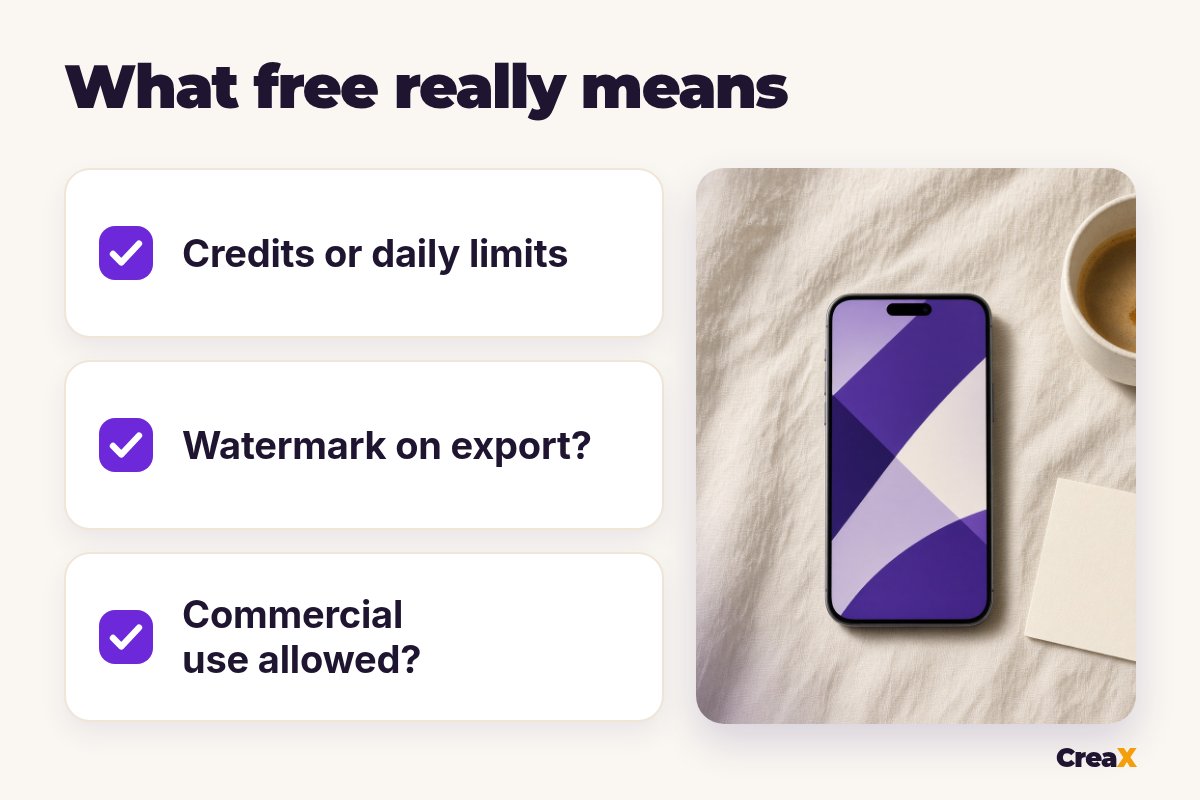
After reading the plan pages and help centres of more than a dozen tools, we found “free” usually means one of these:
- Monthly credits. A small allowance that resets each month: enough to try a tool, rarely enough for a real test.
- A daily limit. A set number of AI generations per day.
- Watermarked exports. Fine for a mock-up, not for a live ad.
- Personal use only. Some free plans forbid business use, which rules out paid ads.
- Free inside an ad platform. TikTok, Google and Amazon give advertisers AI creative tools at no extra cost.
A free trial is different again: it ends after a few days and may ask for a card upfront. We cover trials separately below.
MethodHow we chose (criteria, no invented scores)
Every tool on this list has a free plan or is free to use. We checked each one on its own website and help centre, and judged it on five questions:
- Is it really free? A free plan or free tool, not just a trial.
- Can you use the output in ads? Commercial-use terms.
- What are the limits? Credits, daily caps, watermarks, locked features.
- Is it built for ads? Ad sizes, product focus, platform formats.
- What is left for you? Copy, design, editing and the landing page.
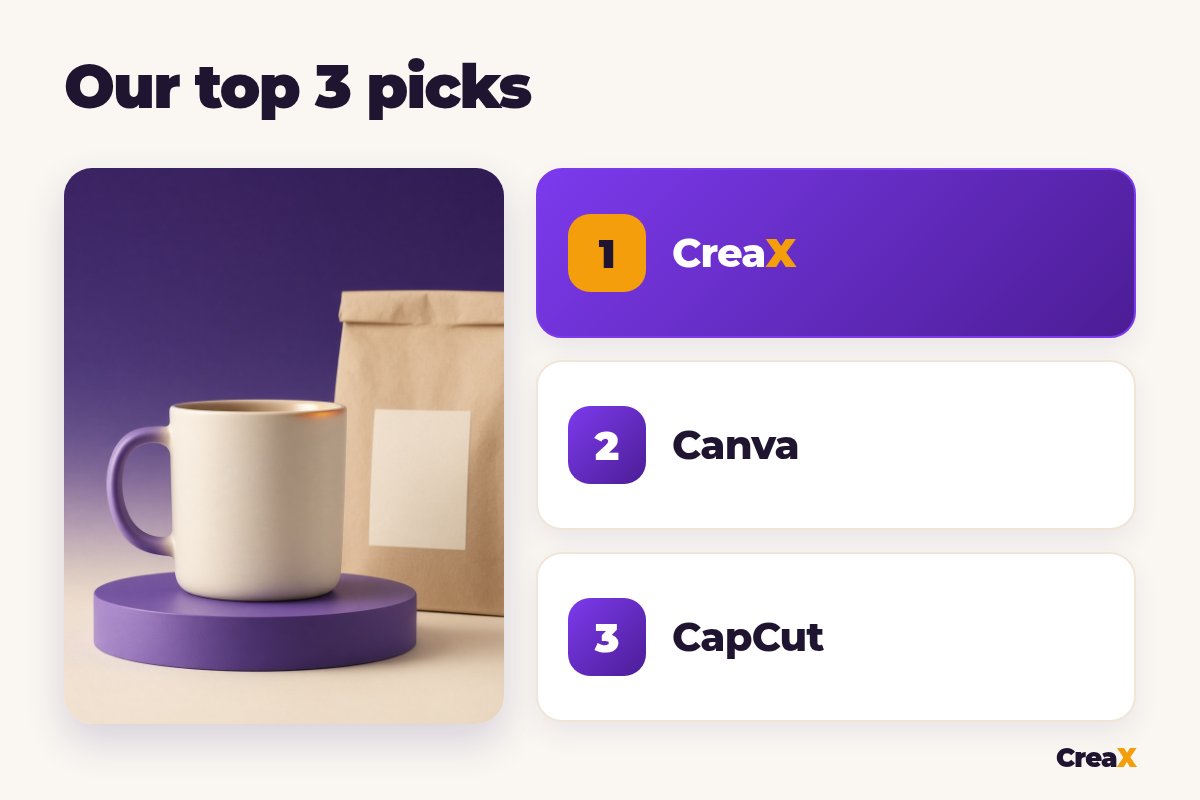
⚖Why CreaX is first, and why we say it is not free
Comparison tableAll 10 at a glance
| Tool | What “free” means | Watch out for |
|---|---|---|
| CreaX | Free plan to explore, 0 credits | Generating needs Basic or higher |
| Canva | Free plan, monthly AI allowance | Pauses once the allowance runs out |
| CapCut | Free plan with basic editing | AI features use credits; commercial-use marks |
| Adobe Express | Free plan, limited daily AI generations | Some editing tools, like remove background, need Premium |
| Creatify | Free plan, small monthly credit allowance | Free exports include a watermark |
| TikTok Symphony Creative Studio | Free for TikTok for Business accounts | Built for TikTok; check its GenAI terms |
| Google Product Studio | Free in Merchant Center | Some features limited by country |
| Pippit | Free plan to use, upgrade anytime | Advanced models and faster generation are paid |
| Dreamina | Free access to get started | Check limits and commercial-use terms |
| Amazon Ads Video Generator | Free for Amazon advertisers | Only for Amazon ads, in supported marketplaces |
From each company's public website and help centre, checked October 2026. Free plans change often.
The listThe 10 best free AI ad generators for ecommerce
CreaX
Best for: a full ad kit and landing page from one product link
CreaX is an all-in-one AI ecommerce creative OS. Paste a product link or upload a product image, and in about 60–120 seconds you get a publish-ready landing page, studio ad creatives, UGC-style video ads and a multi-tenant store. Our walkthrough of studio ad creatives from one product photo shows what the static side looks like.
Here is the honest part. The CreaX Free plan has 0 credits, so it lets you look around the app but not generate. The cheapest real start is Basic: $4.99 a month for 2,000 credits, and you can top up at $1 per 500 credits in a busy week. Our guide to CreaX pricing and credits explains how to size a plan. We rank it first anyway: a free tool that makes one image is not a full test kit with a page to send traffic to.
Good for
- Landing page, studio ads and video ads from one link
- Built for ecommerce testing, not general design
- Basic from $4.99/month, top-ups $1 per 500 credits
Keep in mind
- Not free to generate: the Free plan has 0 credits
- Less hands-on design control than an editor like Canva
Website: creax.io
Canva
Best for: designing and resizing static ads on a free plan
Canva Free gives you its editor and templates plus a shared monthly AI allowance for tools like image generation. Canva's help centre says it resets on the first of each month, with short pauses between generations once it runs out. It is excellent for resizing one design into feed and story sizes. We compared the two in CreaX vs Canva for ecommerce ad creatives.
Good for
- Huge template library
- Monthly AI allowance on the free plan
Keep in mind
- You design each ad yourself
- Check Canva's licence for how free elements can be used in ads
Website: www.canva.com
CapCut
Best for: editing short video ads for free
CapCut lets you start for free with the basic editing tools, while premium AI features such as AI image generation, script-to-video and premium voiceovers use credits. For advertisers, one rule matters: CapCut's materials licence says only assets marked for commercial use may be used commercially. See CreaX vs CapCut for how it fits next to a kit generator.
Good for
- Strong free video editor
- Web, desktop and mobile
Keep in mind
- AI extras use credits
- Music and templates need a commercial-use check
Website: www.capcut.com
Adobe Express
Best for: templates plus Firefly AI images with clear commercial terms
The Adobe Express Free plan includes 100,000+ templates, standard editing tools and more than a million royalty-free Adobe Stock assets, plus a limited number of AI generations per day. Adobe says outputs from its generative features can generally be used commercially, except beta features marked otherwise.
Good for
- Clear commercial-use guidance for AI outputs
- Large free template and stock library
Keep in mind
- Remove background and bulk resize need Premium
- Daily AI limit
Website: www.adobe.com/express/
Creatify
Best for: trying link-to-video ads with AI actors
Creatify turns a product link into short video ads, often with an AI actor. Its pricing page describes a Free plan with 10 credits a month, enough for up to 2 video ads or 20 image ads. Free exports include a watermark, and free credits don't carry over to paid plans. Our CreaX vs Creatify comparison covers the differences.
Good for
- Product link to video ad
- AI actors on the free plan
Keep in mind
- Watermark on free exports
- Very small monthly allowance
Website: creatify.ai
Free plans run out fast. A full kit doesn't have to cost much.
CreaX Basic is $4.99 a month for 2,000 credits: paste one product link and get a landing page, studio ads and UGC-style video ads.
TikTok Symphony Creative Studio
Best for: free TikTok-style videos if you advertise on TikTok
TikTok describes Symphony Creative Studio as a free creation tool for TikTok for Business accounts. It generates TikTok-ready videos and images, adds avatars that hold or show your product, and dubs videos into other languages. TikTok says outputs belong to the user unless its GenAI terms state otherwise. We compared it with a full kit in CreaX vs TikTok Symphony.
Good for
- Free for advertisers
- Product avatars and dubbing
Keep in mind
- Focused on TikTok
- No landing page or store
Google Product Studio
Best for: free lifestyle product images for Google Shopping
Google's Product Studio is a free set of AI tools inside Merchant Center (and the Google & YouTube app on Shopify). It can create images, change or remove backgrounds, increase resolution, animate images and generate product videos. Google notes limits: video generation only in some countries, and regulated goods such as alcohol or health devices aren't supported.
Good for
- Free for Merchant Center users
- Images save straight to your product feed
Keep in mind
- Experimental: results vary by product
- Feature availability depends on country
Pippit
Best for: link-to-video and product images on a free plan
Pippit's pricing page says it is free to use, with paid plans for more credits, faster generation and advanced models. The free plan includes its video agent, viral video remixes and AI talking photos. Check which templates and assets are marked for commercial use. Our CreaX vs Pippit comparison goes deeper.
Good for
- Free plan with video tools
- Publishing built in
Keep in mind
- Credits and advanced models on paid plans
- Check export and asset terms per project
Website: www.pippit.ai
Dreamina
Best for: free AI images and video clips to use as ad raw material
Dreamina is CapCut's multi-model AI image and video studio. Its site offers free access to get started. It is great for scenes and B-roll, but it makes raw material rather than finished ads, so check its limits and commercial-use terms. See CreaX vs Dreamina for a side-by-side.
Good for
- Several image and video models
- Free start
Keep in mind
- Raw clips, not finished ads
- Limits and terms need checking
Website: dreamina.capcut.com
Amazon Ads Video Generator
Best for: free Sponsored Brands video ads for Amazon sellers
Amazon Ads describes Video Generator as a free tool: it creates several video options from your product details and lets you generate more at no extra cost. It is only for ads on Amazon, in supported marketplaces. For the wider Amazon toolkit, see our list of the best AI tools for Amazon sellers.
Good for
- Free for advertisers
- Built to Sponsored Brands video specs
Keep in mind
- Amazon ads only
- Not for Meta, TikTok or your own store
Website: advertising.amazon.com/library/guides/ai-video-generator
Not rankedFree trials and personal-use tools we left out
Some popular tools didn't make this list because what they offer isn't a free plan you can use for ads. AdCreative.ai and Predis.ai offer free trials rather than free plans; Predis.ai's pricing page says it takes a card to start its trial. If AdCreative.ai is on your shortlist, our list of AdCreative.ai alternatives and the head-to-head CreaX vs AdCreative.ai compare it properly.
Photoroom and Microsoft Designer both have free versions, but their own pages say the free versions are for personal, non-commercial use. That means no paid ads on the free plan. Budget for a paid plan if you advertise with them.
!A free tool can still cost you an ad account
DecideHow to choose: five questions before you commit
Answer these first
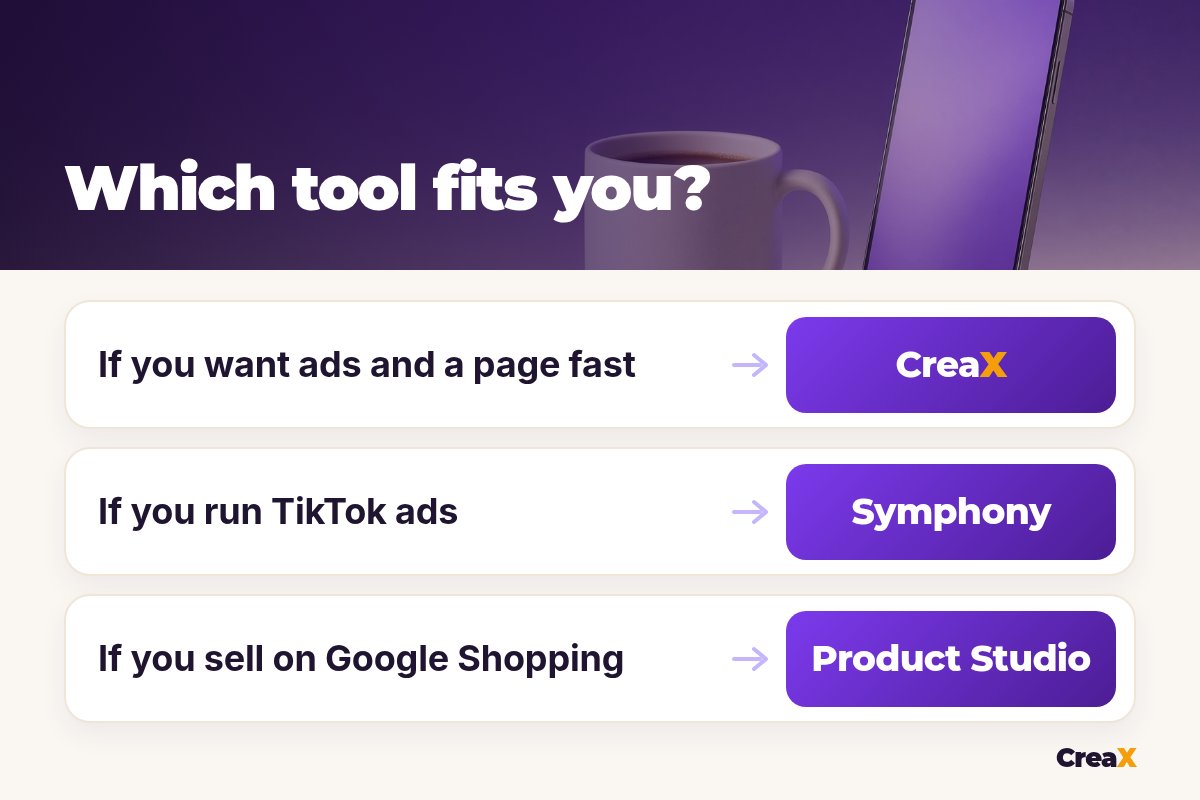
- ✓Where will the ad run? If it's TikTok, Google Shopping or Amazon, start with that platform's free tool.
- ✓Do you need a page too? Free ad tools stop at the creative. If you need a landing page, CreaX makes it from the same link.
- ✓Is the output allowed in paid ads? Look for commercial-use terms, not just a “free” badge.
- ✓Will a watermark or daily cap block your test? A test needs several angles in one go.
- ✓What is your time worth? A free editor still needs you to design each ad and write the copy.
Copy is often the hidden cost of free ad tools. If you write it yourself, our list of the best AI tools for product descriptions and ad copy can speed that part up.
ExampleWorked example: a near-zero budget launch
Say you are testing a ceramic coffee mug from a supplier link, with three angles: “a slow morning ritual”, “a gift for the coffee lover” and “a clean desk upgrade”. You want most of your budget in ads, not tools:
| Job | Tool | Cost |
|---|---|---|
| Landing page, studio ads and UGC-style video ads | CreaX Basic | $4.99/month (2,000 credits) |
| Extra TikTok variations | TikTok Symphony Creative Studio | Free with a TikTok for Business account |
| Lifestyle images for your Shopping feed | Google Product Studio | Free in Merchant Center |
| Quick resizes and text tweaks | Canva Free or Adobe Express Free | Free plan |
CreaX prices from creax.io; other tools are listed by free plan only. Check each pricing page for current terms.
Run the first round, keep the angle that wins, and only then spend credits or money on more versions. Our guide to the best budget AI tools for new dropshippers covers the rest of a lean stack, from product research to store.
Turn one product link into your whole first test
Landing page, studio ads and UGC-style video ads in about 60–120 seconds. Basic starts at $4.99 a month for 2,000 credits.
FAQFrequently asked questions
Q.What is the best free AI ad generator?
Q.Is CreaX free?
Q.Can I use free AI ads commercially?
Q.Is a free trial the same as a free plan?
Q.Are the AI tools in TikTok, Google and Amazon really free?
Ready to test your next product?
Paste one product link and get a landing page, studio ads and UGC-style video ads, from $4.99 a month.
Free plans and limits checked on each company's site and help centre, October 2026.
This guide is published by CreaX. We describe other tools from their own public websites, last checked October 2026, avoid invented scores or prices, and recommend checking each vendor's site for current features and plans.