
CreaX vs Dreamina: Which Is Better for Ecommerce Ads?
Comparison · AI ads for ecommerce
CreaX vs Dreamina is a fair question once you start making ads with AI. Dreamina is CapCut's AI image and video studio, packed with powerful models you steer with prompts and references. CreaX starts from your product link and hands back a ready ad kit: studio ads, UGC-style video ads and a landing page. Here is where each one wins, and how sellers use both.
By the CreaX team
Key takeaways
- ✓Dreamina is CapCut's (ByteDance) AI creation platform: text-to-image, image-to-video and text-to-video with several models such as Seedream, Seedance, GPT Image and Nano Banana, plus editing tools and a node-based AI Canvas.
- ✓CreaX is an AI ecommerce creative OS: paste a product link or image and get studio ad creatives, UGC-style video ads, a publish-ready landing page and a multi-tenant store in about 60–120 seconds.
- ✓Pick Dreamina when you want to explore visuals, art-direct scenes, try different models and build cinematic clips prompt by prompt.
- ✓Pick CreaX when you need a complete, matching product test (static ads, video ads and the page) without writing prompts for every asset.
In this guide
TL;DRThe short answer: CreaX vs Dreamina
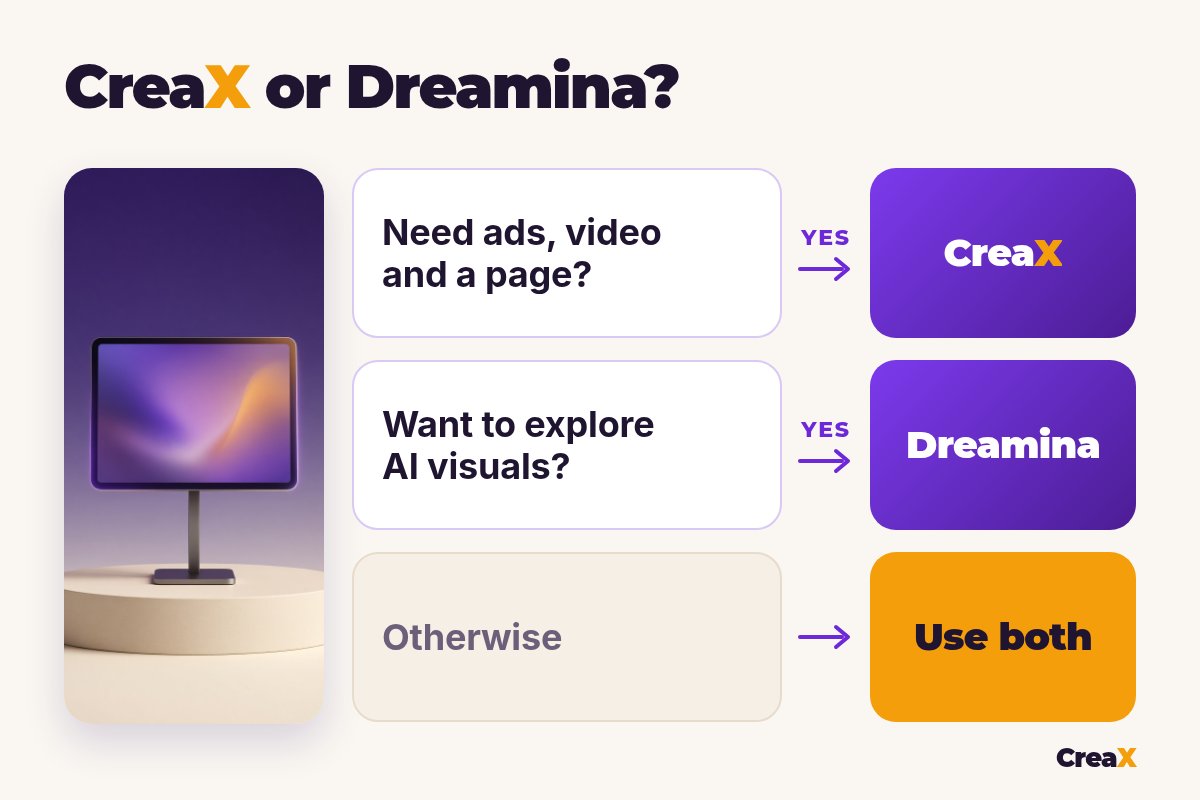
Dreamina is a creative studio. CreaX is a product-to-ad workflow. In Dreamina you are the art director: you describe a scene, add reference images, pick a model, generate, compare versions and refine. The results can look stunning, but every image and every clip is a separate creative decision.
CreaX is built around one job: selling a product. You paste the product link, and instead of one image you get the parts of an ad test that belong together: static ads in set styles and sizes, UGC-style video ads and the landing page those ads send traffic to. If you already know CapCut, our CreaX vs CapCut comparison covers the editor side of the same family; this article is about Dreamina, the generation side.
So the real question is what you need at the end of the session: a set of beautiful visuals to work with, or ads and a page you can launch today.
⚖Our bias, stated upfront
The competitorWhat Dreamina is (and who it's built for)
Dreamina is the AI image and video platform from CapCut, which is owned by ByteDance. It runs in the browser at dreamina.capcut.com. Its public pages describe it as an all-in-one AI creative platform powered by several models. Here is what it offers:
- AI image generation: text-to-image and reference-based generation with models such as Seedream, GPT Image and Nano Banana, with different aspect ratios and high-resolution output.
- Image editing: tools like upscale, retouch, inpaint, expand and remove, so you can fix or extend a generated picture.
- AI video generation: text-to-video and image-to-video with ByteDance's Seedance models, multimodal references (text, images, video and audio) and synced sound.
- AI Canvas: a node-based workspace where prompts, images, videos and audio sit on one board and connect to each other.
- Avatars: the site also mentions talking avatars made from text, photos or audio.
- Free start: Dreamina says it gives free daily credits, with paid plans for more.
In short, Dreamina is built for creators, designers and marketers who like to prompt: people who want control over the look of every frame and enjoy trying different models. ByteDance's commerce tool is a separate product, which we covered in our CreaX vs Pippit breakdown.
The ad kitWhat CreaX is: the AI ecommerce creative OS
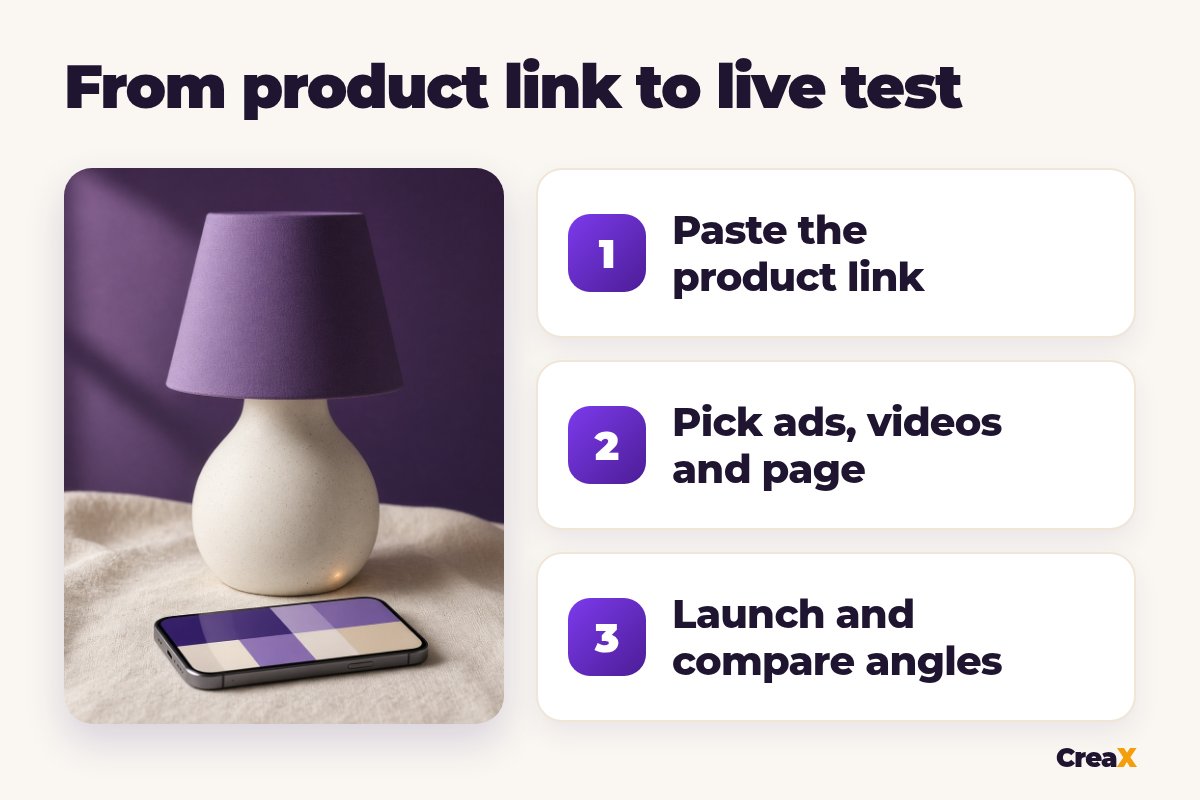
CreaX starts from the product, not from a prompt. Paste a product link (from Alibaba, AliExpress, Amazon, Etsy or any product page) or upload a product image, and in about 60–120 seconds you get:
- Studio ad creatives: product photos and static ads in five styles (Classic, Humble Orbit, Punch, Luxe and Meta Feed) and four sizes (1:1, 3:4, 4:5 and 9:16).
- UGC-style video ads of 18, 30 or 45 seconds.
- A publish-ready landing page at three levels: Simple, Detailed or Advanced.
- A multi-tenant store to keep niches or client brands apart.
CreaX is made for dropshippers, media buyers, affiliates, coaches, ecommerce brands and agencies: people who need to test products and angles fast, not people who want to explore art styles. It supports 40+ languages and 160+ target countries, and pages can run right-to-left for languages like Arabic.
CreaX is not an open-ended image playground. You won't use it to design a fantasy poster or a short film. It makes product ads and the page they point to.
CompareSide-by-side: features, outputs and workflow
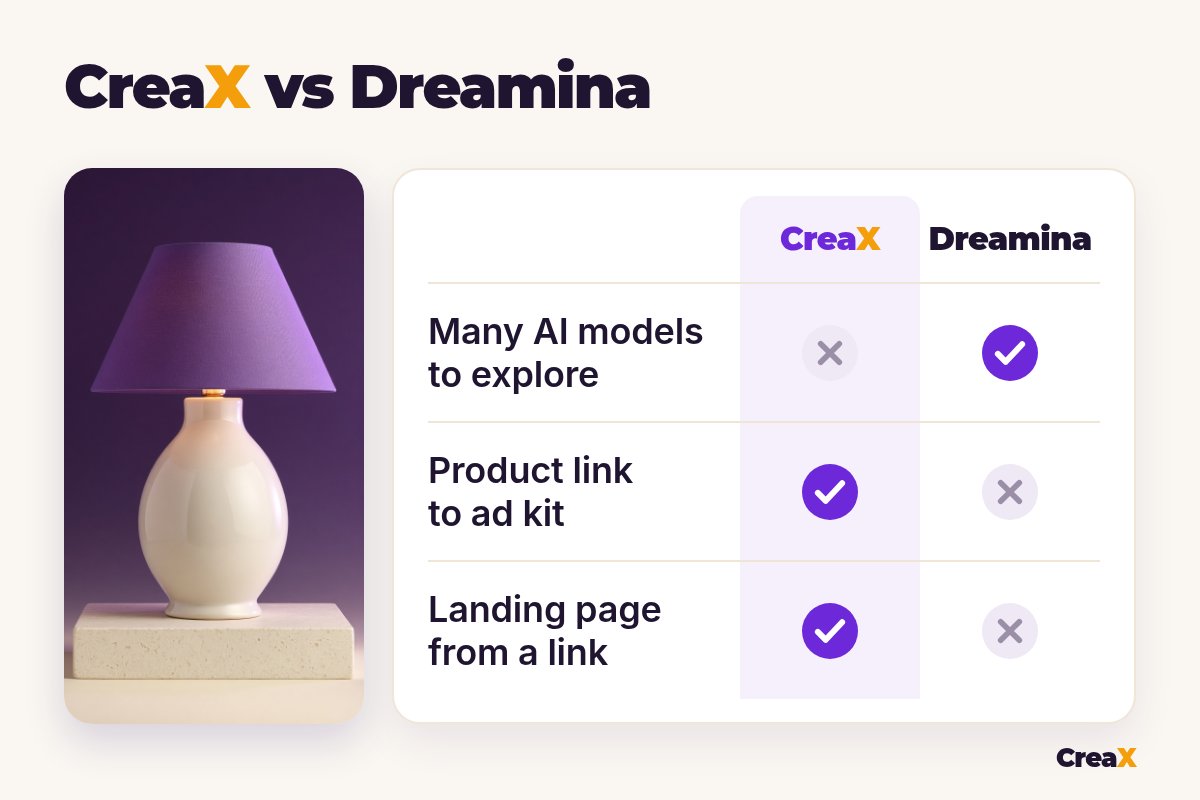
| Dreamina | CreaX | |
|---|---|---|
| What it is | Multi-model AI image and video studio | AI ecommerce creative OS: ads, video, page, store |
| Starting point | A prompt, reference images or other media | A product link or product image |
| Output | One image or clip per generation | A kit: static ads, video ads and a landing page |
| Creative control | High: models, prompts, references, editing | Guided: pick styles, sizes and lengths |
| Video | Text-to-video and image-to-video clips | UGC-style video ads of 18, 30 or 45 seconds |
| Static ads | Generate images, then add your own layout | Five ad styles, four ad sizes, from the link |
| Landing page | No | Yes, Simple, Detailed or Advanced |
| Learning curve | Prompting and model choice take practice | Paste a link, review, download |
From Dreamina's and CreaX's public websites, October 2026. Features change, so check both sites.
How the workflows differ
A typical Dreamina session for a product ad: upload a product photo as a reference, write a scene prompt, pick a model, generate a few versions, fix details with inpaint, then animate the best image into a clip. For a video ad you still need a hook, captions and a clear offer, usually added in an editor. The landing page lives somewhere else.
A typical CreaX session: paste the link, review the landing page, pick the static ads and the videos you like, download and launch. Fewer creative choices, but far less assembly. Our list of the best AI product photo generators shows where other image tools sit between these two approaches.
See your product as a full ad kit
Paste one product link and get studio ads, UGC-style video ads and a landing page in about 60–120 seconds.
BudgetPricing: CreaX plans vs Dreamina
CreaX uses simple monthly credit plans. Credits are spent when you generate, and you can top up at any time:
| CreaX plan | Price / month | Credits | Good fit |
|---|---|---|---|
| Free | $0 | 0 | Look around the app before buying credits |
| Basic | $4.99 | 2,000 | Your first product tests |
| Standard | $14.99 | 6,500 | Testing new products every week |
| Pro | $29.99 | 14,000 | Several products or stores at once |
| Premium | $49.99 | 25,000 | Agencies and high-volume media buyers |
| Top-up | $1 | 500 | Extra credits when a test takes off |
Current plans on creax.io/pricing.
Dreamina says it offers free daily credits to get started, with paid options for more generations and advanced models. We don't quote Dreamina's prices because they can vary by region and plan. Check Dreamina's own site for current terms.
★Count the whole job, not the credits
Fair playWhere Dreamina is the better pick
Dreamina does things CreaX doesn't try to do, and for some sellers that settles it:
Dreamina
Strengths
- +Several image and video models in one place
- +Deep control with prompts and references
- +Editing tools: upscale, inpaint, expand, remove
- +Node-based AI Canvas for bigger projects
- +Free daily credits to start
Trade-offs
- −You prompt and refine every asset yourself
- −No landing page
- −Static ad layouts and copy are on you
- −Product details can drift and need checking
CreaX
Strengths
- +Static ads, video ads and a landing page from one link
- +Five ad styles and four ad sizes, ready to run
- +About 60–120 seconds per kit
- +Plans from $4.99/month, top-ups $1 per 500 credits
- +Multi-tenant store for niches and clients
Trade-offs
- −Not an open-ended image playground
- −Less control over every frame
- −The Free plan has 0 credits, so generating needs a paid plan
⚖Honest take
If you mainly want cinematic video, our CreaX vs Kling AI comparison looks at another strong video model, and the CreaX vs Nano Banana breakdown covers Google's image model, which Dreamina also offers.
Our recommendationWhere CreaX is the better pick
For most sellers, the slow part isn't making one pretty image. It's turning a new product into a full test: several angles that match each other and the page.
- You test new products often. One link gives you the ads, the video and the landing page together, so the message stays the same from ad to page.
- You don’t want to learn prompting. You pick styles, sizes and video lengths instead of writing scene descriptions.
- You need the real product to stay recognizable. CreaX works from your product link or image, built for product ads rather than open scenes.
- You run several niches or client brands. The multi-tenant store keeps them apart.
Build the whole test from one link
Get studio ads, UGC-style video ads and a matching landing page from one product link, then launch them wherever you run ads.
ExampleWorked example: one product, both workflows
Say you sell a ceramic table lamp and want to test three angles: “cozy reading corner”, “a gift for a new home” and “warm light for small spaces”. Only use claims your supplier can back up, such as size, bulb type and materials, and keep the lamp looking exactly like the real one.
| Task | Dreamina setup | CreaX setup |
|---|---|---|
| Lifestyle images for 3 angles | Prompt a scene per angle with the lamp as reference, refine | Studio ads in five styles from the product link |
| Video ad for each angle | Animate the best images into clips, then edit | UGC-style videos of 18, 30 or 45 seconds |
| Ad sizes | Pick the aspect ratio per generation | 1:1, 3:4, 4:5 and 9:16 built in |
| Landing page | Use your store page or another builder | Generated from the same link, then edited |
| Creative range | Wide: any scene you can describe | Focused: product ad formats |
A qualitative comparison of the work involved, not a speed or quality benchmark.
A sensible split: build the launch kit in CreaX, then use Dreamina to make one standout seasonal scene for the angle that wins. That keeps your testing fast and saves the slow, creative work for an ad that has already proven itself. Our guide to the best CapCut alternatives is handy if you also want an editor to finish clips.
!Check every asset before it runs
Choose with confidenceDecision checklist
Answer these before you choose
- ✓Do you enjoy writing prompts and art-directing? Dreamina rewards that.
- ✓Do you need ads for a product today? CreaX starts from the link or one image.
- ✓Do you need a landing page for each product? If yes, lean CreaX.
- ✓Do you want many models to experiment with? That's Dreamina's strength.
- ✓Do you need static ads and video from the same input? CreaX makes both.
- ✓Do you have time to build every angle by hand? If not, CreaX saves the assembly.
FAQFrequently asked questions
Q.Is CreaX a Dreamina alternative?
Q.Is Dreamina the same as CapCut?
Q.Can Dreamina make product videos?
Q.Does Dreamina build landing pages?
Q.Is Dreamina free?
Q.Which is better for dropshipping?
Ready to test your next product?
One product link, about 60–120 seconds, and you have studio ads, UGC-style video ads and a landing page for your first test.
This guide is published by CreaX. We describe other tools from their own public websites, last checked October 2026, avoid invented scores or prices, and recommend checking each vendor's site for current features and plans.