
How to Use TikTok Creative Center to Find Winning Ad Ideas
How-to · TikTok ad research
TikTok Creative Center is the free research tool most sellers open once, scroll for five minutes and close. Used properly, it shows you which ads work in your niche, which seconds hold attention and which words and hashtags buyers respond to. This step-by-step guide turns it into a repeatable routine: filter the right ads, break them down, build a swipe file and turn the patterns into your own ads without copying anyone.
By the CreaX team
Key takeaways
- ✓TikTok Creative Center is TikTok For Business's free, public hub with Top Ads, Trends, keyword ideas and creative tools. A login isn't required, but it unlocks more data, and without it Top Ads shows only five ads.
- ✓In Top Ads you can filter by region, industry, campaign objective, likes and time frame, then sort by reach, CTR or view rates and open See Analytics for a second-by-second performance graph.
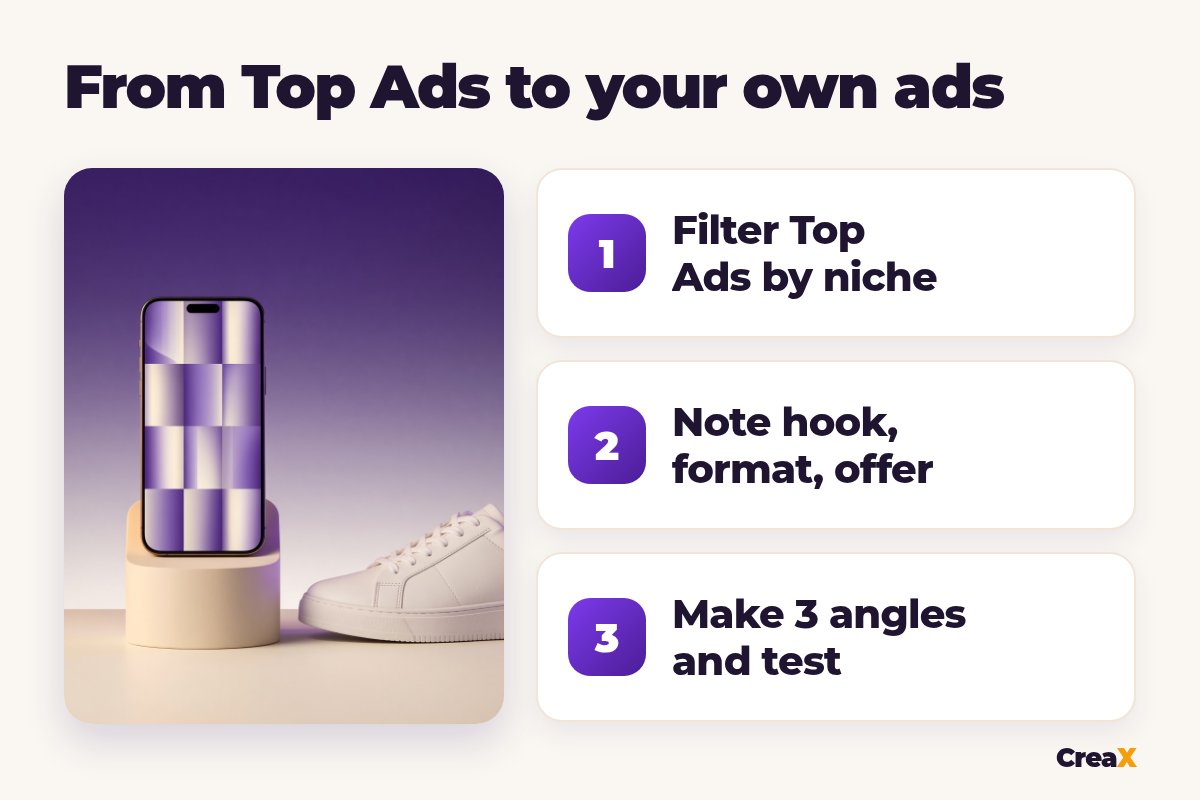
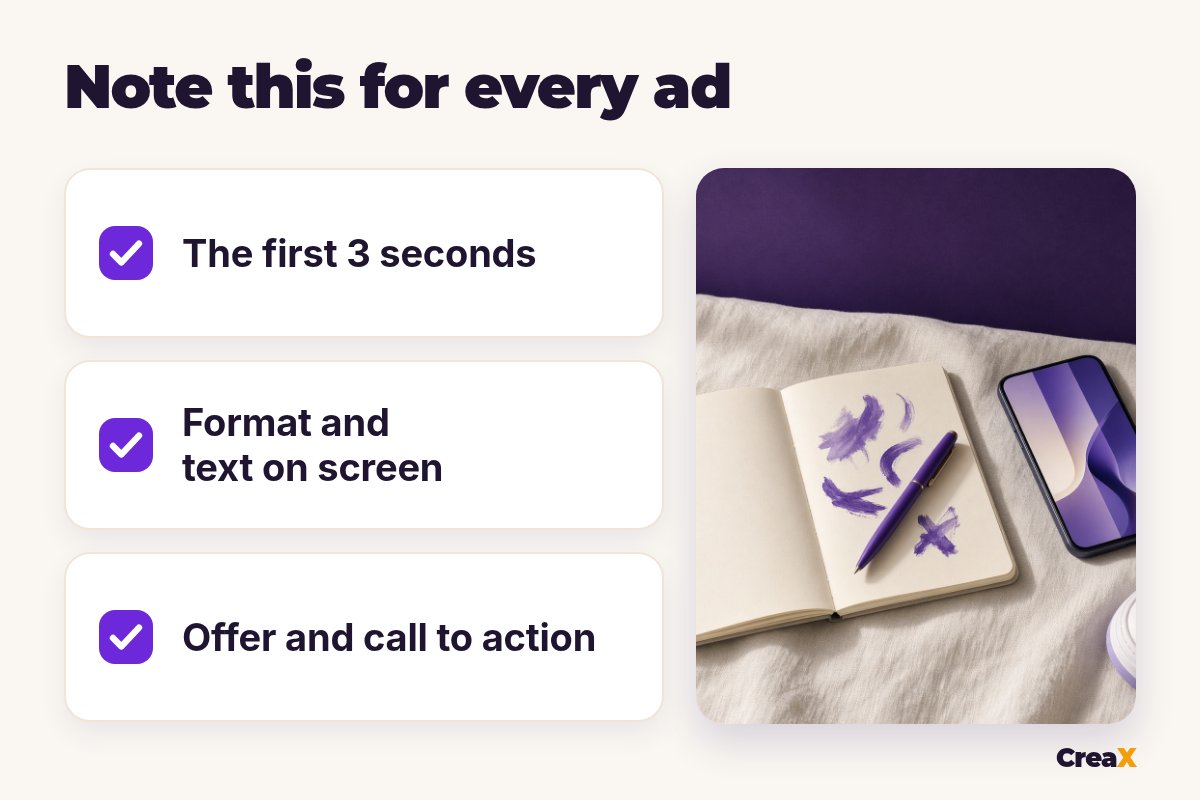
- ✓For each ad, write down the first 3 seconds, format, text on screen, offer and call to action. Patterns across many ads matter more than any single video.
- ✓Borrow patterns, never assets. Make your own versions, for example UGC-style video ads and studio ads from your product link in CreaX, and test three angles.
In this guide
The goalWhat you'll have at the end
After one focused session of research you should have:
- A saved collection of ads from your niche and region in Creative Center.
- A simple swipe file: one row per ad with hook, format, length, text on screen, offer and call to action.
- Three angles to test, each with a hook idea and a format.
- Your own ad versions ready to launch, made with your product, your footage or AI, and music you have the rights to.
If you run Meta ads too, the same method works there with a different tool. Our guide to researching competitor ads with the Meta Ad Library covers that side.
PrepWhat you need before you start
- A TikTok For Business login (free). Creative Center works without one, but TikTok recommends logging in to see all features and data, and Top Ads shows only five ads if you're logged out.
- A clear product and buyer: who buys it, what problem it solves, what makes it different.
- A place for notes: a spreadsheet or doc for your swipe file.
- Desktop if possible: the desktop version has extra filters (ad language and ad format) and extra sort options.
★Where to find it
Step 1Step 1: Set your region and industry
Open Inspiration → Top Ads. Before you look at a single video, set the Region to the country you will sell in and the Industry closest to your product. Buying habits, humor and even video length vary by market, so ads from another country can mislead you.
If your exact niche isn't listed, pick the closest broader industry and use the search box with a product word, such as “posture”, “serum” or “dog bed”. Searching by product or keyword is often more useful than the industry filter alone.
Step 2Step 2: Filter Top Ads by objective and sort
Next, set the Campaign Objective that matches what you'll run. For most stores that is conversions or a sales objective; for a new brand, traffic or reach can be interesting too. Add a time frame so you see what works now, not what worked long ago.
Then sort. TikTok's help page lists these options:
| Sort by | What it tells you | Use it to find |
|---|---|---|
| Reach | How widely the ad was shown | Ads that scaled |
| CTR | How often viewers clicked | Strong offers and calls to action |
| 2-second view rate | How many kept watching past the start | Strong hooks |
| 6-second view rate | How many stayed for the first beats | Hooks that lead into a story |
| CVR and Likes (desktop) | Conversion rate and likes | Ads that sell, ads people enjoy |
Sort options from TikTok's help article 'How to use the Top Ads Dashboard', checked October 2026.
Open the best ads and click See Analytics. The second-by-second graph shows relative performance through the video, so you can see the most engaging moment. Star the ads you like to save them to a collection.
Those view-rate numbers are a hook signal. If you want to understand them properly, our explainer on what hook rate is and how to read it breaks it down.
Turn research into ads in minutes
Paste your product link into CreaX and get UGC-style video ads, studio ads and a landing page to test the angles you found.
Step 3Step 3: Break down the first seconds
Watch each saved ad at least twice: once like a viewer, once like an editor. Write down:
Hook
Format
Length and pace
Text on screen
Offer and call to action
You'll notice that strong ads in one niche often share a hook type. Our guide to UGC ad hooks that stop the scroll has hook formulas you can match to what you see.
Step 4Step 4: Check trends and keywords
Top Ads shows what advertisers did. Trends and keyword ideas show what the audience is doing. The Trends tab shows trending hashtags you can filter by region; check whether any fit your product naturally. In the Inspiration area, look for keyword ideas: the words and phrases that show up in ads in your industry, which you can borrow for your own script and text on screen.
Sound matters on TikTok, but trending songs are not automatically cleared for ads. TikTok's Commercial Music Library offers music cleared for commercial use. Before you add any track, read our guide on using music in TikTok ads.
!Trends move fast
Step 5Step 5: Build a swipe file and pick 3 angles
Put your notes in one table. After 15 to 30 ads, patterns appear: the same problem keeps coming up, one format dominates, certain words repeat. A simple layout:
| Ad (link) | Hook | Format | Text on screen | Offer / CTA | Angle |
|---|---|---|---|---|---|
| Ad 1 | Shows the problem in second one | Talking UGC | “I didn't know this was the reason…” | Bundle, shop now | Problem / solution |
| Ad 2 | Result first, then how | Demo | “Watch what happens after 10 seconds” | Free shipping | Show the result |
| Ad 3 | Gift reveal | Unboxing | “The gift they'll actually use” | Gift box | Gift |
An example layout. Fill it with ads from your own niche.
Then pick three angles to test, each different enough to teach you something: for example problem/solution, result-first demo and gift. Our guide on how to test ad angles for a new product explains how to set up that test so the results mean something.
Step 6Step 6: Make your own ads and test
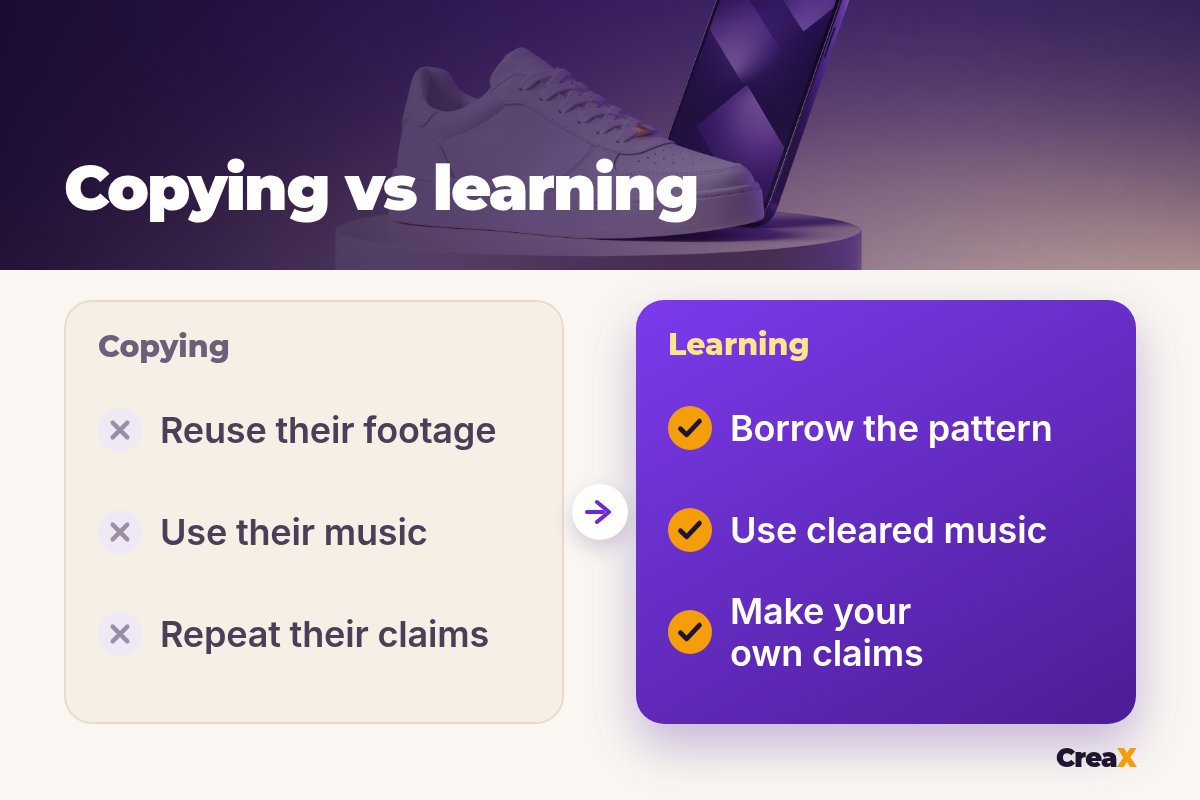
Now create your versions. Keep the pattern, change everything else: your product, your footage or AI visuals, your words, your offer, cleared music. Three practical routes:
- Film it yourself if you have the product: phone, daylight, a simple script per angle.
- Use a slideshow for fast, low-cost tests. Our guide to TikTok slideshow ads shows how.
- Generate with CreaX: paste your product link or upload a product image, and in about 60–120 seconds you get UGC-style video ads (18, 30 or 45 seconds), studio ads in 9:16 and other sizes, and a landing page that matches.
Launch the three angles side by side with the same budget and audience, give them enough time to gather data, and keep the winner. Then go back to Creative Center for the next round of ideas.
Make your three angles today
One product link gives you UGC-style videos, studio ads and a landing page, ready for your first TikTok test.
ExampleWorked example
Say you sell lightweight white sneakers in the UK. You set Region to the United Kingdom, pick the closest apparel or footwear industry, choose a conversion objective and a recent time frame, then sort by 2-second view rate. After saving around 20 ads you notice three patterns:
- Many hooks show a problem first, such as sore feet at the end of a long day.
- Several strong ads are simple outfit try-ons with text on screen.
- Gift angles appear in ads posted close to holidays.
Your three angles: “comfortable all day” (problem/solution), “goes with everything” (outfit demo) and “an easy gift” (gift). You write a hook for each, generate UGC-style videos and studio ads for the same sneaker in CreaX, add music from the Commercial Music Library, and run the three against each other. Nothing is copied: only the patterns are reused.
Watch outMistakes to avoid
- Copying footage, voiceovers or music. Use patterns only. Re-uploading someone else's ad can break copyright and ad policies.
- Copying claims. Their product may be able to back up a claim yours can't. Only say what you can prove.
- Researching the wrong market. Always set the region you sell in.
- Saving ads without notes. A folder of videos is not a swipe file. Write the hook and format for each.
- Testing one idea at a time. Test three angles together so you learn faster.
- Treating Top Ads as a guarantee. They show what worked for someone else, with their offer and audience.
Copy thisChecklist
TikTok Creative Center research checklist
- ✓Logged in to Creative Center (more than five Top Ads visible).
- ✓Region and industry set to your market and product.
- ✓Objective and time frame set; sorted by view rate, CTR or reach.
- ✓15–30 ads saved to a collection, each with notes.
- ✓Three distinct angles chosen, each with a hook and format.
- ✓Own footage or AI visuals, own claims, cleared music.
- ✓Three ads launched side by side with the same budget.
FAQFrequently asked questions
Q.Is TikTok Creative Center free?
Q.Why do I only see five Top Ads?
Q.Can I download and reuse Top Ads?
Q.What's the difference between Top Ads and the TikTok ad library?
Q.Which music can I use in TikTok ads?
Q.How many ads should I study?
Ready to turn ideas into ads?
Paste one product link and get UGC-style video ads, studio ads and a landing page in about 60–120 seconds.
This guide is published by CreaX. We describe other tools from their own public websites, last checked October 2026, avoid invented scores or prices, and recommend checking each vendor's site for current features and plans.