

How to Make TikTok Slideshow (Photo Mode) Ads for Products
How-to · TikTok ads
TikTok slideshow ads are a sequence of still images people swipe through, set to music, with one caption and one button. In TikTok Ads Manager this format is called a Carousel Ad, and it looks a lot like an organic photo mode post. It is one of the cheapest ways to test a product angle on TikTok when you do not have a video yet. This guide shows you how to plan the slides, make the images, write the text and test it fairly against video.
Updated October 2026 · By the CreaX team
Key takeaways
- ✓A slideshow ad is a story in 5–7 slides: a hook, the problem, the product, proof, and a clear offer. Plan the order before you make any image.
- ✓TikTok's own spec page (updated August 2026) says standard Carousel Ads take 2 to 35 images, need music, and share one caption, one CTA and one URL.
- ✓Keep slide text to a few big words and keep it clear of the caption and buttons. If a slide needs a paragraph, it is two slides.
- ✓Do not guess which format wins. Test the slideshow against a video with the same angle, the same landing page and the same budget.
In this guide
The goalWhat you'll have at the end
By the end of this guide you will have one finished TikTok slideshow ad for a product: 5 to 7 vertical images in a deliberate order, short on-slide text, a sound, a caption and a call to action that points to a page built for that product. You will also have a simple plan to test it against a video ad, so you learn which format your buyers respond to instead of guessing.
Slideshows are worth learning because they are fast to make and easy to change. Swapping one slide is a two-minute job; re-cutting a video is not. That makes them a good fit for testing ad angles on a new product, where you want several cheap versions before you invest in more production.
iSlideshow, photo mode or carousel?
PreparationWhat you need before you start
- One product and one angle. A slideshow has room for one idea. Pick the reason to buy you want to test, such as “keeps coffee hot on a long commute” or “fits in a carry-on”.
- Product images you are allowed to use. Your own photos, supplier images you have permission to use, or studio-style images made from a real product photo.
- A landing page that repeats the promise. The ad sends everyone to one URL, so that page has to continue the story. Our guide to turning a product link into a landing page covers this.
- A TikTok Ads Manager account (or a TikTok account if you plan to post organically first and boost it later).
- A comparison video for the same angle, if you want to run the test in step 5.
Check TikTok's current Carousel Ads specifications in its help center before you export. At the time of writing it lists vertical (720×1280), square (640×640) and horizontal (1200×628) image sizes, JPG or PNG files and a suggested small file size per image. Vertical images use the full screen, so they are usually the best starting point.
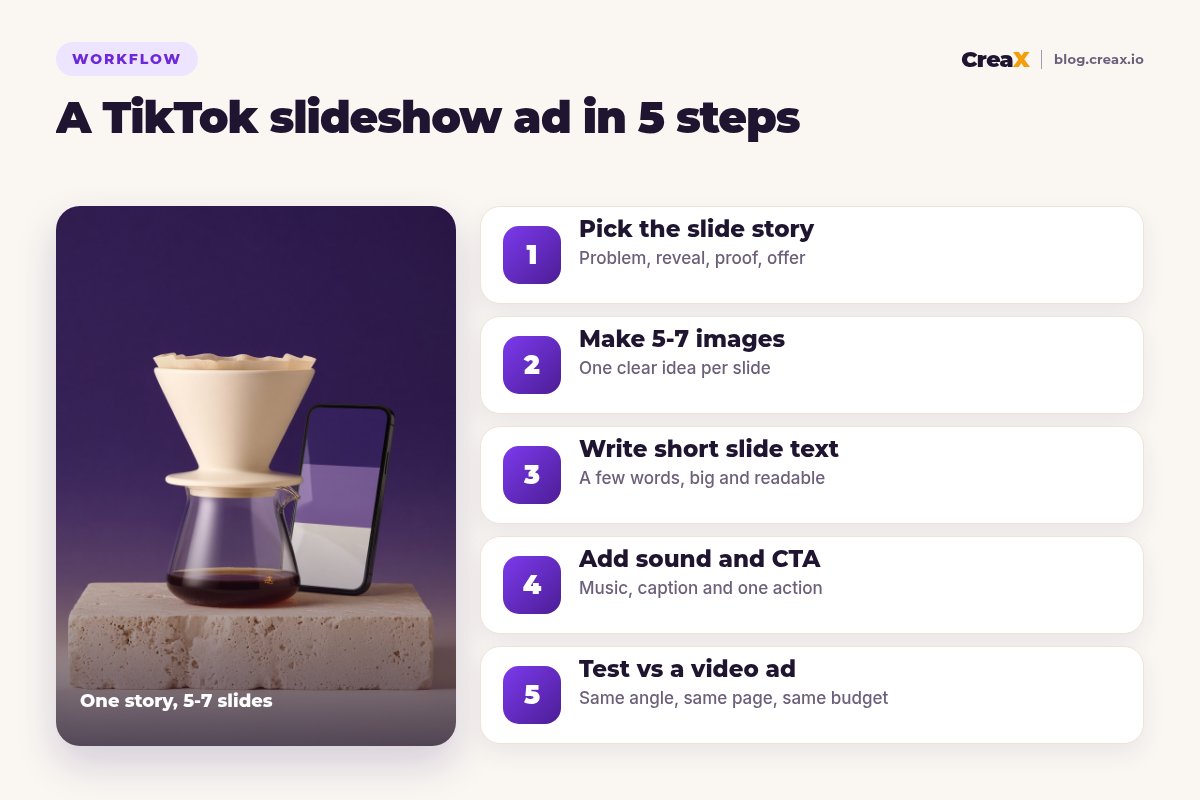
Story firstStep 1: Pick the slide story
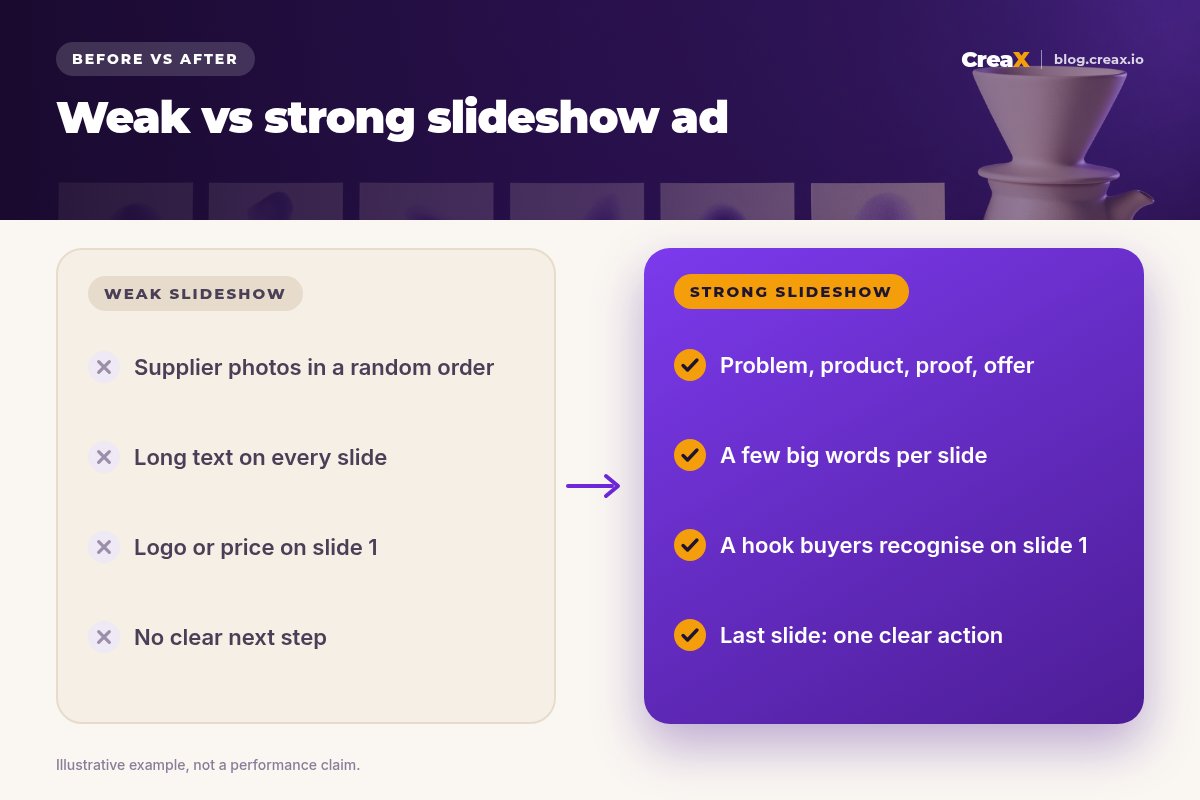
Most weak slideshows are a pile of product photos in whatever order the supplier sent them. Strong ones read like a short story. Decide the job of each slide before you make anything. A structure that works for most physical products:
| Slide | Job | Example (insulated travel mug) |
|---|---|---|
| 1 | Hook: name the problem or the moment | “Your coffee is cold by 9am” |
| 2 | Make the problem real | A mug left on a desk, steam gone |
| 3 | Reveal the product | The mug in hand, clean background |
| 4 | Show how it works or feels | Lid detail, fits a car cup holder |
| 5 | Proof you can stand behind | What is in the box, real specs from the supplier |
| 6 | Offer and next step | Your real offer + “Tap Shop now” |
One idea per slide. Slides 1 and 6 matter most.
Other stories that suit slideshows: before and after (if you can show it honestly), three ways to use it, what is in the box, and gift guide slides for seasonal pushes. The hook on slide 1 does the same work as the first seconds of a video; our guide to UGC ad hooks that stop the scroll has patterns you can adapt to a single still image.
ProductionStep 2: Make 5-7 images
TikTok accepts many more images than you need. Five to seven slides is usually enough to tell the story without losing people halfway. Each image should be:
- Vertical and full-bleed, so it fills the screen like the posts around it.
- Simple: one product, one scene, one idea. Busy flat-lays look tiny on a phone.
- Consistent: the same light, colors and style across slides, so it feels like one ad and not a collage.
- True to the product: same color, size and contents the buyer will receive.
You have three practical ways to get the images:
Shoot them yourself
Edit supplier images you are allowed to use
Generate studio images from a real product photo
Whatever route you take, keep a few spare images. When the ad starts to tire, you can swap slide 1 or slide 3 and relaunch, instead of starting over. Our guide to creative fatigue signs explains when to do that.
Get 9:16 product images and a landing page from one link
Paste a product link into CreaX and get studio ad creatives, UGC-style video ads and a matching landing page you can send your slideshow traffic to.
CopyStep 3: Write short slide text
Slide text is not a caption. People read it in a second or two before they swipe, so it has to be short, big and placed where TikTok's interface will not cover it.
- Aim for a few words per slide. “Cold coffee by 9am?” works. A full sentence about thermal technology does not.
- Keep text away from the edges, especially the bottom and right side, where the caption, profile and buttons sit.
- Use one font and one or two colors across all slides, with strong contrast against the image.
- Let the image carry the proof. Show the lid, the size in a hand, the contents of the box. Use text only to point at it.
- Only write claims you can prove. If the supplier cannot confirm how long it keeps drinks hot, do not put a number on the slide.
Then write the ad caption. It runs under the whole slideshow, so use it for the one sentence that sums up the offer, plus any details that do not fit on the slides, such as sizes or delivery information.
★Read it with the sound off and the slides fast
FinishStep 4: Add sound and CTA
Music is required for Carousel Ads, according to TikTok's spec page. In Ads Manager you can pick a track from TikTok's commercial music library or upload your own MP3 if you hold the rights. Choose something that matches the mood of the product and does not fight with the text. For organic photo mode posts, stick to sounds you are allowed to use commercially if you plan to boost the post later.
Standard Carousel Ads use one caption, one call-to-action button and one destination URL for all images. That is why the last slide and the landing page matter so much:
- Make the last slide the offer. Say what they get and what to do: “Free gift wrap this week, tap Shop now”, only if that offer is real.
- Pick the button that matches the page. “Shop now” for a product page, “Learn more” for a longer sales page.
- Send traffic to one product page that repeats the slide 1 promise in its headline. Do not send it to your homepage.
If you want to run the slideshow from a real account, post it in photo mode first and boost it as a Spark Ad. Our guide to TikTok Spark Ads explains how authorization codes work.
MeasureStep 5: Test vs a video ad
Slideshows are not automatically better or worse than video. They are a different format that some products and audiences respond to more. The only way to know for your product is a fair test:
- Keep the angle the same. The slideshow and the video should make the same promise with the same hook.
- Keep the landing page the same. Otherwise you are testing pages, not formats.
- Give both the same budget and time in the same campaign setup, and let both run long enough to spend meaningfully before you judge.
- Judge on what you care about: cost per purchase or cost per add to cart, not just likes or swipes.
- Keep the winner and iterate on it. If the slideshow wins, test a new slide 1. If video wins, use the slideshow images as static ads elsewhere.
For the video side, a short UGC-style video for the same angle is the natural comparison. CreaX makes UGC-style video ads in 18, 30 or 45 seconds from the same product link, so both versions share one message. Our guide to static vs video ads covers how to read the result.
Make the slideshow images and the comparison video in one pass
CreaX turns one product link into studio ad creatives, UGC-style video ads and a landing page, so your format test starts from the same message.
ExampleWorked example
Say you sell a ceramic pour-over coffee set and want to test the angle “cafe-style coffee at home without a machine”. You do not have a video yet, and the stock arrives next week.
| Slide | Image | Text on the slide |
|---|---|---|
| 1 | A paper cup from a coffee shop next to an empty desk | Still buying coffee every morning? |
| 2 | The pour-over set on a kitchen counter, morning light | Cafe-style at home |
| 3 | Close-up of the dripper and carafe | No machine, no pods |
| 4 | The set next to a kettle, showing size | Fits on any counter |
| 5 | Flat-lay of exactly what is in the box | What you get |
| 6 | The set with a cup poured, clean background | Shop the set → |
Illustrative plan. Every claim on the slides comes from the product itself, not invented results.
The images come from supplier photos the seller has permission to use, plus studio creatives generated from one product image in the 9:16 size. The caption adds the real offer and delivery details. The button is “Shop now”, and it goes to a landing page whose headline is “Cafe-style coffee at home, no machine needed”. A 30-second UGC-style video with the same hook runs next to it with the same budget, and the seller decides after both have spent enough to compare cost per purchase.
PitfallsMistakes to avoid
- Opening with the logo or the price. Slide 1 has to earn the swipe. Brand and price belong later.
- Too much text. If a slide reads like a product description, nobody reads it.
- Mixed styles. Five photos from five sources look like a scam. Make them consistent.
- Images that do not match the product. Wrong color, wrong size or extras that are not in the box lead to refunds and complaints.
- Sending traffic to the homepage. One button, one URL: make it the product page that continues the story.
- Judging on likes. A slideshow can get plenty of engagement and still not sell. See our guide to TikTok ads with views but no sales.
- Using sounds you cannot use for ads. Use TikTok's commercial music options or music you have rights to.
Before you launchChecklist
TikTok slideshow ad checklist
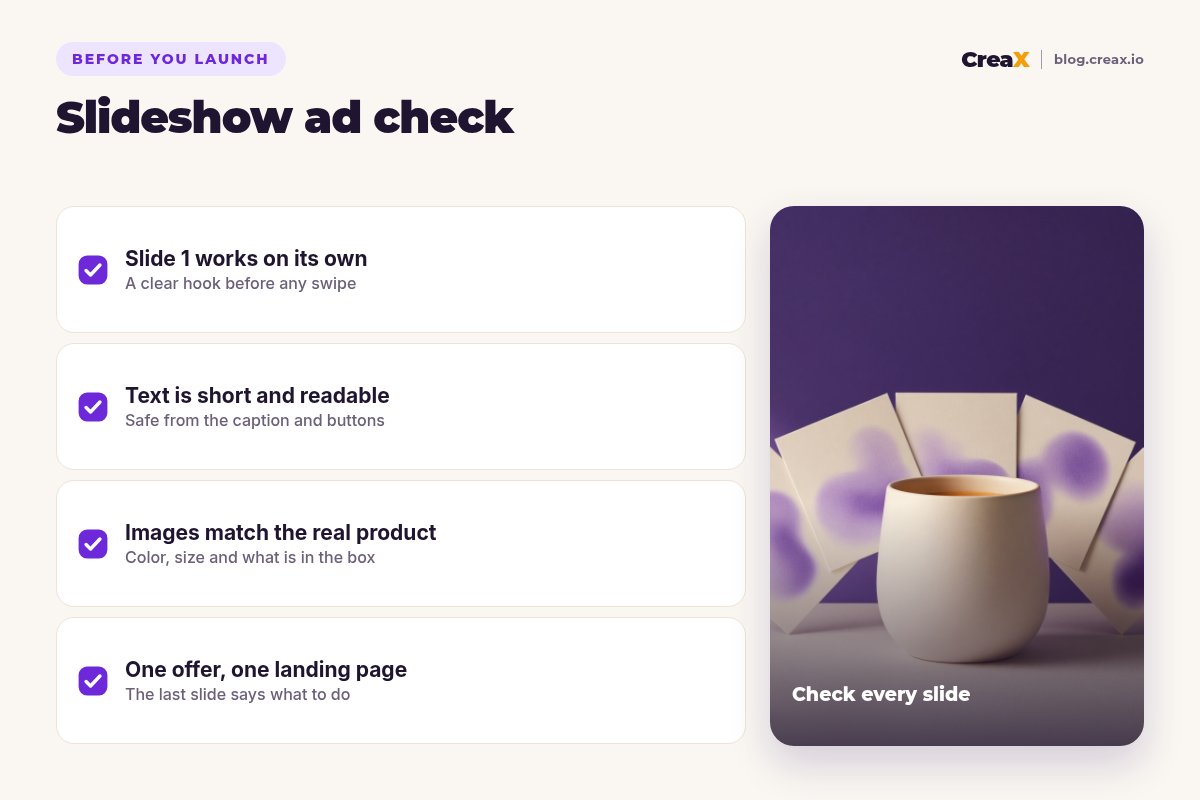
- ✓Slide 1 states a problem, moment or result buyers recognise, without the logo or price
- ✓The slides follow one story: problem, product, proof, offer
- ✓Every image is vertical, consistent in style and true to the real product
- ✓Slide text is a few big words, clear of the caption and buttons
- ✓Music is chosen from TikTok's commercial options or you hold the rights
- ✓The caption adds the offer and details; the CTA button matches the page
- ✓The landing page headline repeats the slide 1 promise
- ✓A comparison video with the same angle is ready for the test
Once the first slideshow is live, plan the next two angles. Our guide to how many ad creatives to test per product helps you decide how many to run at once.
FAQFrequently asked questions
Q.What is a TikTok slideshow ad?
Q.How many images should a TikTok slideshow ad have?
Q.Do TikTok carousel ads need music?
Q.Can I boost a photo mode post as a Spark Ad?
Q.Are slideshow ads better than video ads?
Q.Can I use AI images in a TikTok slideshow ad?
Ready to make your first slideshow ad?
Paste a product link into CreaX and get 9:16 studio creatives, a UGC-style video for your format test and a landing page that repeats your hook.
This guide is published by CreaX. TikTok format details are summarised from TikTok's own help center as of October 2026; ad specs and policies change, so check TikTok Ads Manager before you launch.