
How to Make UGC Ads With Just an iPhone
Setting Up Your iPhone for Professional Results
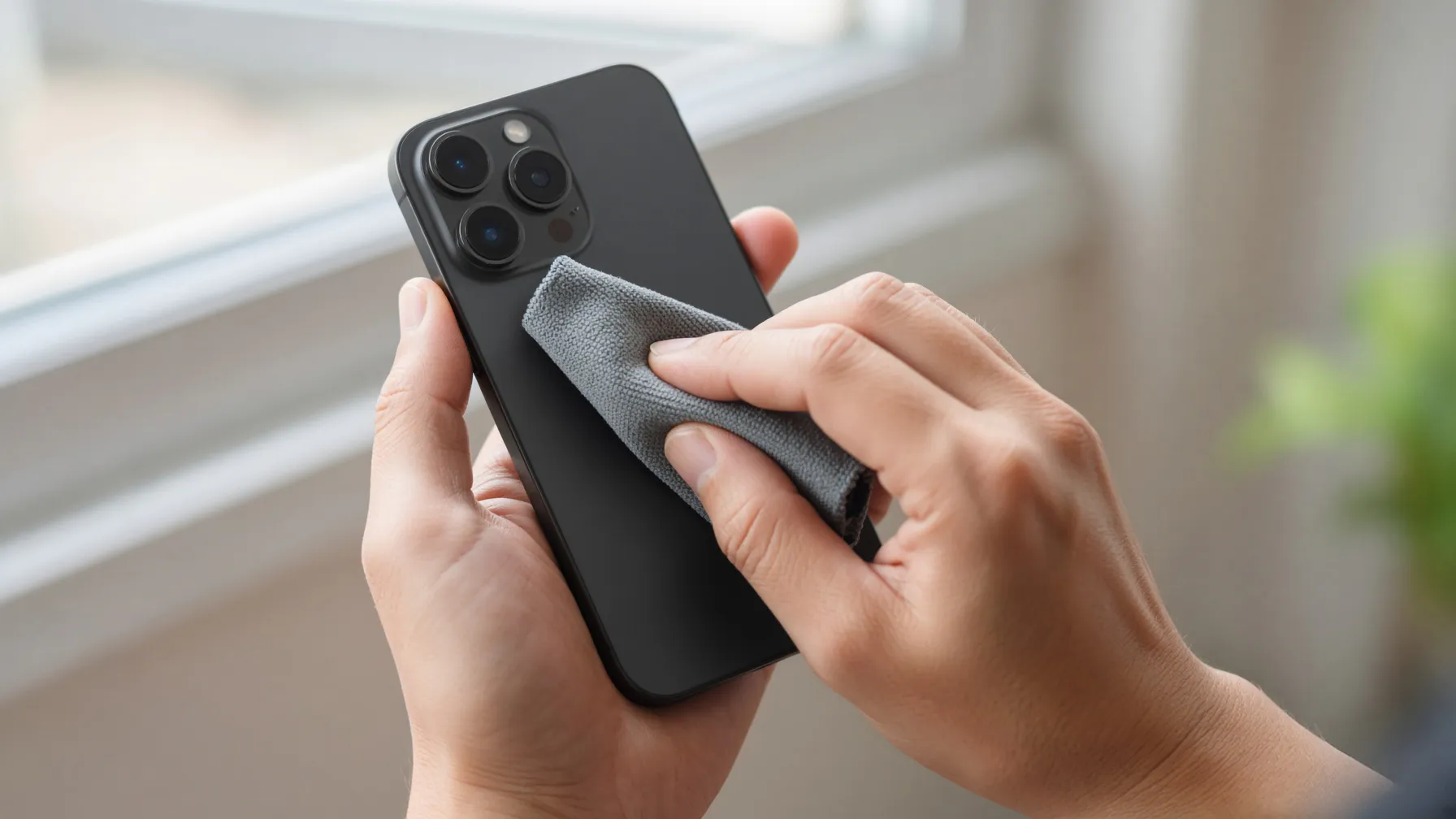
You don't need a cinema camera to create effective UGC ads with your iPhone. The key is in the settings. Start by ensuring your lens is clean—a simple microfiber cloth wipe can prevent that hazy, blurry look that ruins otherwise great footage. Go to your camera settings and set your resolution to 1080p or 4K at 30fps. For most social platforms, 1080p is more than enough and keeps your file sizes manageable for editing.
Lock your exposure and focus by long-pressing on the screen where your product is located. This prevents the camera from constantly shifting brightness as you move your hands. Finally, use natural light whenever possible. Position yourself facing a window to ensure your product is evenly lit without harsh shadows. If you are filming indoors at night, avoid harsh overhead lights and opt for soft, diffused lighting.
Structuring Your Video for Maximum Engagement
Before you hit record, you need a plan. Understanding how hook rate works is essential because the opening moments of your video determine whether a viewer keeps scrolling or stops to watch. Your hook should be visual and immediate—show the product in action or highlight a problem it solves right away.
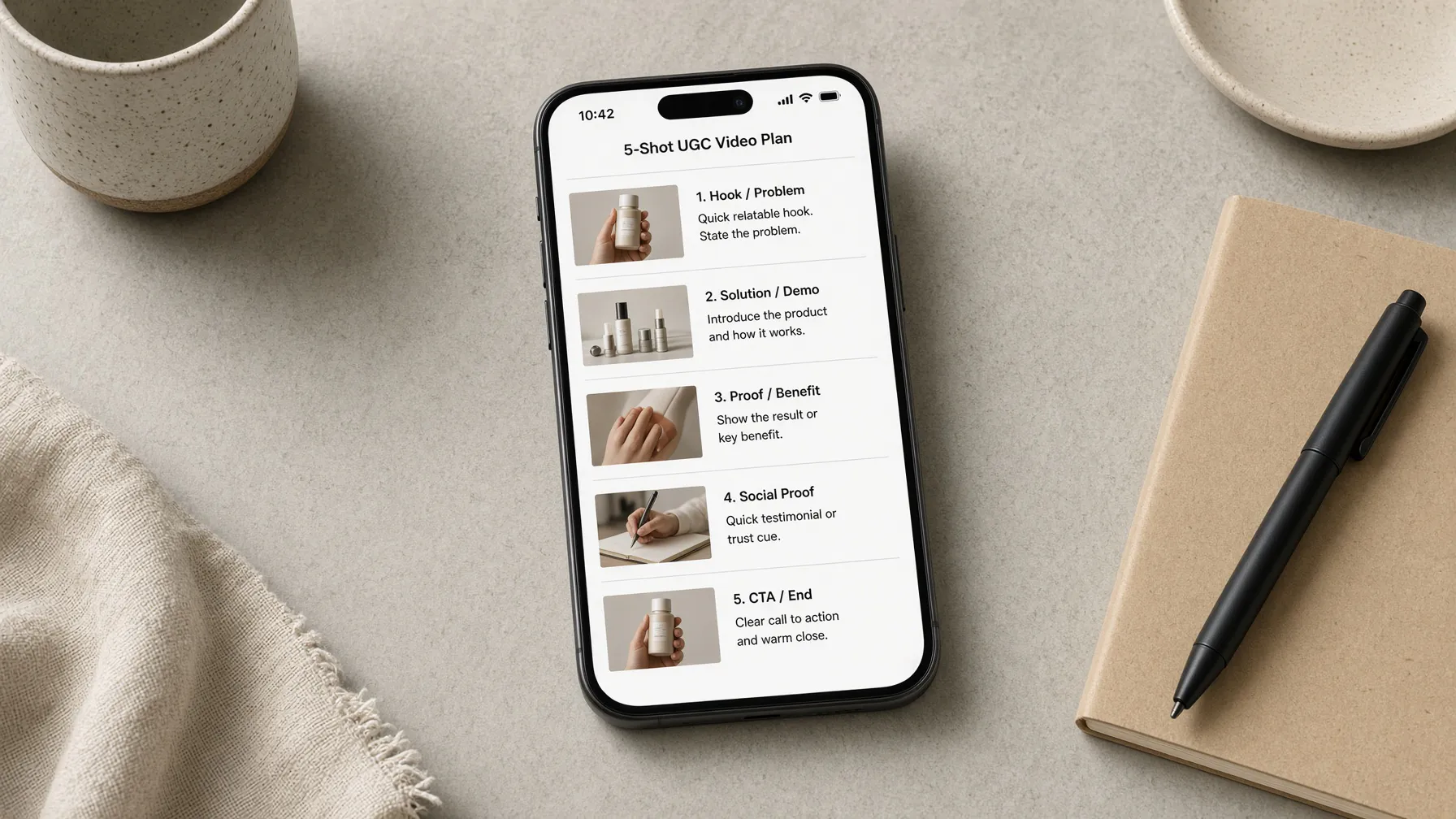
Follow a simple 5-shot structure: the hook, the problem, the product demo, social proof, and a clear call to action. Keeping your UGC video ad script structure concise ensures you don't ramble. Remember that the platform and audience dictate the right length for each placement; keep it punchy to maintain high retention throughout the entire clip.
Filming Techniques for High-Converting Content
When filming, variety is your best friend. Use a mix of close-up shots for product details and wider shots to show the product in a real-world environment. If you aren't comfortable showing your face, focus on "faceless" UGC. Use your hands to demonstrate the product, film an over-the-shoulder unboxing, or use a bathroom mirror selfie-style shot to keep the focus entirely on the item.
Avoid shaky footage by keeping your elbows tucked into your sides. If you need a stable shot, lean your phone against a sturdy object. Always record a few extra seconds at the start and end of every clip; this gives you a buffer during the editing process, making it much easier to create smooth transitions between scenes.
Editing Your iPhone Footage Like a Pro
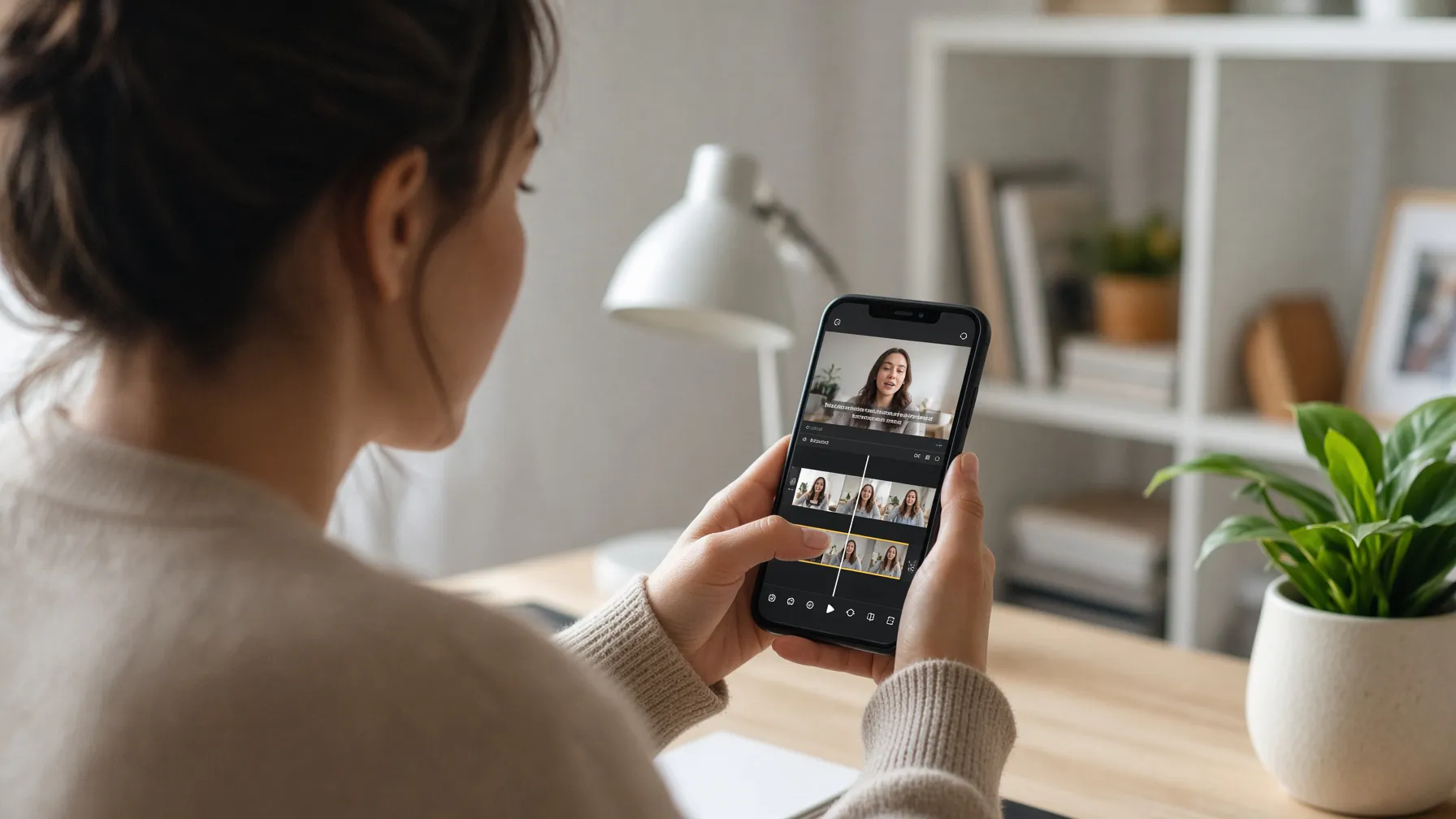
Editing is where your raw clips become a cohesive ad. Use apps like CapCut or the built-in iPhone Photos editor for quick adjustments. Focus on jump cuts—removing the "umms," pauses, and dead air—to keep the pacing fast and energetic. Add text overlays to highlight key benefits, but keep them brief so they don't clutter the screen.
Avoid using copyrighted music, as this can lead to your ads being flagged or muted. Instead, use trending sounds within the social platforms themselves or royalty-free audio tracks. Ensure your audio is clear; if you are doing a voiceover, record it in a quiet room with soft furnishings to absorb echoes. If you find that filming every single variation is becoming too time-consuming, you can look into making product demo ads without filming to scale your testing.
Common Mistakes to Avoid
The most common mistake is a shaky or blurry first second. If your hook isn't clear and stable, users will scroll past. Another pitfall is a weak call to action. Don't assume the viewer knows what to do; explicitly tell them to "Shop Now" or "Click the link below."
Audio quality is often overlooked. If your voiceover is muffled or drowned out by background noise, your conversion rate will suffer. Finally, avoid over-editing. UGC ads should feel authentic and native to the platform, not like a polished television commercial. Keep it simple, keep it real, and focus on the value your product provides to the customer.
Scaling Your Creative Strategy
Once you have mastered the basics of DIY filming, you will eventually reach a point where you need to test more angles and variations than you have time to film. This is where an AI marketing-kit platform becomes a game-changer. By using a tool like CreaX, you can generate high-quality assets without the repetitive manual labor of filming every single iteration yourself.
CreaX allows you to paste your product URL and generate UGC-style video ads in 18, 30, or 45 seconds. This is a good fit for dropshippers using CreaX who need to launch multiple campaigns quickly. You can also explore how CreaX UGC video ads work to understand how AI can help you maintain a consistent stream of creative content across different languages and regions, with support for 40+ languages and 160+ target countries.
Frequently Asked Questions
How do I choose the right video length for my ad?
CreaX offers 18s, 30s, and 45s video options. Choose 18s for quick hooks, 30s for standard product demos, and 45s if you need more time to explain complex features.
Can I use CreaX to create ads for different countries?
Yes, CreaX supports 40+ languages and 160+ target countries, allowing you to localize your marketing assets for various global markets.
What styles of ad images can I generate?
You can generate images in styles including Classic, Humble Orbit, Punch, Luxe and Meta Feed, with aspect ratios of 1:1, 3:4, 4:5, and 9:16.
How does the landing page generator work?
Simply paste your product URL, and CreaX generates a publish-ready landing page at the level you choose: Simple, Detailed or Advanced.