
How Many Ads Should You Put in One Ad Set?
by the CreaX team
In this guide
- The short answerIs there a magic number of ads per ad set?
- The cost of crowdingWhat happens when you add too many ads?
- How delivery worksWhy does one ad get all the spend?
- The other extremeIs one ad per ad set a good idea?
- The deciding factorHow does budget change the answer?
- Quality over countShould every ad be a different concept?
- Keeping it cleanWhen should I add or remove ads?
- Automated campaignsDoes this change for Advantage+ campaigns?
- Your ad setChecklist you can copy
- FAQFrequently asked questions
- Q.How many ads should I put in one Meta ad set?
- Q.Does Meta split the budget evenly between ads?
- Q.Is it bad to have only one ad in an ad set?
- Q.Why are some of my ads getting no impressions?
- Q.Will adding ads reset the learning phase?
- Q.How do I get more real concepts to test?
FAQ · Meta ad set structure
How many ads per ad set is one of the most asked questions in Meta ads, and the honest answer is: fewer than most people think, but never a single magic number. It depends on your budget, how often you get results and how many truly different ideas you have. Here is how Meta spreads delivery across ads, and a simple way to pick the right number for your account.
By the CreaX team
Key takeaways
- ✓There is no official magic number. Meta's help pages don't give a fixed count, but they warn that running too many ads at once means each ad delivers less often.
- ✓Meta doesn’t split budget evenly. It puts more delivery behind the ads it expects to do best, so extra ads often get little or no spend.
- ✓Your budget sets the limit. Work out how many results your ad set can get in a week, then only run as many ads as that can feed.
- ✓Each ad should be a different idea. A few distinct concepts teach you more than many near-copies of the same ad.
In this guide
The short answerIs there a magic number of ads per ad set?
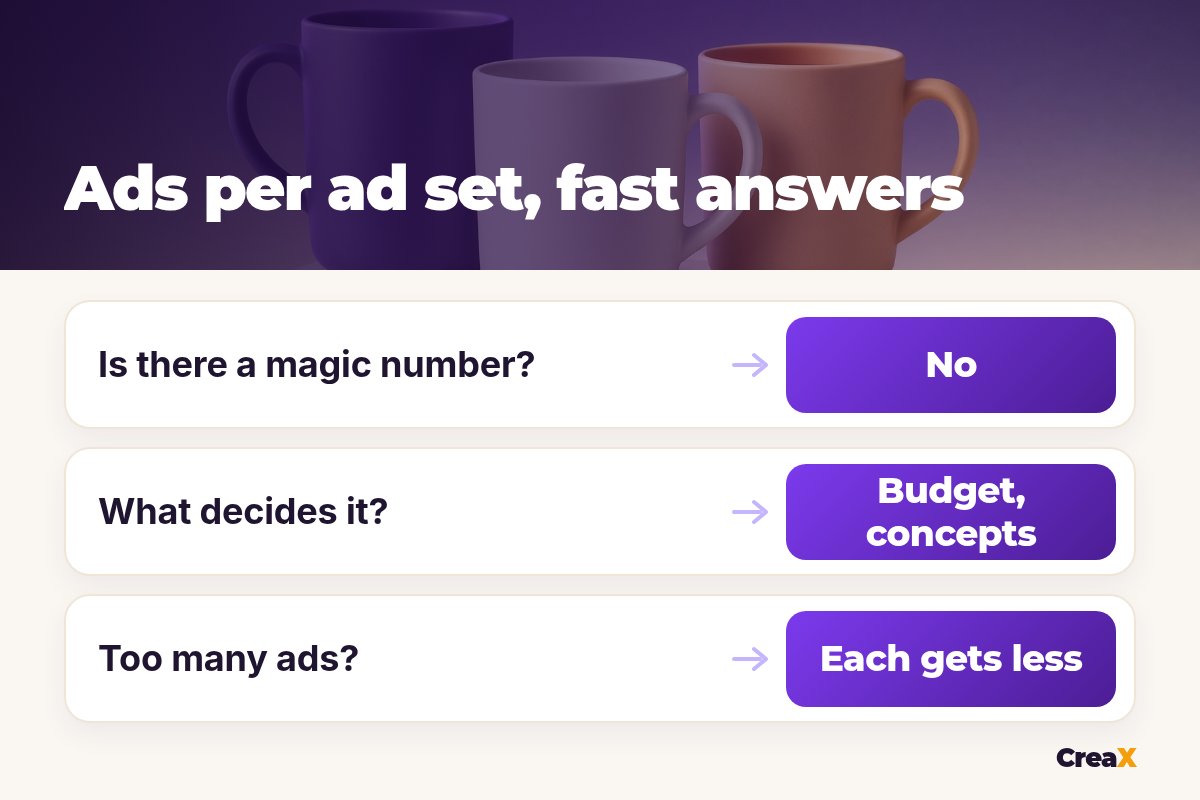
No. Meta's help pages on ad volume don't name a fixed number of ads per ad set. What they do say is that when you run too many ads at once, each ad delivers less often, the system learns less about each one, and results can get worse. Meta's advice is to run fewer ads per ad set while keeping the creative diverse.
Any number you read online, including in this article, is a rule of thumb for a certain budget, not a rule from Meta. The useful question isn't “what's the right number?” but “how many ads can my budget actually test?”. The rest of this guide shows how to answer that.
If you're asking a related question, how many creatives to make for a new product, our guide on how many ad creatives to test per product covers the testing plan. This article is about structure: how many of those ads to put inside one ad set at the same time.
The cost of crowdingWhat happens when you add too many ads?
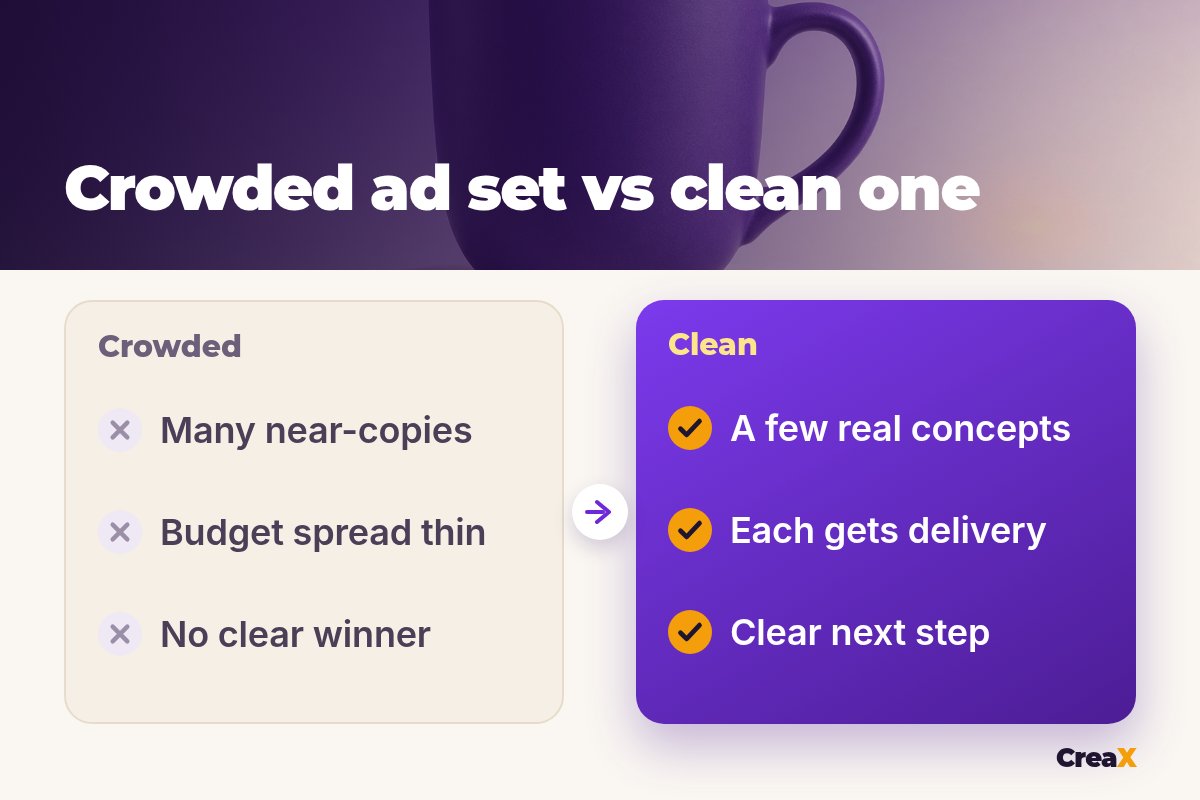
Every ad in an ad set shares one budget and one audience. Add more ads and three things happen:
- Each ad gets less delivery. The same budget is spread across more ads, so most of them see few impressions.
- Learning slows down. Meta's help pages say an ad set usually leaves the learning phase after about 50 optimization events in the week after its last significant edit. Crowding the ad set doesn't add events; it just spreads them thinner.
- You can’t read the results. With many ads on small spend, no single ad gets enough data to tell you whether it works.
Meta lists running too many ads at the same time as one of the causes of Learning Limited. If you see that status, an overcrowded ad set is one of the first things to check. Our explainer on the Meta learning phase goes deeper on how learning works.
!Adding ads counts as a change
How delivery worksWhy does one ad get all the spend?
Meta doesn't share the budget evenly between ads. In each auction it chooses the ad it predicts will get your chosen result at the best cost, so delivery quickly concentrates on one or two ads. The others may get very little, sometimes almost nothing.
That is normal, and it isn't a bug. But it means an ad with no spend hasn’t lost, it just hasn’t been tested. If an idea matters to you, give it a fair test in its own ad set or in a test campaign, as we explain in our ABO vs CBO creative testing guide.
| What you see | What it usually means | What to do |
|---|---|---|
| One ad gets most of the spend | Meta predicts it will do best | Let it run, and judge it on cost per result |
| Some ads get almost no spend | They lost the prediction, not a fair test | Test the idea separately if you believe in it |
| Spend is spread thin across all ads | Too many ads for the budget | Cut to your strongest few concepts |
| No ad gets enough results | Budget too small for the ad set | Fewer ads, or a bigger budget |
Common patterns and what they usually mean. Every account is different, so check your own data.
The other extremeIs one ad per ad set a good idea?
Sometimes, yes. Putting one ad in its own ad set forces spend onto it, which is useful when you want a clean read on one idea. The trade-off is that every new ad set starts its own learning phase and splits your budget across more ad sets.
For most small stores, a middle path works best: a test ad set with a few distinct ideas, and a winners ad set where your proven ads run together. That way you get some control over testing without breaking the account into dozens of tiny ad sets.
The deciding factorHow does budget change the answer?
Budget is the single biggest factor. A useful way to think about it: each ad needs enough results to judge it. Work backwards from your expected cost per result.
★A simple way to size your ad set
| Hypothetical ad set | Small budget | Bigger budget |
|---|---|---|
| Daily budget | $30 | $150 |
| Expected cost per purchase | $15 | $15 |
| Purchases per week | About 14 | About 70 |
| If each ad needs about 5 purchases to judge | About 2–3 ads | Many more ads |
Hypothetical numbers to show the method, not benchmarks. Use your own budget and costs.
The small ad set above can only fairly test two or three ideas at once. Putting ten ads in it would just mean most never get a result. If you're unsure what to spend, our guide on how much to spend per day when testing helps you set the budget first.
Quality over countShould every ad be a different concept?
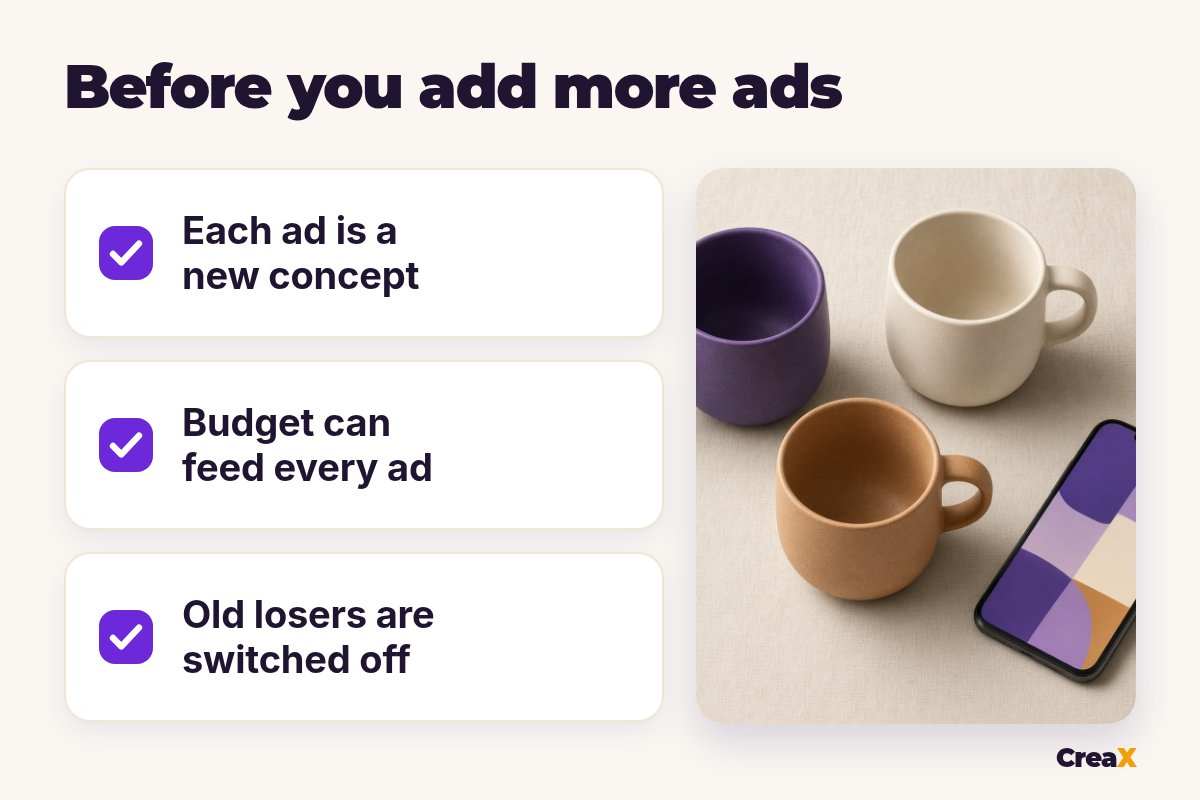
Yes, as far as you can. Meta's own guidance pairs fewer ads with more diverse creative, and our explainer on Meta Andromeda and creative diversity explains why: the system works best when ads are genuinely different, not small edits of one design.
A good test ad set might hold three ideas, such as:
- A problem-and-solution ad: the annoying problem, then the product fixing it.
- A lifestyle ad: the product in a real moment, like a morning routine or a gift being opened.
- An offer ad: the bundle, the free shipping or the guarantee, said clearly.
Changing only the headline colour or the button text doesn't count as a new idea. If you want to test copy, Meta has features for text variations inside a single ad. Our guide on creative testing in Meta ads shows how to plan concepts, and testing ad angles for a new product gives angle ideas.
Get several real concepts from one link
Paste a product link and get studio ads in five styles, UGC-style video ads and a landing page in about 60–120 seconds.
Keeping it cleanWhen should I add or remove ads?
Treat your ad set like a shelf with limited space. Before you add something, make room:
- Turn off clear losers once they have had a fair share of spend and still cost too much per result.
- Add new ideas in small batches, rather than one at a time, so the ad set isn't edited every day.
- Refresh when a winner fades. Rising cost per result and falling click-through over time often mean fatigue; our guide to signs of ad creative fatigue explains what to look for.
- Move proven winners into your main ad set or campaign instead of leaving them inside the test.
When you find a winner, make variations of that idea rather than starting from zero. Our guide to scaling winning creative variations covers how.
Automated campaignsDoes this change for Advantage+ campaigns?
Advantage+ campaigns automate more of the targeting and delivery, and Meta generally encourages giving them a varied set of creatives to choose from. The same logic still applies, though: the budget has to be big enough for the ads to get delivery, and real variety matters more than raw count.
So with Advantage+ you can usually give the system more distinct ads than in a small manual ad set, but filling it with near-copies still won't help. If you're new to it, our guide to Advantage+ campaigns for dropshippers explains how to feed it.
Your ad setChecklist you can copy
Before you build your next ad set
- ✓Know your expected cost per result before you decide how many ads to run.
- ✓Run only as many ads as the budget can feed with a fair number of results each.
- ✓Make each ad a different idea: problem, lifestyle, offer or social proof.
- ✓Don’t judge ads with no spend: they weren't tested, so test them separately if they matter.
- ✓Add in batches and remove losers so the ad set stays clean and doesn't keep re-entering learning.
Fill your ad sets with ideas worth testing
One product link gives you studio ads, UGC-style videos and a landing page, so every ad in your ad set is a real concept.
FAQFrequently asked questions
Q.How many ads should I put in one Meta ad set?
Q.Does Meta split the budget evenly between ads?
Q.Is it bad to have only one ad in an ad set?
Q.Why are some of my ads getting no impressions?
Q.Will adding ads reset the learning phase?
Q.How do I get more real concepts to test?
Ready to build a cleaner ad set?
One product link, about 60–120 seconds, and you have studio ads, UGC-style video ads and a landing page to test.
This guide is published by CreaX. We describe other tools from their own public websites, last checked October 2026, avoid invented scores or prices, and recommend checking each vendor's site for current features and plans.
Your next campaign starts with a link.
Paste a product link and get UGC video ads, ad images and a landing page — everything in under 60 seconds.
Start creating