

What Is the Meta Learning Phase (and How Do Creatives Affect It)?
FAQ · Meta ads
The Meta learning phase confuses almost every new advertiser: ads say “Learning”, then “Learning limited”, results swing, and one small edit seems to start it all over again. This guide answers the questions sellers actually ask, in plain English, using Meta's own help center definitions, and shows how to add new creatives without resetting everything.
Updated October 2026 · By the CreaX team
Key takeaways
- ✓The learning phase is the period when Meta's delivery system is still working out how to deliver a new or edited ad set. It happens per ad set, not per campaign.
- ✓According to Meta, ad sets usually exit learning after about 50 results in the week after the last significant edit.
- ✓Significant edits restart learning: changes to creative, audience or optimization event, adding a new ad, pausing for 7 days or more, and large budget or bid changes.
- ✓Creatives matter twice: strong ads get results faster, and adding creatives in planned batches avoids restarting learning every day.
In this guide
TL;DRThe short answer
When you launch a new ad set, or make a big change to one, Meta's delivery system needs time and data to learn who to show your ads to. Meta calls this the learning phase, and the Delivery column in Ads Manager shows “Learning” while it lasts. Performance is usually less stable during this time.
An ad set leaves learning once it can deliver stably, which Meta says usually happens after about 50 results (optimization events) in the week after its last significant edit. If the ad set is unlikely to reach that, Meta marks it Learning limited. The practical lesson for sellers: make fewer, bigger, planned changes, and give the system enough results to learn from.
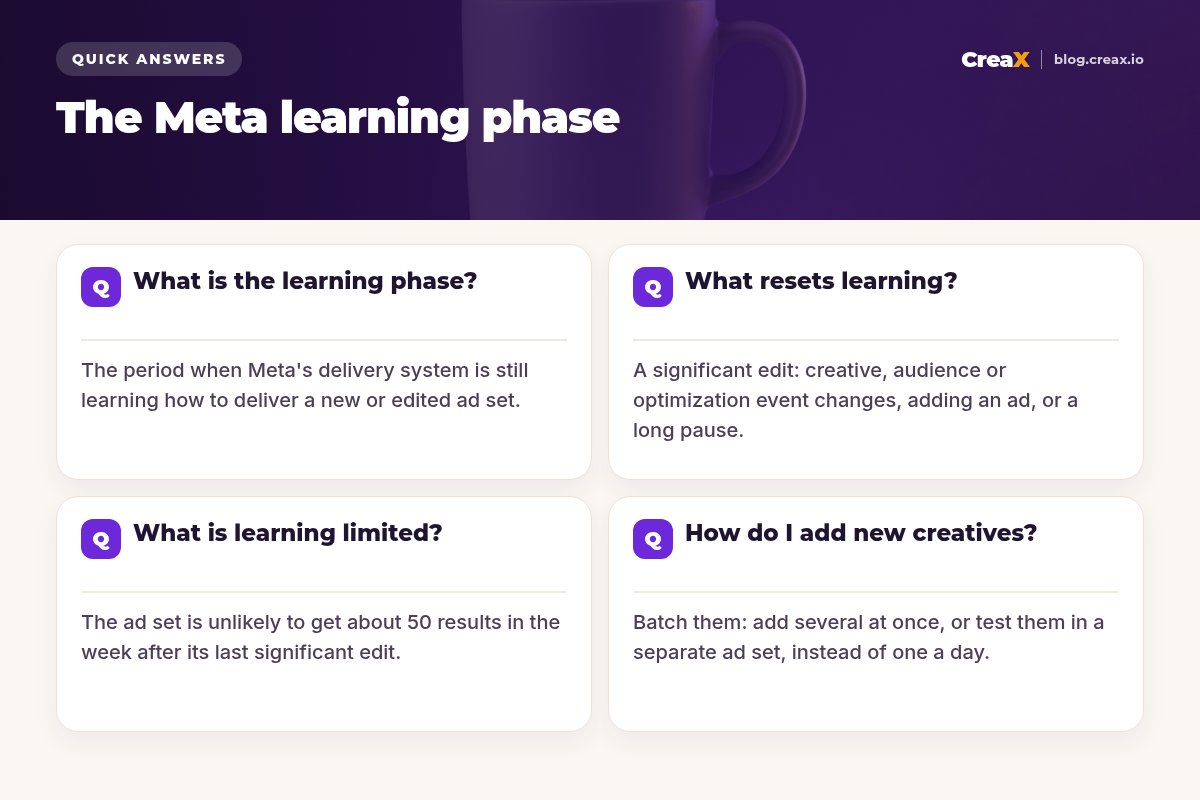
Q1What is the learning phase?
Meta's help center describes the learning phase as the period when the delivery system still needs to learn how an ad set may deliver and perform. It happens when you create a new ad or ad set, or make a significant edit to an existing one. During this time, the system explores different ways to deliver your ads, so costs and results can move around more than usual.
A few points that clear up most confusion:
- It is per ad set. Each ad set learns on its own, even inside the same campaign. Ten small ad sets each need their own results to learn.
- It never fully stops. Meta says the system keeps learning after the phase ends; leaving the learning phase only means delivery is stable enough.
- The event matters. The “results” Meta counts are the optimization event you chose, for example purchases, add to carts or landing page views. A rarer event takes longer to reach about 50 a week.
- Learning is not a penalty. It is a normal part of every launch. The goal is not to avoid it, but to let it finish.
iWhere to see it
Q2What resets learning?
Only a significant edit sends an ad set back into the learning phase. Based on Meta's help center, significant edits include:
| Change | Resets learning? | Notes |
|---|---|---|
| Changing the ad creative | Yes | Includes editing an existing ad's media or text |
| Adding a new ad to the ad set | Yes | Even one new ad restarts learning for the ad set |
| Changing targeting or audience | Yes | Locations, age, custom audiences and similar |
| Changing the optimization event | Yes | For example from purchases to add to cart |
| Pausing for 7 days or more | Yes | Learning restarts when you turn it back on |
| Changing bid strategy, budget or bid amount | Depends | Meta says it depends on the size of the change |
Summarised from Meta's Business Help Center, October 2026. Meta updates these rules; check the current help pages.
The pattern is clear: anything that changes what you show, who sees it or what you optimize for is treated as a new situation. Budget changes are judged by size, so many advertisers raise budgets gradually rather than doubling them overnight.
!The daily-tweak trap
Q3What is learning limited?
Meta shows Learning limited when an ad set is unlikely to get about 50 optimization events in the week after its last significant edit. Meta is clear that this is not a penalty: it is a sign that the current setup makes it hard for the system to optimize. Meta lists common causes:
- Small audience size. Very narrow targeting leaves too few people to find results.
- Low budget. The budget cannot buy enough results in a week for the chosen event.
- Low bid or cost control. Tight cost caps can stop the ad set from winning enough auctions.
- High auction overlap. Several of your own ad sets compete for the same people.
- An infrequent optimization event. Optimizing for purchases when you only get a few a week.
- Too many ads at once relative to budget, which spreads results thin.
Typical fixes follow from the causes: combine similar ad sets, broaden the audience (see broad targeting and why creative matters more), raise the budget where it makes sense, loosen cost controls, or optimize for a more frequent event while you build volume.
Make the creatives your ad sets learn from
Paste a product link into CreaX and get studio static ads and UGC-style video ads in about 60–120 seconds, ready to add as a planned batch.
Q4How do I add new creatives?
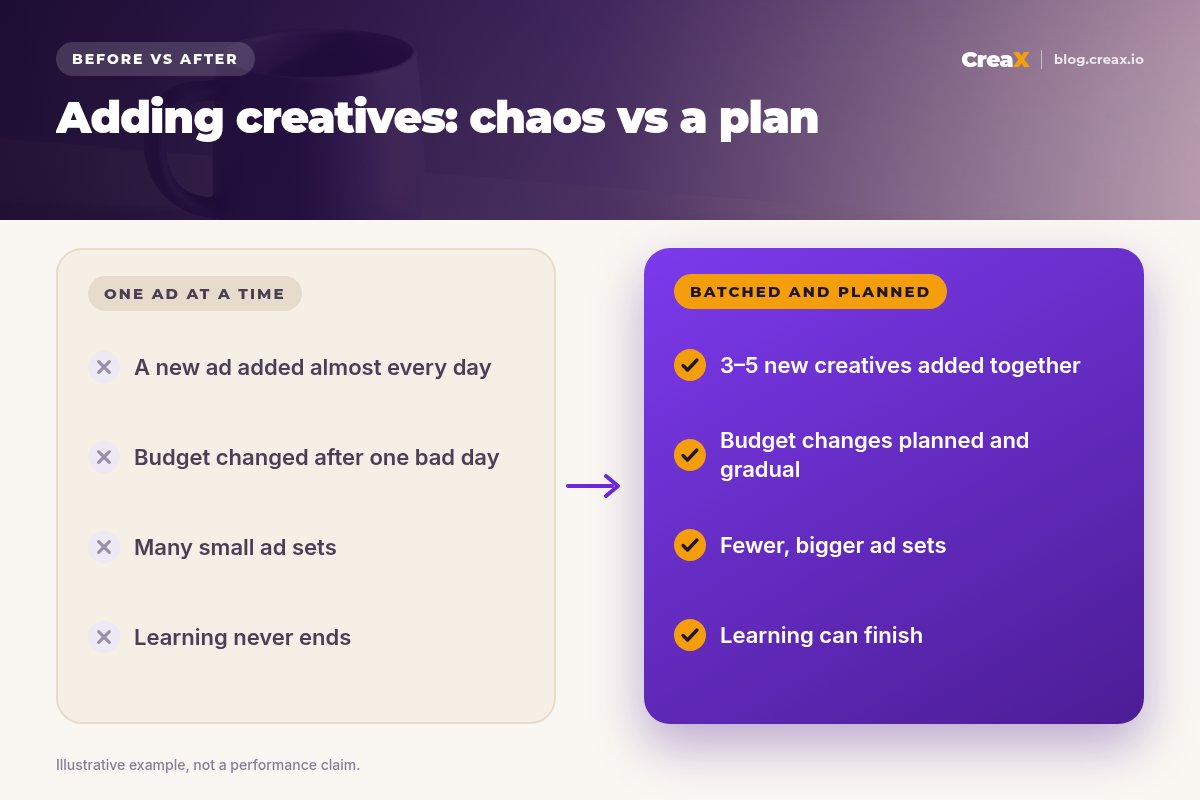
This is where creatives and the learning phase collide. You need fresh ads to fight fatigue, but adding a new ad to an ad set is a significant edit. A few practical approaches:
Batch new creatives
Use a separate testing ad set
Lean on flexible formats
Refresh on signals, not on a timer
Judge after the learning week
Creative quality also affects how fast learning ends. An ad that earns clicks and purchases produces the results the system needs sooner. If you are unsure how many to start with, see how many ad creatives to test per product.
MistakesCommon mistakes to avoid
- Judging results on day one or two. Early numbers in learning are noisy. Decide after the learning period, not during it.
- Splitting budget across many tiny ad sets. Each one has to learn alone and many end up learning limited.
- Optimizing for purchases with almost no budget. If about 50 purchases a week is out of reach, the ad set may stay learning limited.
- Editing winning ads in place. Changing the text or media of a working ad restarts learning. Duplicate it as a new variation instead.
- Pausing and restarting often. A pause of 7 days or more restarts learning when you turn the ad set back on.
- Blaming learning for a weak offer. If the ad and page do not convince people, no amount of learning fixes it. See Facebook ads not converting.
ChecklistChecklist you can copy
Before you touch an ad set
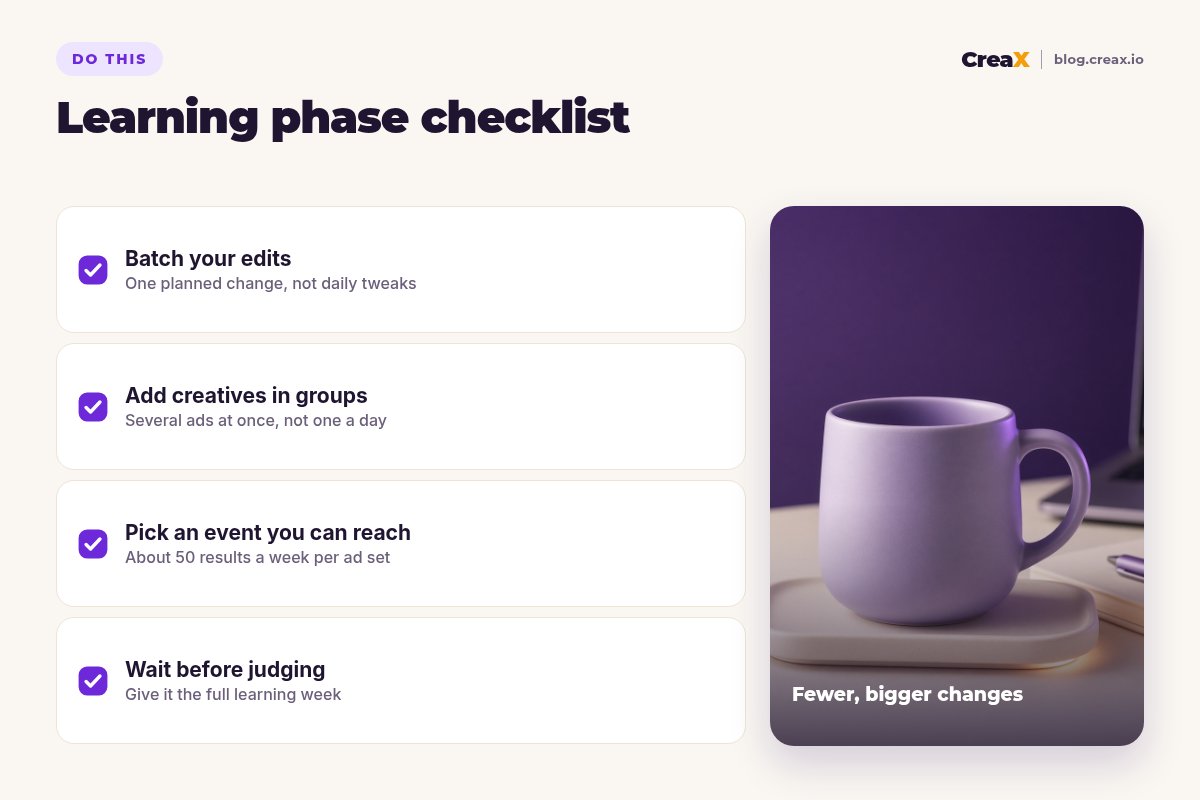
- ✓One planned change at a time: write down what you changed and when.
- ✓New creatives in batches of three to five, or in a separate testing ad set.
- ✓An optimization event you can reach about 50 times a week per ad set.
- ✓Budget changes planned and gradual, not daily jumps.
- ✓Fewer, bigger ad sets instead of many small ones with overlapping audiences.
- ✓A landing page that repeats the ad’s promise, so clicks can turn into results.
CreaXHow CreaX helps (briefly)
The learning phase rewards advertisers who plan creative batches instead of patching ads every day. CreaX makes that easier: paste a product link from Alibaba, AliExpress, Amazon, Etsy or any product page, or upload a product image, and in about 60–120 seconds you get studio static ads in five ad styles and four sizes (1:1, 3:4, 4:5 and 9:16), UGC-style video ads in 18, 30 or 45 seconds, and a publish-ready landing page that matches the ads.
That means your next batch of three to five creatives can be ready at once, with a page that repeats the same promise. When a creative wins, generate fresh variations of the angle; see how to scale winning creative variations. Plans start at $4.99 a month.
Plan your next creative batch in minutes
One product link, about 60–120 seconds: static ads, UGC-style videos and a matching landing page for your next Meta test.
FAQFrequently asked questions
Q.How long does the Meta learning phase last?
Q.Does adding a new ad reset the learning phase?
Q.Does increasing the budget reset learning?
Q.Is learning limited bad?
Q.Should I turn off ads during the learning phase?
Q.Do better creatives help me exit learning faster?
Ready to give Meta better creatives to learn from?
Paste a product link and get static ads, UGC-style video and a landing page for your next ad set.
This guide is published by CreaX. Learning phase details are summarised from Meta's Business Help Center as of October 2026; Meta updates its rules, so check the current help pages.