
What Is Dynamic Creative in Meta Ads and Should You Use It?
by the CreaX team

In this guide
- Understanding Dynamic Creative in Meta Ads
- Dynamic Creative vs. Manual Testing
- Pros and Cons of Dynamic Creative
- Use Dynamic Creative or Test Manually?
- Why Creative Variety Matters More Than Ever
- How to Prepare Assets for Your Campaigns
- Managing the Learning Phase
- Frequently Asked Questions
- What is dynamic creative in Meta ads?
- How do I use CreaX assets with dynamic creative?
- Can I use CreaX for international campaigns?
- What is the difference between dynamic creative and manual testing?
- How do I get started with CreaX?
Understanding Dynamic Creative in Meta Ads
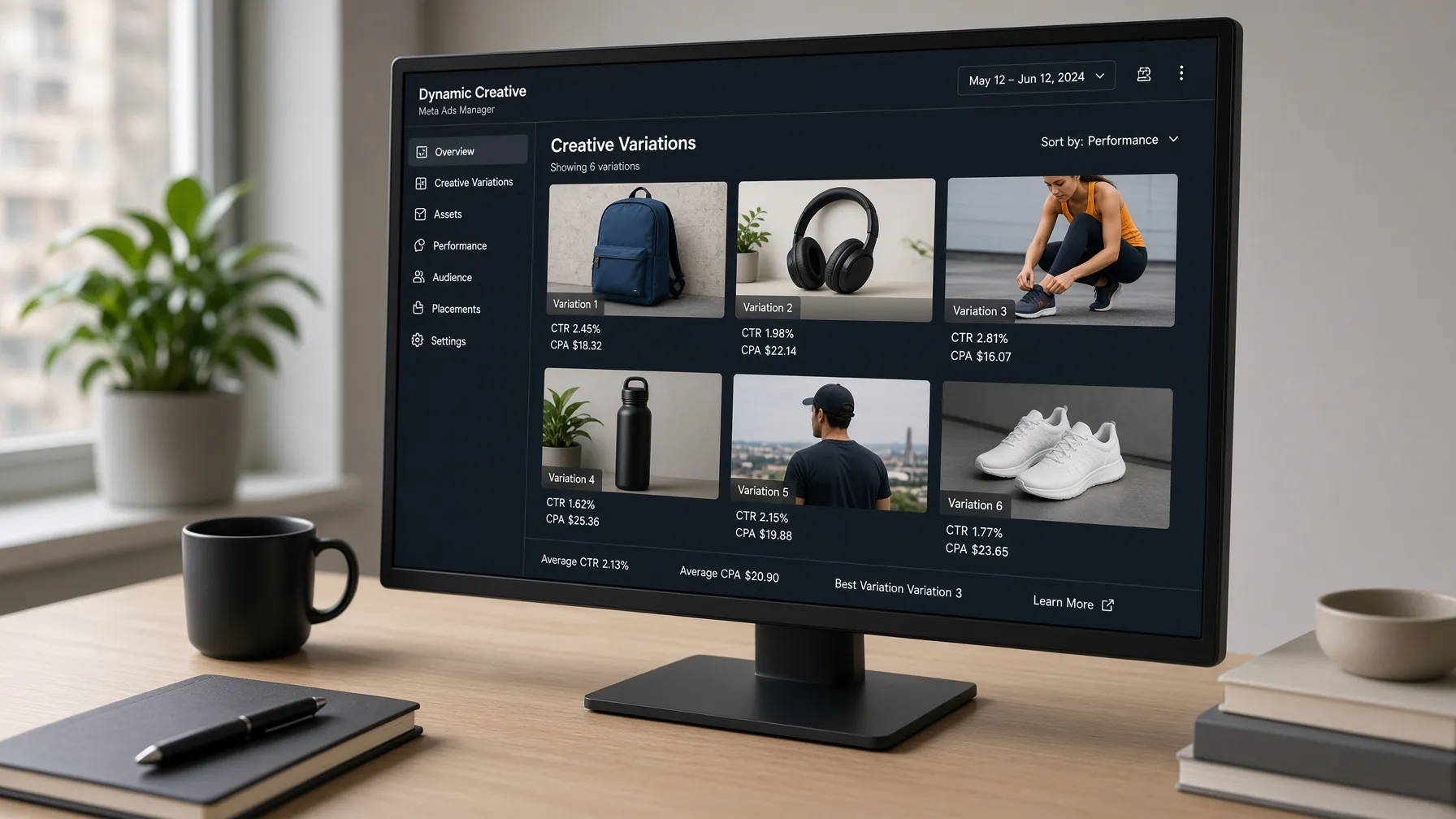
For ecommerce sellers, the landscape of Meta advertising is constantly shifting. One of the most powerful tools available in Ads Manager is dynamic creative. At its core, dynamic creative is a feature that allows you to upload multiple individual creative assets—such as images, videos, headlines, and primary text—into a single ad set. Meta’s system then automatically combines these elements to serve the best-performing variation to each specific user based on their predicted engagement.
By letting the platform handle the assembly of your ads, you move away from static, one-size-fits-all messaging. Instead, you provide the ingredients, and the algorithm acts as the chef, testing many combinations to see what resonates with your target audience. If you are new to this process, it is helpful to first understand what is creative testing in Meta ads to grasp why this automated approach is so effective for modern media buying.
Dynamic Creative vs. Manual Testing
While dynamic creative offers a streamlined path to optimization, it is not the only way to run ads. Manual testing involves creating distinct ad sets or individual ads where you control exactly which headline pairs with which image. This gives you granular control over your data, but it requires significantly more time and effort to manage.
The main difference lies in the level of automation. Dynamic creative is designed to find winning combinations quickly, whereas manual testing is often used when you need to isolate specific variables to prove a hypothesis. When deciding between the two, consider whether you want the algorithm to drive the testing or if you prefer to maintain strict oversight. For those planning their budget allocation, understanding ABO vs CBO creative testing is essential to ensure your testing strategy aligns with your campaign objectives.
Pros and Cons of Dynamic Creative
Pros: less setup, because you upload assets once instead of building every ad by hand, and Meta can find combinations you might not have tried yourself.
Cons: you get less clear learning about which single asset won, and results are harder to read than in a clean manual test. Meta also renames and reshapes features over time (some of this now sits under Advantage+ creative options), so always check what your current Ads Manager shows.
Use Dynamic Creative or Test Manually?
| Situation | Better fit |
|---|---|
| You want quick, low-effort setup | Dynamic creative |
| You have many assets and want Meta to find combinations | Dynamic creative |
| You need to know exactly which image, video or hook won | Manual testing |
| You are testing one clear variable, like a new angle | Manual testing |
| You want clean, easy-to-read results to report | Manual testing |
Why Creative Variety Matters More Than Ever
In the current Meta ecosystem, creative fatigue is a major hurdle. Users scroll through their feeds rapidly, and if your ad doesn't catch their eye immediately, they move on. This is why Meta Andromeda and creative diversity has become a central focus for successful brands. You cannot rely on a single image or video to carry your entire campaign for months on end.
To succeed, you need to feed the algorithm a constant stream of fresh, high-quality assets. This means varying your visual angles, your copy, and your video hooks. When you provide a diverse set of inputs, you give the platform more opportunities to find combinations that work for different people. If you are launching a new item, it is vital to test ad angles for a new product to see which value proposition hits home with your customers.

How to Prepare Assets for Your Campaigns
The quality of your dynamic creative output is entirely dependent on the quality of your inputs. If you upload low-resolution images or generic, uninspired copy, the algorithm will struggle to find a winning combination. Successful media buyers focus on creating a marketing kit that includes various aspect ratios and visual styles to keep their ads feeling native to the platform.
CreaX simplifies this process by acting as an all-in-one AI ecommerce creative OS. By simply pasting a product link from sites like Amazon or AliExpress, you can generate a full suite of assets. You can create studio-quality ad images in styles like Classic, Humble Orbit, Punch, Luxe, and Meta Feed, available in 1:1, 3:4, 4:5, and 9:16 aspect ratios. You can also generate UGC-style video ads in 18, 30, or 45-second formats. To see how these styles can be applied to your strategy, check out CreaX ad styles explained.
Start Creating Your Assets Now
Managing the Learning Phase
One common concern for sellers is how dynamic creative impacts the Meta learning phase. Because dynamic creative mixes many combinations inside one ad set, results can take a while to settle. It is important to give your ad sets enough budget and time to exit the learning phase before you make drastic changes to your assets.
Avoid the temptation to edit your ads every few hours. When you use dynamic creative, the system is actively learning which combinations work best. If you interrupt this process by constantly adding or removing assets, you can send the ad set back into learning, which makes results harder to read.
Frequently Asked Questions
What is dynamic creative in Meta ads?
Dynamic creative is a feature that takes the individual components you provide—images, videos, headlines, and text—and automatically combines them into various ad formats. The platform then serves the most relevant version of the ad to each person based on their likelihood to interact, helping you identify high-performing combinations without manual assembly.
How do I use CreaX assets with dynamic creative?
You can use CreaX to generate a variety of studio-style images and UGC-style videos from a single product link. By downloading these diverse assets—such as different visual styles like Punch or Luxe—you can upload them into your dynamic creative ad set. This provides the Meta algorithm with the variety it needs to effectively test and optimize your campaign performance.
Can I use CreaX for international campaigns?
Yes, CreaX supports 40+ languages and 160+ target countries. This allows you to generate localized landing pages and ad assets that resonate with specific regional audiences. The platform even supports right-to-left languages like Arabic, ensuring your creative is culturally and linguistically accurate for your target market.
What is the difference between dynamic creative and manual testing?
Dynamic creative automates the combination of assets to find the best-performing ad, while manual testing involves creating specific, controlled ad variations. Manual testing is often used when you want to isolate a single variable to see exactly how it performs, whereas dynamic creative is designed to optimize for performance by letting the algorithm handle the combinations.
How do I get started with CreaX?
To get started, simply paste your product link into the CreaX platform. Within 60-120 seconds, the AI will generate a comprehensive marketing kit, including landing pages, studio ad creatives, and UGC-style videos. You can then download these assets and upload them directly into your Meta Ads Manager to begin your testing process.
Your next campaign starts with a link.
Paste a product link and get UGC video ads, ad images and a landing page — everything in under 60 seconds.
Start creating