
What Is an Attribution Window in Meta Ads and Which One Should You Use?
by the CreaX team
In this guide
- DefinitionWhat is an attribution window?
- ClicksWhat is click-through attribution?
- ViewsWhat is view-through attribution?
- EngagementWhat is engage-through attribution?
- ReportingWhy do results change with the window?
- ChooseWhich window should a store use?
- MethodHow do you compare campaigns fairly?
- DeliveryDoes the attribution setting change who sees your ads?
- ExampleWorked example: a desk lamp
- FAQFrequently asked questions
- Q.What is the default attribution setting in Meta Ads?
- Q.What is the difference between click-through and view-through?
- Q.What replaced engaged-view attribution?
- Q.Why don't Ads Manager sales match my store?
- Q.Should I change the window on a running campaign?
- Q.Can CreaX change my attribution settings?
FAQ · Meta ads for online stores
An attribution window in Meta Ads is the period after someone clicks, views or engages with your ad during which a purchase can be credited to that ad. It sounds like a reporting detail, but it changes the numbers you see, how you compare campaigns and, for the standard model, how Meta optimises delivery. This guide explains click-through, view-through and engage-through attribution in plain words, why results change with the window, and how an online store can choose and compare fairly.
By the CreaX team
Key takeaways
- ✓An attribution window is the time after an ad interaction during which a conversion can be credited to the ad. You set it at the ad set level.
- ✓Three kinds of interaction can count in Meta's standard model: a link click (click-through), an ad view (view-through) and other engagement such as a qualifying video play (engage-through).
- ✓A wider window shows more conversions in Ads Manager, but that doesn't mean the ads sold more. It means more sales were credited to them.
- ✓Compare like with like. Only compare campaigns, ads or periods that use the same attribution setting, and check your own store's sales too.
In this guide
DefinitionWhat is an attribution window?
When someone buys after seeing your ad, Meta has to decide whether to credit that purchase to the ad. The attribution setting tells it which interactions count (a click, a view, an engagement) and the attribution window tells it for how long after that interaction a purchase still counts.
According to Meta's Business Help Center, you choose an attribution model when you create an ad set. The standard model lets you pick the windows and interactions; Meta also offers an incremental model that aims to credit only conversions the ads likely caused. This guide focuses on the standard settings most stores use.
The conversions themselves come from the events your website sends to Meta. If your events are incomplete, no window will fix the numbers, so it's worth reading what the Meta Conversions API is before you tune attribution.
ClicksWhat is click-through attribution?
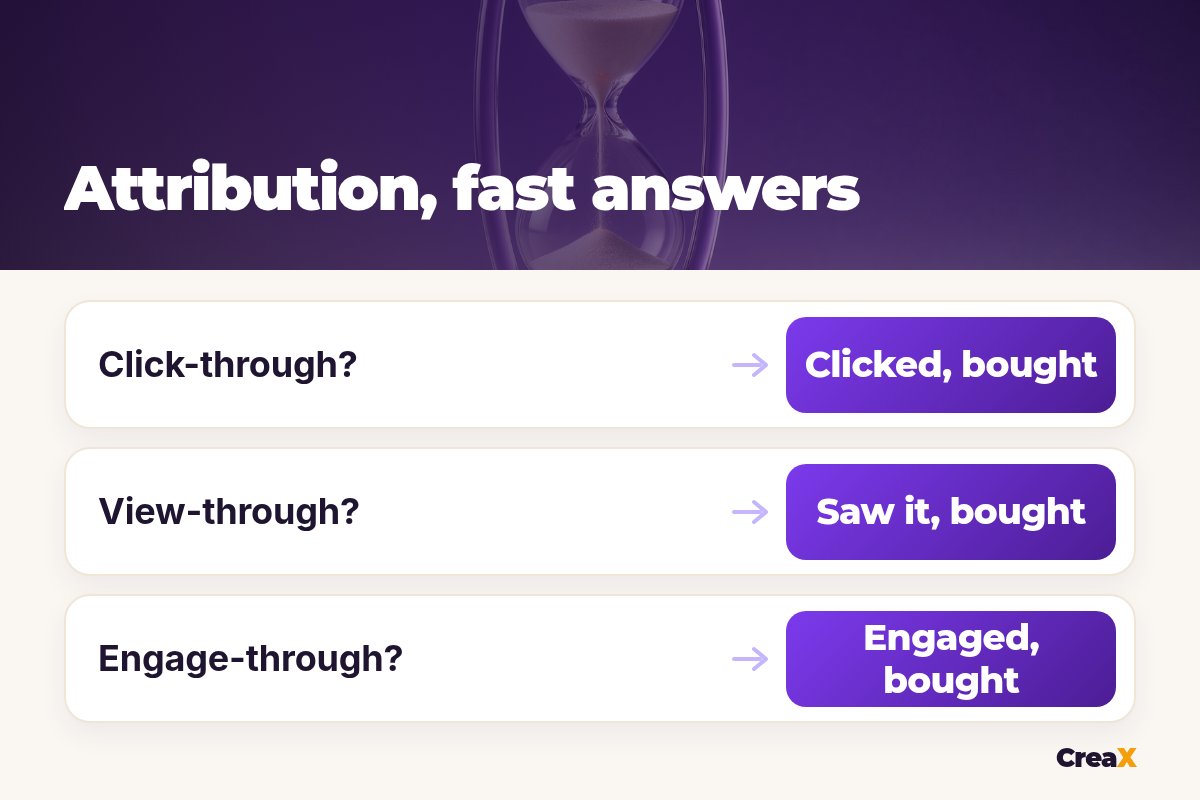
Click-through attribution credits a conversion to your ad when someone clicked a link in the ad and then converted within the window. Meta lets you choose a 1-day or 7-day click window for standard attribution.
Clicks are the clearest signal: the person came to your site from the ad. A longer click window credits shoppers who think for a few days before buying, which is common for higher-priced products and gifts.
ViewsWhat is view-through attribution?
View-through attribution credits a conversion when someone saw your ad, didn't click, and converted within 1 day. It reflects the fact that people often see an ad, then search for the brand or visit the store later.
View-through can be useful, but it's also the easiest to over-read. Someone who was going to buy anyway may have scrolled past your ad that morning. Treat view-through conversions as a softer signal than clicks.
EngagementWhat is engage-through attribution?
Engage-through attribution, previously called engaged-view, credits a conversion within 1 day after someone engaged with your ad without clicking a link. Meta describes this as social actions such as likes, comments, shares and saves, or watching a video ad for at least 5 seconds (or most of a shorter video).
It matters for video ads in Reels and Stories, where many people watch and later buy without tapping the link. Check Meta's help pages for the current details, because Meta updates these definitions from time to time.
| Interaction | What it means | Window in standard attribution |
|---|---|---|
| Click-through | Clicked a link in the ad, then converted | 1 day or 7 days |
| View-through | Saw the ad, didn't click, then converted | 1 day |
| Engage-through | Engaged or watched a video, then converted | 1 day |
Simplified from Meta's Business Help Center, October 2026. Check Meta's help pages for current options.
ReportingWhy do results change with the window?
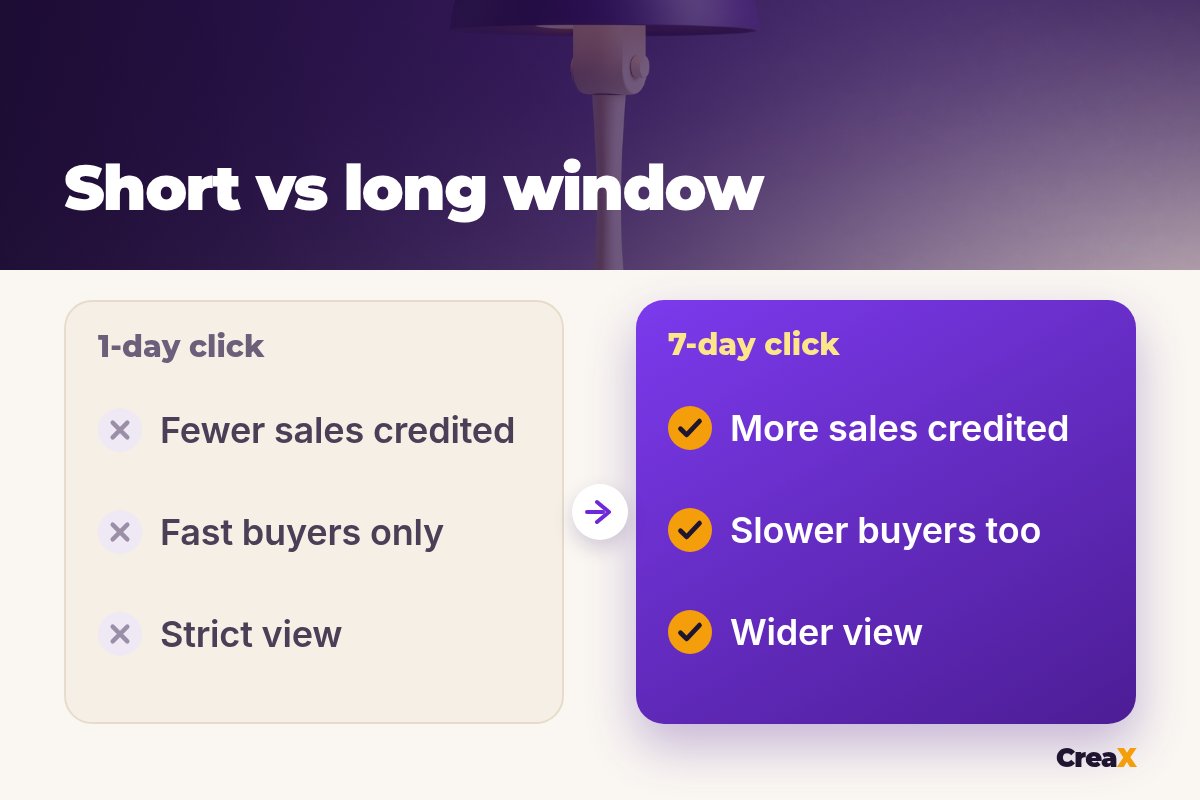
The same campaign can look very different depending on the setting. A longer click window, or adding view-through and engage-through, credits more purchases to your ads. A shorter, click-only setting credits fewer. Nothing about the actual sales changed, only the rule for counting them.
That's why ROAS in Ads Manager can jump or drop when someone changes the setting, and why it rarely matches your store's own sales report exactly. Our guide on what a good ROAS is explains how to read the number, and why ROAS drops after scaling covers another common cause of falling results.
★Look at total sales too
ChooseWhich window should a store use?
There's no single right answer, but there are sensible defaults to think about:
- Higher-priced products or gifts: people take longer to decide, so a 7-day click window reflects their path better.
- Cheap impulse products: most buyers act fast, so a 1-day click window keeps the numbers tight.
- Video-heavy campaigns: adding engage-through shows the effect of people who watch and buy later.
- Strict reporting: a click-only setting is the most conservative view, useful when you want to avoid crediting ads too generously.
For video campaigns, also watch how long people actually watch before you lean on engage-through numbers; our guide on what hold rate is explains a simple way to read that.
A practical way to choose is to look at how your own buyers behave. If most orders arrive the same day as the first visit, a short window describes them well. If many shoppers visit several times, compare options, wait for payday or ask a partner before buying, a longer click window gives the ads fairer credit for that slower path. Your store's own order data, such as the time between the first visit and the purchase, is a better guide than any rule of thumb.
Whatever you choose, keep it the same across the campaigns you compare, and write it down so the whole team reads the numbers the same way.
MethodHow do you compare campaigns fairly?
Fair comparison checklist
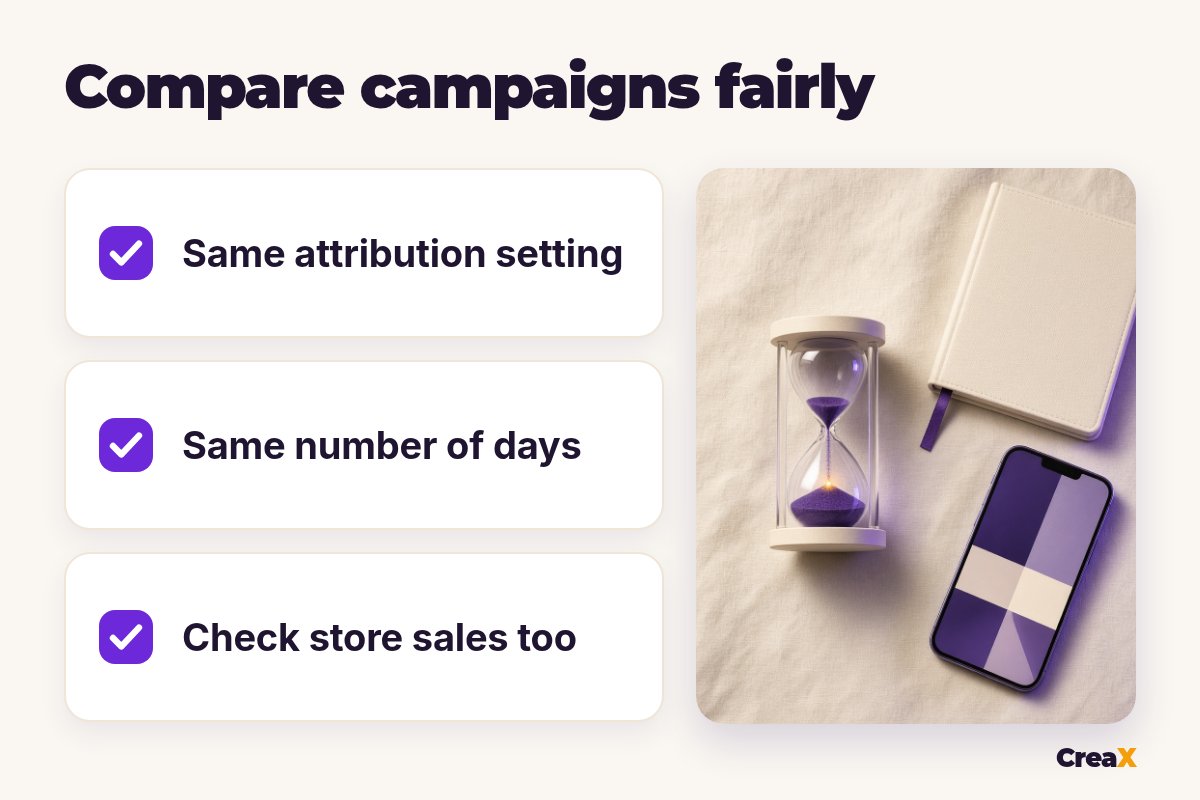
- ✓Same setting: compare only ad sets with the same attribution setting.
- ✓Same period: compare the same number of days, and allow for late conversions in longer windows.
- ✓Same goal: compare campaigns optimised for the same event, such as purchases.
- ✓Store check: look at your store's orders and MER alongside Ads Manager.
- ✓Enough data: don't judge an ad set while it's still learning.
The last point matters more than it seems; our guide to the Meta learning phase explains why early results are noisy.
DeliveryDoes the attribution setting change who sees your ads?
It can. Meta says the standard model optimises delivery for the windows and behaviours you select, so the setting is not only a reporting choice. If you optimise for 1-day click, Meta looks for people likely to click and buy quickly. With a longer or wider setting, it may reach people who buy later or after watching. Meta also notes that reporting changes don't change how you are billed.
In practice, this means the attribution setting and the optimisation goal work together. An ad set that optimises for purchases with a short click window is asking Meta to find quick buyers; one with a longer window plus engagement gives Meta more room to find people who need time. Neither is wrong, but they are different instructions, and their results should not be compared as if they were the same test.
That's another reason to change the setting rarely, and to test changes in a new ad set rather than editing one that's already running well.
Give every ad set better creatives to test
Paste one product link and get UGC-style video ads, studio ads and a landing page in about 60–120 seconds.
ExampleWorked example: a desk lamp
Say you sell a designer desk lamp. Shoppers often look at it, think for a few days and come back. You run two ad sets: one with a 1-day click setting and one with 7-day click plus 1-day view. The second shows more purchases in Ads Manager, but the store's total orders for both periods are similar.
It also helps to write the setting into the name of each ad set or into your reporting sheet, so nobody on the team compares a 7-day number with a 1-day number by mistake. Small habits like this save a lot of confusion when you look back at results weeks later.
The right conclusion isn't that the second ad set sold more. It's that it was credited with more. To decide which creative actually works better, keep the setting the same, run both creatives in it, and check total orders alongside.
⚖Where CreaX fits
FAQFrequently asked questions
Q.What is the default attribution setting in Meta Ads?
Q.What is the difference between click-through and view-through?
Q.What replaced engaged-view attribution?
Q.Why don't Ads Manager sales match my store?
Q.Should I change the window on a running campaign?
Q.Can CreaX change my attribution settings?
Ready to test your next product?
One product link, about 60–120 seconds, and you have UGC-style video ads, studio ads and a landing page for your next test.
Attribution details checked on Meta's Business Help Center, October 2026.
This guide is published by CreaX. We describe other tools from their own public websites, last checked October 2026, avoid invented scores or prices, and recommend checking each vendor's site for current features and plans.
Your next campaign starts with a link.
Paste a product link and get UGC video ads, ad images and a landing page — everything in under 60 seconds.
Start creating