
What Is the Meta Conversions API and Do Online Stores Need It?
by the CreaX team
In this guide
- The basicsWhat is the Meta Conversions API?
- Do online stores need it?
- Pixel vs CAPIHow is it different from the Meta Pixel?
- SetupDo I need both the pixel and the Conversions API?
- Avoid double countingWhat is deduplication?
- Signal qualityWhat is Event Match Quality?
- OptionsHow do online stores set it up?
- EventsWhich events matter for an online store?
- AvoidCommon setup mistakes
- ExpectationsDoes the Conversions API fix bad ad results?
- The other halfWhere creatives fit in
- FAQMore questions about the Conversions API
- FAQFrequently asked questions
- Q.Is the Conversions API free?
- Q.Do I need a developer?
- Q.Which events should I send?
- Q.Will it improve my ROAS?
- Q.Does CreaX set up the Conversions API?
- Q.Where do I check it's working?
FAQ · Meta ads signals
The Meta Conversions API, often shortened to CAPI, is one of those settings every store owner hears about and few fully understand. In short, it lets your store or server send events like purchases and add-to-carts straight to Meta, alongside the Meta Pixel in the browser. This guide explains what it is, how it differs from the pixel, how online stores usually set it up, and why good signals still need good creatives to turn into sales.
By the CreaX team
Key takeaways
- ✓The Conversions API sends web, app or offline events from your server or store platform directly to Meta, instead of relying only on the browser.
- ✓Meta recommends using it with the Meta Pixel, not instead of it. Shared event IDs let Meta remove duplicates.
- ✓Most stores set it up through their platform, such as a Shopify or WooCommerce integration, or through Meta's Conversions API Gateway.
- ✓It does not fix weak ads. Better signals help Meta learn who buys, but the creative still decides who stops and clicks.
In this guide
The basicsWhat is the Meta Conversions API?
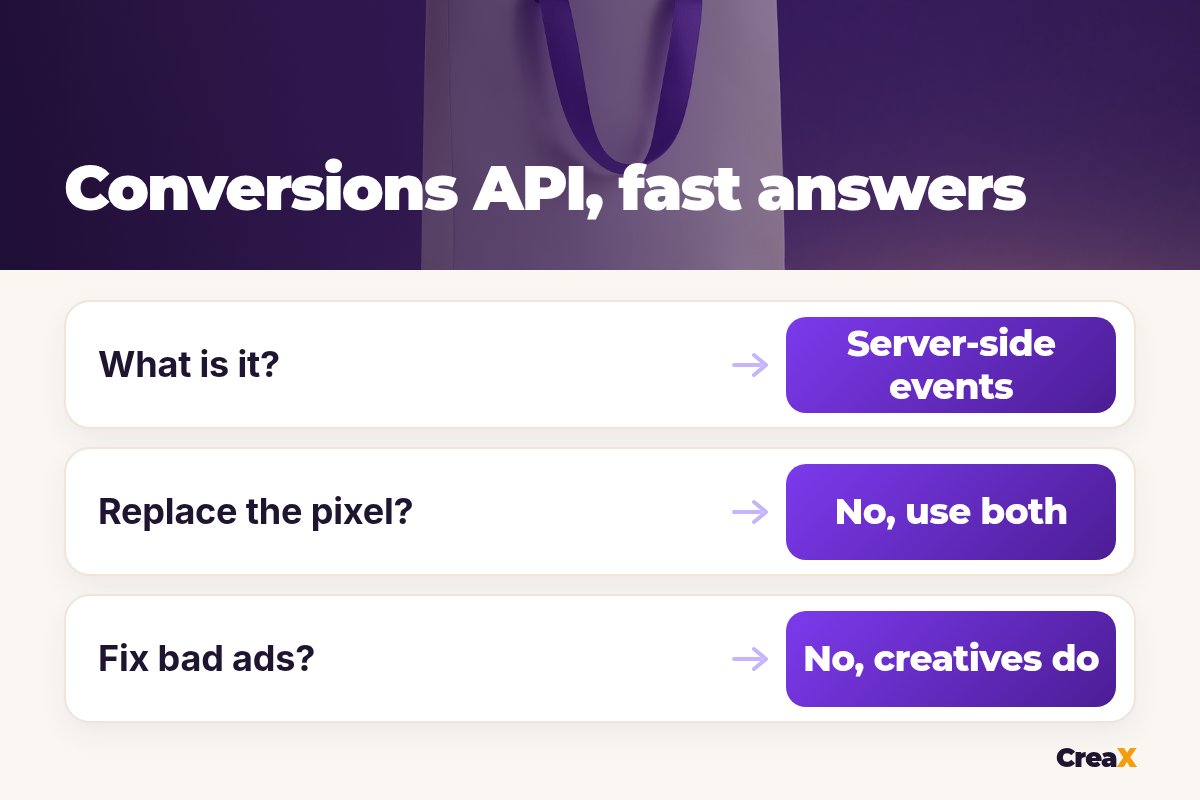
According to Meta's business help pages, the Conversions API creates a direct connection between your marketing data and Meta. Instead of only the browser reporting that someone bought, your server, store platform or CRM sends the event to Meta too.
Meta then uses those events in the same ways it uses pixel events: to measure results, to build audiences, and to help its delivery system find people likely to take the action you optimise for. That last part matters more and more, because Meta's ad system now leans heavily on signals and creatives rather than on manual targeting.
If you are new to how Meta's delivery works today, our explainer on Meta Andromeda and creative diversity is a good companion to this guide.
Do online stores need it?
If you run Meta ads and optimise for purchases, the short answer is yes, in most cases. The more of your real sales Meta can see, the better it can measure which ads work and learn who is likely to buy. For a store that only posts organically and never runs ads, it matters much less. For dropshippers testing many products, it is worth turning on early, because every test depends on Meta seeing the purchases that happen.
Pixel vs CAPIHow is it different from the Meta Pixel?
Both send events to Meta. The difference is where they run:
| Meta Pixel | Conversions API | |
|---|---|---|
| Where it runs | In the visitor's browser | On your server or store platform |
| How it sends events | A code snippet on your site | A server-to-server connection |
| Affected by browsers and blockers | Yes, it can miss events | Less, it doesn't rely on the browser |
| Offline or CRM events | No | Yes, it can send them |
| Setup | Usually simple | Usually through an integration |
A general summary of Meta's help pages. Check Meta's documentation for current details.
Browser-based tracking can miss events because of ad blockers, browser privacy settings, slow connections or people closing a page early. A server connection is a second, more reliable path for the same events.
SetupDo I need both the pixel and the Conversions API?
Meta recommends using the Conversions API alongside the Meta Pixel. The pixel still captures browser-side activity well, and the server connection fills gaps. Together they give Meta a fuller picture of what happens after someone clicks your ad.
For a small store just starting, the pixel through your store platform's Meta integration is the first step. Turning on the Conversions API in the same integration is usually the next one, and on many platforms it's a setting rather than a coding project.
Avoid double countingWhat is deduplication?
If both the pixel and the Conversions API report the same purchase, Meta needs to know it is one sale, not two. That's deduplication. Meta matches events that share the same event name and the same event ID, sent from both sources, and keeps one.
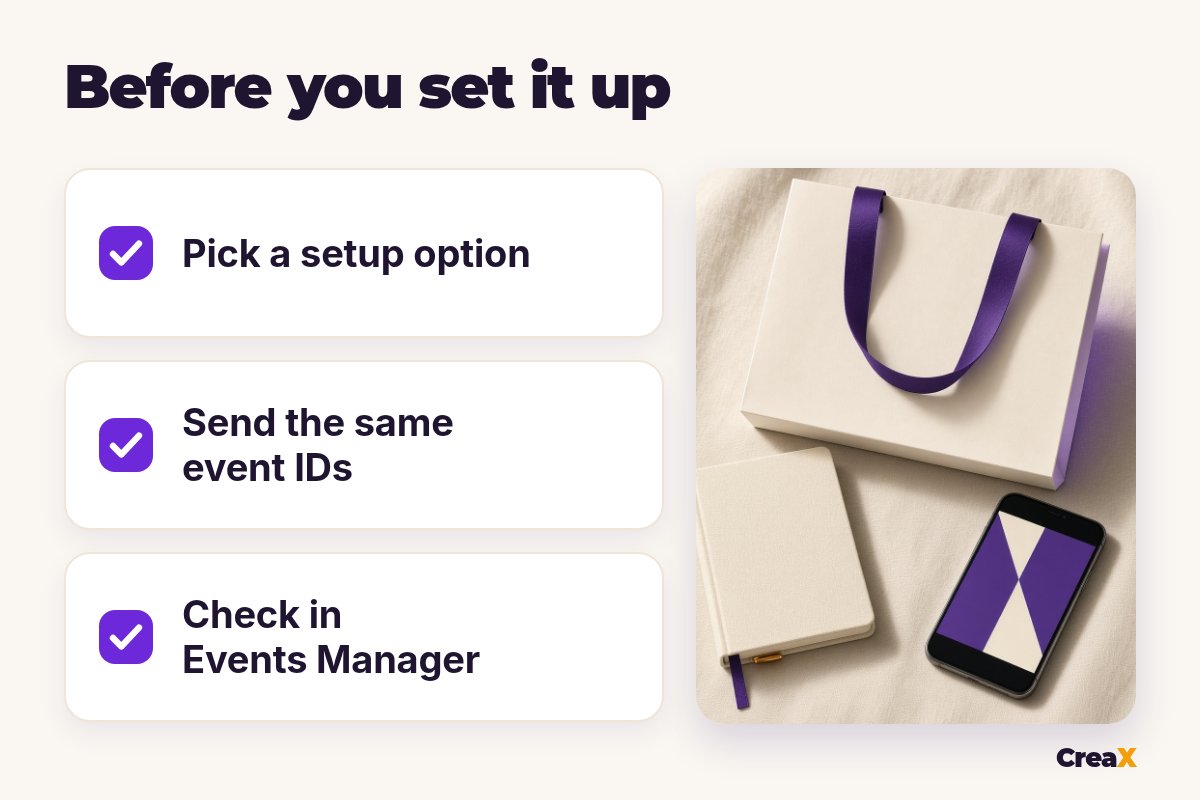
Platform integrations normally handle this for you. If you set things up yourself, check that every event sent by the browser and the server carries the same event ID, otherwise your reports can show more purchases than really happened.
Signal qualityWhat is Event Match Quality?
In Events Manager, Meta shows an Event Match Quality rating for server events. It reflects how well the customer information sent with an event, such as a hashed email or phone number, helps Meta match the event to a Meta account.
Better matching generally means Meta can connect more purchases to the ads that drove them. Meta hashes this kind of data, and you are responsible for having the right consent and privacy notices in place for the countries you sell in.
!Privacy rules come first
OptionsHow do online stores set it up?
Meta describes a few ways to connect. For most stores, the order of preference looks like this:
Use your store platform's integration
Or use the Conversions API Gateway
Or build a direct integration
After setup, use the test events tool in Events Manager, place a test order and check that the purchase arrives from both the browser and the server, and that it is counted once.
EventsWhich events matter for an online store?
Meta has a list of standard events. A typical online store sends a handful of them, from the first page view to the purchase. These are the ones most stores start with:
| Event | When it fires | Why it matters |
|---|---|---|
| PageView | A visitor loads a page | Builds audiences of visitors |
| ViewContent | A visitor opens a product page | Shows interest in a product |
| AddToCart | A product goes into the cart | A strong buying signal |
| InitiateCheckout | Checkout starts | Shows where people drop off |
| Purchase | An order is placed | The event most stores optimise for |
Standard event names from Meta's documentation. Your platform integration usually sends these for you.
Send the order value with each purchase so reports can show revenue, and make sure test orders are not mixed with real ones when you check the data.
AvoidCommon setup mistakes
- Double counting. The browser and the server send the same purchase without a shared event ID, so reports show too many sales.
- Two integrations at once. An old app and a new one both send events, which creates duplicates and confusion.
- Missing customer details. Events reach Meta with little matching information, so fewer of them can be linked to ads.
- Never testing. The setup looks fine in the settings but no one checks Events Manager after a real test order.
- Ignoring consent. Data is sent without the right notices for the countries the store sells in.
A quick monthly check in Events Manager catches most of these. Look at each event's source, how many events arrive, and whether duplicates are being removed.
ExpectationsDoes the Conversions API fix bad ad results?
Not by itself. Clean signals help Meta measure and optimise, but they can't make people want a product the ad fails to sell. If ads are stuck, look at the whole picture: our guides on why Facebook ads get stuck in learning limited and what a good ROAS is cover the usual causes.
It also helps to know which number you are judging. Our explainer on CPA for dropshipping shows how cost per purchase connects to your margins.
The other halfWhere creatives fit in
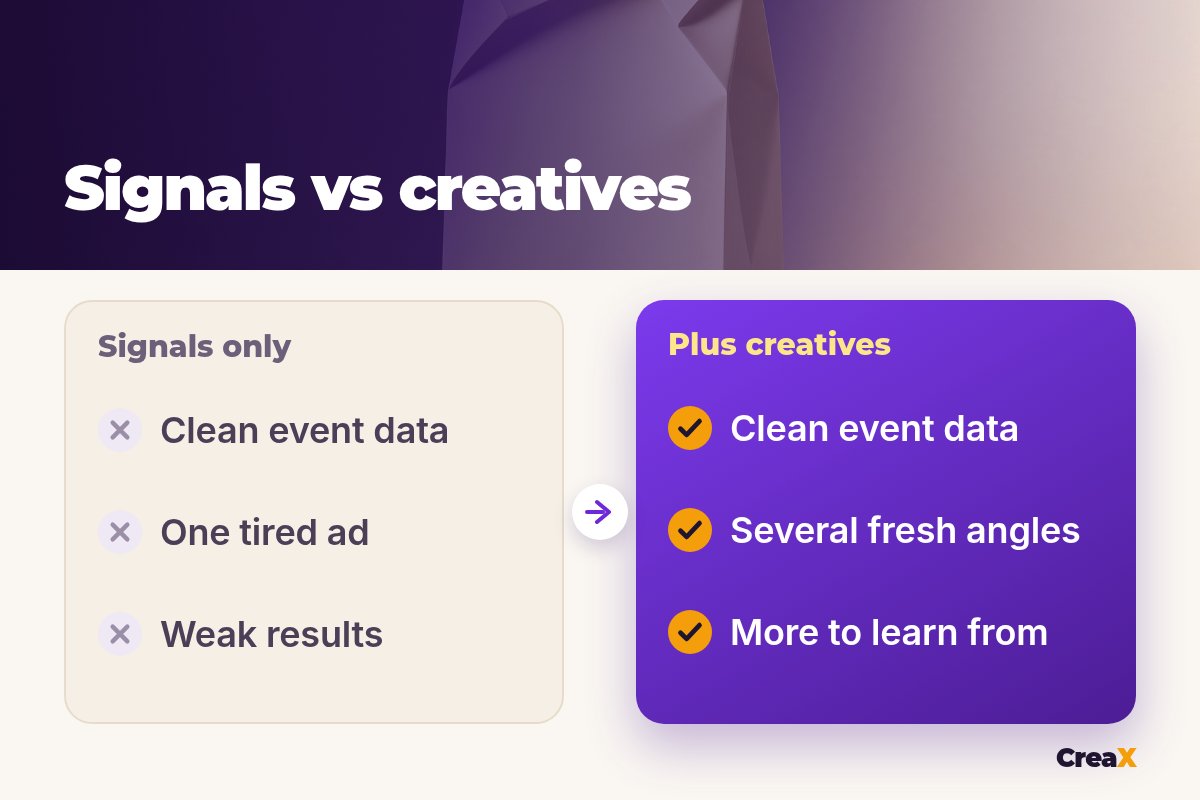
Think of it in two halves. Signals tell Meta who bought. Creatives decide who notices, stops and clicks in the first place. With broad targeting, the creative does much of the targeting work, because different angles attract different buyers.
That's why our guide to broad targeting on Meta puts creative variety first. CreaX sits on that creative side: it doesn't set up pixels, the Conversions API or any tracking. What it does is turn a product link into studio ads in five styles and four sizes (1:1, 3:4, 4:5, 9:16), UGC-style video ads of 18, 30 or 45 seconds, and a landing page in 40+ languages, so you have several fresh angles to test.
Give Meta better creatives to learn from
Paste one product link and get studio ads, UGC-style video ads and a landing page in about 60–120 seconds.
FAQMore questions about the Conversions API
FAQFrequently asked questions
Q.Is the Conversions API free?
Q.Do I need a developer?
Q.Which events should I send?
Q.Will it improve my ROAS?
Q.Does CreaX set up the Conversions API?
Q.Where do I check it's working?
Ready to test new angles?
One product link, about 60–120 seconds, and you have studio ads, UGC-style video ads and a landing page for your next test.
Conversions API details checked on Meta's business help pages, October 2026.
This guide is published by CreaX. We describe other tools from their own public websites, last checked October 2026, avoid invented scores or prices, and recommend checking each vendor's site for current features and plans.
Your next campaign starts with a link.
Paste a product link and get UGC video ads, ad images and a landing page — everything in under 60 seconds.
Start creating