
What Is Broad Targeting on Meta and Why Does Creative Matter More?
FAQ · Meta ads
Broad targeting on Facebook and Instagram ads means giving Meta very few audience limits and letting its delivery system find the buyers. It is now the default for many campaigns. That changes where your effort should go: when the audience is wide open, your creative does much of the targeting. Here are plain answers to the questions sellers ask most, plus a brief checklist you can copy.
Updated October 2026 · By the CreaX team
Key takeaways
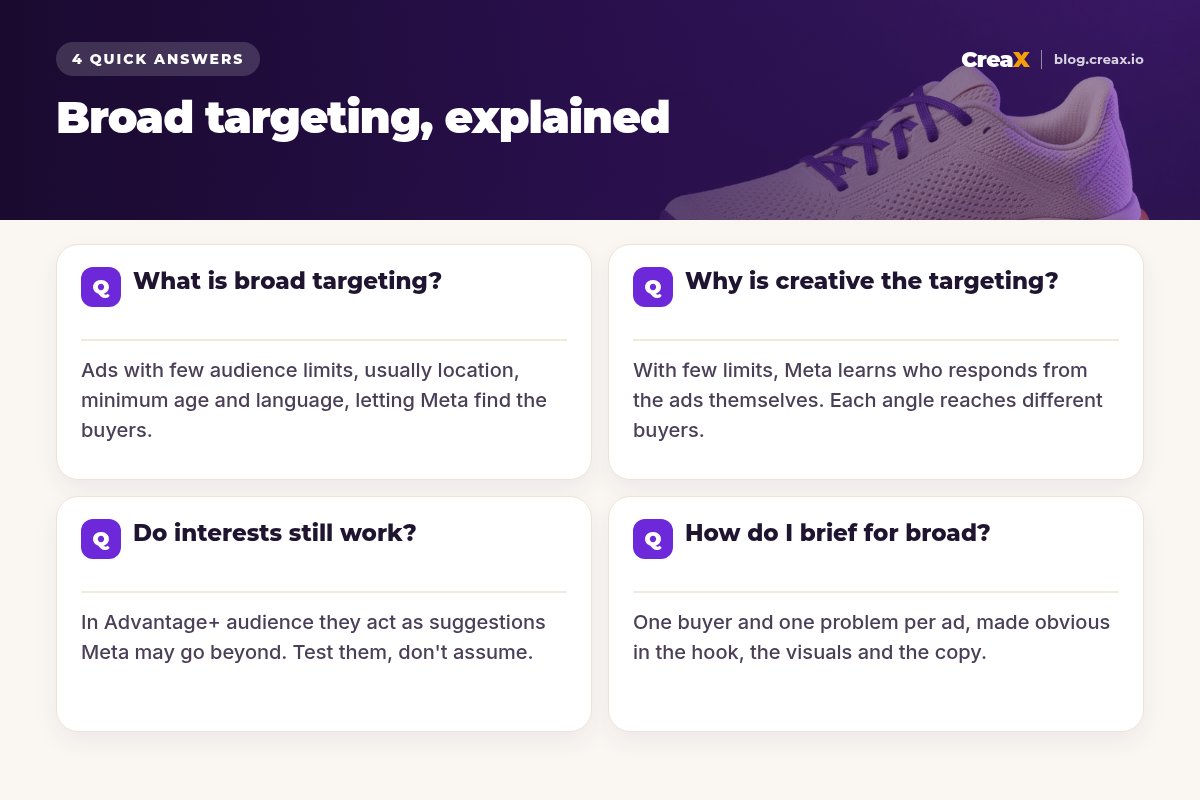
- ✓Broad targeting means setting only basic limits (such as location, minimum age and language) and letting Meta decide who sees each ad. Meta's Advantage+ audience setting is built around this idea.
- ✓With few limits, Meta learns who responds from the ads themselves. A hook for busy parents and a hook for runners can reach different people from the same broad audience.
- ✓Interests still exist, but in Advantage+ audience they work as suggestions that Meta can go beyond. Test them against broad instead of assuming either way.
- ✓To brief for broad, give each ad one buyer, one problem and one angle, and make it obvious in the first seconds who the ad is for.
In this guide
TL;DRThe short answer
Broad targeting is running Meta ads with as few audience restrictions as you can, usually just the countries you ship to, a minimum age and maybe a language, and letting Meta's system find people likely to buy. It works because Meta can see far more signals about who engages and purchases than you can set by hand. The trade-off is that your ads now carry the message about who they are for. A vague ad shown to a broad audience reaches a vague audience. A sharp ad, with a clear buyer and problem, helps the system find more people like that buyer.
Question 1What is broad targeting?
In Meta Ads Manager there are two ways to set an audience:
| Setup | How it works | When it tends to fit |
|---|---|---|
| Advantage+ audience | You set hard limits (audience controls) and optional suggestions; Meta can go beyond the suggestions to find people likely to respond | Most prospecting campaigns optimising for purchases |
| Original audience options | You choose age, gender and detailed targeting yourself, and delivery stays within them | Strict audience limits, some non-purchase goals, or tests |
From Meta's Business Help Center, October 2026. Settings and names change, so check Ads Manager.
According to Meta's help pages, Advantage+ audience is applied automatically to new campaigns where it is available, and you can switch to the original audience options if you need to. Inside Advantage+ audience, audience controls are hard limits: locations, a minimum age, custom audiences to exclude and languages. Audience suggestions, such as an age range, gender, interests, custom audiences or lookalikes, tell Meta who to prioritise first before it searches more widely.
When people say “go broad”, they usually mean one of two things: Advantage+ audience with few or no suggestions, or the original setup with no interests at all, only location, age and gender. Both hand most of the audience-finding to Meta.
iNot every advertiser can use it
Question 2Why is creative the targeting?
This phrase is everywhere in media buying, and it is mostly right. Here is the logic in plain steps:
Meta shows your ad to a mix of people
It watches who responds
It finds more people like them
Different ads find different people
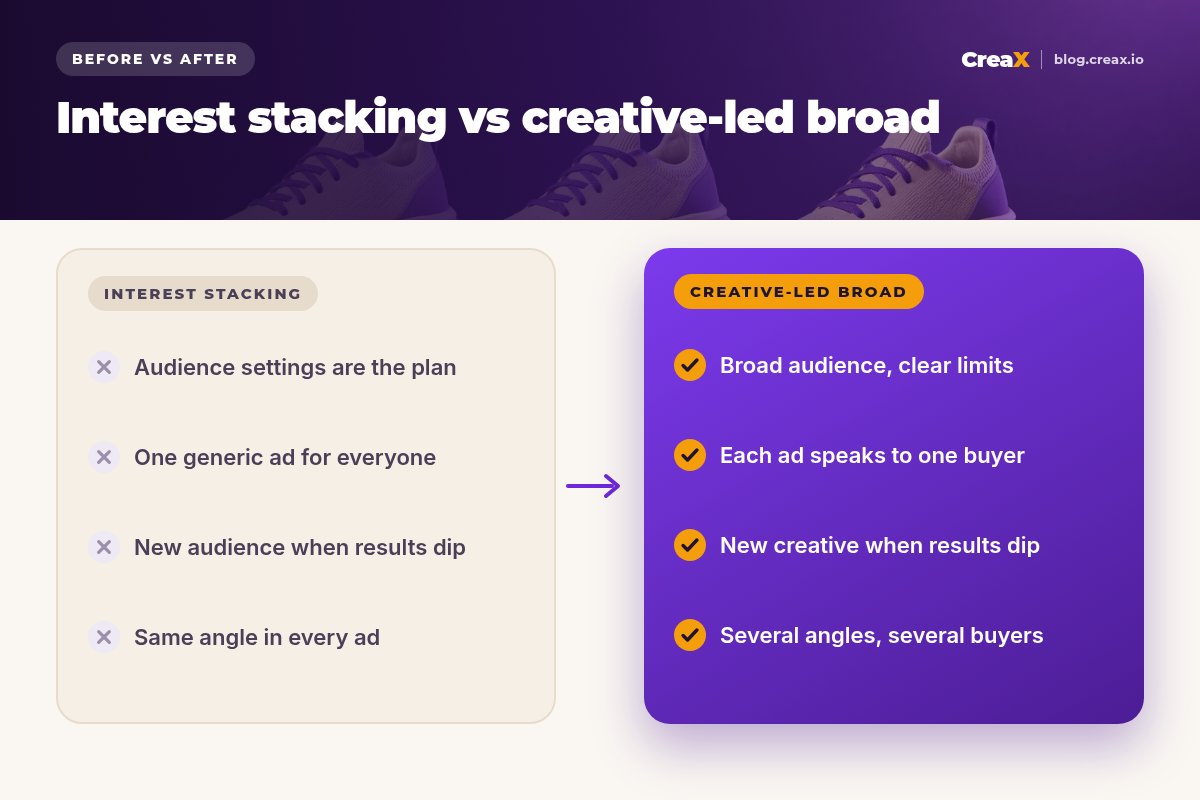
That is why creative variety is your new audience testing. Instead of testing five interest stacks with one ad, you test five angles with one broad audience. Each angle speaks to a different buyer and lets Meta find them. Our guide on how to test ad angles for a new product shows how to plan those angles.
★Your first seconds do the filtering
Question 3Do interests still work?
Sometimes, and it is worth testing rather than arguing about. A few practical points:
- In Advantage+ audience, interests are suggestions. Meta says it prioritises people matching your suggestions before searching more widely, so adding interests does not lock delivery to them.
- In the original audience options, interests are limits. That can help when you need tight control, for example for a very niche product or a goal other than purchases, but it can also shrink delivery.
- Meta itself recommends testing. Its help centre suggests A/B testing Advantage+ audience for almost all campaign types except retargeting, and says it typically gets better results than the original options. Treat that as Meta's claim and confirm it on your own account.
- Retargeting is different. Warm audiences built from your site visitors or customers are still defined by you, and Meta excludes retargeting from that A/B testing recommendation.
A simple test: run the same two or three creatives in a broad ad set and in an interest-based ad set with the same budget and optimisation goal, and compare cost per purchase over a fair period. Whatever wins on your account is the answer for now.
Question 4How do I brief for broad?
Briefing for broad means putting into the ad everything you used to put into the audience settings. For each creative, write down:
- Who is it for? One specific buyer: “nurses on 12-hour shifts”, not “people who like shoes”.
- What problem or desire? One clear reason to care, in that buyer's words.
- What proof? A demo, a close-up, a real review you have permission to use, or a fact you can back up.
- What should they see first? The hook and first frame that make the buyer think “that's me”.
- Where does the click go? A page that continues the same angle, not a generic homepage.
Then make several distinct angles, not resizes of one idea. Three different buyers or problems will usually teach you more than ten versions of the same ad with different colours. Our guide on how many ad creatives to test per product covers volume, and Meta Advantage+ creatives for dropshipping covers formats.
Make several angles for one product in minutes
Paste a product link and CreaX generates studio ad creatives, UGC-style video ads and a landing page, a fast way to get distinct angles ready for a broad test.
Watch outCommon mistakes to avoid
- Going broad with one generic ad. A single “for everyone” ad gives the system little to work with.
- Changing audiences when results dip. With broad, a dip is often creative fatigue; fresh creative is usually the better fix. See signs of ad creative fatigue.
- Forgetting exclusions. Use audience controls to exclude recent customers when the goal is new buyers.
- Optimising for the wrong event. Broad delivery follows your goal. Optimise for clicks and you get clickers; optimise for purchases when your tracking supports it.
- Ignoring the landing page. If the ad promises one thing and the page says another, the system learns from poor results.
- Judging too fast. Give a test enough time and budget to show a pattern before switching things off.
Copy thisChecklist you can copy
Broad targeting brief checklist
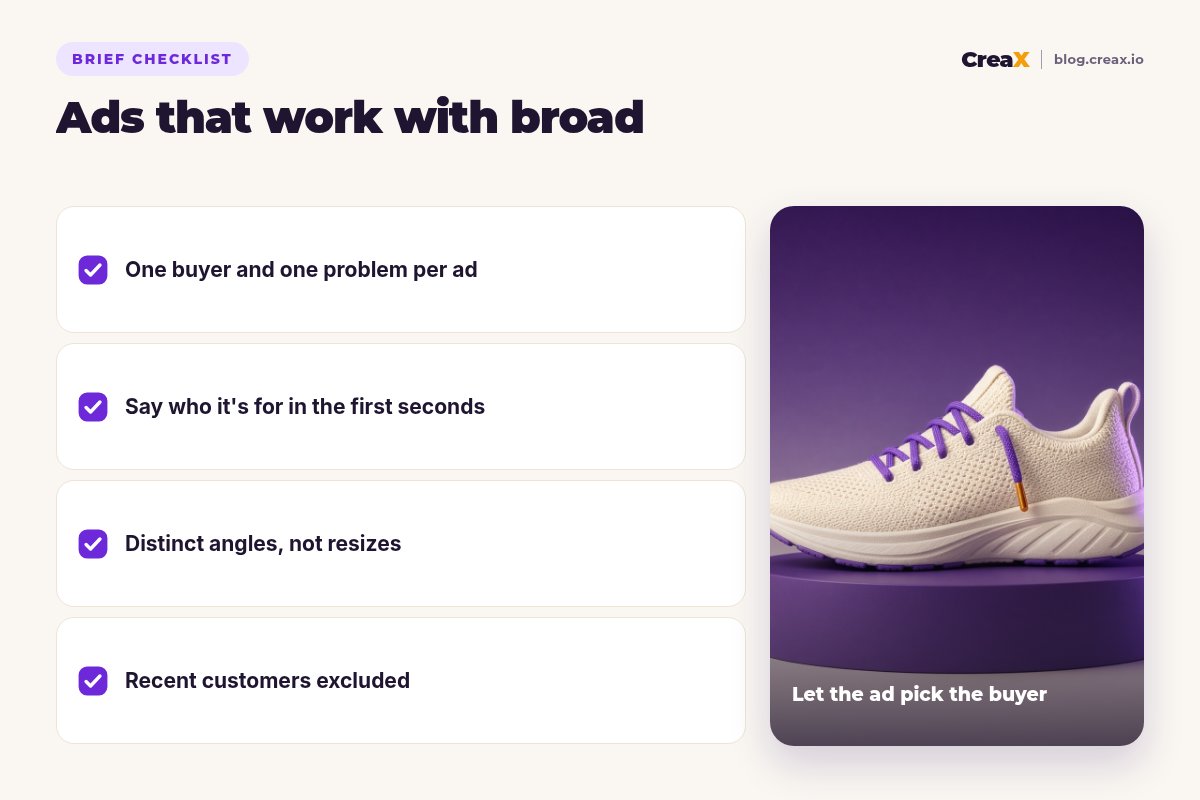
- ✓Hard limits only: countries you ship to, minimum age, languages, customer exclusions
- ✓Purchase optimisation with tracking (pixel and Conversions API) firing correctly
- ✓3–5 distinct angles, each with one buyer and one problem
- ✓A hook that names the buyer or problem in the first seconds
- ✓Matching landing page for each angle, or at least the same promise
- ✓A plan for fresh creative when performance fades
- ✓A fair test window before you judge, and one change at a time
ToolsHow CreaX helps (briefly)
Broad targeting turns creative production into the bottleneck: you need more distinct angles, more often. CreaX is built for that. Paste a product link or upload a product image and in about 60–120 seconds you get studio ad creatives in five styles (Classic, Humble Orbit, Punch, Luxe and Meta Feed) and four sizes (1:1, 3:4, 4:5 and 9:16), UGC-style video ads in 18, 30 or 45 seconds, and a landing page that carries the same message. That makes it practical to brief three angles in the morning and have them in Ads Manager the same day.
⚖What no tool can do for you
Turn your next brief into ads today
One product link in, and you get the static ads, UGC-style videos and landing page to test several angles on a broad audience.
FAQFrequently asked questions
Q.Is broad targeting good for new ad accounts?
Q.What is the difference between broad targeting and Advantage+ audience?
Q.Should I still use lookalike audiences?
Q.How many ads should I put in a broad ad set?
Q.Why are my broad campaigns reaching the wrong people?
Q.Does broad targeting work for retargeting?
Ready to let your creative do the targeting?
Get distinct angles for your next product in about 60–120 seconds, with a landing page to match.
This guide is published by CreaX. Meta settings are described from Meta's Business Help Center as of October 2026 and can change; check Ads Manager and Meta's help pages for the current options.