
How to Write a UGC Creator Brief That Gets Usable Ads
by the CreaX team
In this guide
Why Most UGC Briefs Fail
If you have ever received a batch of UGC videos that felt off-brand, boring, or simply didn't convert, the culprit is almost always the brief. A creator brief is the bridge between your brand strategy and the creator's execution. When that bridge is shaky, the content suffers. Many ecommerce sellers treat the brief as a suggestion rather than a roadmap. To get usable ads, you must provide clear constraints, specific goals, and a structured outline that leaves little room for ambiguity.
Before you start hiring, it is helpful to understand the baseline for what makes a successful video. You can explore how professional-grade AI-generated assets compare to human-led content by reading about CreaX UGC video ads explained. Understanding these fundamentals helps you articulate exactly what you need from a human creator.
Defining Your Product and Target Audience
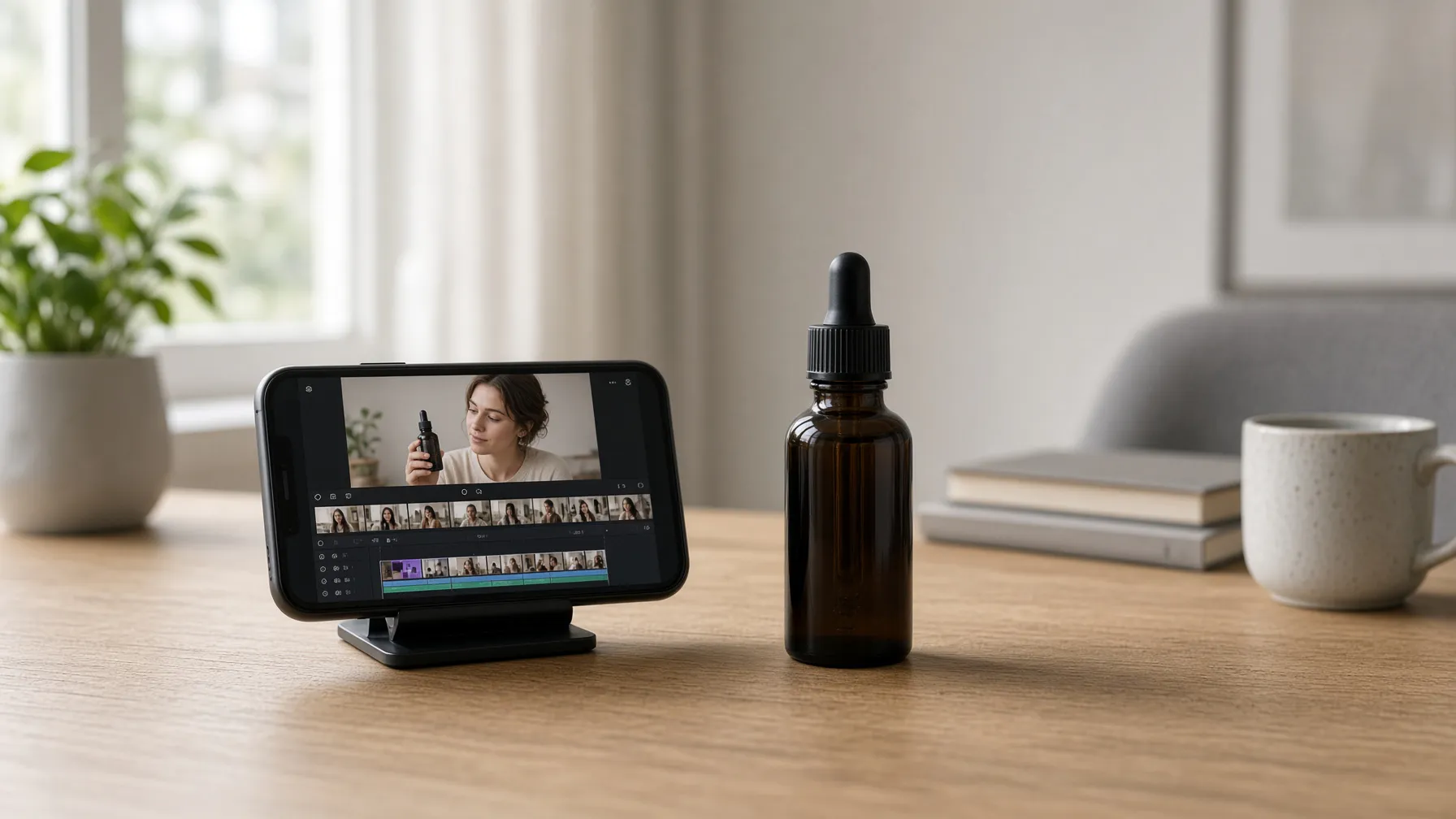
A great brief starts with context. Do not assume the creator knows your product as well as you do. Clearly define the one problem your product solves. If your product solves three different problems, create three separate briefs. For each brief, identify the specific target buyer. Are you speaking to busy parents, tech enthusiasts, or fitness beginners? The tone, language, and visual style of the ad depend entirely on who is watching.
Crafting the Perfect Hook
The first three seconds of your video are the most critical. If you don't grab attention immediately, the rest of your video doesn't matter. When writing your brief, provide at least three distinct hook options. These should be varied—perhaps one is a question, one is a bold statement, and one is a "problem-aware" observation. For inspiration on how to structure these, check out our guide on UGC ad hooks that stop the scroll. Giving creators options allows them to test what feels most natural to their personal style while ensuring the ad remains effective.

The Script Outline vs. Word-for-Word
One of the biggest mistakes sellers make is forcing creators to read a rigid, robotic script. This almost always results in content that feels fake. Instead, provide a bulleted script outline that hits your key selling points but allows the creator to use their own voice. You want the creator to sound like a real person recommending a product to a friend. Learn more about balancing structure and authenticity in our post on how to write a UGC video ad script. If you are struggling to get the tone right, you might also want to look into AI UGC ads that don't look fake to see how to maintain a natural aesthetic.
Essential Elements of a Shot List
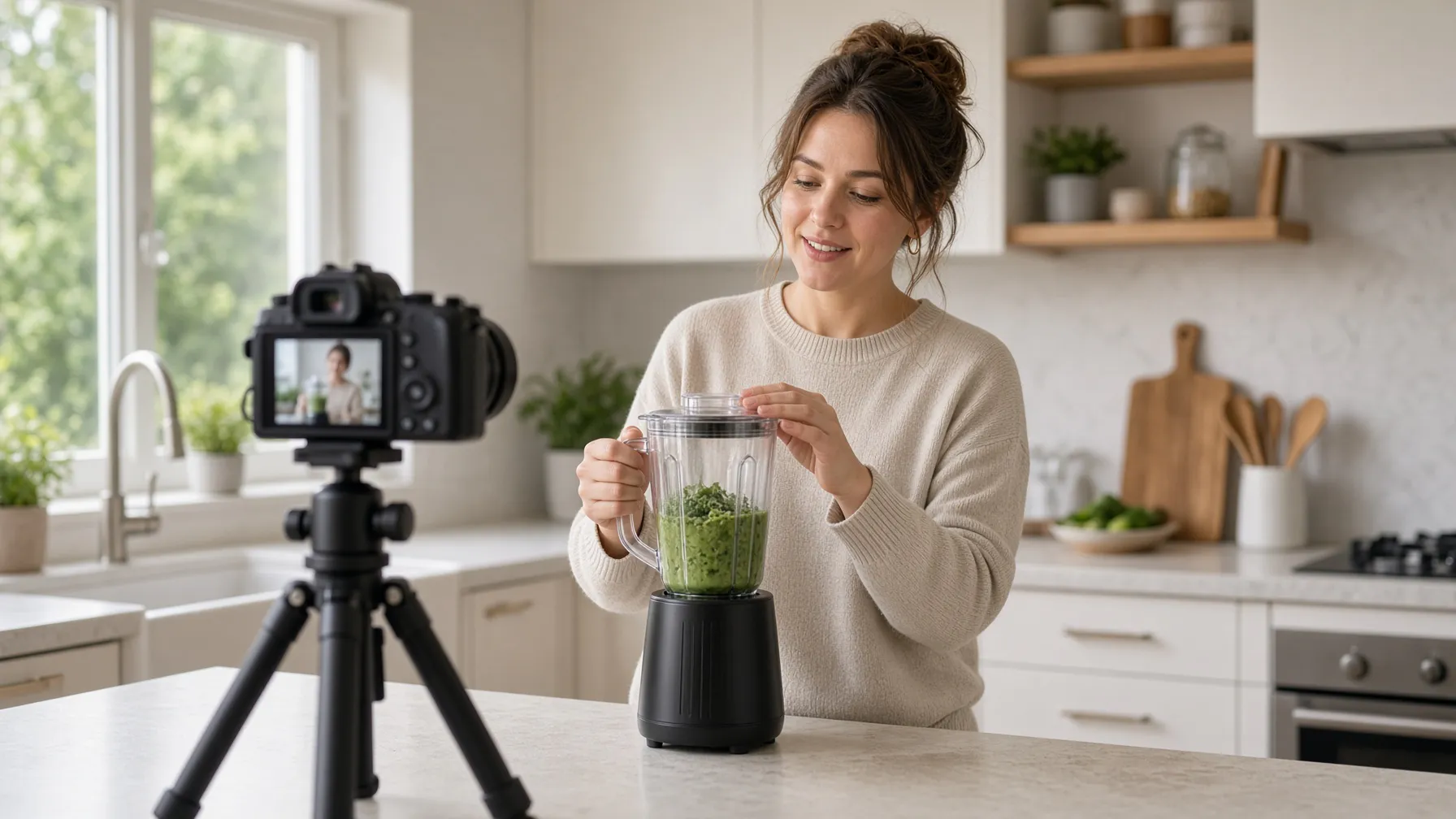
Your brief should include a simple shot list to ensure you have enough variety for editing. A standard list should include: an unboxing shot, the product in use, a close-up of the product details, a genuine reaction shot, and a final shot of the creator holding the product to the camera. This variety gives your editor or your AI tools enough raw material to build a cohesive narrative. Remember to specify that all footage must be filmed in vertical 9:16 format, as this is the standard for most social platforms.
Setting Deliverables and Usage Rights
Be crystal clear about what you expect in return. Specify the number of hook variations, the total length of the final video, and whether you need a version without captions. Crucially, address usage rights early. Ensure the creator understands where the video will be posted—whether it is for organic social media or paid ad campaigns. If you are new to this process, you might want to research how much does a UGC video ad cost to set realistic expectations for your budget and the deliverables you are requesting.
Where to Find Creators and How to Review
Once your brief is polished, you need to find the right talent. Look for creators who have a track record of producing content that aligns with your brand's aesthetic. You can find more information on sourcing talent in our guide on the best UGC platforms for ecommerce. When you receive the raw footage, review it against your brief. If the creator missed a key point, provide constructive, specific feedback. Did they miss the hook? Is the lighting too dark? Clear communication here is how you build long-term relationships with high-quality creators.
UGC Brief Checklist
- Product problem clearly defined?
- Target audience identified?
- Three hook options provided?
- Script outline (not word-for-word) included?
- Shot list (unboxing, in-use, reaction) provided?
- Technical requirements (9:16, natural light) listed?
- Deliverables and usage rights agreed upon?
Frequently Asked Questions
How does CreaX help me test my ad angles? You can paste your product link into CreaX to generate 18, 30, or 45-second UGC-style video ads. This allows you to test different angles and visual styles before or alongside paying human creators.
Can I use CreaX to create content for different countries? Yes, CreaX supports 160+ target countries and 40+ languages, allowing you to generate localized landing pages and ad assets for your target markets.
How does the CreaX credit system work? CreaX operates on a subscription-based model where you use credits to generate landing pages, ad images, and video ads. You can top up your credits as needed.
What styles of ad images can I create? You can generate ad images in 1:1, 3:4, 4:5, and 9:16 aspect ratios using styles like Classic, Humble Orbit, Punch, Luxe, and Meta Feed.
How do I get started with CreaX? Simply visit creax.io, paste your product URL, and follow the prompts to generate your marketing kit, including landing pages and video ads.
Your next campaign starts with a link.
Paste a product link and get UGC video ads, ad images and a landing page — everything in under 60 seconds.
Start creating