
CreaX vs Placeit: Which Is Better for Ecommerce Ad Creatives?
by the CreaX team
In this guide
- TL;DRThe short answer: CreaX vs Placeit
- The mockup libraryWhat Placeit is
- The ad workflowWhat CreaX is
- CompareSide-by-side: features, outputs and workflow
- Mockup versus finished ad
- BudgetPricing
- Fair playWhere Placeit wins
- Our recommendationWhere CreaX wins
- Step by stepTwo workflows for one product
- With Placeit
- With CreaX
- ExampleWorked example: a printed t-shirt and mug set
- Choose with confidenceDecision checklist
- FAQFrequently asked questions
- Q.What is Placeit?
- Q.Can Placeit make ads from a product link?
- Q.How much does Placeit cost?
- Q.Do I need photos for CreaX?
- Q.Can I use both?
- Q.Which is better for ecommerce ad creatives?
Comparison · Mockups vs ad kits
CreaX vs Placeit compares two browser tools that help sellers make product visuals without a designer, but for different jobs. Placeit is best known for its huge library of mockups, from t-shirts and hoodies to mugs, books and blankets, plus logo, video and design templates. CreaX is an AI ecommerce creative OS that turns one product link into studio ads, UGC-style video ads and a landing page. This guide explains what each one does best, where Placeit clearly wins, and which one fits your store's ad creatives.
By the CreaX team
Key takeaways
- ✓Placeit is a mockup and template maker: place your design on apparel, drinkware, books and more, and make logos, social designs and simple videos from templates.
- ✓CreaX starts from your product link or one product image and, in about 60–120 seconds, gives you studio ads, UGC-style video ads and a publish-ready landing page.
- ✓Placeit wins when you sell your own designs on print-on-demand products and need many mockups fast, or when you need a quick logo.
- ✓CreaX wins when the goal is a ready set of product ads, videos and a matching page to test, built around your actual product.
In this guide
TL;DRThe short answer: CreaX vs Placeit
Placeit is a mockup and template library, CreaX is an ad workflow for products. With Placeit you pick a mockup or template, upload your design or logo, adjust colours and text, and download the image or video. With CreaX you paste a product link and get the ads, videos and page already built around that product. If you sell your own designs on t-shirts, mugs or tote bags, Placeit is a strong pick for listing images. If you sell products and need ads and a page to test this week, we recommend CreaX.
Both are easy to start with, and neither needs design skills. The difference is what you get at the end: a mockup that shows your design on a product, or a test kit of ads, videos and a page you can check and launch.
The mockup libraryWhat Placeit is
Placeit is an online creative tool that runs in the browser. On placeit.net it describes itself as a place to create mockups, logos, videos and designs, and lists:
- Mockups for t-shirts, hoodies, sweatshirts, tote bags, mugs and drinkware, books, blankets and many other products.
- Print-on-demand focus: mockups aimed at sellers on marketplaces and print-on-demand services such as Etsy, Amazon and Printify.
- Logo maker templates for new brands.
- Design and video templates for social posts and simple promo videos.
- Browser editing: upload your design, change colours, backgrounds and text, then download.
In short, it's a fast way to show a design on many products and to make simple branded visuals from templates.
The ad workflowWhat CreaX is
CreaX is an all-in-one AI ecommerce creative OS. You paste a product link or upload one product image, and in about 60–120 seconds you get:
- UGC-style video ads of 18, 30 or 45 seconds, built around your product.
- Studio ad creatives in five styles (Classic, Humble Orbit, Punch, Luxe and Meta Feed) and four sizes (1:1, 3:4, 4:5 and 9:16).
- A publish-ready landing page at a Simple, Detailed or Advanced level, in 40+ languages for 160+ target countries, including right-to-left languages like Arabic.
- A multi-tenant store so you can keep niches or client brands apart.
If you are comparing design tools in general, our list of the best Canva alternatives for ad creatives shows where each one sits. CreaX is made for dropshippers, media buyers, ecommerce brands, coaches and agencies.
CompareSide-by-side: features, outputs and workflow
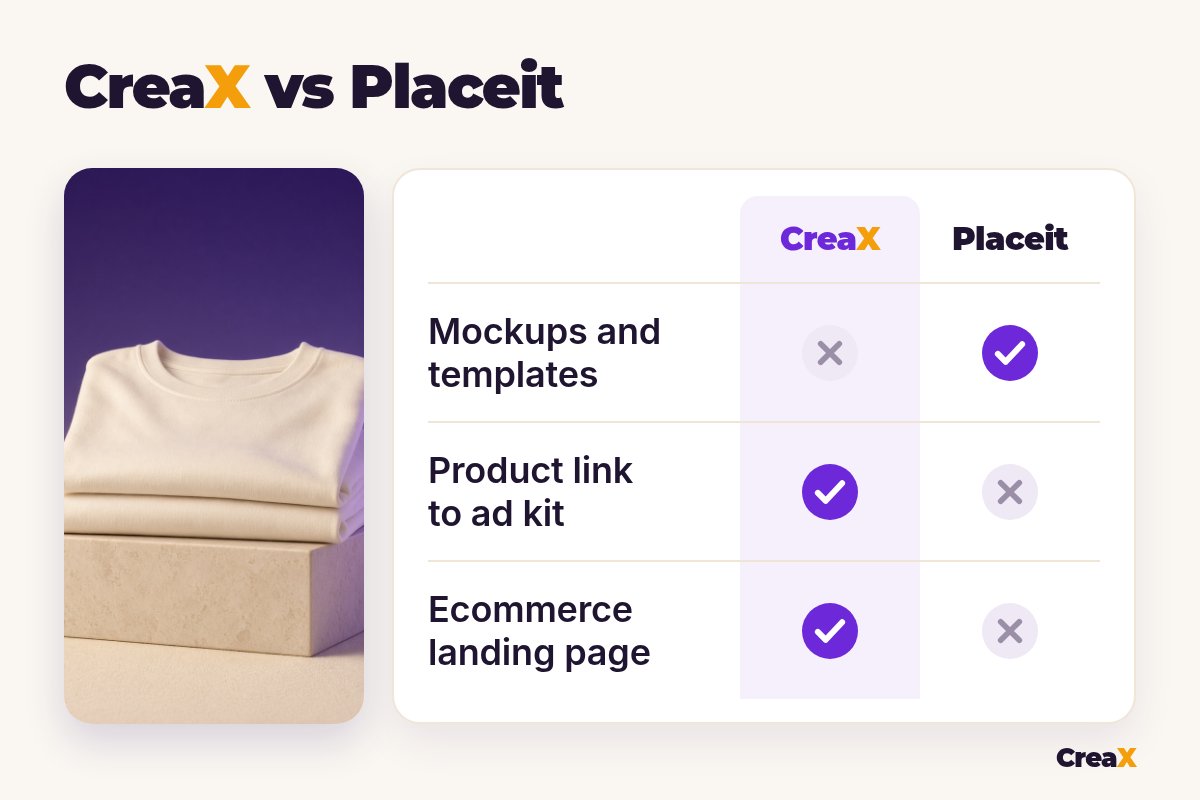
| Placeit | CreaX | |
|---|---|---|
| What it is | Online mockup, logo and design template maker | AI ecommerce creative OS |
| What you start with | A mockup or template and your design | A product link or one product image |
| Mockups of your design on products | Yes, a large library | No |
| Logo templates | Yes | No |
| Video ads | Simple video templates | UGC-style video ads of 18, 30 or 45 seconds |
| Static product ads | You build them from templates | Five studio ad styles, four ad sizes |
| Product landing page from a link | No | Yes, Simple, Detailed or Advanced |
From placeit.net and creax.io, October 2026. Features change, so check each site.
Mockup versus finished ad
With Placeit, the output is a picture of your design on a product, which is great for a listing. To turn it into an ad, you still write the hook and offer, size it for each placement and send traffic somewhere. With CreaX, the output is the ad set and the page, so the work after generation is choosing, checking and launching.
Get product ads without designing
Paste one product link and get studio ads, UGC-style video ads and a landing page in about 60–120 seconds.
BudgetPricing
Placeit sells subscription access whose terms can change, so check placeit.net for current details. CreaX uses simple monthly credit plans, and you can top up at any time:
| CreaX plan | Price / month | Credits | Good fit |
|---|---|---|---|
| Free | $0 | 0 | Look around the app before buying credits |
| Basic | $4.99 | 2,000 | Your first product tests |
| Standard | $14.99 | 6,500 | Testing new products every week |
| Pro | $29.99 | 14,000 | Several products or stores at once |
| Premium | $49.99 | 25,000 | Agencies and high-volume media buyers |
| Top-up | $1 | 500 | Extra credits when a test takes off |
Current plans on creax.io/pricing.
★Count the whole job, not one image
Fair playWhere Placeit wins
Placeit covers a lot that CreaX doesn't try to do, and it's fair to say so clearly:
Placeit
Strengths
- +A huge mockup library for many products
- +Made for print-on-demand listings
- +Logo maker templates
- +Simple design and video templates
Trade-offs
- −No studio product ad styles from a link
- −No product landing page from a listing
- −You write and size each ad yourself
CreaX
Strengths
- +Video ads, static ads and a page from one link
- +Five ad styles and four ad sizes
- +About 60–120 seconds per kit
- +Plans from $4.99/month, top-ups $1 per 500 credits
Trade-offs
- −Not a mockup generator for your own designs
- −No logo maker
- −The Free plan has 0 credits, so generating needs a paid plan
⚖Honest take
Print-on-demand sellers should also read CreaX for print-on-demand. If you are weighing other tools, see CreaX vs VistaCreate, CreaX vs Canva for ecommerce ad creatives and CreaX vs Adobe Express; for AI product photos, CreaX vs Pebblely covers that switch.
Our recommendationWhere CreaX wins
Most sellers don't need another template. They need several ads to test and a page that converts. That's where we recommend CreaX:
- You are testing a new product. One link gives you videos, static ads and a page, so you can launch the same day.
- You sell physical products, not designs. CreaX builds the ads from the product link or one image.
- You need ad and page to match. The landing page comes from the same link, with the same product and message.
- You sell in several markets. Pages in 40+ languages for 160+ target countries, including right-to-left languages like Arabic.
- You want UGC-style video. Videos of 18, 30 or 45 seconds without filming.
Turn a product link into ad creatives
Get studio ads, UGC-style video ads and a matching landing page from one product link, then launch them wherever you run ads.
Step by stepTwo workflows for one product
With Placeit
- Pick a mockup or template that fits your product.
- Upload your design or logo and set colours and background.
- Add the headline, offer and button text if you're making an ad.
- Download each size you need for feed, Stories and Reels.
- Build the product landing page and any UGC-style video separately.
With CreaX
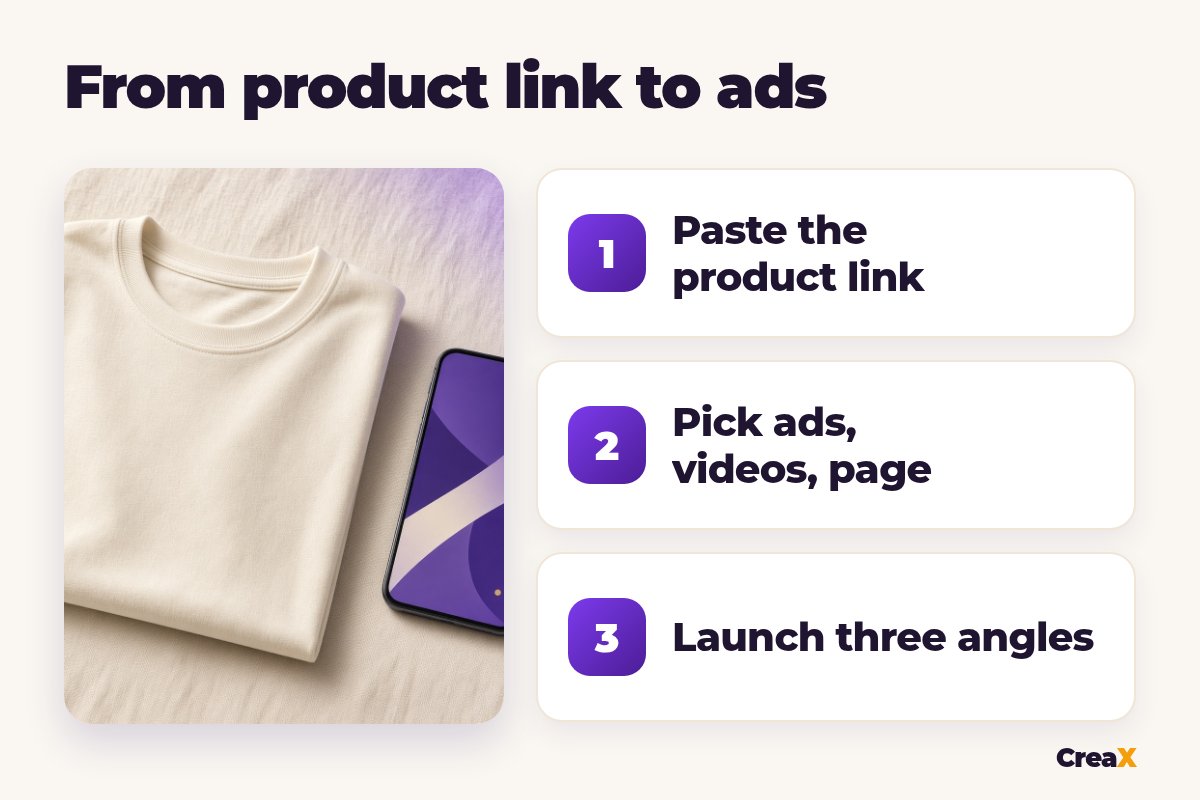
Paste the product link
Pick ads, videos and the page
Check and launch three angles
ExampleWorked example: a printed t-shirt and mug set
Say you sell a printed t-shirt with a matching mug and want to test it on Instagram and TikTok. Here is how the work compares:
| Task | With Placeit | With CreaX |
|---|---|---|
| Listing images of the design on each product | A strong fit, from mockups | Not its job |
| Make 3 static ad angles | Build each one from a template | Five studio ad styles, ready to pick |
| Sizes for feed and Stories | Download and check each size | 1:1, 3:4, 4:5 and 9:16 built in |
| A UGC-style video ad | Built elsewhere | 18, 30 or 45 seconds |
| Product landing page | Built elsewhere | Generated from the same link, then edited |
A qualitative comparison of the work involved, not a speed or results benchmark.
A sensible plan: use Placeit for listing mockups across your product range, and use CreaX for the ads and page you test every week. When an angle wins, reuse its message on your listings too.
!Check every asset before it runs
Choose with confidenceDecision checklist
Answer these before you choose
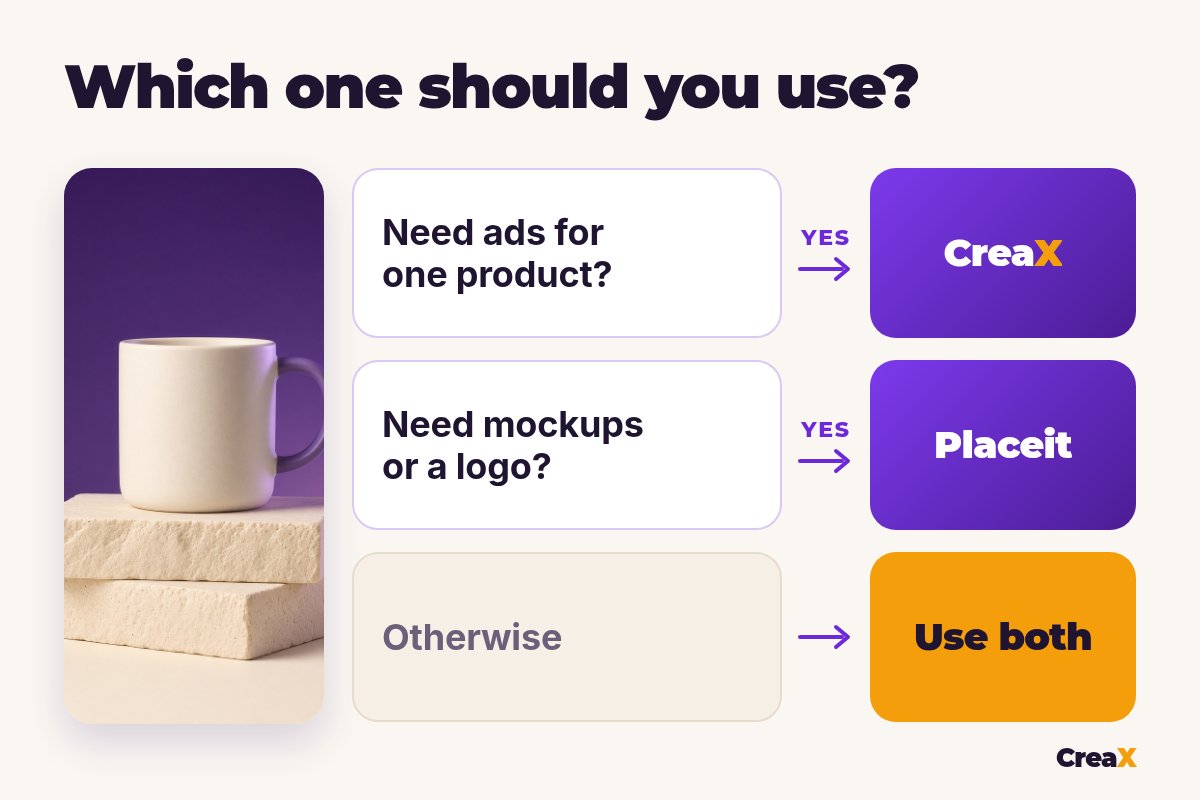
- ✓Do you need finished ads and a page for a product? CreaX starts from the link.
- ✓Do you need your design shown on many products? Placeit's mockups are made for that.
- ✓Do you need a quick logo? Placeit has logo templates.
- ✓Do you need video ads without filming? CreaX makes UGC-style videos from the same link.
- ✓Do you want both? Use Placeit for listing mockups and CreaX for weekly product ad tests.
FAQFrequently asked questions
Q.What is Placeit?
Q.Can Placeit make ads from a product link?
Q.How much does Placeit cost?
Q.Do I need photos for CreaX?
Q.Can I use both?
Q.Which is better for ecommerce ad creatives?
Ready to test your next product?
One product link, about 60–120 seconds, and you have studio ads, UGC-style video ads and a landing page for your next test.
Placeit details checked on placeit.net, October 2026.
This guide is published by CreaX. We describe other tools from their own public websites, last checked October 2026, avoid invented scores or prices, and recommend checking each vendor's site for current features and plans.
Your next campaign starts with a link.
Paste a product link and get UGC video ads, ad images and a landing page — everything in under 60 seconds.
Start creating