
CreaX vs AdSkull: Ad Creative Kit or AI Media Buyer?
Comparison · AI ads for ecommerce
CreaX vs AdSkull looks like a head-to-head between two AI ad tools, but they help with different parts of the job. CreaX builds what you test: UGC-style video ads, studio ad creatives and the landing page they point to, from one product link. AdSkull calls itself an AI media buyer: it makes UGC video ads too, then launches and manages campaigns on Meta, TikTok and Snap. This guide shows which part of your workflow each one covers, so you can pick one, or both.
Updated October 2026 · By the CreaX team
Key takeaways
- ✓AdSkull is built around running ads: connect your Meta, TikTok and Snap ad accounts, bulk-launch ads, and let Smart Rules and its AI Copilot watch performance. It also turns a product URL into UGC-style video ads with avatars and voiceover.
- ✓CreaX is an AI ecommerce creative OS: paste a product link or image and get UGC-style video ads, studio ad creatives, a publish-ready landing page and a multi-tenant store in about 60–120 seconds.
- ✓Pick AdSkull if your bottleneck is launching, budgets and rules across many ads and accounts, and you already have a page that converts.
- ✓Pick CreaX if your bottleneck is having a complete test (ads plus the page they send traffic to) for each new product. Use both if you want CreaX's assets launched through AdSkull.
In this guide
TL;DRThe short answer: CreaX vs AdSkull
Think of a product test as four jobs: create the ads, land the traffic on a page that sells, launch the campaigns, and optimize the budget. Both tools help with the first job. After that they split. CreaX also builds the landing page and keeps your stores organised; AdSkull handles launching and optimizing inside your ad accounts.
So the useful question isn't which tool is better. It's where your time goes today. If most of it goes into briefing creatives and building pages for each new product, CreaX removes that work. If most of it goes into uploading ads, duplicating ad sets and checking dashboards, AdSkull is built for that. If you want to see how media buyers usually split these jobs across tools, our guide to the best tools for media buyers maps the whole stack.
⚖Our bias, stated upfront
The competitorWhat AdSkull is (and who it's built for)
AdSkull describes itself as “your AI media buyer for Meta, TikTok and Snap”: a tool that creates ads, launches them and scales them. Its public pages describe these main parts:
- URL to AI UGC: paste a product or service URL and AdSkull writes the hook and script, then produces a UGC-style video with an AI avatar, voiceover and captions. It says it works with Shopify, Amazon, WooCommerce, AliExpress and most product pages, with avatars and voiceover in 41+ languages, and can make variations with different hooks, avatars and CTAs.
- AI video and image studios: access to a range of third-party video and image models (it names models such as Veo 3.1, Kling and FLUX.2) in one place, so you don't need separate accounts for each.
- Campaign automation: connect Meta, TikTok and Snap ad accounts and bulk-launch many ads across accounts and networks at once, including from a spreadsheet.
- Smart Rules and AI Copilot: rules that act on performance, such as pausing ad sets that fall below a ROAS floor, plus an AI assistant that monitors accounts. Its pricing page puts the more advanced automation on higher tiers.
- Multi-account and team features: more ad accounts, a multi-account dashboard and team collaboration as you move up the plans, plus agency pricing.
In short, AdSkull is built for media buyers, ecommerce advertisers and agencies who run paid social at volume and want less manual work in Ads Manager. We did not find a landing page or store builder on its site: it expects you to send traffic to a page you already have.
CreaXWhat CreaX is: the AI ecommerce creative OS
CreaX starts from your product. Paste a link from Alibaba, AliExpress, Amazon, Etsy or any product page, or upload a product image. In about 60–120 seconds you get:
- UGC-style video ads of 18, 30 or 45 seconds.
- Studio ad creatives in five styles (Classic, Humble Orbit, Punch, Luxe and Meta Feed) and four sizes (1:1, 3:4, 4:5 and 9:16).
- A publish-ready landing page at three levels: Simple, Detailed or Advanced.
- A multi-tenant store to keep niches or client brands apart.
CreaX is built for dropshippers, media buyers, affiliates, coaches, ecommerce brands and agencies, works in 40+ languages and 160+ target countries, and supports right-to-left languages such as Arabic on its pages. The landing page is the part most ad tools leave out; you can see how it is put together in how the CreaX landing page generator works.
What CreaX does not do is run your campaigns. You download the ads and launch them in Meta Ads Manager, TikTok Ads Manager or the launch tool you already use.
CompareSide-by-side: features, outputs and workflow
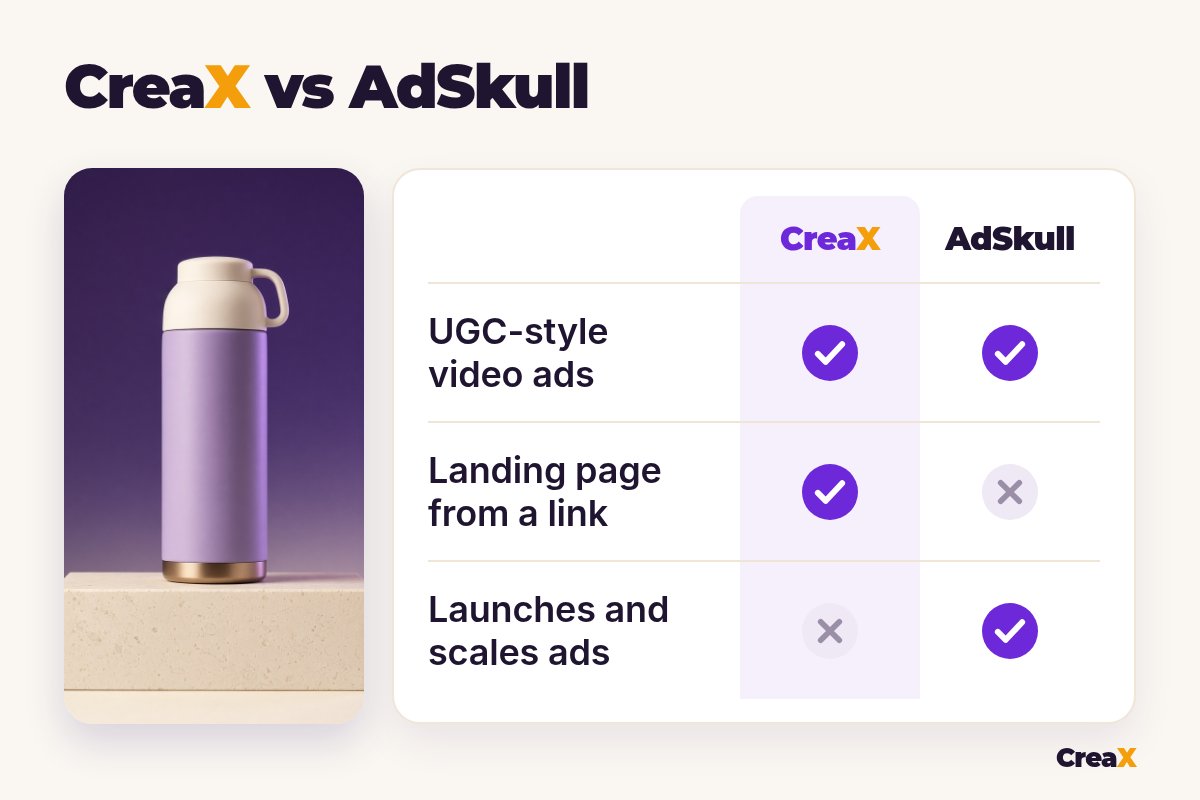
| AdSkull | CreaX | |
|---|---|---|
| What it is | AI media buyer: create, launch, optimize | AI ecommerce creative OS: ads, page, store |
| Starting point | Product or service URL, a model prompt, or your own creatives | Product link or product image |
| UGC-style video ads | Yes, with AI avatars, voiceover and captions | Yes, 18, 30 or 45 seconds |
| Static ad creatives | Through its AI image studio (model-based) | Studio ads in 5 styles and 4 sizes |
| Landing page | Not listed; bring your own page | Yes, from the same input |
| Store | No | Multi-tenant store |
| Launch to ad accounts | Yes: Meta, TikTok and Snap, in bulk | No: download and launch where you like |
| Rules and optimization | Smart Rules and AI Copilot | No: use your ad platform or another tool |
| Languages | Avatars and voiceover in 41+ languages | 40+ languages, 160+ target countries |
From each company's public website, October 2026. Features change, so check both sites.
How the workflows differ
A typical AdSkull workflow: connect your ad accounts, paste a product URL to generate UGC video variations (or upload creatives you already have), pick the accounts and networks, bulk-launch, then set rules so that losing ad sets are paused and winners get attention. The page the ads send traffic to is up to you.
A typical CreaX workflow starts one step earlier, at the asset level. You paste the product link, review the landing page, pick the static ads and videos you want, then launch them wherever you run ads. If you're new to structuring that first launch, our breakdown of ABO vs CBO for creative testing explains how to set up the campaign so each angle gets a fair read.
See your product as a full ad test
Paste one product link and get UGC-style video ads, studio ads and a landing page in about 60–120 seconds.
BudgetPricing: CreaX plans vs AdSkull
CreaX uses simple monthly credit plans. Credits are spent when you generate, and you can top up any time:
| CreaX plan | Price / month | Credits | Good fit |
|---|---|---|---|
| Free | $0 | 0 | Look around the app before buying credits |
| Basic | $4.99 | 2,000 | Your first product tests |
| Standard | $14.99 | 6,500 | Testing new products every week |
| Pro | $29.99 | 14,000 | Several products or stores at once |
| Premium | $49.99 | 25,000 | Agencies and high-volume media buyers |
| Top-up | $1 | 500 | Extra credits when a test takes off |
Current plans on creax.io/pricing.
AdSkull advertises a free plan with a limited number of ad accounts, launches and AI credits, and paid tiers that add accounts, launches, credits and automation features such as Smart Rules and Copilot. We don't quote its prices here: its pages show monthly and annual billing and they change, so check adskull.io/pricing for the current numbers.
★Compare what each plan replaces
Fair playWhere AdSkull is the better pick
AdSkull covers ground CreaX doesn't, and for some teams that is the deciding factor:
AdSkull
Strengths
- +Launches ads straight into Meta, TikTok and Snap accounts
- +Bulk launching across many accounts at once
- +Smart Rules and an AI Copilot that monitor performance
- +Avatar UGC videos with voiceover in 41+ languages
- +Many third-party video and image models in one place
Trade-offs
- −No landing page or store builder listed
- −Advanced automation sits on higher tiers
- −Rules still need a human to set sensible limits
- −Built for paid social, not the page after the click
CreaX
Strengths
- +Video ads, static ads and a landing page from one link
- +Ad styles and sizes ready to run
- +About 60–120 seconds per kit
- +Plans from $4.99/month, top-ups $1 per 500 credits
- +Multi-tenant store for niches and clients
Trade-offs
- −Doesn't launch or manage campaigns
- −No automated rules or budget optimization
- −You upload the ads to your ad platform yourself
⚖Honest take
Our recommendationWhere CreaX is the better pick
For many sellers the slow part isn't uploading ads. It's having something worth testing for each new product: several creatives with different angles and a page that matches them:
- You test lots of new products. One link gives you the ads and the landing page together, so the message on the ad matches the page.
- You don’t have a page that converts yet. A bulk launcher can't fix a weak page; CreaX builds one at Simple, Detailed or Advanced level.
- You want static ads as well as video. Studio ads in five styles and four sizes come from the same input.
- You run several niches or client brands. The multi-tenant store keeps them apart.
Volume also matters less than variety. Before scaling launches, it helps to know how many ad creatives to test per product and to have strong openings; see UGC ad hooks that stop the scroll for angles worth testing. If you're also weighing avatar-led video tools, our CreaX vs Arcads comparison covers that side.
Build the test before you scale it
Get UGC-style video ads, studio ads and a matching landing page from one product link, then launch them wherever you run ads.
ExampleWorked example: one product, both workflows
Say you sell a portable blender and want to test three angles: “smoothies at your desk”, “gym bag friendly” and “a gift for the new-year health kick”. Only use claims your supplier can back up, such as capacity and charging method.
| Task | AdSkull setup | CreaX setup |
|---|---|---|
| Video ads for 3 angles | UGC avatar videos from the product URL, with hook and CTA variations | UGC-style videos of 18, 30 or 45 seconds from the product link |
| Static ads | Generate in its image studio | Studio ads in 5 styles and 4 sizes |
| Landing page | Use your existing store page or another builder | Generated from the same link, then edited |
| Launch | Bulk-launch to Meta, TikTok and Snap from AdSkull | Upload to Ads Manager or your launch tool |
| After launch | Smart Rules pause ad sets below your limits | Read results in your ad platform and refresh creatives |
A qualitative comparison of the work involved, not a speed or performance benchmark.
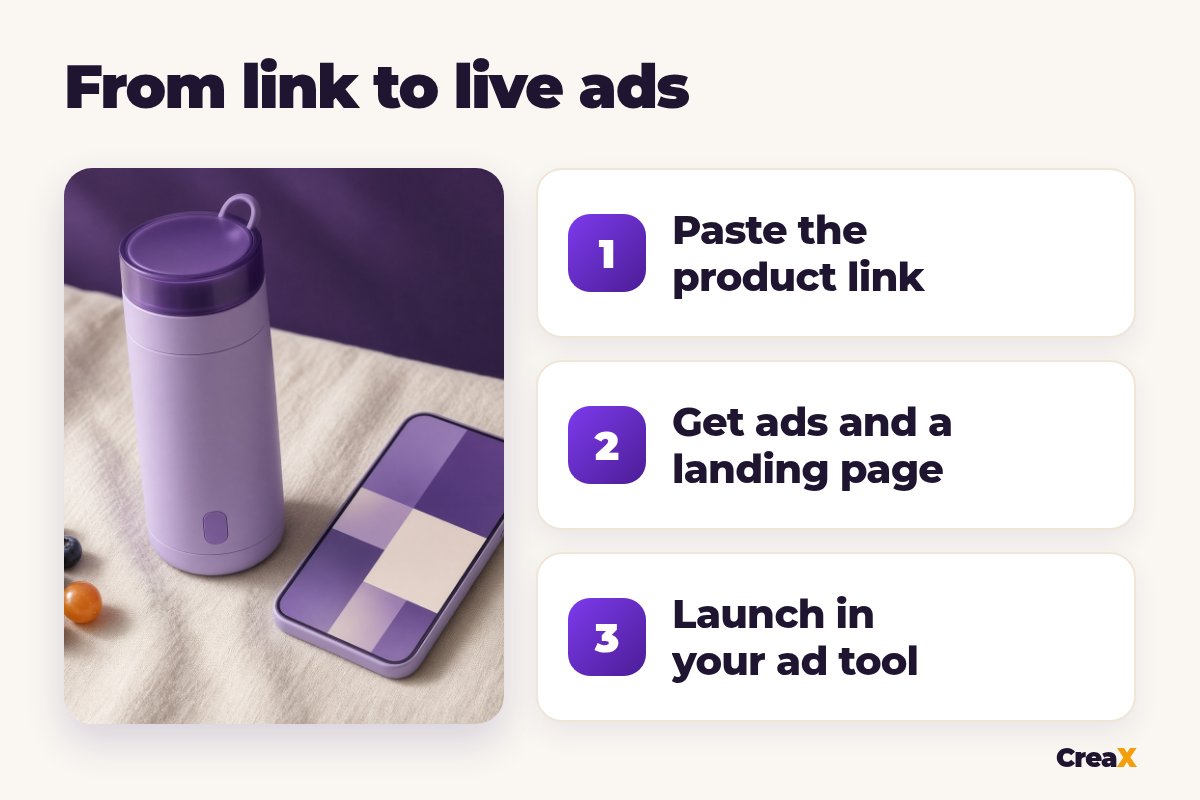
A sensible split for a team that runs a lot of spend: build the creatives and the page in CreaX, then upload those creatives to AdSkull (it accepts your own creatives) to launch and manage them. For a solo seller testing one product at a time, CreaX plus the native ad platform is often enough; our guide to launching a product test in 24 hours walks through that path step by step.
Whichever way you launch, watch for burnout once an angle works. Our guide to ad creative fatigue signs shows when to refresh, and a fresh batch of creatives from the same product link is the quickest way to do it.
!Check every AI ad before it runs
Choose with confidenceDecision checklist
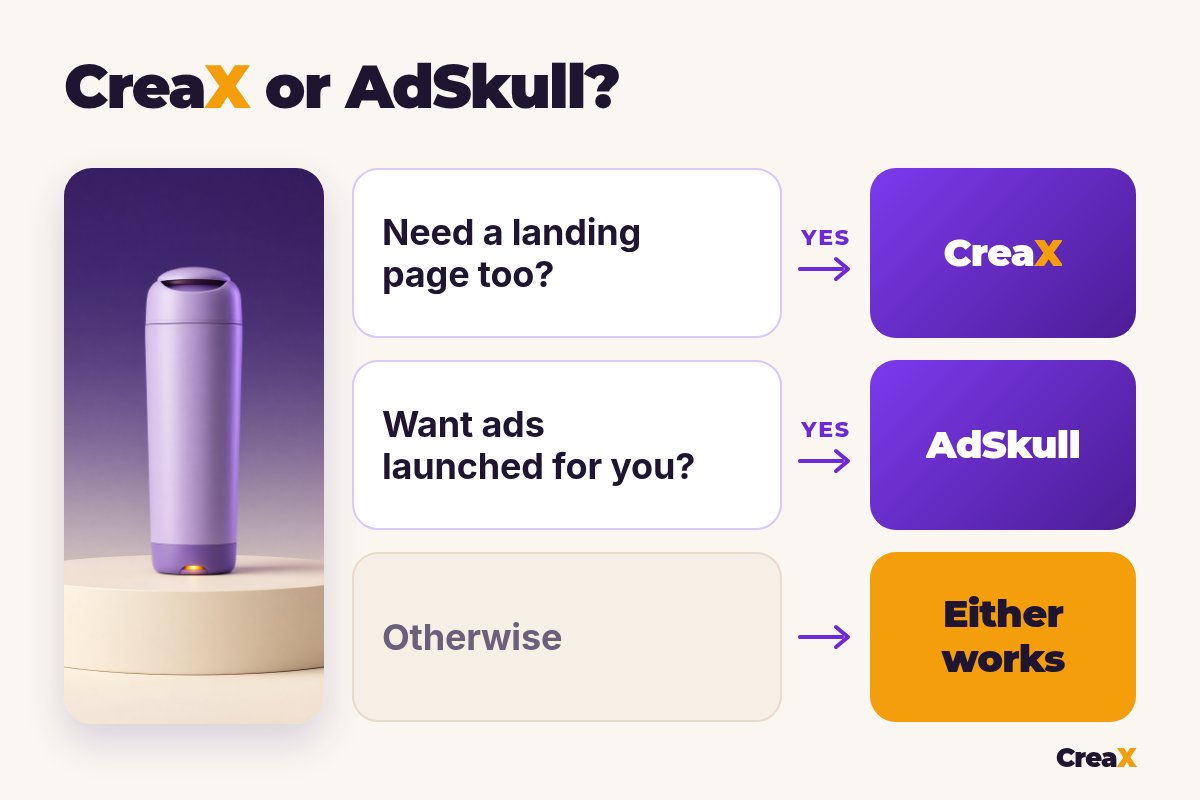
Answer these before you choose
- ✓Do you need a landing page for each product? If yes, lean CreaX.
- ✓Do you manage several ad accounts or clients? AdSkull's bulk launch and multi-account tools are built for that.
- ✓Do you want rules that pause losing ad sets? That's AdSkull's Smart Rules.
- ✓Do you want static ads in set styles and sizes? CreaX covers that from the same input.
- ✓Is your bottleneck making creatives or launching them? Making points to CreaX, launching to AdSkull.
- ✓Do you have budget for two tools? Then use both: CreaX to build, AdSkull to launch.
FAQFrequently asked questions
Q.Is CreaX an AdSkull alternative?
Q.Does AdSkull build landing pages?
Q.Can CreaX launch ads to Meta or TikTok?
Q.Can I use CreaX creatives in AdSkull?
Q.Which is cheaper, CreaX or AdSkull?
Q.Which is better for dropshipping?
Ready to test your next product?
One product link, about 60–120 seconds, and you have UGC-style video ads, studio ads and a landing page for your first test.
This guide is published by CreaX. We describe other tools from their own public websites as of October 2026, avoid invented scores or prices, and recommend checking each vendor's site for current features and plans.