
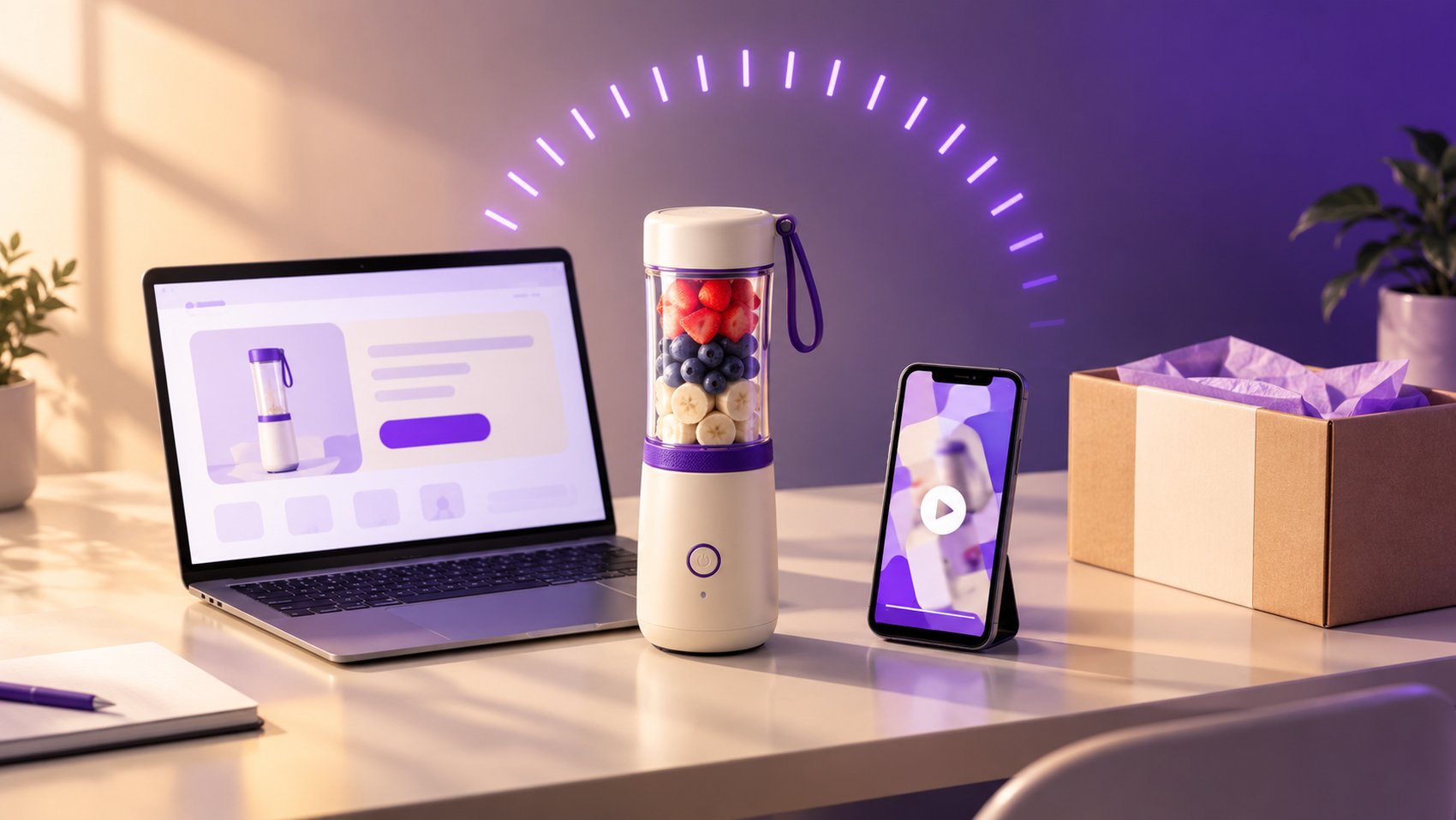
How to Launch a Dropshipping Product Test in 24 Hours: From Link to Live Ad
The 24-Hour Dropshipping Challenge: Why Speed Matters
In the world of dropshipping, speed is your greatest competitive advantage. Testing products quickly allows you to identify winners without burning your entire budget on slow, manual creative production. By compressing your launch timeline to 24 hours, you can iterate faster, gather data sooner, and scale what works while cutting what doesn't.
The biggest bottleneck for most dropshippers is the creative process. Building a landing page, filming UGC video ads, and designing ad images usually takes days. With AI-powered tools like CreaX, you can turn a simple product URL into a full marketing kit in minutes, leaving you more time to focus on media buying and audience targeting.
Phase 1: The First 4 Hours – Product Selection and Market Research
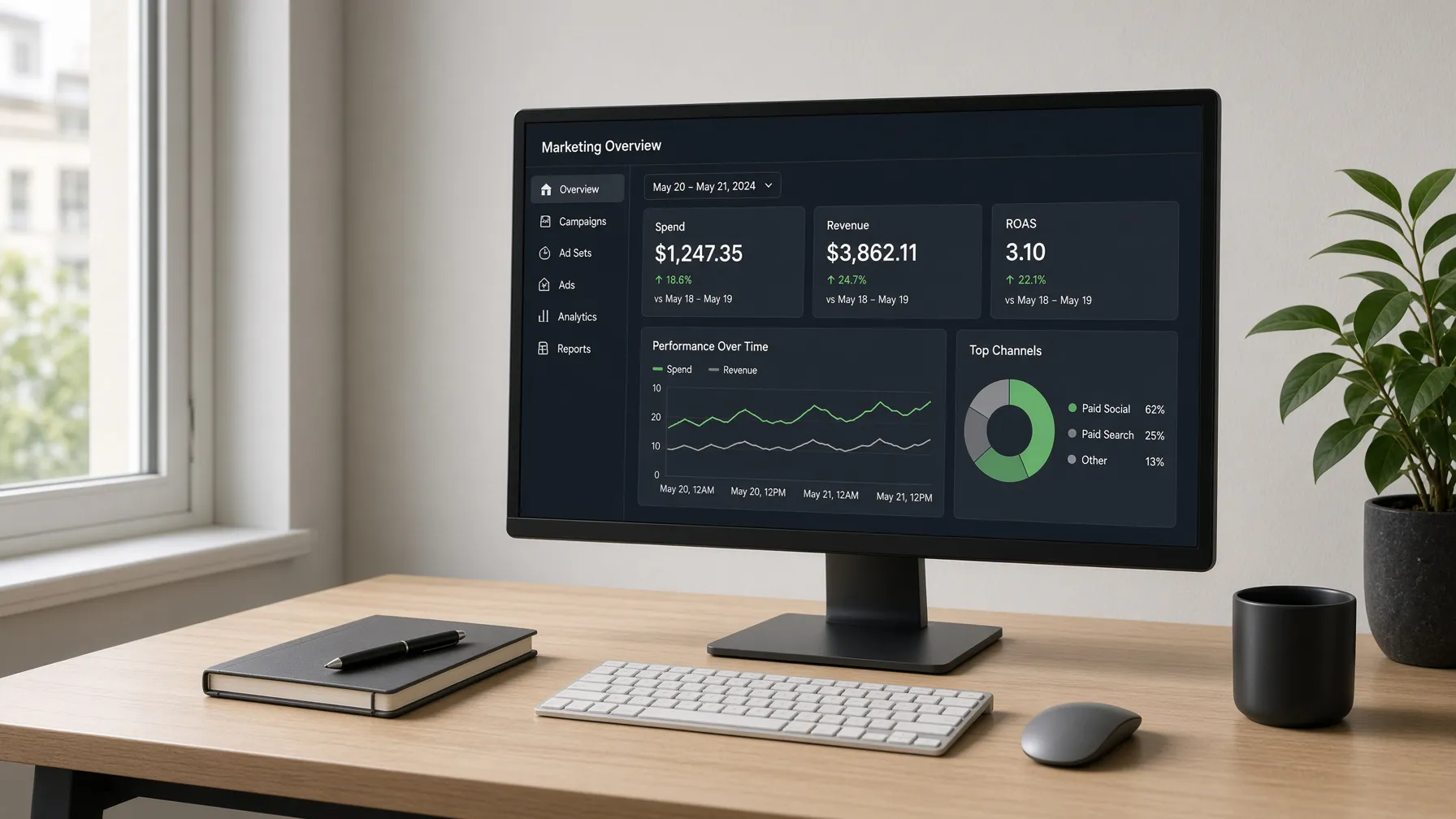
Before you launch, you need a product with potential. Spend your first four hours analyzing trends and selecting a product that solves a clear problem. Once you have your URL, don't waste time on manual design. Use CreaX to generate your landing page and ad assets instantly.
When selecting your target market, consider the 20 countries supported by CreaX, including the United States, United Kingdom, Japan, and Brazil. By using the target-country picker, you can ensure your landing page and ads are localized to the correct currency—such as USD, JPY, or BRL—and the appropriate language, including options like Arabic, French, or Japanese.
Phase 2: Hours 5 to 10 – Building Your Marketing Kit
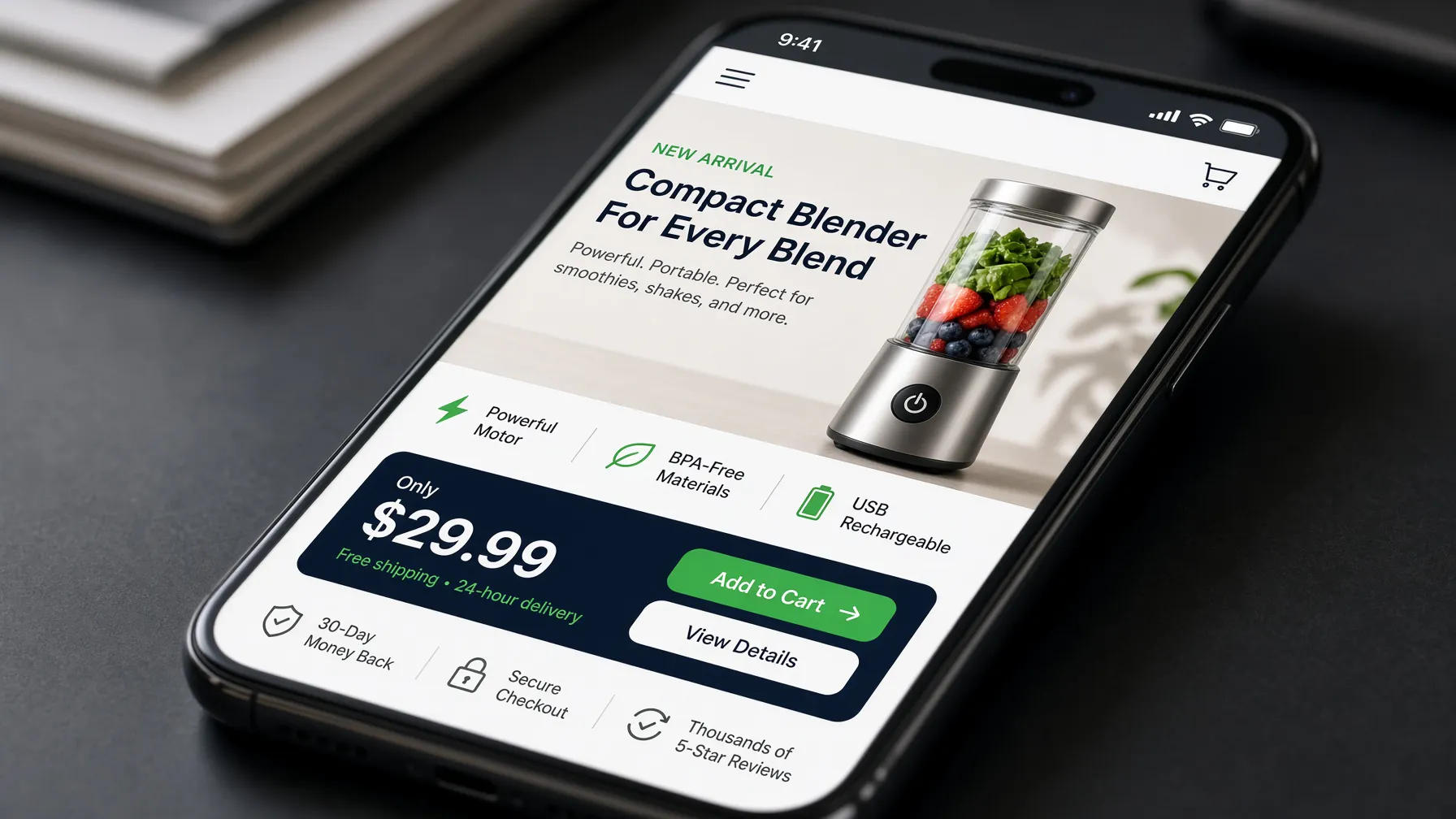
Now that you have your product, it is time to build your assets. Instead of hiring designers or editors, paste your product link into CreaX. You can choose from Simple (5 blocks), Detailed (6 blocks), or Advanced (7 premium 4K blocks) landing page layouts to match your product's complexity.
For your ad creatives, use the platform's visual generators (v1, v2, or v6) to create high-converting ad images in various aspect ratios: 1:1, 3:4, 4:5, and 9:16. Choose from styles like classic, humble-orbit, punch, luxe, or metaads to find the aesthetic that resonates with your target audience.
Phase 3: Hours 11 to 16 – Creating High-Converting UGC Video Ads
UGC (User Generated Content) is essential for social proof. Use the in-app Grok tool to generate professional-looking video ads. You can select from 18s (3 scenes), 30s (5 scenes), or 45s (7 scenes) formats. These videos are designed to stop the scroll and provide the authentic feel that modern shoppers expect.
Because CreaX handles the localization, your videos will be ready for your chosen market, whether you are targeting a French-speaking audience in France or a Spanish-speaking audience in Mexico. This ensures your message is clear, culturally relevant, and ready for immediate deployment.
Start Your 24-Hour Launch with CreaX
Phase 4: Hours 17 to 20 – Setting Up Your Ad Campaign
With your landing page, images, and videos ready, it is time to launch your Facebook ads. Use the assets you downloaded from your CreaX marketing kit. Ensure your ad copy aligns with the tone of your landing page. If you are targeting multiple regions, remember to use the specific currency and language settings you configured during the generation phase.
Structure your campaign with a testing budget that allows for enough data collection. Focus on your primary audience segments and keep your initial testing phase simple to ensure you can accurately attribute performance to your creative assets.
Phase 5: Hours 21 to 24 – Final Review and Launch
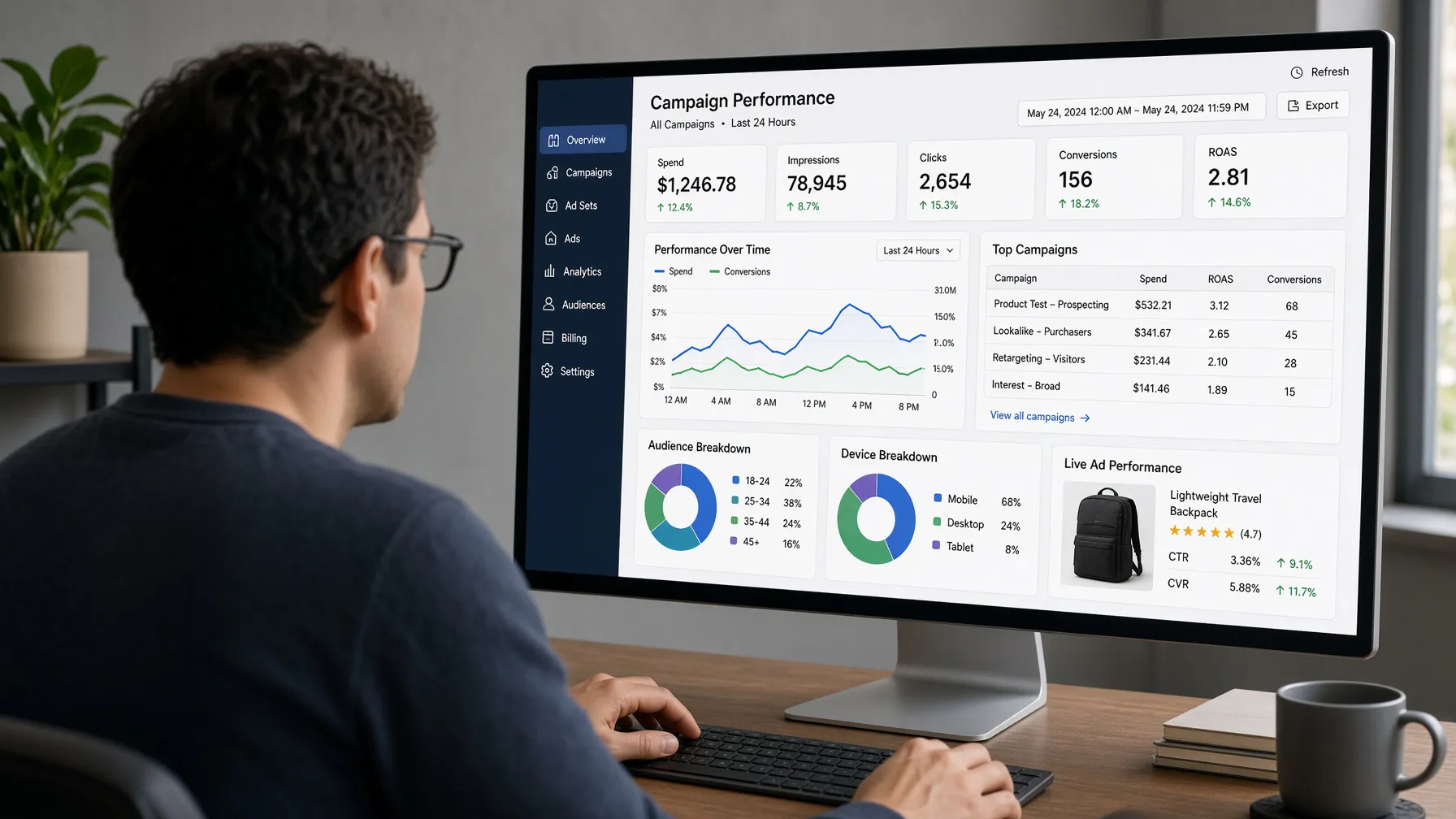
In the final hours, perform a quick quality check. Ensure your landing page links are working, your checkout process is smooth, and your ad pixels are firing correctly. Once everything is verified, hit publish. You have successfully moved from a product link to a live campaign in under 24 hours.
Remember that testing is a continuous process. Use the data from your first 24 hours to inform your next round of testing. If a product shows promise, consider using the CreaX affiliate program to earn tiered commissions while you scale your own operations.
Dropshipping Product Launch Checklist
Use this checklist to ensure you stay on track during your 24-hour sprint:
- Select a product with a clear value proposition.
- Paste your product URL into CreaX to generate your marketing kit.
- Choose your target country and language to ensure correct localization.
- Select your preferred landing page layout (Simple, Detailed, or Advanced).
- Generate ad images in the necessary aspect ratios (1:1, 3:4, 4:5, 9:16).
- Create UGC video ads using the 18s, 30s, or 45s formats.
- Review all assets for consistency and brand alignment.
- Set up your ad campaign in your chosen ad manager.
- Launch and monitor performance closely.
Build Your First Campaign Today
Frequently Asked Questions
How does the CreaX localization feature work? The target-country picker allows you to select from 20 countries and 13 languages. The platform automatically adjusts the landing page and ad assets to match the selected region, including the correct currency and language.
How do I choose the right landing page layout? You can select between Simple (5 blocks), Detailed (6 blocks), or Advanced (7 premium 4K blocks) based on how much information you need to convey to your customers.
Can I use CreaX for different ad formats? Yes, you can generate ad images in 1:1, 3:4, 4:5, and 9:16 aspect ratios, and create UGC video ads in 18s, 30s, or 45s durations to suit various social media platforms.