
CreaX for Fashion and Apparel Brands: Ads From a Product Link
Use case · Fashion and apparel brands
Fashion moves fast: new drops, new colors, new seasons, and every piece needs ads before it goes stale. CreaX helps fashion and apparel brands turn a product link or photo into studio ads, UGC-style video ads and a landing page in about 60–120 seconds, so you can test each piece without booking a shoot every time.
By the CreaX team
Key takeaways
- ✓Who it is for: clothing, streetwear, accessories and footwear brands, plus dropshippers and media buyers who sell fashion products.
- ✓What you get from one link or photo: studio ad creatives in five styles (Classic, Humble Orbit, Punch, Luxe, Meta Feed) and four sizes (1:1, 3:4, 4:5, 9:16), UGC-style video ads of 18, 30 or 45 seconds, and a publish-ready landing page.
- ✓Best use: testing angles for each new drop, filling the gap between brand photoshoots, and making ads for many pieces at once.
- ✓Limits: CreaX is not a virtual try-on or model photo tool. Always check that colors, fabric and details match the real garment.
In this guide
AudienceWho this is for: fashion and apparel brands
This guide is for anyone selling clothing and accessories online: small fashion labels, streetwear brands, print-on-demand stores, boutique owners, footwear and bag sellers, and dropshippers or media buyers who run ads for fashion products. If you are comparing tools first, our list of the best AI tools for fashion brands covers the wider landscape; this article shows how CreaX fits into a fashion workflow.
It is most useful if you release new pieces often, sell many styles or colors, or need ads for a product before you have professional photos of it.
Why it mattersThe problem this solves
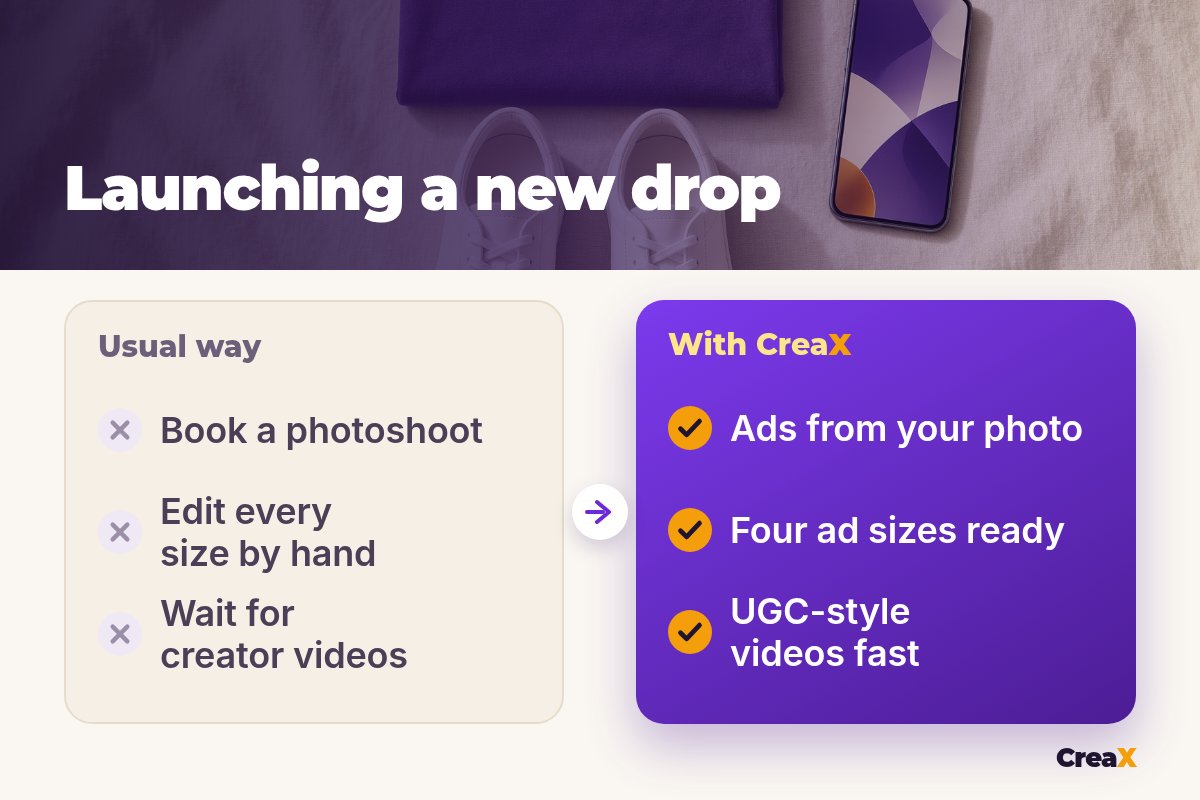
Fashion ads have a short life. A piece that sells well this month may be old news next season, and every drop needs fresh creatives in several sizes for feeds, stories and Reels. The usual routes are slow or expensive:
- Photoshoots give you beautiful brand images, but you can't book one for every new color or test angle.
- Creator videos feel authentic, but sourcing, shipping samples and waiting for edits takes time.
- Doing it yourself means resizing, retouching and writing copy for every piece by hand.
The result is that many brands test only a couple of ads per drop and guess the rest. Our guide on lifestyle vs white background product photos explains why having both styles ready matters for fashion in particular.
The outputWhat CreaX produces from one product link or image
Paste a product link (from your store, Alibaba, AliExpress, Amazon, Etsy or any product page) or upload a product photo, and CreaX gives you:
| Output | What it is | Fashion use |
|---|---|---|
| Studio ad creatives | Product ads in five styles: Classic, Humble Orbit, Punch, Luxe, Meta Feed | Clean product ads for feeds, bold sale ads, premium looks for higher-priced pieces |
| Four ad sizes | 1:1, 3:4, 4:5 and 9:16 | Feed, portrait feed, stories and Reels without manual resizing |
| UGC-style video ads | Videos of 18, 30 or 45 seconds | Creator-style try-it, styling or gift angles |
| Landing page | Simple, Detailed or Advanced | A page for the drop or a single hero piece |
| Multi-tenant store | Separate stores for niches or client brands | Agencies or sellers running several fashion niches |
CreaX outputs as described on creax.io. CreaX works from your product image; it does not generate photos of models wearing your clothes.
The ad styles are worth a closer look, because they map well to fashion: our explainer on CreaX ad styles shows each one, and the guide to studio ad creatives from one product photo covers how to get the cleanest results.
Turn your next drop into ads
Paste a product link or upload a photo and get studio ads, UGC-style video ads and a landing page in about 60–120 seconds.
IdeasFashion ad angles worth testing
Changing the color of an ad is not a new angle. A new angle gives the shopper a different reason to buy. For clothing and accessories, these are the ones we would test first:
- The styling angle: one piece, three ways to wear it. Great for basics, scarves and layering pieces.
- The comfort angle: how it feels after a long day. Works for knitwear, loungewear and footwear.
- The occasion angle: the outfit for a wedding, a trip, the office or a night out.
- The gift angle: a ready-made present, especially in the weeks before the holidays.
- The quality angle: fabric, stitching and details, shown up close and described honestly.
- The drop angle: limited colors or a new collection, with real dates and real stock, never fake scarcity.
Pick two or three angles per piece and make each one a separate ad. Studio ads carry the quality and drop angles well; UGC-style videos suit styling, comfort and gifting because they feel like a friend's recommendation. Write down which angle each ad uses so you can compare results across drops and learn what your customers actually respond to.
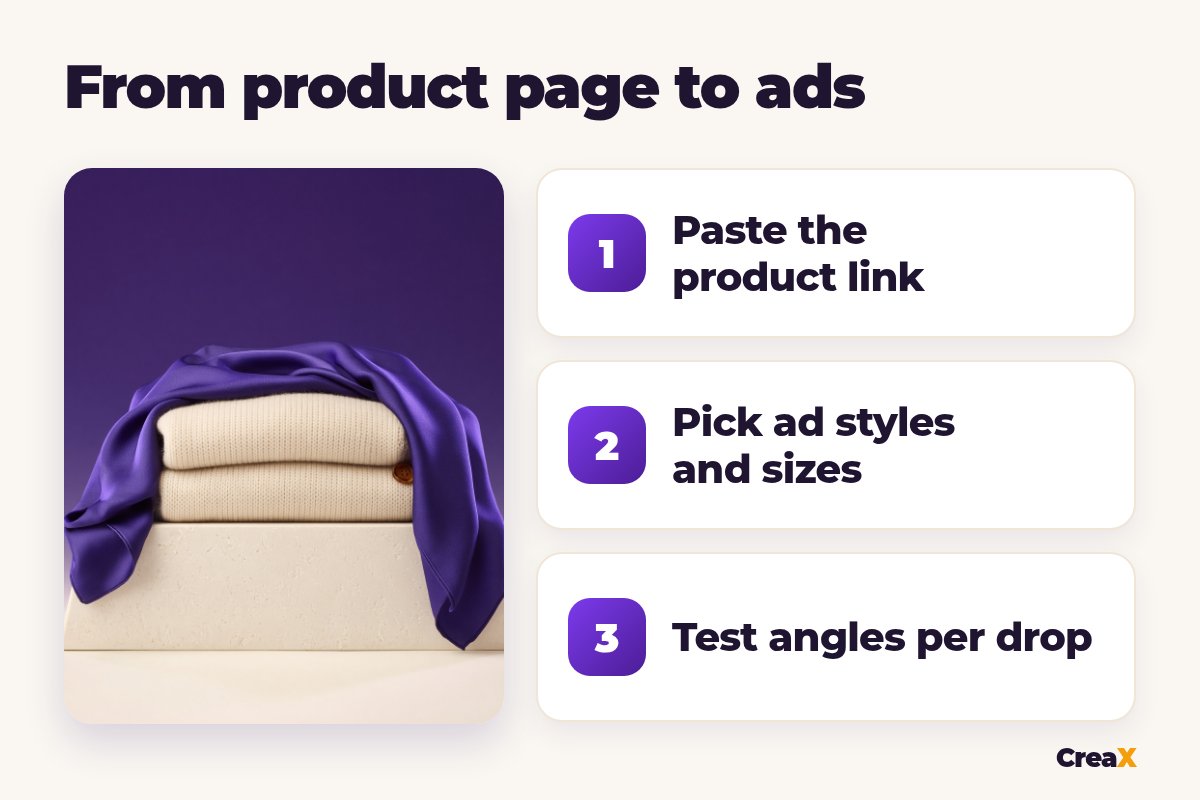
How toStep-by-step workflow for a fashion drop
Paste the product link or upload a photo
Review the landing page
Pick studio ad styles and sizes
Pick UGC-style videos
Test angles per drop
For the video side in more depth, see our explainer on how CreaX UGC video ads work.
ExampleWorked example: a knitwear drop
Say a small brand is releasing a cream knit sweater, a violet silk scarf and white leather sneakers for the colder months. Instead of one shoot for everything, they run each product link through CreaX:
| Product | Angles to test | Ads | Page |
|---|---|---|---|
| Knit sweater | Cozy weekend, layering, a gift for her | Classic and Luxe studio ads, 30-second UGC-style video | Detailed page with sizing and care |
| Silk scarf | Instant outfit upgrade, gift under budget | Punch and Meta Feed ads, 18-second video | Simple page |
| Leather sneakers | All-day comfort, goes with everything | Humble Orbit ads, 45-second video | Advanced page |
Hypothetical drop to show the workflow; choose styles and lengths that fit your own brand.
They launch two or three angles per piece. The winners get budget and, later, a proper brand shoot; the rest are replaced with new angles. That way the expensive production goes to products that have already proven demand.
PricingWhich CreaX plan fits a fashion brand?
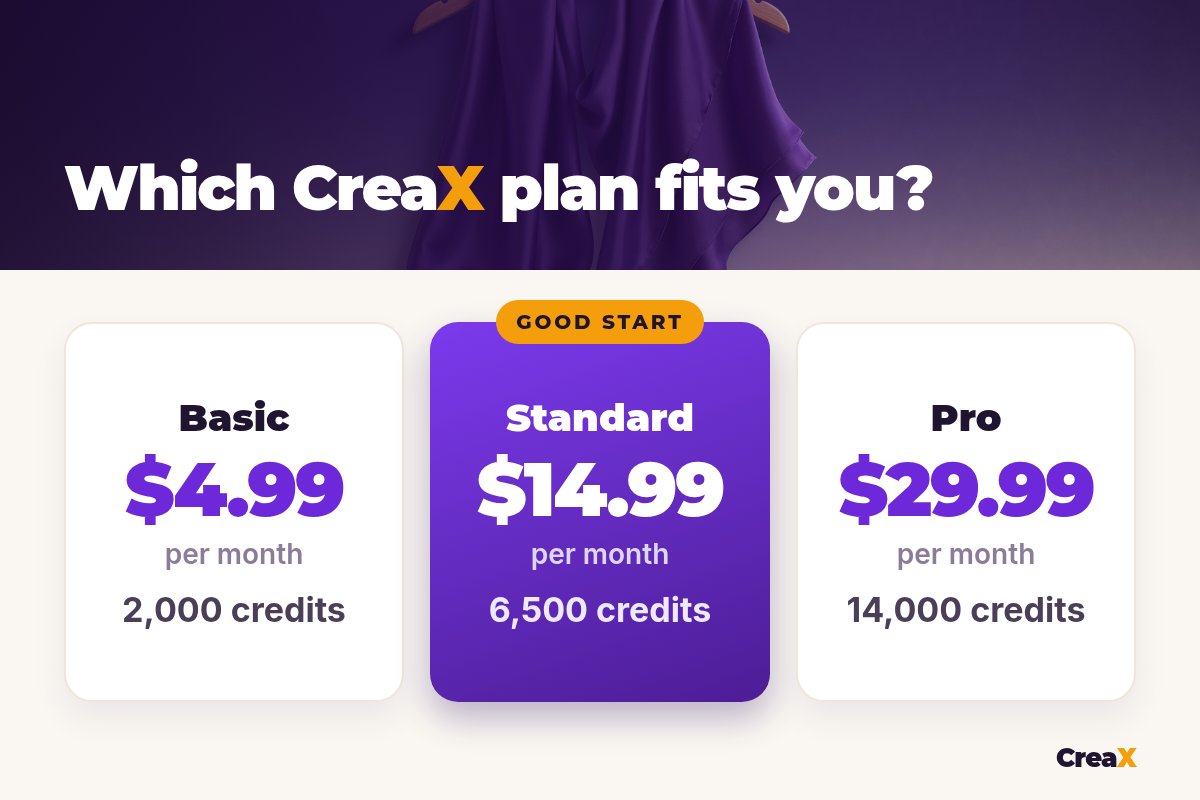
| Plan | Price / month | Credits | Good for |
|---|---|---|---|
| Free | $0 | 0 | Look around before buying credits |
| Basic | $4.99 | 2,000 | Testing a few pieces |
| Standard | $14.99 | 6,500 | Regular drops |
| Pro | $29.99 | 14,000 | Large catalogs or several stores |
| Premium | $49.99 | 25,000 | Agencies and high-volume media buyers |
Current plans on creax.io/pricing. Top-ups are $1 per 500 credits.
Ads for every piece in your next drop
Studio ads in four sizes, UGC-style video ads and a landing page from one product link or photo.
Do thisTips for better fashion ads
Fashion ad checklist
- ✓Start from your clearest product photo; avoid busy backgrounds and heavy filters.
- ✓Check that colors and fabric look like the real piece before an ad goes live.
- ✓Add real sizing, fit and care information to your landing page.
- ✓Test different angles (styling, comfort, gifting), not just different colors.
- ✓Use 9:16 videos for Reels and TikTok, 4:5 for feeds.
- ✓Keep your best performers and refresh the rest every drop.
★Match the style to the price point
Honest takeLimits and when to use other tools
CreaX is built for product ads and pages, so be clear about what it doesn't do:
- No virtual try-on or model photos. It works from your product image; it doesn't put your clothes on AI models.
- Not a replacement for your brand shoot. Campaign imagery and lookbooks still benefit from a real shoot.
- Details need checking. AI can shift colors or small details, so compare every ad with the real garment.
⚖Where other tools fit
Jewelry and accessories brands have their own challenges with small details and shine; our guide to CreaX for jewelry brands covers them.
FAQFrequently asked questions
Q.Can CreaX make ads from my Shopify product page?
Q.Does CreaX put my clothes on AI models?
Q.Which ad sizes do I get?
Q.Can I make ads in other languages?
Q.Is CreaX good for print-on-demand clothing?
Q.How much does it cost?
Ready for your next drop?
Paste a product link or upload a photo and get studio ads, UGC-style video ads and a landing page in about 60–120 seconds.
This guide is published by CreaX. We describe other tools from their own public websites, last checked October 2026, avoid invented scores or prices, and recommend checking each vendor's site for current features and plans.