
10 Best AI Tools for Print-on-Demand Sellers
Print-on-demand sellers juggle four jobs: make the design, prepare a print-ready file, build listing mockups, then market the product with ads and a page. The right AI tool for each stage looks different, so this list of the 10 best AI tools for print-on-demand sellers is organized around those stages, with the stage each tool covers called out clearly. If you also sell on Etsy, our roundup of the best AI tools for Etsy sellers covers the marketplace side of the same job.
1. CreaX: The Selling Stage Most POD Tools Skip
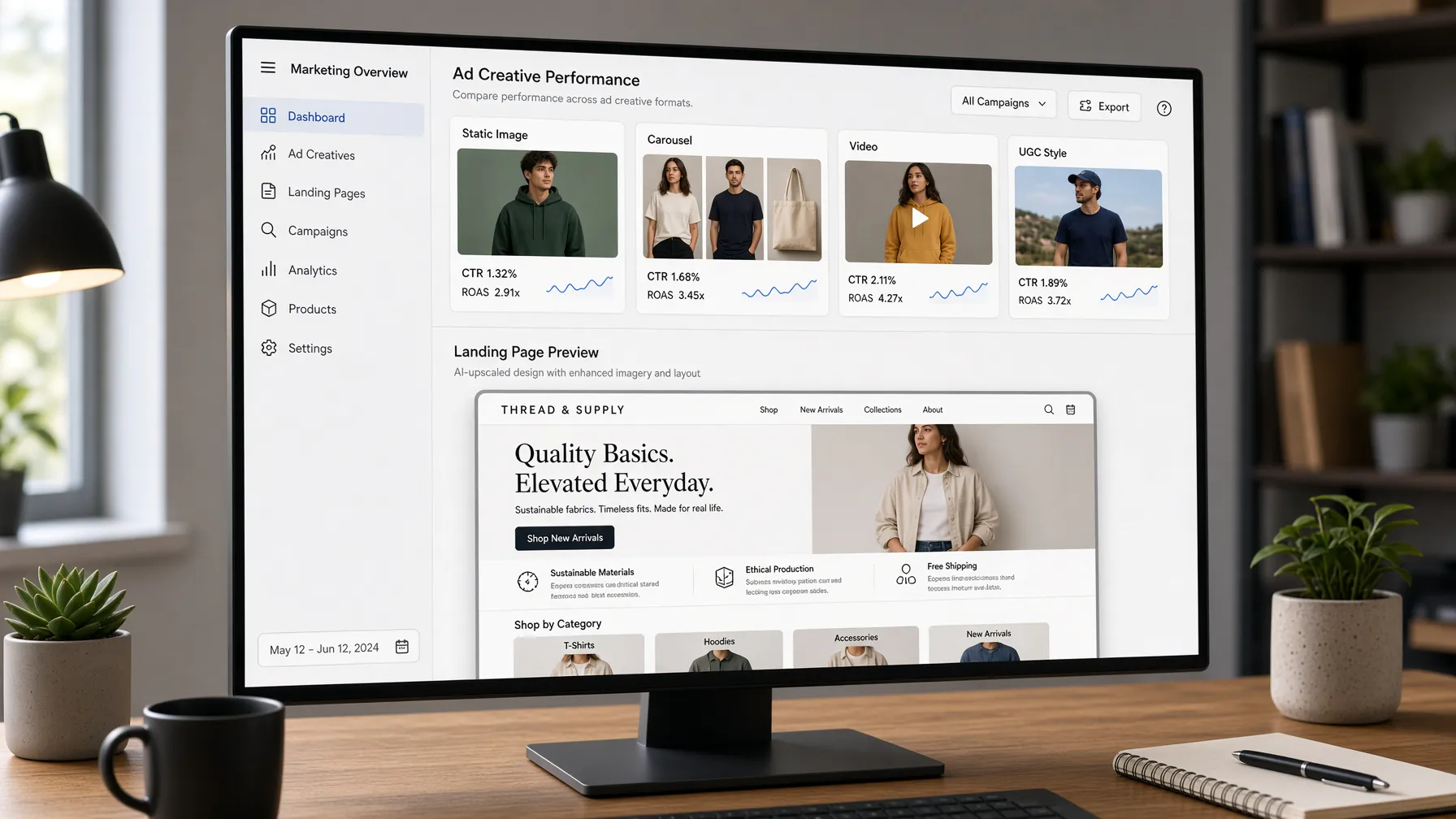
CreaX is an all-in-one AI ecommerce creative OS and our top pick because it covers the stage most print-on-demand tools skip: selling. Paste your product link (Alibaba, AliExpress, Amazon, Etsy or any product page) or upload your product image, and in about 60-120 seconds you get a publish-ready landing page (levels Simple, Detailed and Advanced), studio ad creatives, UGC-style video ads and a multi-tenant store. Studio ad creatives come in styles Classic, Humble Orbit, Punch, Luxe and Meta Feed, with sizes 1:1, 3:4, 4:5 and 9:16, and UGC-style video ads run 18, 30 or 45 seconds. Pages ship in 40+ languages for 160+ target countries, with right-to-left support for languages like Arabic. It is built for dropshippers, media buyers, affiliates, coaches, ecommerce brands and agencies, and if your products live on Etsy, see CreaX for Etsy sellers for turning a listing into ads and a landing page.
Best for: The marketing stage — ads, video and landing pages from an existing product image or listing.
Watch out for: CreaX does not print or fulfill products; pair it with a design or fulfillment tool from this list.
Pricing: Free $0 (0 credits), Basic $4.99 (2,000 credits), Standard $14.99 (6,500), Pro $29.99 (14,000) and Premium $49.99 (25,000), with top-ups at $1 per 500 credits.
2. Kittl: AI-First Design Platform
Kittl is a comprehensive design platform that prioritizes typography and vector-based workflows. It is ideal for POD sellers who need to create complex t-shirt designs quickly. With built-in AI generators and a vast library of templates, it bridges the gap between raw inspiration and a print-ready file. The platform also includes a mockup generator to visualize your designs on apparel.
Stage: Design.
Watch out for: Ensure you review their current plan details to confirm which tiers grant full commercial use rights for your designs.
Pricing: Check their pricing page.
3. Printify: Integrated Product Creator
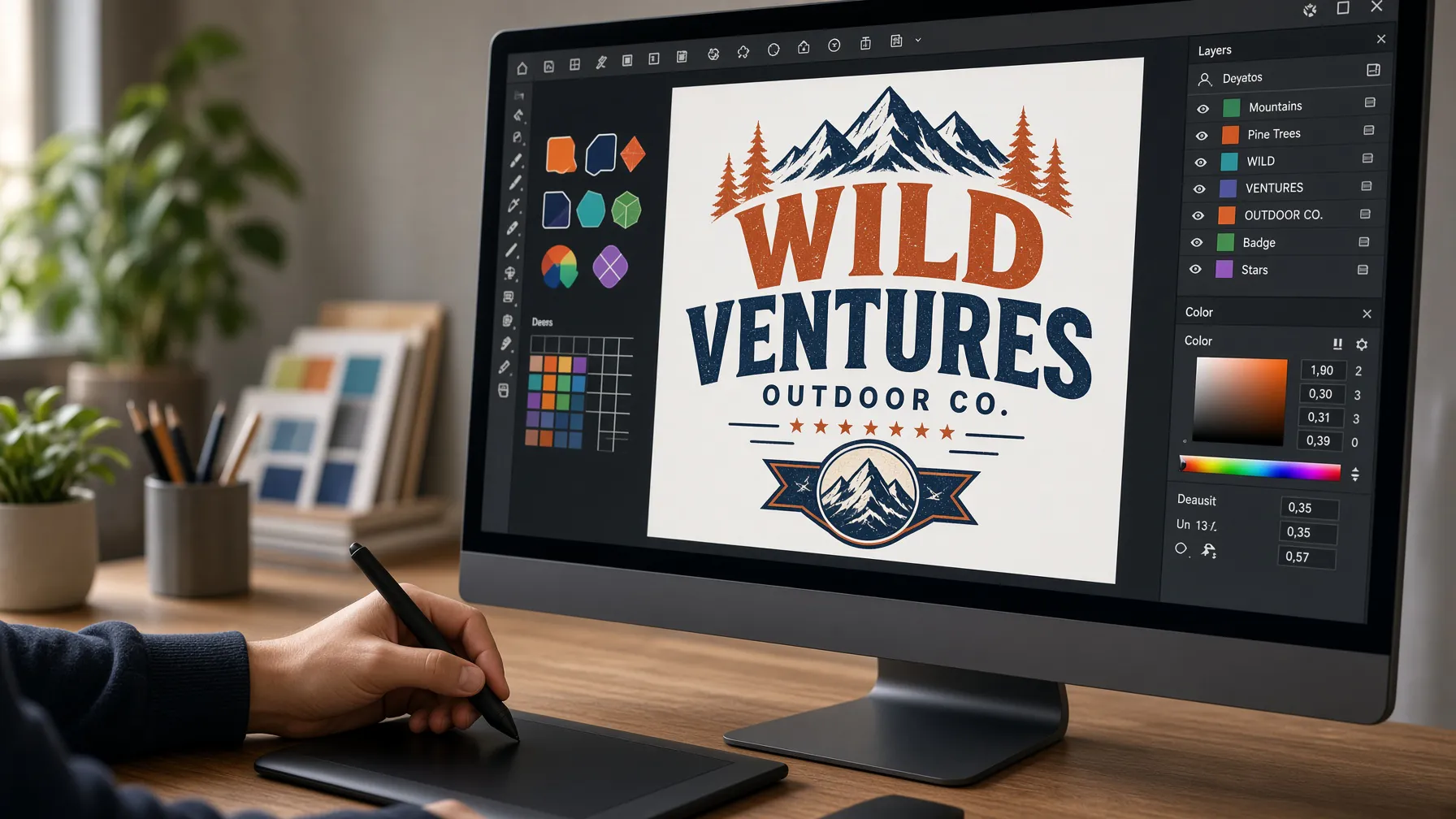
Printify is a staple in the POD industry, and its Product Creator tool now features AI-driven mockup capabilities. Because it is built directly into the fulfillment platform, the mockups are designed to be true to the actual print area of the garment. This helps reduce customer confusion regarding design placement.
Stage: Mockups and fulfillment.
Watch out for: AI mockup features may be restricted to specific subscription plans.
Pricing: Check their pricing page.
4. Printful: Design Maker and Mockups
Printful offers a robust Design Maker that allows you to place artwork, add text, and incorporate clipart directly onto products. It includes AI-powered mockup generation for apparel, allowing you to see how your design looks on a model before you even list the item. It is a reliable choice for sellers who want to keep their design and fulfillment processes under one roof.
Stage: Print files and mockups.
Watch out for: While excellent for standard apparel, custom design needs might eventually require external vector software.
Pricing: Check their pricing page.
5. Placeit by Envato: Mockup and Template Library
Placeit is widely recognized for its massive library of mockup templates. If you need your product to appear in a specific lifestyle setting—like a person wearing a hoodie in a coffee shop or a t-shirt on a hanger—Placeit likely has a template for it. It is a go-to for creating professional-looking store imagery without a physical photoshoot, and when a mockup is not enough, our guide on whether AI product photos can replace a real photoshoot walks through the trade-offs.
Stage: Mockups.
Watch out for: Because it is a massive library, finding a unique look that stands out from other sellers can take time.
Pricing: Check their pricing page.
6. Canva: Design and Bulk Creation
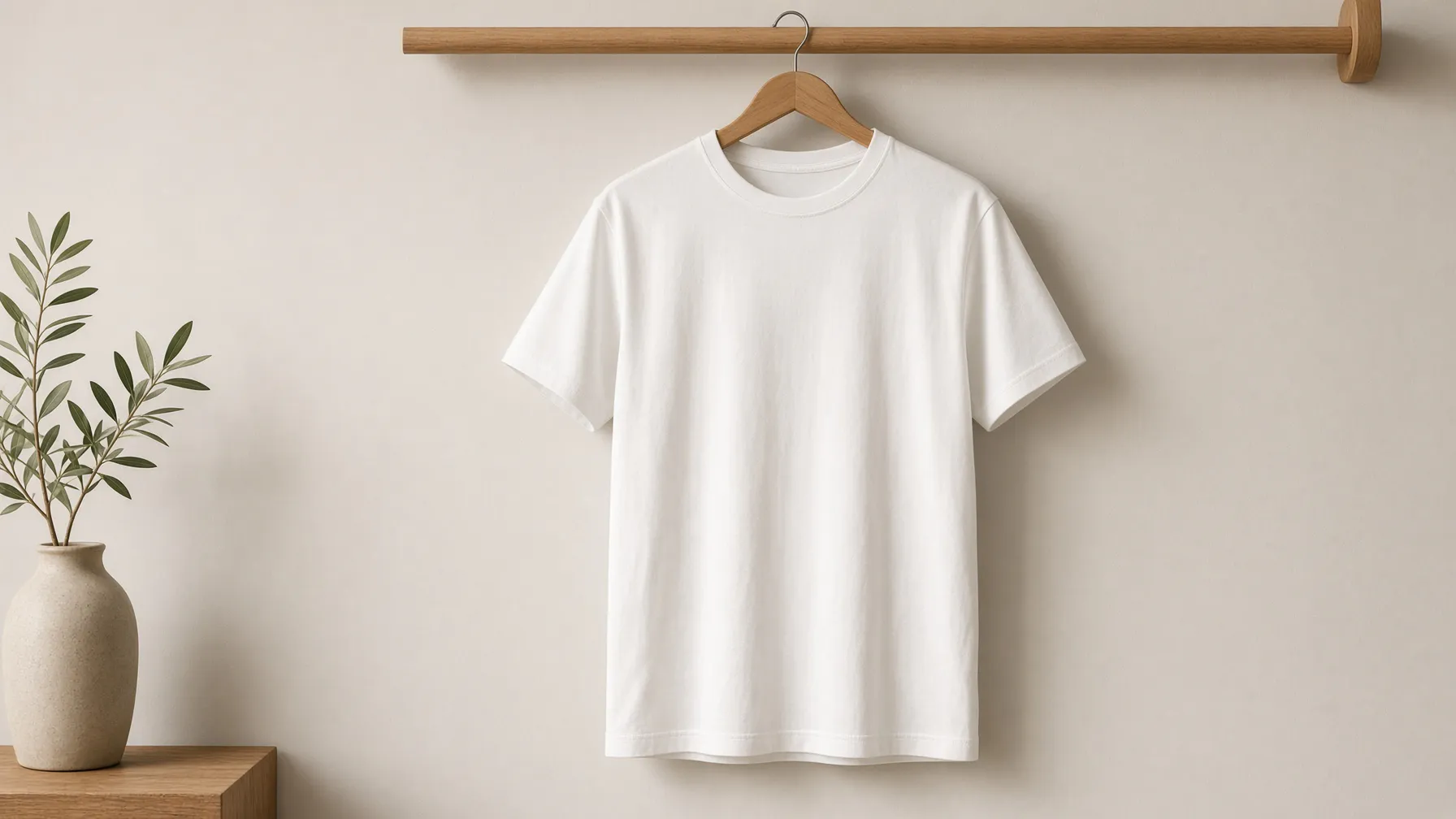
Canva has evolved into a powerhouse for POD sellers, especially with its Magic Media AI image generation tools. Its Bulk Create feature is particularly useful for sellers who need to generate dozens of variations of a design or social media post at once. It is best for sellers who value ease of use and a massive library of design assets.
Stage: Design.
Watch out for: Always verify commercial usage rights for specific AI-generated assets within their library.
Pricing: Check their pricing page.
7. Adobe Firefly: Generative AI for Designers
Adobe Firefly is Adobe's generative AI, integrated directly into Photoshop and Express, making it a professional-grade tool for POD sellers who already use the Adobe suite. It is specifically positioned as being designed for commercial use, which provides extra peace of mind regarding copyright concerns.
Stage: Design.
Watch out for: It requires a steeper learning curve compared to drag-and-drop design tools.
Pricing: Check their pricing page.
8. Ideogram: Typography-Focused AI
Ideogram has gained a reputation for its ability to render text accurately within AI-generated images. For POD sellers focusing on slogan-based t-shirts or typography-heavy designs, this is a significant advantage over other image generators that often struggle with spelling. For product shots rather than slogans, our list of the best AI product photo generators covers that job instead.
Stage: Design.
Watch out for: You will still need to convert these images into high-resolution files suitable for printing.
Pricing: Check their pricing page.
9. Vectorizer.AI: Converting Raster to Vector
To ensure your designs print clearly at any size, they should ideally be in vector format. Vectorizer.AI uses AI to convert your PNG or JPG artwork into editable SVG, PDF, EPS, or DXF files. This is an essential step for preparing files for professional printing.
Stage: Print-ready file preparation.
Watch out for: Highly complex or photographic images may not convert as cleanly as simple graphic designs.
Pricing: Check their pricing page.
10. Let's Enhance: AI Upscaling
If your design is too small or low-resolution for a high-quality print, Let's Enhance uses AI to upscale images without losing significant detail. It is a critical tool for ensuring your final product looks sharp on a large t-shirt or hoodie print area.
Stage: Print-ready file preparation.
Watch out for: Upscaling cannot fix a fundamentally low-quality or blurry source image.
Pricing: Check their pricing page.
How to Choose the Right Tool
Choosing the right AI tool depends on which stage of the POD process you are stuck on. Stuck on the creative design phase? Look for tools like Kittl, Canva, Adobe Firefly or Ideogram. Struggling with file preparation? Vectorizer.AI and Let's Enhance handle resolution and formats. Need true-to-product mockups? Printify and Printful build them into the product page, and Placeit covers lifestyle scenes. Once you have a best-seller, the selling stage is where CreaX for print-on-demand sellers picks up, and our breakdown of studio ad creatives from one product photo shows how far a single image can go. When you compare tools, check three things: the commercial-use license for AI art, the print resolution and file format you get out, and how true the mockups are to the real product. Also weigh how many listings you plan to ship, and whether the tool can carry a product all the way through ads and a landing page.
| Tool | Stage | Best For |
|---|---|---|
| CreaX | Selling | Ads, landing pages, and UGC |
| Kittl | Design | Typography-led templates |
| Printify | Mockups | True-to-product print areas |
| Printful | Print files | Design Maker and apparel mockups |
| Placeit | Mockups | Lifestyle template library |
| Canva | Design | Bulk creation |
| Adobe Firefly | Design | Commercial-safe generation |
| Ideogram | Design | Typography accuracy |
| Vectorizer.AI | Preparation | Vector conversion |
| Let's Enhance | Preparation | Image upscaling |
Honest Warnings Before You Print
AI art can still infringe trademarks or copyrighted characters, so check before you print. Marketplaces like Etsy have their own rules about AI-assisted designs, so read their policies before listing. And always order a sample of a new best-seller before you scale ad spend on it.
Frequently Asked Questions
Can I use AI-generated designs on Etsy? Yes, as long as you follow Etsy's policies on AI-assisted designs. Check the current rules and disclose what your process involves when the policy asks you to.
Do I need to worry about copyright with AI art? Yes. AI art can still infringe trademarks or copyrighted characters, so run a trademark check before you commit a design to inventory.
How many languages and countries does CreaX support? CreaX pages support 40+ languages and 160+ target countries, including right-to-left languages like Arabic.
Can I use CreaX with my existing store? Yes. Paste your existing product URL from Etsy, Amazon or your own store, or upload a product image, and CreaX builds the ads and landing page around it.
What is the best way to test a new POD product? Order a physical sample, check the print quality and garment feel, then run a small ad test with fresh creatives before scaling.
Do I need every tool on this list? No. Pick the one tool for the stage you are stuck on, then add the selling stage with CreaX once you have a product worth pushing.