
How to Make Text Overlay Ads That Work With the Sound Off
by the CreaX team
In this guide
The Importance of Silent Video Advertising
In the fast-paced world of social media, many people scroll through their feeds with the sound turned off. If your video ads rely entirely on voiceovers or background music to convey value, some viewers may never hear it, so they may not understand what you are selling. Creating ads that communicate clearly in total silence is no longer optional—it is a requirement for successful ecommerce growth.
When you focus on visual storytelling, you ensure that your message reaches the viewer regardless of their environment. Whether they are in a public space, at work, or simply prefer a quiet browsing experience, your text overlays act as the primary bridge between your product and the customer. Understanding do video ads need subtitles helps you realize that text is not just an accessory; it is the core of your ad's narrative.
1. Start With a High-Impact Hook
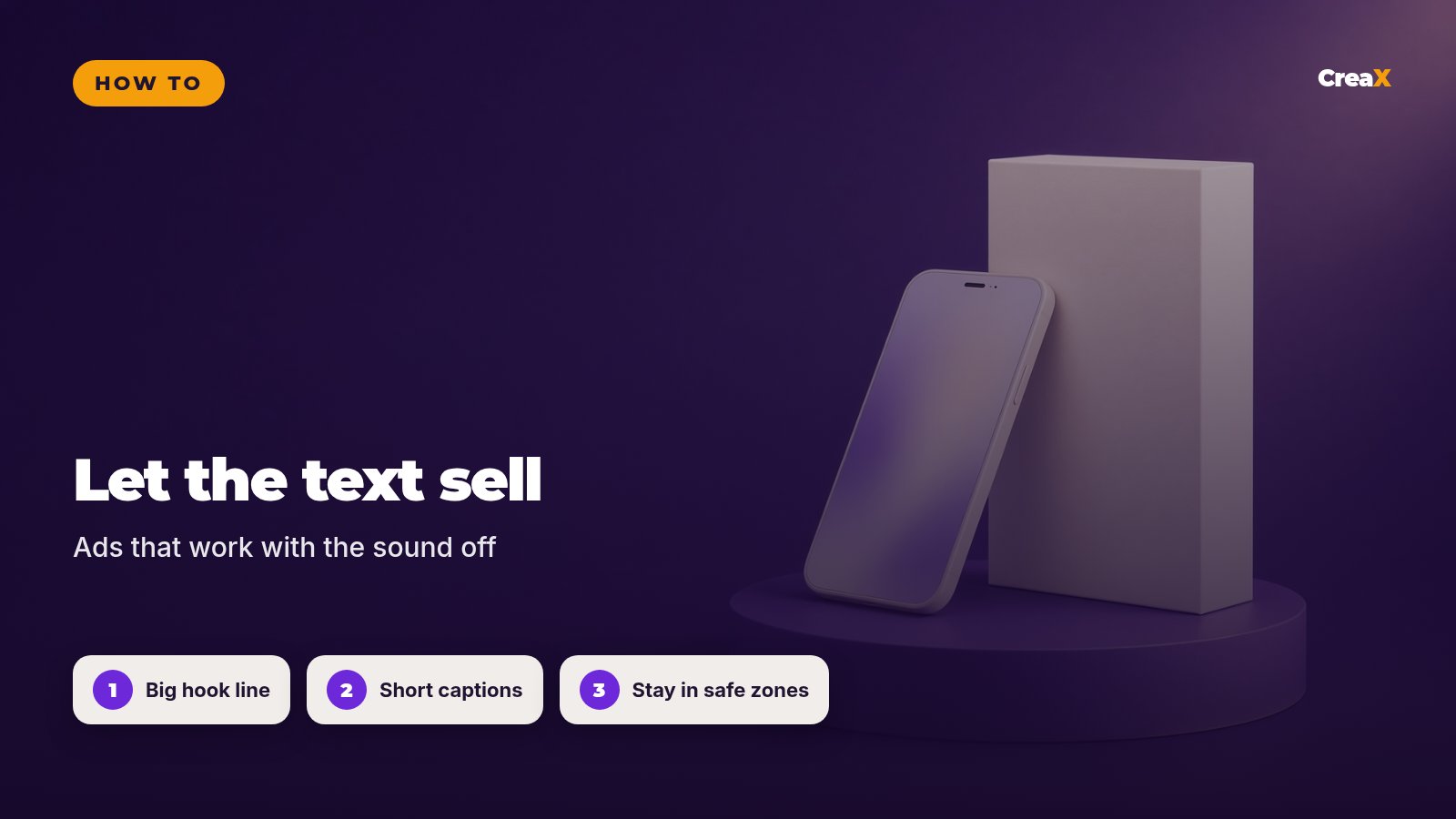
The first three seconds of your video determine whether a user keeps scrolling or stops to watch. Your opening text overlay must be bold, concise, and immediately address a pain point or a benefit. If you struggle to find the right words, learning how to write ad headlines that convert will provide you with the framework to grab attention instantly.
Avoid generic introductions. Instead, jump straight into the value proposition. Use your hook to state exactly what the product does or why the viewer needs it. This initial text should be the largest element on the screen, setting the tone for the rest of the video.
2. Master the Art of Concise Captioning
Once you have captured their attention, you must keep it. Long, dense paragraphs of text are the enemy of mobile engagement. Aim for 3 to 6 words per frame. By limiting your text, you force yourself to distill your message into its most powerful form. This approach ensures that even a quick glance provides the viewer with enough information to understand your offer.
Think of each frame as a single idea. If you are showing a product feature, the text should describe that specific feature. If you are showing a result, the text should highlight the benefit. This modular approach makes your content digestible and keeps the viewer moving through your ad narrative.
3. Respect Ad Safe Zones
One of the most common mistakes in mobile advertising is placing text where it gets covered by interface elements. Every platform has its own layout, including profile icons, like buttons, and comment bars. If you ignore these, your critical text might be hidden, rendering your ad ineffective.
When designing your assets, always account for ecommerce ad creative sizes. For 9:16 vertical videos, keep your text within the central safe zone. Avoid the extreme top and bottom edges where platform UI elements typically live. If you are using a platform like CreaX, you can generate studio-quality creatives in 1:1, 3:4, 4:5, or 9:16 ratios, ensuring your design is optimized for the specific placement you are targeting.
4. Use High Contrast for Readability
If your text blends into the background, it will be ignored. High contrast is essential for readability, especially on small mobile screens. Use bold, sans-serif fonts that are easy to scan. If your video background is busy, consider adding a semi-transparent background box behind your text or using a drop shadow to make the letters pop.
Consistency is key. Choose a font style that matches your brand identity and stick to it across all your assets. This builds recognition and makes your ads look professional and trustworthy. Whether you are creating static ad design assets or dynamic video content, the principles of contrast and clarity remain the same.
5. Leverage List-Style Formats
Users love lists because they are easy to process. Using a list format in your video ads allows you to present multiple benefits or features in a structured way that feels natural. This is particularly effective for products that have several selling points. You can learn how to make listicle ads that break down complex information into simple, punchy points.
When you present information in a list, you create a sense of progress. The viewer feels they are learning something valuable with every new point that appears on the screen. This keeps them engaged until the final call to action.
6. Optimize for Every Platform
Your ads should look native to the platform where they appear. This means understanding the specific requirements for different social channels. While the core message remains the same, the way you present it might change based on the user behavior of that platform. If you sell in several markets, CreaX supports 40+ languages and 160+ target countries, so you can keep the same text-first approach in each one.
Remember that you can use ugc ad hooks that stop the scroll to test different variations. By creating multiple versions of your ad with different text overlays, you can learn which messaging resonates best with your audience. Always iterate based on what works, and keep your creative pipeline full by using AI tools to generate new assets quickly.
Checklist for Silent Ad Success
- Does your hook appear in the first 3 seconds?
- Is your text limited to 3-6 words per frame?
- Have you checked your text against platform safe zones?
- Is your font bold and high-contrast?
- Does your ad include a clear call to action?
- Have you localized the language for your target market?
Your next campaign starts with a link.
Paste a product link and get UGC video ads, ad images and a landing page — everything in under 60 seconds.
Start creating