
Do Video Ads Need Subtitles? Captions Questions Answered
FAQ · Video ads
Do video ads need subtitles? For most social feed ads, yes. Plenty of people scroll with the sound off, and an ad that only works with audio loses them in the first seconds. This guide answers the questions sellers ask about subtitles on video ads: whether you need them, burned-in versus platform captions, where to put them, how big to make them, and the mistakes that make them useless.
Updated October 2026 · By the CreaX team
Key takeaways
- ✓Design every feed video to work on mute. Subtitles, on-screen text and clear visuals carry the message when the sound is off. Meta itself recommends captions for sound-off viewing.
- ✓Burn in the key lines so they show everywhere, and treat platform auto captions as an extra that you review before launch.
- ✓Keep subtitles inside the safe zone: above the bottom buttons and ad caption, away from the edges where the app interface sits.
- ✓Big, short and high-contrast beats small and elegant. A few words per line, bold font, an outline or a background box.
In this guide
TL;DRThe short answer
Yes, for almost every video ad in a social feed. People watch on phones in places where sound is off or low: on public transport, at work, late at night. If the key message is only in the voice-over, those viewers see a silent video of someone talking and scroll on. Subtitles make the ad work for everyone, including people who are deaf or hard of hearing, people watching in a second language, and people who simply prefer to read.
Subtitles are not the only answer, though. A sound-off ad also needs a clear visual story: the product in use, a strong first frame and on-screen text for the hook and the offer. Think of subtitles as one part of designing for mute, not a fix you add at the end.
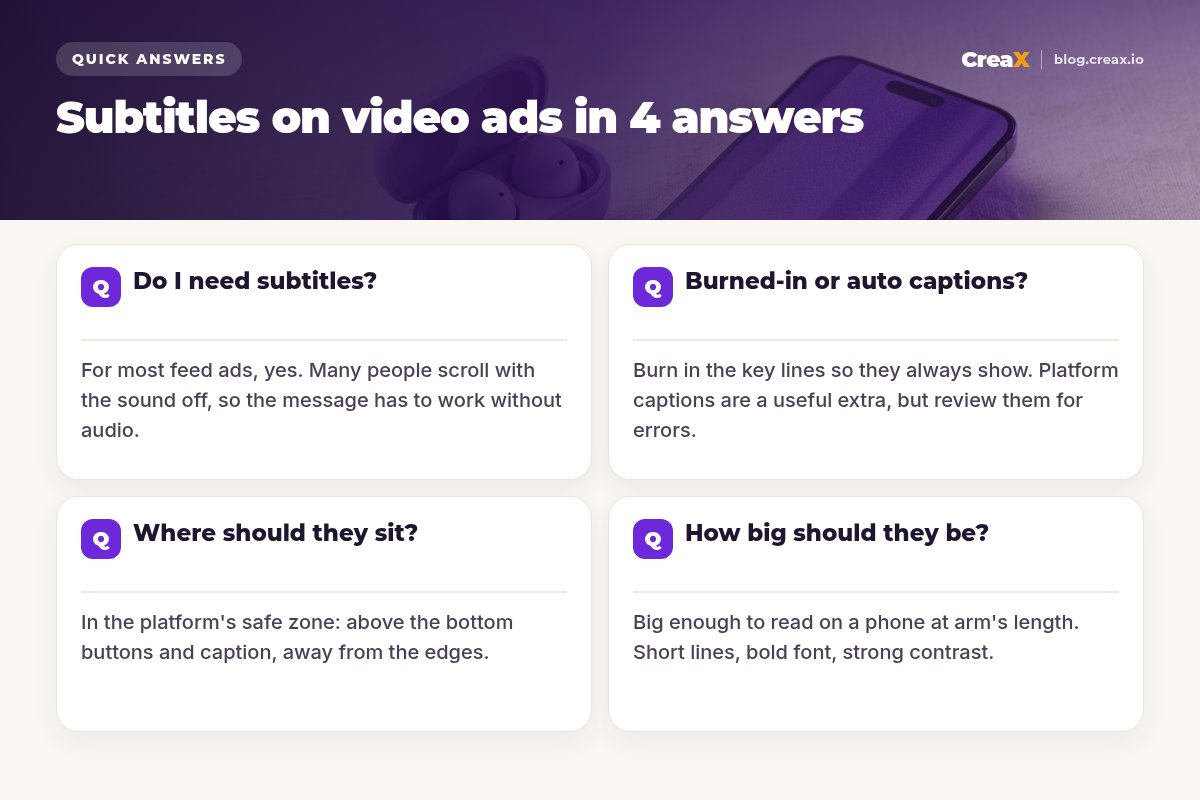
Q1Do I need subtitles?
Ask one question about each video: does it still make sense with the sound off? If not, it needs subtitles or on-screen text. In practice that covers most ecommerce video ads:
- UGC-style and talking videos: yes. The message is in what the person says, so it must also be on screen.
- Voice-over product demos: yes, at least for the hook, key benefits and the call to action.
- Music-only product videos: subtitles are not needed, but short on-screen text for the hook and offer still helps.
- Ads in a language your audience may not speak natively: yes. TikTok's ad policy also requires subtitles in an acceptable language when the ad's language does not suit the target market.
iIt is also about accessibility
The first seconds matter most. If your hook is spoken, put the same words on screen from the first frame. Our guide to UGC ad hooks that stop the scroll has examples that work as text, and what hook rate is explains how to measure whether the opening holds attention.
Q2Burned-in or auto captions?
There are two kinds of subtitles. Burned-in (open) subtitles are part of the video image itself; they show everywhere and you control the style. Platform captions (closed) are a separate text track added by the platform, either generated automatically or uploaded as a file, and the platform decides how they look.
| Burned-in subtitles | Platform captions | |
|---|---|---|
| Always visible | Yes, on every placement | Depends on the app and viewer settings |
| Style control | Full: font, size, colour, position | Little or none |
| Accuracy | You write and check every word | Auto captions need review and editing |
| Editing later | Re-export the video | Edit the text track |
| Several languages | One export per language | Several caption files on one video |
General comparison. Check each platform's current caption options.
On Meta, Ads Manager lets you upload your own caption file (SRT) or generate captions automatically, then review and edit them before you save. Check which languages auto captions support for your market. Many advertisers do both: they burn in the hook and key lines for style and reliability, and add a caption track for accessibility.
!Don't double up
Q3Where should they sit?
Inside the safe zone. Every platform puts interface elements over vertical videos: the account name, the ad caption, the call-to-action button and the like, comment and share icons on the right. Text placed there gets covered.
- Avoid the bottom strip, where the caption and button sit. On TikTok, the longer your ad caption, the smaller the safe area becomes.
- Avoid the right edge, where the engagement icons are.
- Avoid the very top, where the account name and status bar can appear in some placements.
- Use the platform templates. TikTok provides downloadable safe-zone files for in-feed ads, including right-to-left versions for Arabic. Meta shows placement previews in Ads Manager.
A good default for 9:16 video is subtitles in the lower-middle of the frame, above the bottom fifth, centred. If you also run 1:1 or 4:5 versions, check each crop; text that fits in 9:16 can be cut off in a square. Our guide to ecommerce ad creative sizes covers the formats.
Q4How big should they be?
Big enough to read on a small phone at arm's length, in a second, while the video moves. There is no single correct pixel size, but these rules hold up:
- Bold, simple font. A clean sans-serif. Avoid thin, script or condensed fonts.
- Strong contrast. White or yellow text with a dark outline, a shadow or a semi-transparent box behind it, so it reads on any background.
- Short lines. One line of a few words is easier to read than two long lines. Break sentences at natural pauses.
- Timed to speech. Each line should appear as it is spoken and stay long enough to read.
- Highlight sparingly. A colour on one key word, such as the benefit or the offer, can help. Colouring every word does not.
Then test it the honest way: send the video to your phone, turn the sound off, and watch it once at normal speed. If you have to squint or pause, the subtitles are too small or too fast.
Get more video ads to test, faster
Paste a product link and get UGC-style video ads, studio creatives and a landing page, then check the text on mute before you launch.
MistakesCommon mistakes to avoid
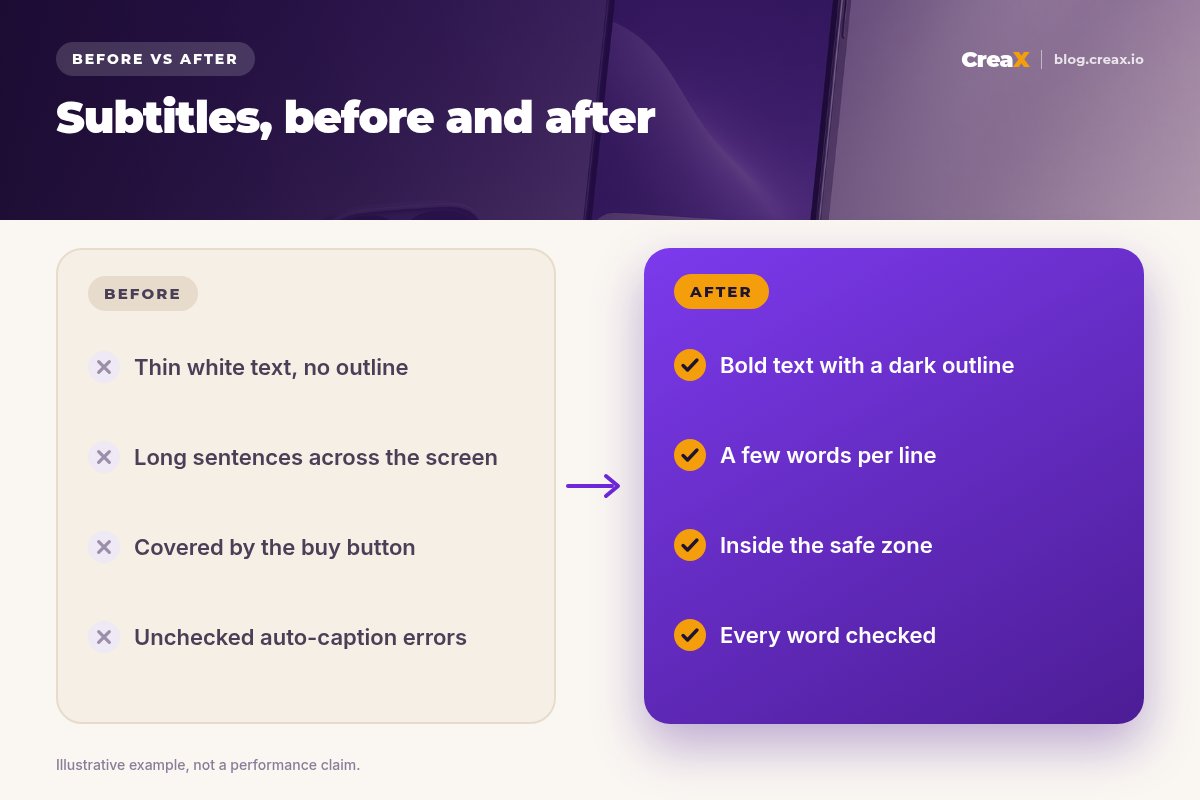
- Trusting auto captions blindly. Product names, brand names and numbers are where speech recognition fails most. Read every line.
- Text under the buttons. It looked fine in your editor; on the phone the CTA button covers it.
- Whole paragraphs on screen. Nobody reads three lines while a video moves.
- Thin white text on a bright background. Without an outline or box it disappears over a white product or a window.
- Subtitles that disagree with the audio. If the voice says one price and the text says another, viewers trust neither. TikTok's policy also expects captions and video to be consistent.
- Forgetting the other languages. If you run the ad in another market, translate the subtitles as well as the ad copy.
★Write the subtitles from the script, not the other way round
ChecklistChecklist you can copy
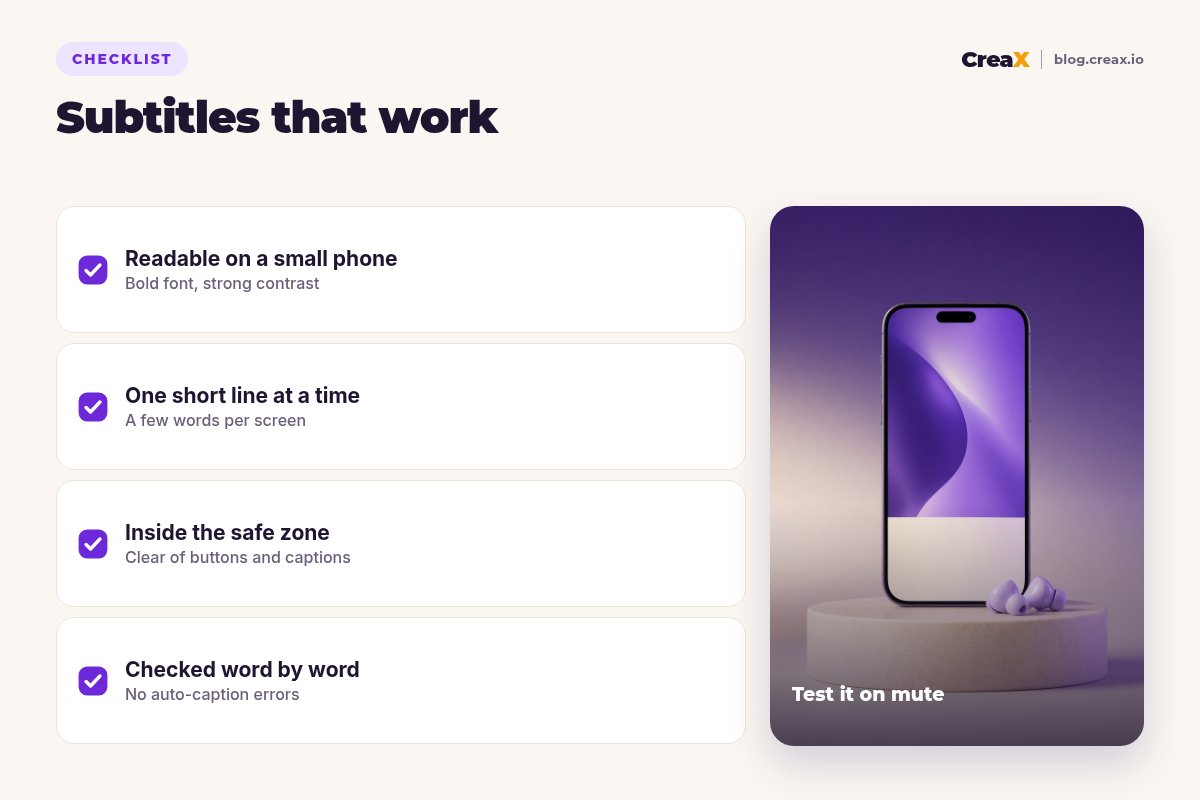
Subtitles checklist for video ads
- ✓The video makes sense with the sound off.
- ✓The hook is on screen from the first frame.
- ✓Subtitles use a bold font with an outline, shadow or box.
- ✓Lines are short, a few words each, and timed to speech.
- ✓All text sits inside the platform's safe zone for each placement.
- ✓Every word is checked, especially product names, prices and numbers.
- ✓Burned-in subtitles and platform captions don't overlap.
- ✓Subtitles are translated for every market where the ad runs.
CreaXHow CreaX helps (briefly)
CreaX is an AI ecommerce creative OS. Paste a product link or upload a product image, and in about 60–120 seconds you get UGC-style video ads (18, 30 or 45 seconds), studio ad creatives and a publish-ready landing page. CreaX covers 40+ languages and 160+ target countries, which helps when you localize ads for new markets.
Whatever tool made the video, run the same check before launch: watch it on mute on a phone, confirm the text is readable and inside the safe zone, and add or fix subtitles in your editor or the platform's caption tool if needed. Static ads in 1:1, 3:4, 4:5 and 9:16 are a good sound-free partner for your videos. To pick the right length, see how long a video ad should be.
Make the video ads, then make them work on mute
One product link, about 60–120 seconds: UGC-style video ads, studio creatives and a landing page for your next test.
FAQFrequently asked questions
Q.Are subtitles and captions the same thing?
Q.Do subtitles help ad performance?
Q.Should I add subtitles to music-only ads?
Q.Can I upload my own caption file to Meta?
Q.Do I need different subtitles for each placement?
Q.What colour should subtitles be?
Ready to make your next video ad?
Paste a product link and get UGC-style video ads, studio creatives and a landing page in about 60–120 seconds.
This guide is published by CreaX. It summarises Meta's and TikTok's public help pages as of October 2026; check them for current caption and safe-zone specs. CreaX features are described from creax.io.