
CreaX vs Clipchamp: Which Is Better for Product Video Ads?
by the CreaX team
In this guide
- TL;DRThe short answer: CreaX vs Clipchamp
- The competitorWhat Clipchamp is
- Our productWhat CreaX is: the AI ecommerce creative OS
- CompareSide-by-side: features, outputs and workflow
- Editing tool versus finished ad
- BudgetPricing
- Fair playWhere Clipchamp wins
- Our recommendationWhere CreaX wins
- Step by stepTwo workflows for one product
- With Clipchamp
- With CreaX
- ExampleWorked example: a ceramic coffee mug
- Choose with confidenceDecision checklist
- FAQFrequently asked questions
- Q.What is Clipchamp?
- Q.Can Clipchamp make ads from a product link?
- Q.Is Clipchamp free?
- Q.Do I need footage for CreaX?
- Q.Can I use both?
- Q.Which is better for product video ads?
Comparison · Video tools for product ads
CreaX vs Clipchamp compares two tools that both help you make video, but for different jobs. Clipchamp is Microsoft's video editor, in the browser and on Windows, with a timeline, templates, stock media, AI voiceovers and auto subtitles. CreaX is an AI ecommerce creative OS that turns one product link into video ads, studio ads and a landing page. This guide explains what each one does best, where Clipchamp clearly wins, and which one fits your store's product video ads.
By the CreaX team
Key takeaways
- ✓Clipchamp is a general video editor from Microsoft: a timeline, templates, stock media, AI voiceover, AI subtitles and screen and webcam recording, in the browser or as a Windows app.
- ✓CreaX starts from your product link or one product image and, in about 60–120 seconds, gives you UGC-style video ads, studio ads and a publish-ready landing page.
- ✓Clipchamp wins when you edit your own footage, make videos for work, school or social, or already live in Windows and Microsoft 365.
- ✓CreaX wins when the goal is a ready set of product ads, videos and a matching page to test, with nothing to film or cut.
In this guide
TL;DRThe short answer: CreaX vs Clipchamp
Clipchamp is an editor for any video, CreaX is an ad workflow for products. Clipchamp gives you a familiar timeline where you drop clips, add text, music, stock footage and a voiceover, and export. It doesn't know your product, your offer or your store, so deciding the hook, writing the ad and building a page behind it is still your job.
CreaX is built for that job. You paste a product link, and it reads the product and builds what a seller actually launches: UGC-style video ads, studio ad creatives in set styles and sizes, and a landing page that matches them. You spend your time choosing and testing, not editing.
So for an online store that needs product video ads this week, we recommend CreaX. For people who edit their own clips, presentations or vlogs, Clipchamp is the better fit. If you are weighing other editors too, our comparisons of CreaX vs Kapwing and CreaX vs VEED follow the same logic.
⚖Our bias, stated upfront
The competitorWhat Clipchamp is
According to its website, Clipchamp is an online video editor by Microsoft for recording, editing and sharing videos. Its main parts, as Clipchamp describes them:
- Browser and Windows app: edit in a web browser, or use the desktop app that comes with Windows 11.
- AI voiceover: turn text into speech in many languages, with control of pitch and pace.
- AI subtitles: auto captions you can restyle, with transcription in many languages.
- Recording: record your camera, screen and voice.
- Audio cleanup: remove background noise, pauses and filler words.
- Stock and templates: royalty-free videos, images, music, stickers and video templates.
What Clipchamp doesn't try to be is an ecommerce tool: it doesn't read a product page, write ad angles for a store, make studio product ads in ad styles or build a landing page.
Our productWhat CreaX is: the AI ecommerce creative OS
CreaX is built for one job: turning a product into ads and a page you can launch. Paste a product link (your store, Alibaba, AliExpress, Amazon, Etsy or any product page) or upload one product image, and in about 60–120 seconds you get:
- UGC-style video ads of 18, 30 or 45 seconds, the native-looking format for Reels, Stories and TikTok.
- Studio ad creatives in five styles (Classic, Humble Orbit, Punch, Luxe and Meta Feed) and four sizes (1:1, 3:4, 4:5 and 9:16).
- A publish-ready landing page at a Simple, Detailed or Advanced level, in 40+ languages for 160+ target countries, including right-to-left languages like Arabic.
- A multi-tenant store so you can keep niches or client brands apart.
If editing is the part you want to skip, our list of the best AI video editors for ad creatives shows where each tool sits. CreaX is made for dropshippers, media buyers, ecommerce brands, coaches and agencies.
CompareSide-by-side: features, outputs and workflow
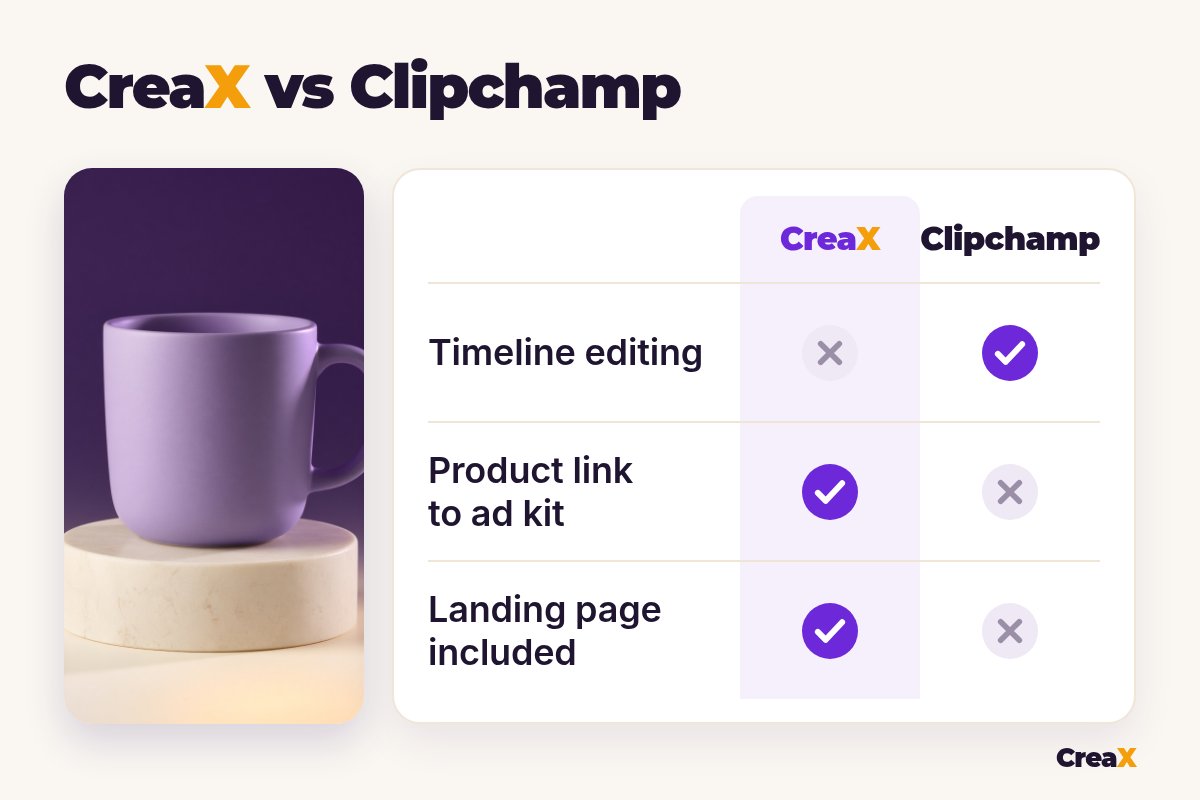
| Clipchamp | CreaX | |
|---|---|---|
| What it is | Browser and Windows video editor | AI ecommerce creative OS |
| What you start with | Your clips, stock or a template | A product link or one product image |
| Timeline editing | Yes | No |
| Recording and audio cleanup | Yes | No |
| AI voiceover and subtitles | Yes | Built into the video ads |
| Video ads | You edit them | UGC-style video ads of 18, 30 or 45 seconds |
| Static product ads | Not its focus | Five styles, four ad sizes |
| Landing page | No | Yes, Simple, Detailed or Advanced |
From clipchamp.com and creax.io, October 2026. Features change, so check each site.
Editing tool versus finished ad
With Clipchamp, the output is whatever you put on the timeline: it can look great, but you still choose the footage, write the hook, add the offer and call to action, export each size and send traffic somewhere. With CreaX, the output is the ad set and the page, so the work after generation is choosing, checking and launching.
Get product video ads without editing
Paste one product link and get UGC-style video ads, studio ads and a landing page in about 60–120 seconds.
BudgetPricing
Clipchamp has a free version, and its premium features come with Microsoft 365 or Clipchamp plans that change over time, so check clipchamp.com for current terms. CreaX uses simple monthly credit plans, and you can top up at any time:
| CreaX plan | Price / month | Credits | Good fit |
|---|---|---|---|
| Free | $0 | 0 | Look around the app before buying credits |
| Basic | $4.99 | 2,000 | Your first product tests |
| Standard | $14.99 | 6,500 | Testing new products every week |
| Pro | $29.99 | 14,000 | Several products or stores at once |
| Premium | $49.99 | 25,000 | Agencies and high-volume media buyers |
| Top-up | $1 | 500 | Extra credits when a test takes off |
Current plans on creax.io/pricing.
★Count the whole job, not one video
Fair playWhere Clipchamp wins
Clipchamp does several things CreaX doesn't try to do, and it's fair to say so clearly:
Clipchamp
Strengths
- +A full timeline editor for your own clips
- +Camera, screen and voice recording
- +Stock media and templates
- +Comes with Windows and fits Microsoft 365
Trade-offs
- −No product link input
- −No studio product ads or landing page
- −You write, cut and resize each ad
CreaX
Strengths
- +Video ads, static ads and a page from one link
- +Five ad styles and four ad sizes
- +About 60–120 seconds per kit
- +Plans from $4.99/month, top-ups $1 per 500 credits
Trade-offs
- −Not an editor for your own footage
- −No recording tools
- −The Free plan has 0 credits, so generating needs a paid plan
⚖Honest take
If you also use Microsoft's design app, see CreaX vs Microsoft Designer, and if you are leaving a mobile editor, CreaX vs CapCut covers that switch.
Our recommendationWhere CreaX wins
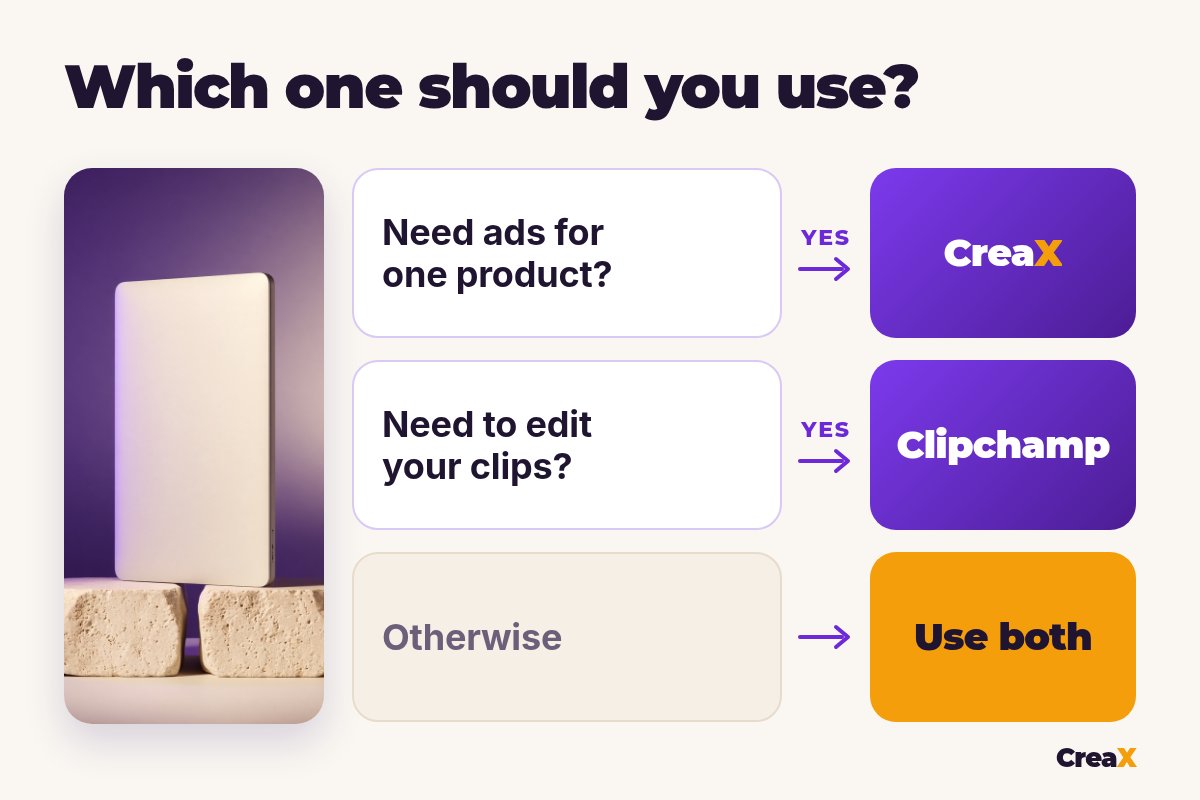
Most sellers don't need another editor. They need several ads to test and a page that converts. That's where we recommend CreaX:
- You are testing a new product. One link gives you videos, static ads and a page, so you can launch the same day.
- You have no footage. CreaX builds UGC-style videos from the product, so there's nothing to film.
- You need ad and page to match. The landing page comes from the same link, with the same product and message.
- You sell in several markets. Pages in 40+ languages for 160+ target countries, including right-to-left languages like Arabic.
- You have no time to edit. There is no timeline to fill and nothing to trim.
Turn a product link into video ads
Get UGC-style video ads, studio ads and a matching landing page from one product link, then launch them wherever you run ads.
Step by stepTwo workflows for one product
With Clipchamp
- Film the product, or pick stock footage and a template.
- Arrange clips on the timeline, add text, music and transitions.
- Add an AI voiceover and auto subtitles, then clean the audio.
- Export each size you need for feed, Stories and Reels.
- Make static ads and a landing page with other tools.
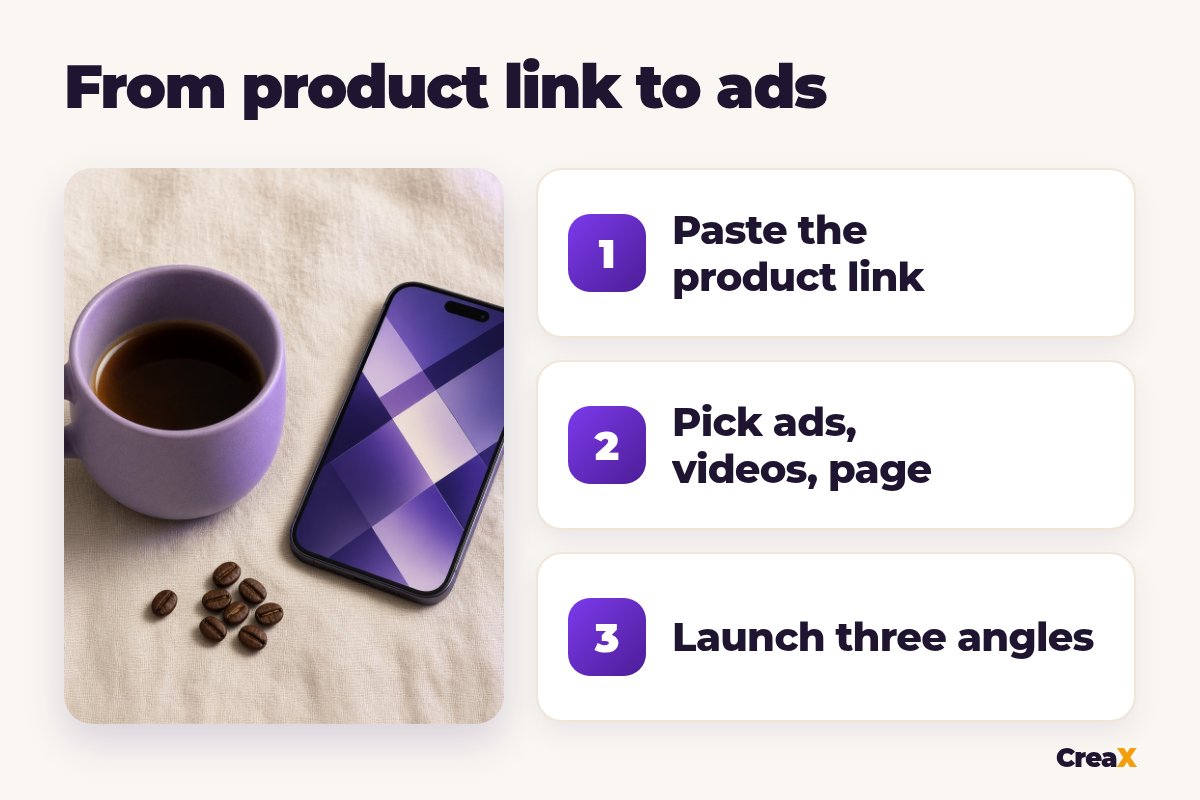
With CreaX
Paste the product link
Pick ads, videos and the page
Check and launch three angles
ExampleWorked example: a ceramic coffee mug
Say you sell a ceramic coffee mug and want to test it on Instagram and TikTok. Here is how the work compares:
| Task | With Clipchamp | With CreaX |
|---|---|---|
| Edit a brand story from your own clips | A strong fit, on the timeline | Not its job |
| Make 3 video ad angles | Film or find footage, then edit each | UGC-style videos, ready to pick |
| Sizes for feed and Stories | Resize and export each one | 1:1, 3:4, 4:5 and 9:16 built in |
| Static product ads | Made in another tool | Five studio ad styles |
| Landing page | Built elsewhere | Generated from the same link, then edited |
A qualitative comparison of the work involved, not a speed or results benchmark.
A sensible plan: use Clipchamp to edit the studio clips you film yourself, and use CreaX for the ads and page you test every week.
!Check every asset before it runs
Choose with confidenceDecision checklist
Answer these before you choose
- ✓Do you need finished ads and a page for a product? CreaX starts from the link.
- ✓Do you edit your own footage? Clipchamp is built for that.
- ✓Do you need screen or webcam recording? Clipchamp has it.
- ✓Do you need video ads without filming? CreaX makes UGC-style videos from the same link.
- ✓Do you want both? Use Clipchamp for content you film and CreaX for weekly product ad tests.
FAQFrequently asked questions
Q.What is Clipchamp?
Q.Can Clipchamp make ads from a product link?
Q.Is Clipchamp free?
Q.Do I need footage for CreaX?
Q.Can I use both?
Q.Which is better for product video ads?
Ready to test your next product?
One product link, about 60–120 seconds, and you have UGC-style video ads, studio ads and a landing page for your next test.
Clipchamp details checked on clipchamp.com, October 2026.
This guide is published by CreaX. We describe other tools from their own public websites, last checked October 2026, avoid invented scores or prices, and recommend checking each vendor's site for current features and plans.
Your next campaign starts with a link.
Paste a product link and get UGC video ads, ad images and a landing page — everything in under 60 seconds.
Start creating