
CreaX vs Ideogram: Which Is Better for Ad Creatives?
by the CreaX team
In this guide
- Understanding the AI Creative Landscape
- Side-by-Side Comparison
- Where Ideogram Wins
- Where CreaX Wins
- Using Both Tools Together
- Frequently asked questions
- Can CreaX create ads in other languages?
- What are the available video durations in CreaX?
- How do I create a landing page in CreaX?
- How does the pricing work for CreaX?
- Is Ideogram good for product ads?
Understanding the AI Creative Landscape
For modern ecommerce sellers, the demand for high-quality visuals is constant. Whether you are a dropshipper, a media buyer, or a small brand owner, you need tools that turn ideas into assets quickly. CreaX and Ideogram represent two different approaches to AI-assisted design. CreaX is an AI marketing-kit platform built specifically for ecommerce, while Ideogram is a powerful general-purpose AI image generator known for its ability to render text within images.

Choosing the right tool depends on whether you need a full-funnel marketing solution or a specialized tool for artistic exploration and graphic design. Understanding the core strengths of each will help you streamline your workflow.
Side-by-Side Comparison
| Feature | CreaX | Ideogram |
|---|---|---|
| Primary Focus | Ecommerce Marketing Kit | General AI Image Generation |
| Landing pages | Yes, from a product link (Simple, Detailed, Advanced) | Not its focus; it creates images from prompts |
| UGC-style video ads | Yes (18, 30 or 45 seconds) | Not its focus |
| Ad image styles | Classic, Humble Orbit, Punch, Luxe, Meta Feed (1:1, 3:4, 4:5, 9:16) | Style options you steer with a text prompt |
| Readable text inside images | Ad copy built into ready-made layouts | A core strength (posters, logos, social graphics) |
| Languages and markets | 40+ languages, 160+ target countries, right-to-left support | Prompt-driven image generation |
| Pricing Model | Free $0, then paid credit plans from $4.99 | Check Ideogram's pricing page |
Where Ideogram Wins
Ideogram is an exceptional tool for creative brainstorming and graphic design. It excels at rendering complex typography, making it a go-to for designing posters, unique logos, and social media graphics where the text is the focal point. If you are looking for open-ended concept art or need to generate artistic imagery that requires specific text overlays, Ideogram provides a high degree of control.
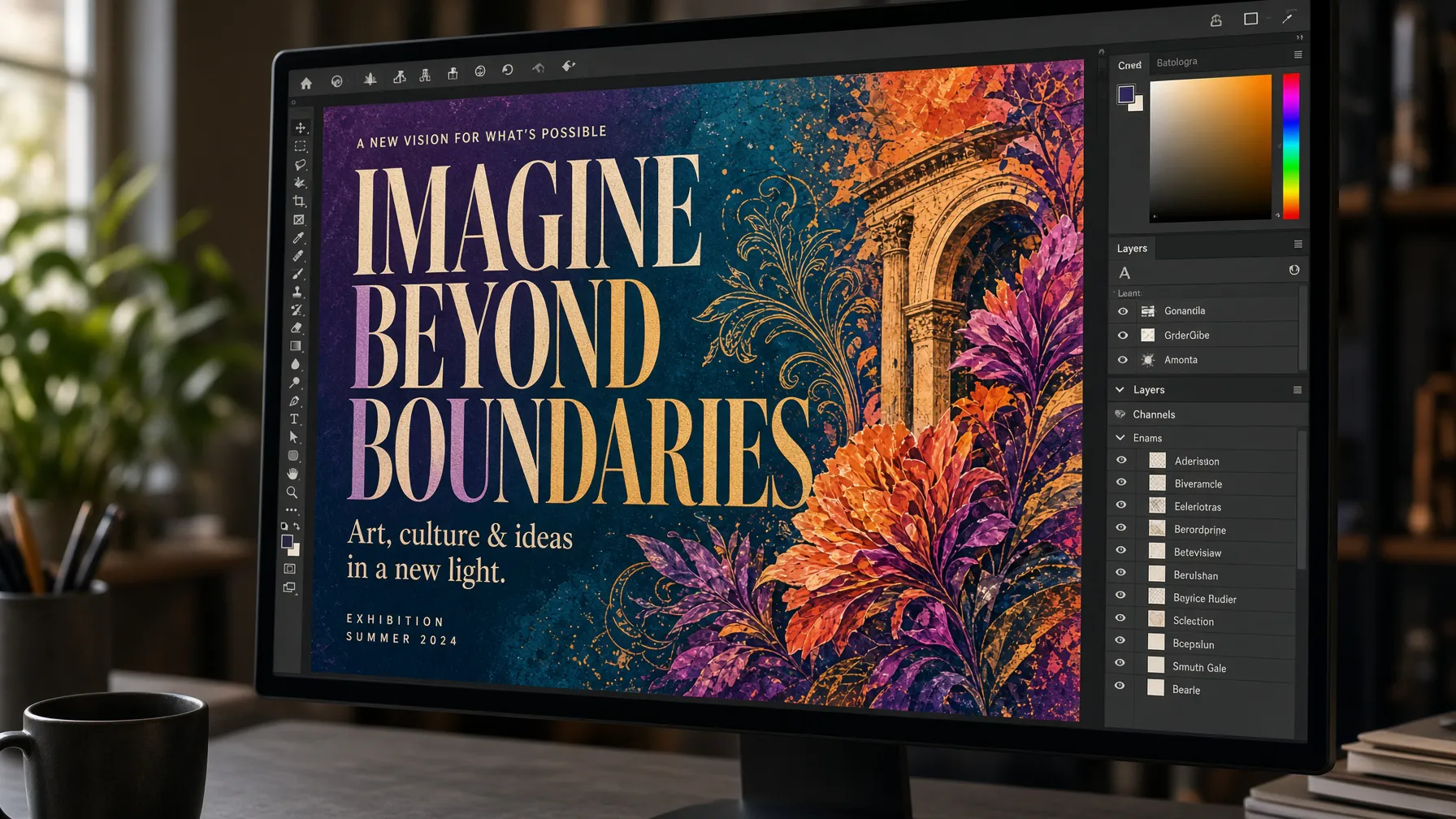
Because it functions as a general-purpose model, it is excellent for art direction and creative exploration. It is a fantastic companion if you are building brand identity from scratch or need to visualize a specific aesthetic for a campaign. For those exploring other options, our guides on CreaX vs Midjourney and best Midjourney alternatives for product photos provide more context on how specialized tools compare to general models.
Where CreaX Wins
CreaX is built specifically to solve the ecommerce seller's workflow. Instead of starting from a blank prompt, you paste a product URL and generate a full suite of assets. This includes landing pages, studio-grade ad images, and UGC-style videos. You can learn more about how to elevate your visuals in our guide to studio ad creatives for product photos.
CreaX allows you to choose from specific styles like CreaX ad styles to ensure your brand remains consistent. Furthermore, it supports 40+ languages and 160+ target countries, including right-to-left languages like Arabic. If you are focused on static ad design that converts, CreaX provides the structure you need to move from a product link to a finished ad in about 60-120 seconds.
Using Both Tools Together
You do not have to choose just one. Many successful merchants use Ideogram to generate unique headlines, concept art, or logo ideas that define the "vibe" of their brand. Once those creative assets are finalized, they bring them into CreaX to produce the actual ad images, landing pages, and UGC videos required for their campaigns. This hybrid approach allows you to benefit from the artistic flexibility of Ideogram while maintaining the high-speed production capabilities of CreaX.

For those familiar with other AI tools, you might also find our comparison of CreaX vs Adobe Firefly useful to see how different platforms fit into your specific marketing stack.
Frequently asked questions
Can CreaX create ads in other languages?
CreaX supports 40+ languages and 160+ target countries, so you can create landing pages and ads for the market you sell to. Pages also support right-to-left languages like Arabic.
What are the available video durations in CreaX?
CreaX generates UGC-style video ads in three specific durations: 18, 30 or 45 seconds.
How do I create a landing page in CreaX?
You simply paste your product URL into the platform. CreaX then generates a landing page for you, with three levels of complexity available: Simple, Detailed or Advanced. It usually takes about 60-120 seconds.
How does the pricing work for CreaX?
CreaX operates on a credit-based subscription model. Plans are Free $0 (0 credits), Basic $4.99 (2,000 credits), Standard $14.99 (6,500), Pro $29.99 (14,000) and Premium $49.99 (25,000), and top-ups cost $1 per 500 credits.
Is Ideogram good for product ads?
Ideogram is great for headline art, posters and concept visuals with readable text. It is not built to turn a product link into ads, videos and a landing page, so many sellers use it for ideas and CreaX for production. For Ideogram plans, check their pricing page.
Your next campaign starts with a link.
Paste a product link and get UGC video ads, ad images and a landing page — everything in under 60 seconds.
Start creating