
What Are Advantage+ Shopping Campaigns on Meta and What Creatives Do They Need?
by the CreaX team
In this guide
- The basicsWhat are Advantage+ shopping campaigns?
- Under the hoodHow do they work?
- SetupDo you need a catalog?
- What to makeWhich creatives do they need?
- FormatsWhich sizes should you make?
- VolumeHow many creatives should you add?
- Avoid theseWhat are the common mistakes?
- CompareAdvantage+ shopping vs a standard sales campaign
- ExampleWorked example: a running sneaker
- Our takeWhere do creatives fit in, and where does CreaX help?
- FAQFrequently asked questions
- Q.What is an Advantage+ shopping campaign?
- Q.Do I need a product catalog?
- Q.What creatives work best?
- Q.Which sizes should I make?
- Q.Can CreaX run Advantage+ campaigns?
- Q.Are they better than standard campaigns?
FAQ · Meta ads
Advantage+ shopping campaigns are Meta's automated campaign type for online sales. Instead of building audiences and placements by hand, you set the goal, budget and creatives, and Meta's AI decides who sees which ad and where. This guide answers the questions store owners ask most: how these campaigns work, whether you need a catalog, and which creatives give the system enough to work with.
By the CreaX team
Key takeaways
- ✓Advantage+ shopping campaigns are automated sales campaigns: Meta's AI handles much of the targeting, placements and ad delivery.
- ✓Your creatives carry more weight because you control fewer settings; the ads you add are one of your main levers.
- ✓Variety helps: different formats, sizes (1:1, 4:5, 9:16), angles and video give the system real options to test.
- ✓CreaX makes the creatives and landing pages; the campaign itself is set up and run in Meta Ads Manager.
In this guide
The basicsWhat are Advantage+ shopping campaigns?
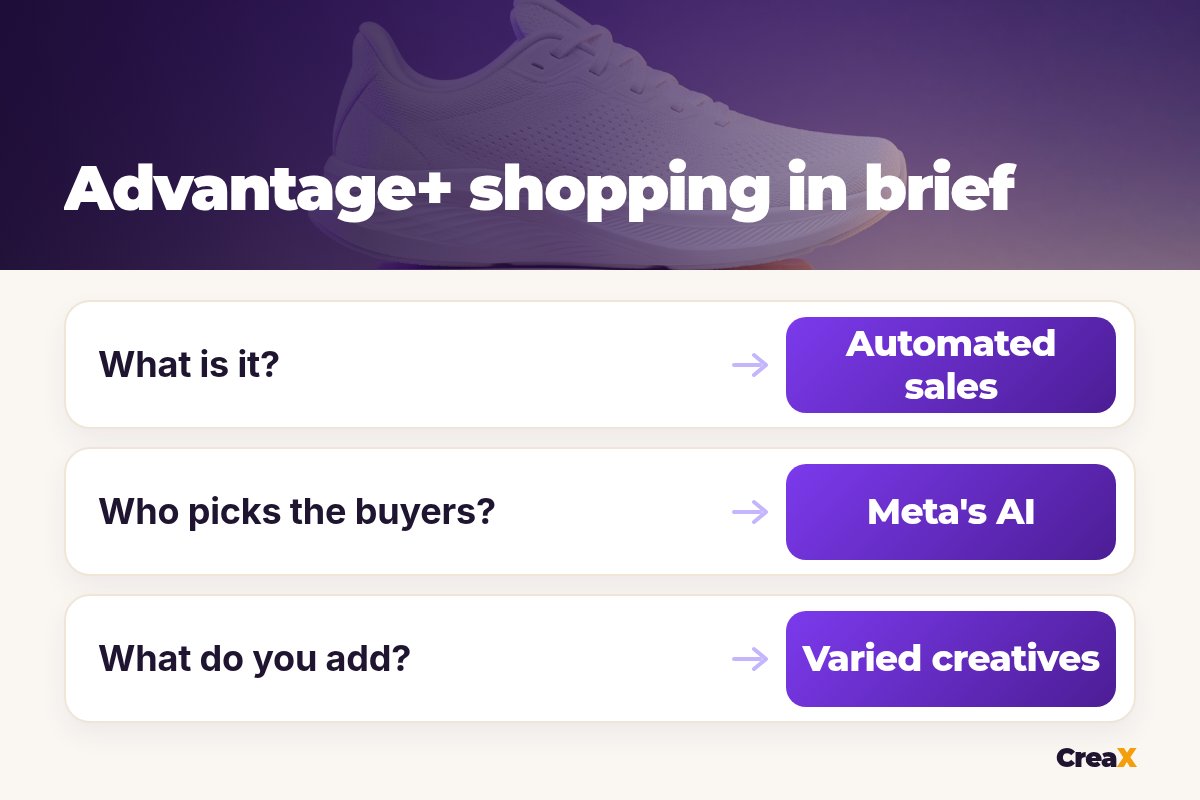
Advantage+ shopping campaigns are a Meta campaign type built for ecommerce sales. Meta describes them in its Business Help Center as a way to use automation to find people likely to buy, with fewer manual choices than a standard sales campaign. You give the campaign a sales goal, a budget, a country and your ads; Meta's AI works out the rest.
Meta has been folding this campaign type into its broader Advantage+ sales campaign setup, and labels in Ads Manager change over time. The idea stays the same: more automation on who and where, and more responsibility on you for what the ads show.
This is part of a wider family of Advantage+ features. Our guide to Advantage+ placements on Meta explains the placement side on its own.
Under the hoodHow do they work?
In a standard campaign you choose detailed audiences, placements and many ad set settings. In an Advantage+ shopping campaign, Meta's AI takes over much of that work:
- Audience: the system looks for likely buyers broadly, rather than relying on narrow interest targeting.
- Placements: ads can run across Meta's apps and placements where the system expects results.
- Creative delivery: the system tests your ads and shows more of the ones that work for each person.
Because targeting is broad, the creative does much of the targeting for you: a video about a pet product tends to reach pet owners. Our article on Advantage+ creatives for dropshipping goes deeper into this idea.
★Think of creatives as your targeting
SetupDo you need a catalog?
No, a product catalog is optional. You can run these campaigns with regular image and video ads. If you have a catalog connected, you can also use catalog-based ads that show products from it. Many small stores start with a handful of strong static and video ads for one hero product.
If you want to understand the catalog side, read what Meta catalog ads are and how collection ads work.
What to makeWhich creatives do they need?
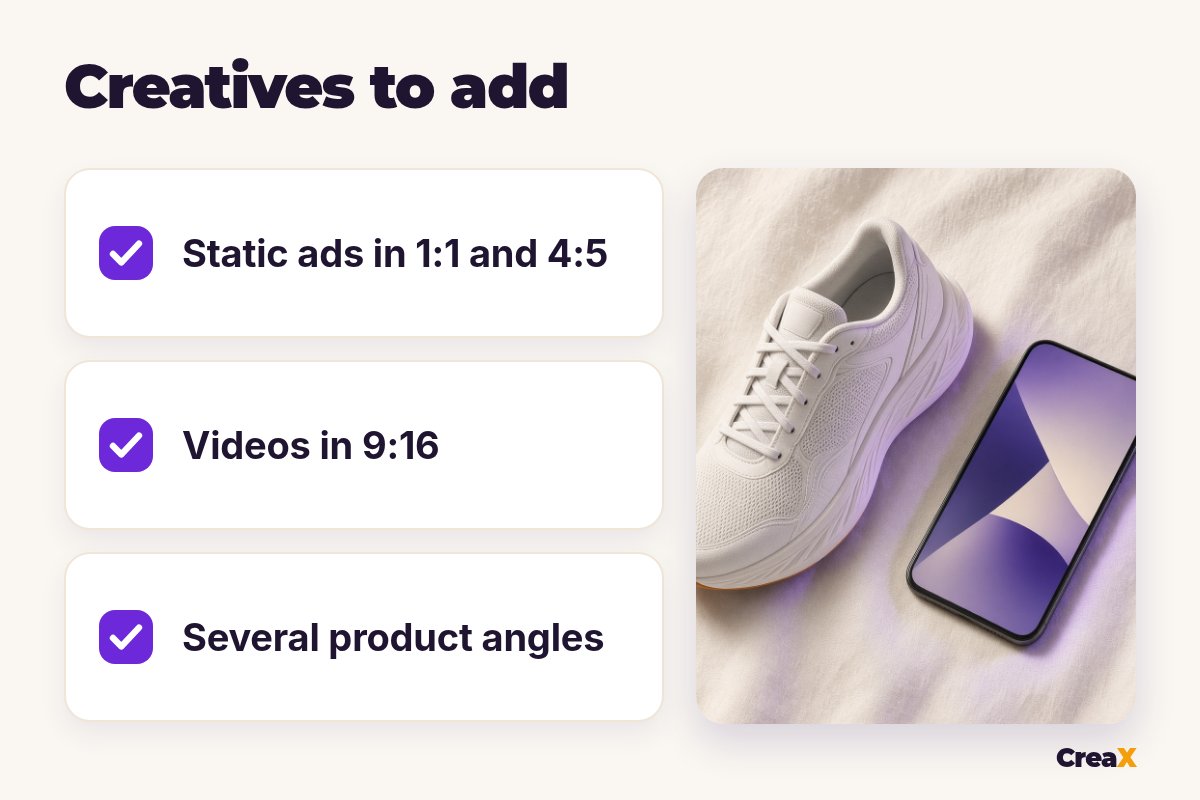
Meta's own guidance for automated campaigns points to variety: different formats and messages give the system more to match with different people. In practice, a good starting mix for one product looks like this:
- Product-first static ads that show the product clearly with one benefit in big text.
- UGC-style video ads that feel native to the feed and explain the product in a few seconds.
- Different angles: a problem it solves, a feature close-up, a gift angle or a comparison with the old way.
- Honest offers only: if there is a sale, say so plainly; if there isn't, don't invent urgency.
For a broader view of how Meta mixes creative elements, see what dynamic creative is on Meta.
FormatsWhich sizes should you make?
Because ads can run in many placements, make each creative in the main shapes so it looks right everywhere:
| Size | Where it fits | Tip |
|---|---|---|
| 1:1 | Feeds | Keep the product centered |
| 4:5 | Mobile feeds | Uses more screen height |
| 9:16 | Stories and Reels | Keep text away from the top and bottom edges |
| 3:4 | Feeds and some grids | A good middle option |
General placement guidance; check Meta's current specs in Ads Manager.
CreaX makes studio ads in all four of these sizes (1:1, 3:4, 4:5 and 9:16), so one product gives you a full set without resizing by hand.
Get a varied creative set from one product link
Studio ads in five styles and four sizes, plus UGC-style videos and a landing page, in about 60–120 seconds.
VolumeHow many creatives should you add?
There is no magic number, and Meta's limits can change. The useful rule is real variety, not volume: several genuinely different angles beat many near-copies of the same image. A practical starting point is a few static ads and a couple of videos per product, each with a different hook.
To learn how to read results without guessing, see creative testing on Meta ads. When a winner appears, add fresh angles around it rather than editing it to death.
Avoid theseWhat are the common mistakes?
Common mistakes
- ✓One creative only. The system has nothing to choose between.
- ✓Near-identical ads. Changing a colour isn't a new angle.
- ✓A page that does not match. The landing page should repeat the ad's promise and product.
- ✓Changing settings every day. Give the campaign time before judging it.
- ✓Invented claims or urgency. Only state what is true about the product and the offer.
!Follow Meta's ad policies
CompareAdvantage+ shopping vs a standard sales campaign
The easiest way to understand the campaign type is to compare who makes each decision. In a standard sales campaign, you make most of the choices; in an Advantage+ shopping campaign, Meta's AI makes many of them and you focus on the inputs.
| Decision | Standard sales campaign | Advantage+ shopping |
|---|---|---|
| Who sees the ads | You build the audience | Mostly Meta's AI, broadly |
| Where ads run | You can pick placements | Mostly automatic |
| Which ad each person sees | Delivery across your ads | The system tests and shifts delivery |
| What you control most | Targeting and settings | Creatives, offer, budget and page |
General comparison; check Meta's Business Help Center for current options.
Neither is better for every store. A standard campaign can help when you need tight control, for example a local offer or a narrow test. The automated route can help when you want the system to search broadly for buyers and you can feed it varied, honest creatives.
ExampleWorked example: a running sneaker
Say you sell a lightweight running sneaker and want to try an Advantage+ shopping campaign. Before you open Ads Manager, prepare the inputs:
- Write down three real angles: comfort on long runs, the light weight in the hand, and the fit for everyday wear.
- Make a clear product static for each angle in 1:1 and 4:5, plus a 9:16 version for Stories and Reels.
- Add a short UGC-style video that shows the shoe from several sides and explains one benefit in the first seconds.
- Build a landing page that repeats the same angles, shows the sizes and answers return and shipping questions.
- Launch with a budget you can hold steady, then read results by creative before adding new angles.
With CreaX, steps two to four come from one product link: the studio ads in four sizes, the UGC-style videos and the landing page. You still check every detail against the real shoe, then set up the campaign itself in Meta Ads Manager.
Our takeWhere do creatives fit in, and where does CreaX help?
Advantage+ shopping campaigns move work from targeting to creative. That's exactly the part CreaX handles. Paste a product link or upload one product image, and in about 60–120 seconds you get:
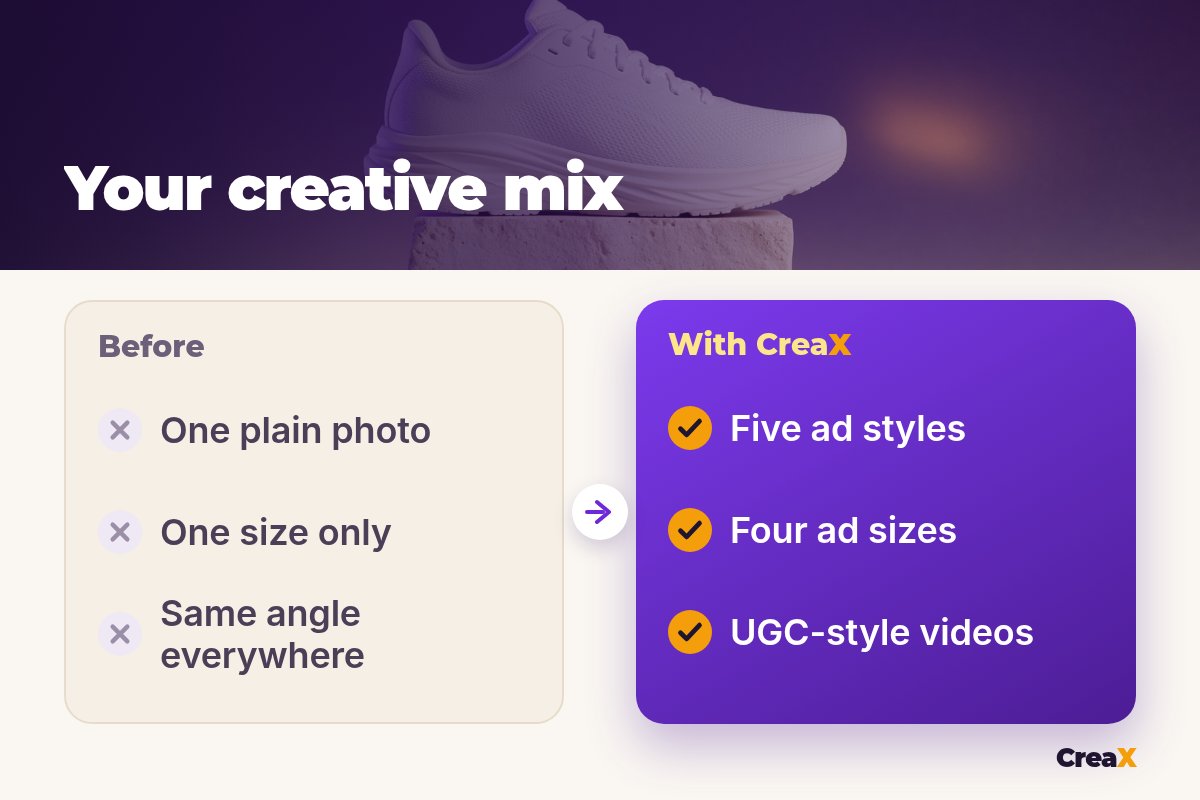
- Studio ad creatives in five styles (Classic, Humble Orbit, Punch, Luxe and Meta Feed) and four sizes.
- UGC-style video ads of 18, 30 or 45 seconds.
- A publish-ready landing page in 40+ languages for 160+ target countries, matching the ads.
You then upload the creatives to Meta Ads Manager and set up the campaign there. CreaX doesn't create or manage Meta campaigns or catalogs; it gives you the varied creative set and the page those campaigns need.
⚖Honest take
Feed your next campaign better creatives
One product link gives you static ads, UGC-style videos and a landing page to upload and test.
FAQFrequently asked questions
Q.What is an Advantage+ shopping campaign?
Q.Do I need a product catalog?
Q.What creatives work best?
Q.Which sizes should I make?
Q.Can CreaX run Advantage+ campaigns?
Q.Are they better than standard campaigns?
Ready for your next Meta test?
One product link, about 60–120 seconds, and you have studio ads, UGC-style video ads and a landing page.
Campaign details checked on Meta's Business Help Center, November 2026. Meta changes names and settings often.
This guide is published by CreaX. We describe other tools from their own public websites, last checked November 2026, avoid invented scores or prices, and recommend checking each vendor's site for current features and plans.
Your next campaign starts with a link.
Paste a product link and get UGC video ads, ad images and a landing page — everything in under 60 seconds.
Start creating