
10 Best Animoto Alternatives for Ecommerce Video Ads
by the CreaX team
In this guide
- TL;DRQuick picks: the best alternative for each job
- The problemWhy sellers look for an Animoto alternative
- MethodHow we chose
- CompareAll 10 at a glance
- The listThe 10 best Animoto alternatives
- CreaX
- CapCut
- VEED
- Canva
- Clipchamp
- Kapwing
- InVideo AI
- Adobe Express
- Biteable
- FlexClip
- DecideHow to choose the right Animoto alternative
- When Animoto is still the right choice
- ExampleWorked example: a compact instant camera
- FAQFrequently asked questions
- Q.What is the best Animoto alternative for ecommerce?
- Q.Which alternative is closest to Animoto?
- Q.Is there a free Animoto alternative?
- Q.Can I make video ads without footage?
- Q.Does CreaX replace a video editor?
- Q.Can I use CreaX with Animoto?
Top 10 · Video tools for product ads
Animoto is a drag-and-drop online video maker that turns your photos and clips into polished videos with templates, music and text. It's a friendly way to make slideshow-style videos without editing skills. If you sell products online, though, you often need more than one video: several ad angles, static ads and a page to send traffic to. This guide ranks the 10 best Animoto alternatives for ecommerce video ads and explains who each one is for.
By the CreaX team
Key takeaways
- ✓CreaX is our first pick for online stores. Paste a product link and get UGC-style video ads, studio ads and a landing page in about 60–120 seconds, no footage or slideshow building needed.
- ✓For editing your own clips, CapCut, VEED, Clipchamp, Kapwing and Adobe Express give you a timeline, captions and templates.
- ✓For template videos, Canva, Biteable and FlexClip are close to Animoto's drag-and-drop style.
- ✓For video from a prompt, InVideo AI drafts a full video from text with stock media and a voiceover.
In this guide
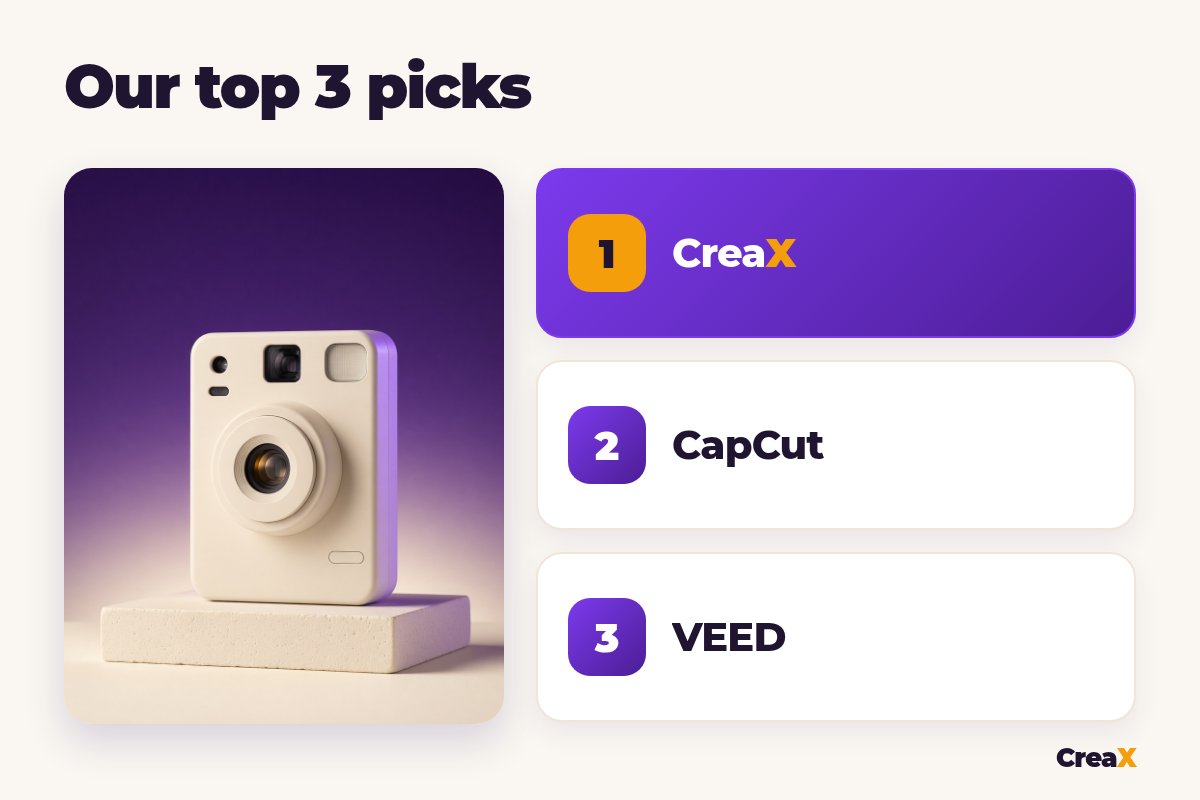
TL;DRQuick picks: the best alternative for each job
| If you need… | Start with | Why |
|---|---|---|
| Video ads and a page from one product link | CreaX | UGC-style videos, studio ads and a landing page |
| Quick social edits on a phone | CapCut | Mobile, desktop and browser editor |
| A browser editor with subtitles | VEED | Online editing with AI helpers |
| Video and design in one place | Canva | Video editor inside a design suite |
| Animated template videos | Biteable | Templates and animations for business videos |
| A video draft from a prompt | InVideo AI | AI video generation from text |
Our shortlist by job, from each company's public website, November 2026.
The problemWhy sellers look for an Animoto alternative
Animoto does a lot well: simple templates, a music library and a drag-and-drop flow that anyone can learn. Online sellers usually look elsewhere for one of these reasons:
- Slideshows can look like slideshows. Photo-to-video templates are great for recaps, but paid social often rewards native-looking, UGC-style video.
- They need many ad angles fast. Building each version by hand takes time when you want to test several hooks for one product.
- They need static ads and a page too. A product test mixes video, image ads and a landing page that matches them.
- They want a different editing style. Some prefer a full timeline, a mobile editor or video from a prompt.
If you are comparing the two directly, our full review of CreaX vs Animoto goes deeper into the differences.
MethodHow we chose
We picked tools that are live, well known and genuinely useful for making video ads, and described each one only from its own website. We did not score them, invent ratings or compare prices. The order reflects our view of how well each fits an online store making product video ads, with CreaX first because it's built for exactly that job.
⚖Our bias, stated upfront
CompareAll 10 at a glance
| Tool | What it is | Best for | Needs your footage? |
|---|---|---|---|
| CreaX | AI ecommerce creative OS | Video ads, static ads and a page from one link | No |
| CapCut | Video editor | Short social video edits | Yes |
| VEED | Online video editor | Browser edits with subtitles | Mostly |
| Canva | Design suite with a video editor | Video and design in one place | No, templates help |
| Clipchamp | Microsoft's video editor | Simple edits in the browser or on Windows | Mostly |
| Kapwing | Online video editor | Team editing in the browser | Mostly |
| InVideo AI | AI video generator | Video drafts from a prompt | No, stock media |
| Adobe Express | Quick design and video app | Simple social videos on brand | Mostly |
| Biteable | Online video maker | Animated template videos | No, templates help |
| FlexClip | Online video maker | Template videos in the browser | No, templates help |
From each company's public website, November 2026. Features change, so check each site.
Skip the slideshow, get the product video ads
Paste one product link and get UGC-style video ads, studio ads and a landing page in about 60–120 seconds.
The listThe 10 best Animoto alternatives
CreaX
Best for: video ads, static ads and a page from one product link
CreaX starts from the product, not from footage or a slideshow. Paste a product link (your store, Alibaba, AliExpress, Amazon, Etsy or any product page) or upload one image, and in about 60–120 seconds you get UGC-style video ads of 18, 30 or 45 seconds, studio ad creatives in five styles (Classic, Humble Orbit, Punch, Luxe and Meta Feed) and four sizes (1:1, 3:4, 4:5, 9:16), and a publish-ready landing page in 40+ languages for 160+ target countries.
Good for
- Video ads, static ads and a page from one link
- No footage or editing needed
- Plans from $4.99/month, top-ups $1 per 500 credits
Keep in mind
- Not a general timeline editor
- The Free plan has 0 credits
CapCut
Best for: short social video edits
CapCut is a video editor for mobile, desktop and the browser, with templates, effects, auto captions and AI tools.
Good for
- Mobile, desktop and browser
- Many templates and effects
Keep in mind
- You bring and edit the footage
- No landing page
VEED
Best for: browser edits with subtitles
VEED is an online video editor with auto subtitles, AI tools and templates for social video.
Good for
- Easy browser editor
- Subtitles and AI helpers
Keep in mind
- You build each ad
- No product pages
Canva
Best for: video and design in one place
Canva includes a video editor inside its design suite, with video templates, stock media and the same brand kit you use for other designs.
Good for
- Video and graphics in one tool
- Many templates
Keep in mind
- You design each ad
- No product landing page from a link
Clipchamp
Best for: simple edits in the browser or on Windows
Clipchamp is Microsoft's video editor, with templates, stock media, AI voiceovers and auto subtitles. Our list of the best Clipchamp alternatives compares it with similar editors.
Good for
- Friendly timeline
- Voiceover and subtitles
Keep in mind
- You bring the footage
- No landing page
Kapwing
Best for: team editing in the browser
Kapwing is an online video editor with AI tools for subtitles, resizing, trimming and repurposing content, built for teams working together.
Good for
- Collaborative browser editor
- Repurposing and resizing tools
Keep in mind
- You bring the footage
- No landing page
InVideo AI
Best for: video drafts from a prompt
InVideo AI generates videos from a text prompt, with a script, stock footage, voiceover and edits you can change by typing instructions. See the best InVideo AI alternatives if you are weighing it too.
Good for
- Video drafts from text
- Voiceover included
Keep in mind
- Stock footage, not your exact product
- No landing page
Adobe Express
Best for: simple social videos on brand
Adobe Express is Adobe's quick design app, with templates for social graphics and short videos, brand kits and AI features.
Good for
- Templates for graphics and video
- Brand kits
Keep in mind
- You design each ad
- No product landing page from a link
Biteable
Best for: animated template videos
Biteable is an online video maker with templates, animations and branding tools, aimed at business and workplace videos. Our review of CreaX vs Biteable covers how it compares for product ads.
Good for
- Animated templates
- Easy for non-editors
Keep in mind
- Built for general business videos
- No product landing page
FlexClip
Best for: template videos in the browser
FlexClip is an online video maker with templates, stock media and AI tools for quick videos in the browser.
Good for
- Many templates
- Browser-based
Keep in mind
- You build each ad
- No landing page
DecideHow to choose the right Animoto alternative
Start from the job, not the tool. Ask yourself three questions:
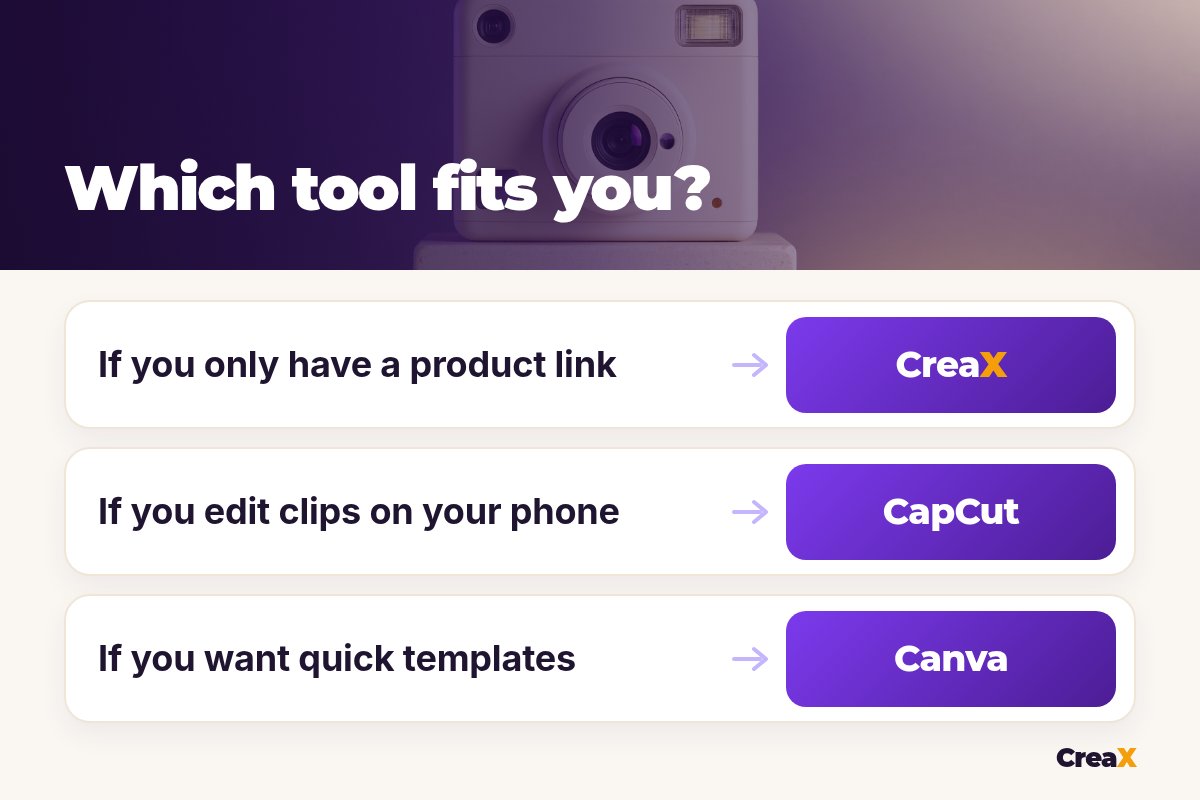
- Do you have clips, or only a product? Editors need clips, template and prompt tools use stock media, and CreaX starts from the product link.
- Is the video a recap or an ad? Template makers suit recaps, promos and explainers; CreaX suits product ads you plan to test.
- Do you need a page too? Only CreaX gives you a landing page from the same link, so ad and page match.
For a wider view, our guide to the best AI video generators for product ads covers more options, and the best Pictory alternatives list looks at script-to-video tools.
When Animoto is still the right choice
If you want to turn a set of photos and short clips into a tidy video with music, such as a store recap, a real estate tour or a thank-you video, and you value a simple drag-and-drop flow, Animoto is a solid tool and may be all you need. For paid tests of a new product, though, you usually want several videos built around one product and one offer, plus static ads and a page, which is the job CreaX is made for.
Before you switch
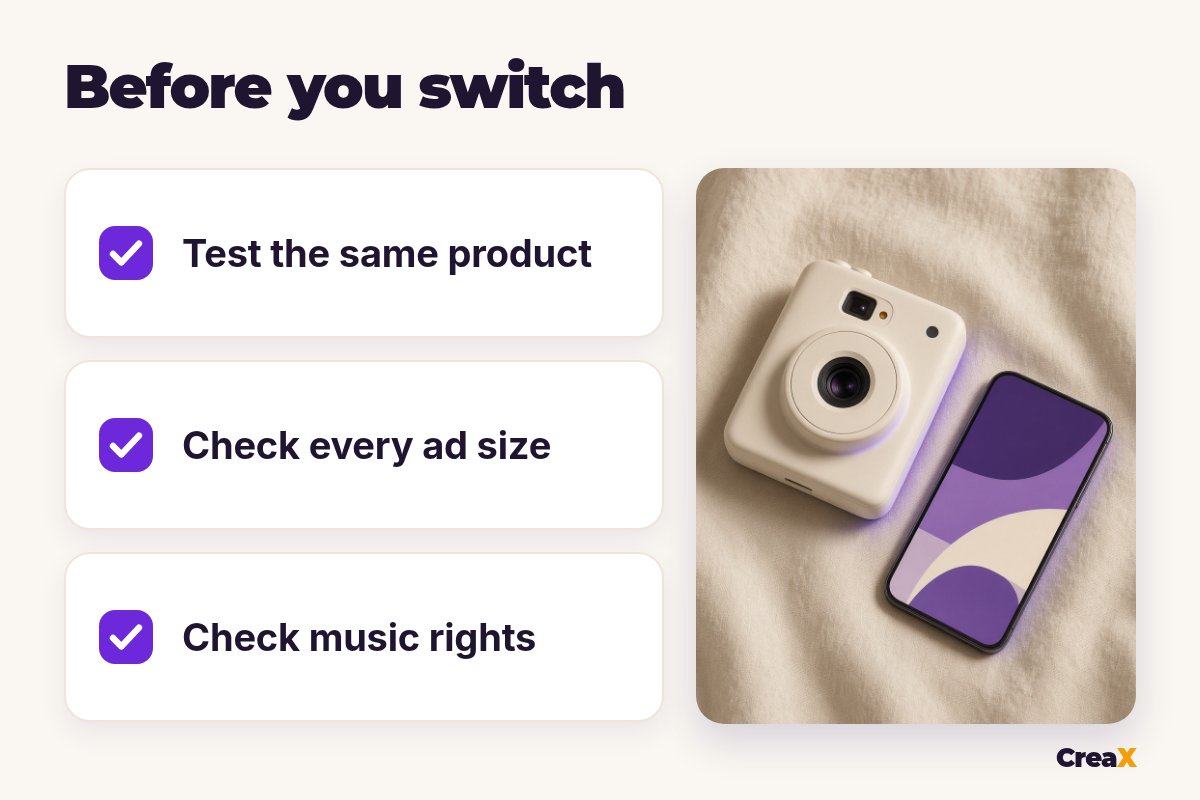
- ✓Run the same product through two or three tools.
- ✓Check the product in every frame: shape, colour, label.
- ✓Check every size you need for feed, Stories and Reels.
- ✓Check usage rights for stock footage, music and AI voices.
- ✓Launch three angles with the same budget before you decide.
Turn a product link into video ads
Get UGC-style video ads, studio ads and a matching landing page from one product link, then launch them wherever you run ads.
ExampleWorked example: a compact instant camera
Say you are launching a compact instant camera and need video ads for TikTok and Instagram. You have product photos from the supplier but no video. Here's how three approaches compare:
| Task | With Animoto | With a prompt tool | With CreaX |
|---|---|---|---|
| Starting point | Your photos and clips | A text prompt | The product link |
| Three video ad angles | Build each one from a template | Three prompts, stock visuals | UGC-style videos, ready to pick |
| Static ads | Another tool | Another tool | Studio ads in five styles |
| Landing page | Built elsewhere | Built elsewhere | Generated from the same link |
A qualitative comparison of the work involved, not a speed or results benchmark.
Template makers fit when you have photos and want one polished video. When you need product video ads to test this week, starting from the product link saves steps and keeps ad and page consistent.
!Check every asset before it runs
FAQFrequently asked questions
Q.What is the best Animoto alternative for ecommerce?
Q.Which alternative is closest to Animoto?
Q.Is there a free Animoto alternative?
Q.Can I make video ads without footage?
Q.Does CreaX replace a video editor?
Q.Can I use CreaX with Animoto?
Ready to test your next product?
One product link, about 60–120 seconds, and you have UGC-style video ads, studio ads and a landing page for your next test.
Tool details checked on each company's website, November 2026.
This guide is published by CreaX. We describe other tools from their own public websites, last checked November 2026, avoid invented scores or prices, and recommend checking each vendor's site for current features and plans.
Your next campaign starts with a link.
Paste a product link and get UGC video ads, ad images and a landing page — everything in under 60 seconds.
Start creating