
What Are TikTok Spark Ads (and Should Ecommerce Brands Use Them)?
FAQ · TikTok ads
TikTok Spark Ads let you run a real TikTok post as an ad, from your own account or from a creator who gives you permission. The likes, comments, shares and follows the ad earns stay on that post. Here is what Spark Ads are, how they differ from regular in-feed ads, how to get a Spark code, and when they make sense for an ecommerce brand.
Updated October 2026 · By the CreaX team
Key takeaways
- ✓A Spark Ad is a paid boost of an organic TikTok post. Engagement from the ad is credited to the original post and account.
- ✓A regular in-feed ad is a video uploaded only as an ad. It does not live on a TikTok profile in the same way.
- ✓To spark a creator’s post, they turn on ad authorization in the TikTok app, choose how long it lasts and send you a code.
- ✓Spark Ads work best when the post already looks native: a fast hook, the product in use and a clear reason to click. CreaX helps you make that kind of video from a product link.
In this guide
TL;DRThe short answer
Spark Ads are TikTok's native ad format: you pay to show an existing organic post to more people, and the post keeps its handle, caption, sound and engagement. TikTok's help center describes it as a format that uses posts from organic accounts so that views, comments, shares, likes and follows from the promotion are attributed to those posts.
For ecommerce brands, that matters in two ways. First, the ad looks like a normal TikTok, which tends to fit the feed better than an obvious ad. Second, the social proof it builds stays on your account (or your creator's) after the campaign ends. Spark Ads are worth using once you have posts that already work as content. They will not rescue a weak video.
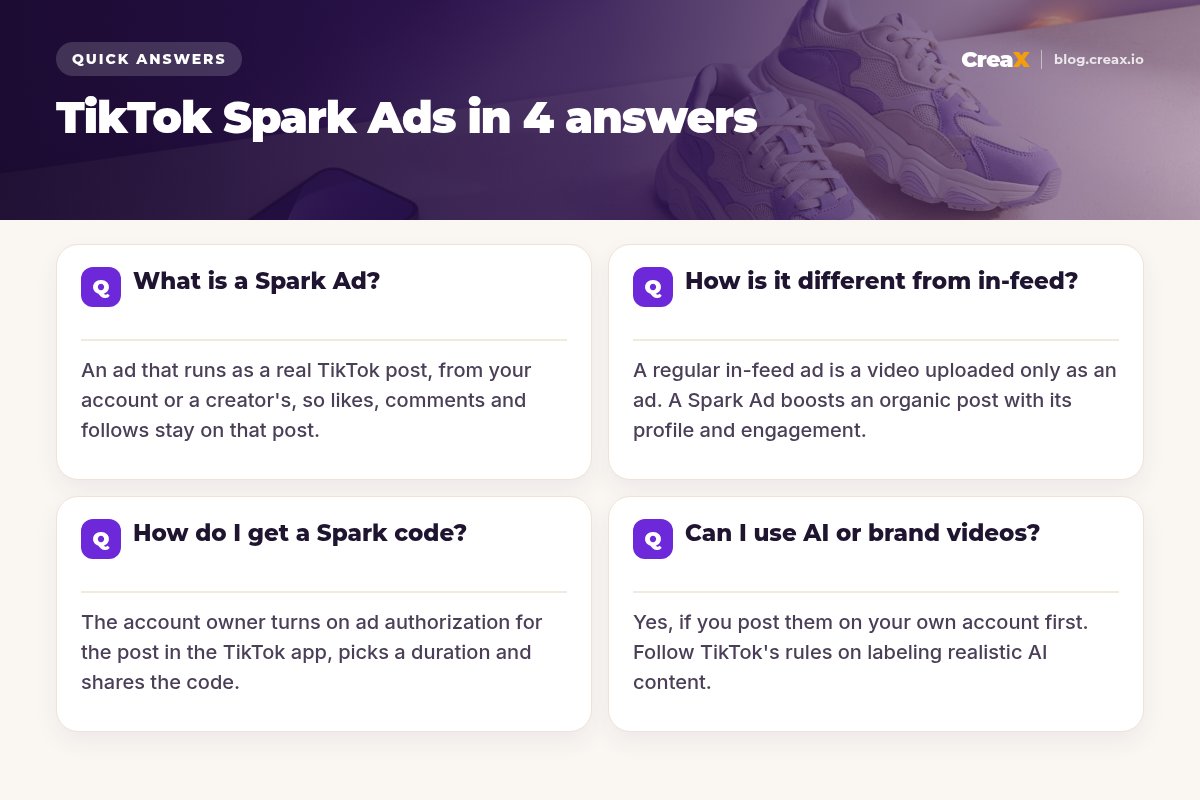
Q1What is a Spark Ad?
A Spark Ad is an ad built from a post that already exists on a TikTok account. There are two ways to run one:
- Your own posts. Link your brand's TikTok account to TikTok Ads Manager (through Business Center) and choose any of its posts.
- A creator’s posts. A creator publishes a video on their own account, authorizes it for ads, and you run it from your ad account. The ad shows their name and profile.
When someone sees the ad, it behaves like any other post: viewers can like, comment, share, follow the account, tap the sound or visit the profile. You add a call-to-action button and a landing page, so it can still drive traffic and sales.
TikTok's help center lists Spark Ads under most auction objectives, including traffic, video views, community interaction, lead generation, conversions and sales. So you can use them for a sales campaign, not just for awareness.
iSpark Ads vs the Promote button
Q2How is it different from a regular in-feed ad?
Both appear in the For You feed. The difference is where the video lives and what happens to the engagement:
| Spark Ad | Regular in-feed ad | |
|---|---|---|
| Where the video lives | On a real TikTok account (yours or a creator's) | Uploaded in Ads Manager as an ad |
| Name shown | The account that posted it | Your ad identity |
| Likes, comments, follows | Stay on the original post and account | Stay with the ad |
| Tapping the profile | Opens the real TikTok profile | Opens the landing page |
| Editing the caption | Comes from the organic post | Written in Ads Manager |
| Best for | Native-looking content and creator posts | Ads you do not want on your profile |
Summarised from TikTok's Ads Manager help center, October 2026. TikTok changes details often, so check the current help pages.
One practical difference: because a Spark Ad is a real post, it must be a post you are happy to show on that profile. If you want to test ten rough hook variations without filling your feed, regular in-feed ads are tidier. Many brands do both: test hooks as in-feed ads, then post the winners organically and spark them.
Q3How do I get a Spark code?
For your own account, you do not need a code: link the account in Business Center and pick the post. For a creator's post, the creator generates a code in the TikTok app. TikTok's steps are:
The creator opens the post
They turn on ad authorization
They copy the code
You apply it in Ads Manager
You build the ad
!Codes expire
Agree the commercial terms before you ask for a code: what you pay, how long you can run the post, whether you can use it on other platforms, and how the partnership is disclosed. Our comparison of UGC vs influencer marketing covers how these deals usually differ.
Q4Can I use AI or brand videos as Spark Ads?
Yes, as long as the video is first posted organically on an account you control. That includes videos you filmed yourself, edited product demos, and AI-generated UGC-style videos. The workflow is simple: post it on your brand account, check it reads well as normal content, then spark it.
A few rules apply:
- Label realistic AI content. TikTok asks for AI-generated content that looks realistic to be labeled. Check its current rules before you post. Our guide on whether AI UGC ads are allowed on Meta and TikTok covers the basics.
- Do not imply a real customer. An AI presenter is not a customer review. Do not write captions like “I bought this and it changed my life” for an AI video.
- Keep claims provable. Ad review applies to Spark Ads too, and an organic post that has been banned will be rejected as an ad.
- Make it native. Brand videos that look like TV ads often struggle as Spark Ads. Vertical, fast, product-in-hand content fits better.
DecideShould ecommerce brands use Spark Ads?
Spark Ads are a good fit when:
- You or your creators already post content that gets views and comments without paid support.
- You want the engagement from your ad budget to build your own account over time.
- You work with creators and want their audience to recognise them in the ad.
- Your product is easy to show in a short, native-looking clip.
They are a weaker fit when:
- You have no organic presence yet and do not want test videos on your profile.
- You need to test many rough variations quickly (regular in-feed ads keep your profile clean).
- Your creative depends on a polished, branded look rather than a creator-style feel.
Either way, the creative decides the result. If your TikTok ads get views but no sales, the problem is usually the hook, the offer or the page, not the format. See our guide to TikTok ads with views but no sales.
Make native-looking TikTok videos from one product link
CreaX turns a product link or image into UGC-style video ads, studio creatives and a matching landing page, ready to post and test.
MistakesCommon mistakes to avoid
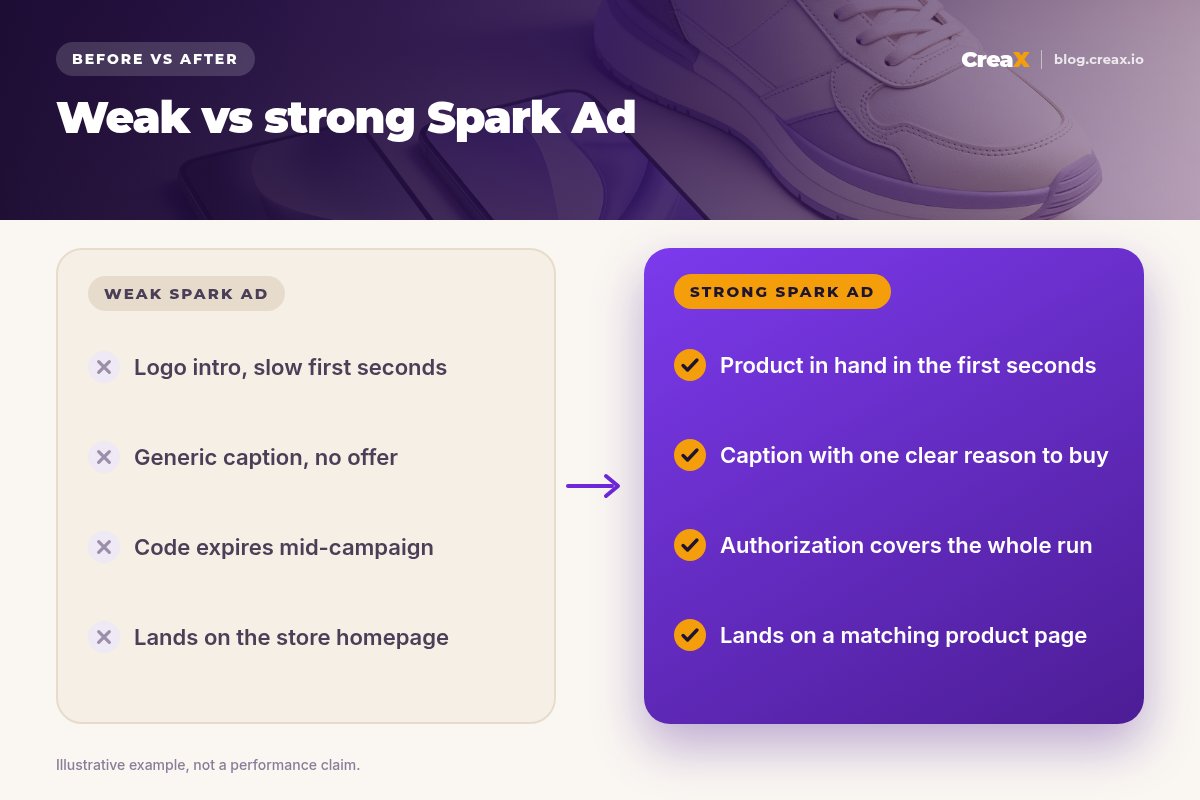
- Sparking a post that did not work as content. Paid reach makes a weak post more expensive, not better.
- Letting the code expire mid-campaign. Match the authorization period to your schedule.
- Sending traffic to the homepage. Link to the product page or a landing page that repeats the video's promise.
- Ignoring the comments. Spark Ads collect real comments. Answer questions about sizing, shipping and use, and hide spam.
- No disclosure on creator posts. Paid partnerships need to be disclosed under TikTok's rules and local advertising law.
- Only one creative. Spark several posts with different hooks and let results decide. Our guide on hook rate explains how to compare them.
ChecklistSpark Ad checklist you can copy
Before you launch
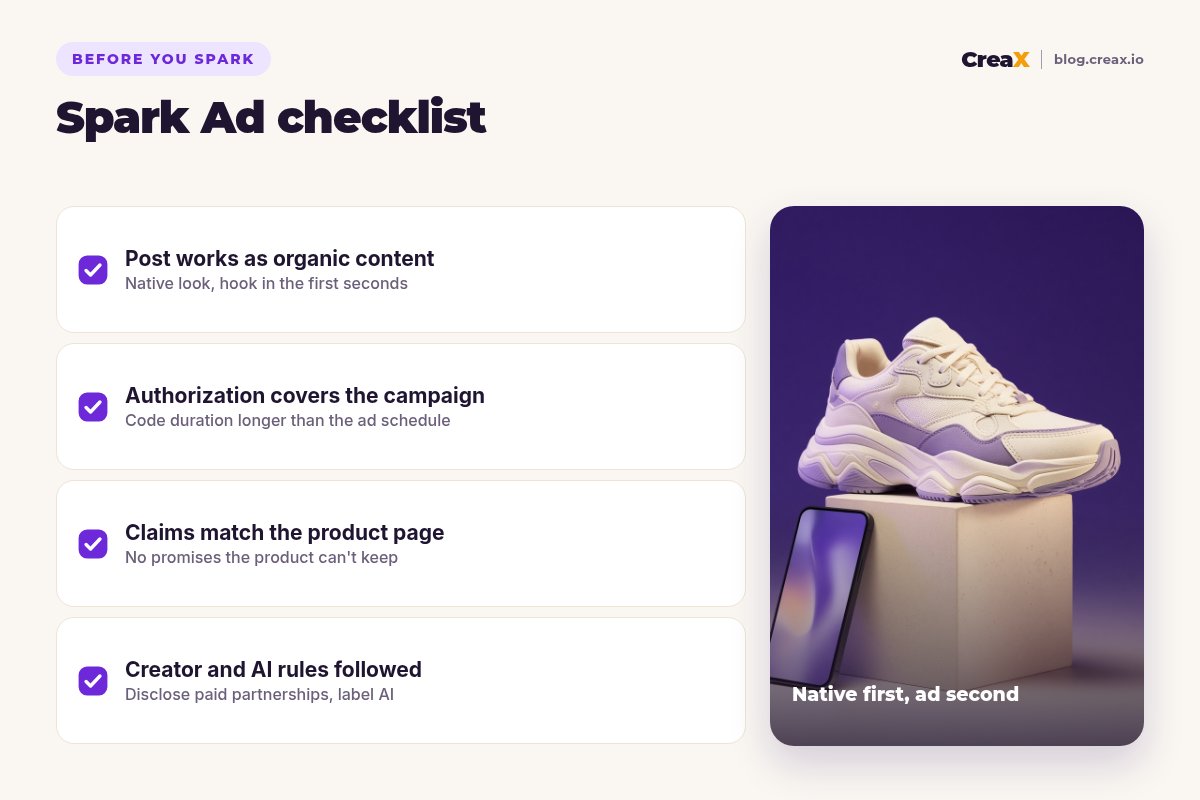
- ✓The post works as organic content: vertical, native look, product visible in the first seconds.
- ✓The hook is clear: one problem or desire, said or shown right away. See UGC ad hooks that stop the scroll.
- ✓Authorization covers the full campaign: code duration longer than the ad schedule.
- ✓The CTA and landing page match: the page repeats the promise of the video.
- ✓Claims are provable: materials, results and shipping times you can back up.
- ✓Disclosure is handled: paid partnership labels for creators, AI labels where required.
- ✓You have at least 3 posts to test: different hooks, same offer.
CreaXHow CreaX helps (briefly)
Spark Ads need posts worth boosting. CreaX is an AI ecommerce creative OS: paste a product link or upload a product image and, in about 60–120 seconds, you get UGC-style video ads (18, 30 or 45 seconds, in vertical 9:16 among other sizes), studio ad creatives, a publish-ready landing page and a multi-tenant store.
For TikTok, that means you can post several product videos on your brand account, see which ones people watch, and spark the winners, with a landing page that already matches the video. Our guide to making a TikTok Shop video ad from a product link walks through the workflow.
Get videos worth sparking
Paste a product link and get UGC-style video ads, studio creatives and a landing page you can test on TikTok today.
FAQMore questions sellers ask
Q.Are Spark Ads better than regular TikTok ads?
Q.Do I need a TikTok account to run Spark Ads?
Q.How long does a Spark Ad authorization last?
Q.Can I edit a creator's video for a Spark Ad?
Q.Do Spark Ads work for TikTok Shop?
Q.Can I run a CreaX video as a Spark Ad?
Ready to test TikTok ads that look native?
One product link, about 60–120 seconds, and you have UGC-style videos, studio creatives and a landing page for your first test.
This guide is published by CreaX. We describe TikTok Spark Ads from TikTok's own help center as of October 2026. Ad platform features and policies change often, so check TikTok's current help pages before you launch.