
Should You Put a Video on Your Product Page? Questions Answered
FAQ · Product pages
Should you put a product video on your product page? For most physical products, yes, as long as the video shows something your photos cannot: the product moving, in use, at its real size, with its real texture. This guide answers the questions sellers ask most: where the video should go, how long it should be, whether it should autoplay, how to keep the page fast, and whether you can simply reuse your ad video.
Updated October 2026 · By the CreaX team
Key takeaways
- ✓A product page video earns its place when it shows what photos cannot: use, scale, texture, fit or a quick demo. A slow brand film rarely does.
- ✓Put it in the main product gallery, usually as the second or third item, so shoppers find it where they already swipe.
- ✓Keep it short and silent-friendly: the product on screen in the first seconds, captions or on-screen text, and no long logo intro.
- ✓You can often reuse your ad video: cut the hard sell, keep the demo, and make sure every claim matches the page. CreaX makes UGC-style product videos from a product link.
In this guide
TL;DRThe short answer
Yes, add a video to your product page if you can make one that answers a buyer's question faster than a photo can. Shopify's own help center puts it this way: media such as video on your product page can increase a customer's confidence in your products. That confidence is the whole point. Online shoppers cannot pick the product up, so the video has to do it for them.
What matters is what the video shows, not that a video exists. A 10-second clip of a hand pressing the button, the product working and a close-up of the finish usually does more than a polished minute of lifestyle mood shots. If you only have time for one, make the demo.
iNo magic numbers here
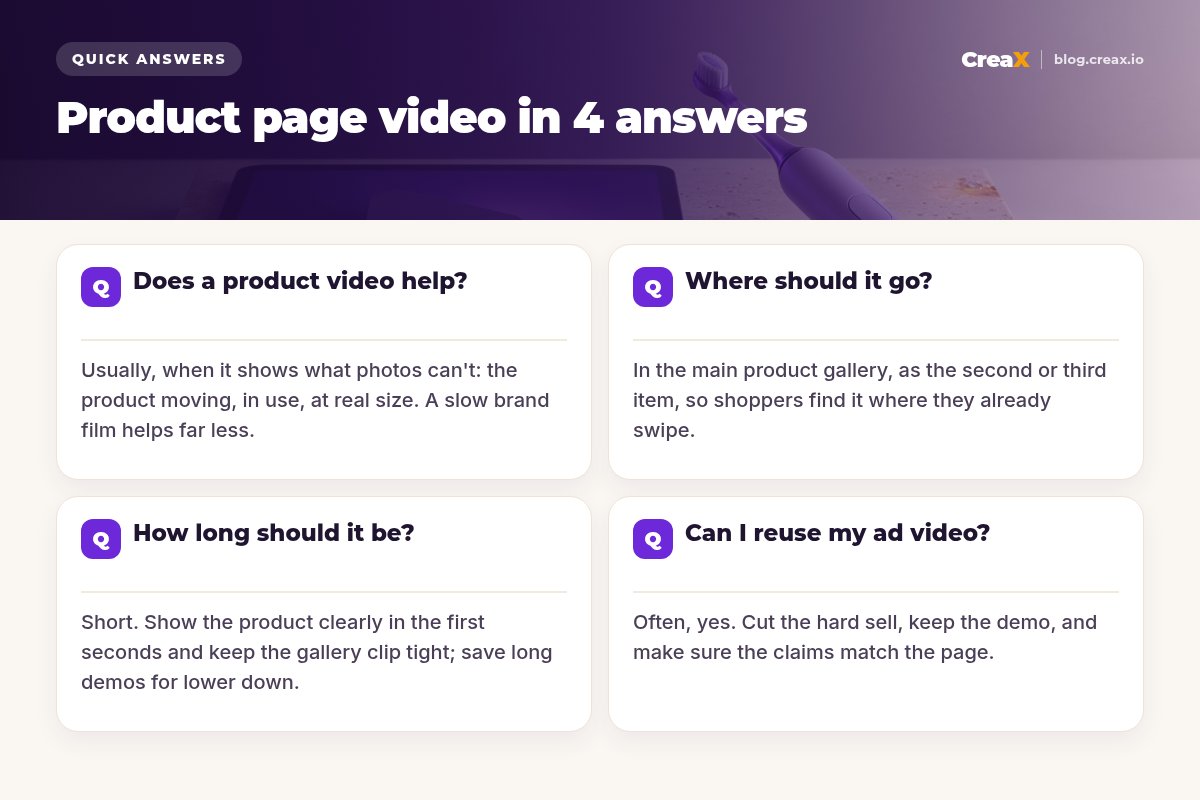
Q1Does a product video help?
A video helps most when the product has something that is hard to judge from still images. Ask yourself which of these your buyers worry about:
- How it works. Gadgets, kitchen tools, cleaning products and anything with a button, hinge or moving part.
- Size and scale. Bags, lamps, planters and furniture look different in a hand or a room than on a white background.
- Texture and finish. Fabrics, skincare textures, ceramics and jewellery catch light in ways photos flatten.
- Fit and movement. Clothing, shoes and accessories show drape, stretch and fit far better in motion.
- Set-up effort. Assembly, installation or charging, shown in a few seconds, removes a common reason to hesitate.
If your product is simple and well understood (a plain phone case, a basic T-shirt in a known size), a video is less important than clear photos, a strong headline and honest details. It can still help, but it will not fix a weak offer or a confusing page. Our guide to what makes a high-converting product page covers the other parts that matter.
What should the video show?
- The product, clearly, in the first seconds.
- The main use or benefit, demonstrated rather than described.
- One or two details buyers ask about (size in hand, texture, a feature).
- What comes in the box, if that is a question you get.
- A simple end frame: the product again, no hard sell needed on a product page.
Q2Where should it go?
Put the video inside the main product gallery, the image carousel at the top of the page. That is where shoppers already swipe, especially on mobile. Most sellers place it as the second or third item: the first image stays a clean hero photo that loads instantly and works in search results and shared links, and the video comes next.
On Shopify you can add a video to a product in two ways: upload the file, or embed a YouTube or Vimeo link. Shopify's help center lists uploaded videos up to 10 minutes, up to 1 GB and up to 4K, and notes that your theme has to support video in the product media gallery. Online Store 2.0 themes do. Other platforms, including WooCommerce themes, have their own gallery options, so check your theme documentation.
A second, longer video lower on the page also works well for products that need explaining: a full demo, a set-up walkthrough or a short comparison. Keep the gallery clip short and let the curious scroll for more.
| Placement | Best for | Watch out for |
|---|---|---|
| Main gallery, 2nd or 3rd item | Quick demo of the product in use | Theme must support video in the gallery |
| Main gallery, 1st item | Products that only make sense moving | Slower first view; weak thumbnail in shares |
| Lower on the page | Longer demo, set-up or how-to | Many shoppers never scroll that far |
| Pop-up or separate tab | Rarely a good idea | Hidden, extra clicks, easy to miss |
General guidance, not a benchmark. Test placement on your own store.
Q3How long should it be?
For the gallery, short. There is no official ideal length, but the logic is simple: the clip should show the product and its main use before a shopper swipes to the next image. Many good gallery videos are well under a minute, and plenty are 15 to 30 seconds. A longer demo can live lower on the page.
Think in seconds of value, not total length. If the product is on screen and doing something in the first two seconds, a 30-second clip feels quick. If the first five seconds are a logo animation, a 10-second clip feels slow. Our guide on how long a video ad should be covers the same idea for ads.
Get a product video without a shoot
Paste a product link or image into CreaX and get UGC-style video ads, studio creatives and a landing page, ready to review and use.
Q4Can I reuse my ad video on the product page?
Often, yes, and it is one of the easiest wins. An ad video and a product page video do slightly different jobs, though:
| Ad video | Product page video | |
|---|---|---|
| Job | Stop the scroll and earn the click | Answer questions and build confidence |
| Opening | A hook in the first seconds | The product, clearly, right away |
| Tone | Can be bold or problem-led | Calm, clear, demonstration |
| Ending | A call to action to shop | The product again; the page has the button |
| Sound | Mostly watched muted in feeds | Usually starts muted on the page |
So reuse the demo, not the pitch. Trim the hook if it only makes sense in a feed, cut any “shop now” or discount call-outs that do not match the page, and keep the parts where the product is used. If your ad shows a claim (battery life, materials, results), make sure the page states the same thing and that you can prove it.
One bonus: when the video on the page matches the ad a shopper just clicked, the page feels like a continuation of the ad. That message match is the same idea behind a good landing page vs product page decision.
!AI and UGC-style videos on product pages
BonusShould it autoplay, and will it slow my page?
Most browsers only allow videos to autoplay when they are muted, so if you autoplay, design for silence: captions or on-screen text, and nothing that depends on the voice-over. Many stores let the gallery video play on tap instead, which is simpler and avoids surprising shoppers. Either way, a clear thumbnail (the product, not a black frame) matters.
Page speed is the real risk. A large video file loading at the top of the page can delay everything else. Keep it light:
- Compress the file and avoid uploading far more resolution than a phone screen needs.
- Keep the first gallery item a photo so the page shows something instantly.
- Use your platform’s video hosting (or YouTube/Vimeo embeds) rather than a heavy custom player.
- Check on a real phone over mobile data, not just on office Wi-Fi.
MistakesCommon mistakes to avoid
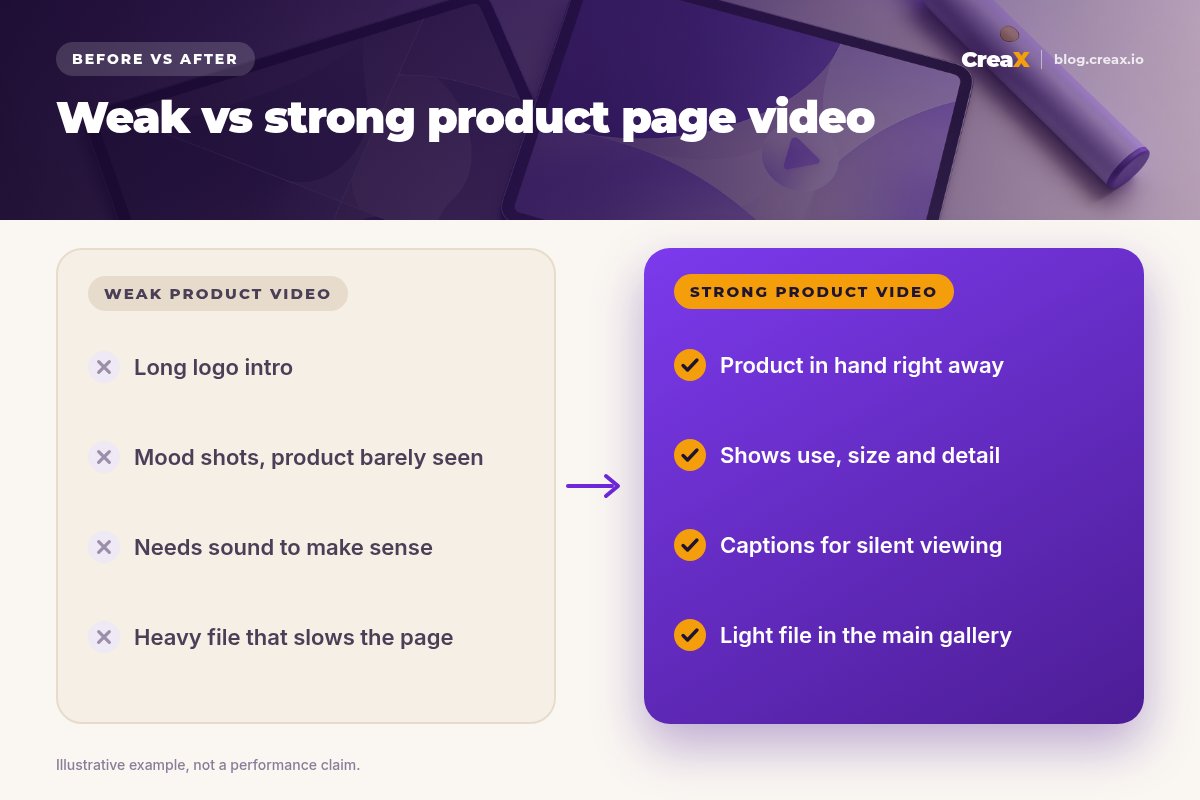
- A long logo or brand intro. Shoppers came for the product. Start with it.
- Mood shots where the product is barely visible. Pretty, but it answers nothing.
- A video that needs sound. Add captions or on-screen text so it works muted.
- Hiding the video. A separate tab or pop-up means most people never see it.
- Claims the page does not support. If the video says it, the page and the product must back it up.
- A heavy file first in the gallery. Lead with a fast hero image, then the video.
ChecklistChecklist you can copy
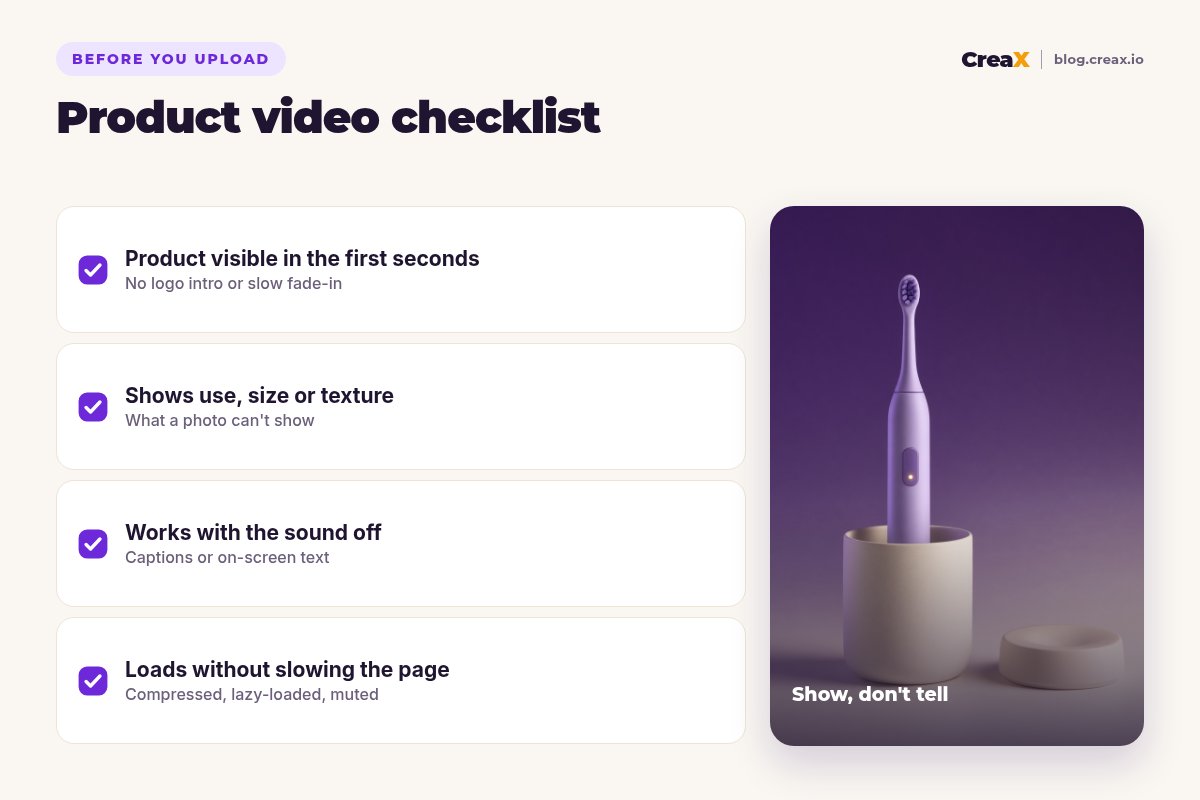
Before your video goes live
- ✓The product is on screen in the first seconds, with no logo intro.
- ✓It shows what photos cannot: use, size, texture, fit or set-up.
- ✓It works muted: captions or on-screen text carry the message.
- ✓It sits in the main gallery, usually as the second or third item.
- ✓The thumbnail shows the product, not a black or blurry frame.
- ✓Every claim matches the page and is something you can prove.
- ✓The page still loads fast on a phone over mobile data.
If your product page itself needs work, start with product page copy that converts, then add the video.
CreaXHow CreaX helps (briefly)
Many sellers skip product video because they do not have the product on hand, or do not have time to film and edit. CreaX is an AI ecommerce creative OS: paste a product link or upload a product image and, in about 60–120 seconds, you get UGC-style video ads (18, 30 or 45 seconds), studio ad creatives, a publish-ready landing page and a multi-tenant store.
For a product page, that gives you a short demo-style video to review and trim for the gallery, studio product photos for the images around it, and the matching ads for your traffic. If you want to see how the video side works, read how the CreaX UGC video generator works or our guide to product demo video ads without filming.
Make your product page video in minutes
One product link, about 60–120 seconds: UGC-style video, studio creatives and a landing page you can use today.
FAQMore questions sellers ask
Q.Do I need a video for every product?
Q.Is a YouTube embed or an uploaded video better?
Q.Should the video have music or a voice-over?
Q.Can I film a product video on my phone?
Q.Will a video hurt my SEO or page speed?
Q.Can I use an AI-generated video on my product page?
Ready to give your product page a video?
Paste a product link and get UGC-style videos, studio creatives and a landing page for your next product.
This guide is published by CreaX. Platform details (such as Shopify's product media limits) are taken from each platform's public help pages as of October 2026. Features change, so check your platform and theme documentation before you build.