
Can You Run Facebook Ads Without a Website?
FAQ · Meta ads
Can you run Facebook ads without a website? Yes. With a Facebook Page and an ad account, your ads can open a lead form, start a chat in Messenger, Instagram or WhatsApp, or send people to your profile. But if you sell products online, there is a point where a simple landing page sells better than a chat. This guide explains the no-website options, which objectives fit them, and when to add a page.
Updated October 2026 · By the CreaX team
Key takeaways
- ✓Yes, you can advertise without a website. You need a Facebook Page (and usually an Instagram account) plus an ad account in Meta Ads Manager.
- ✓No-website destinations include instant forms for leads, chats in Messenger, Instagram Direct or WhatsApp, calls and your profile.
- ✓Facebook and Instagram Shops now send shoppers to checkout on your own website, so a Shop is no longer a way to sell products without a site.
- ✓For product sales, a one-product landing page is usually the simplest upgrade. CreaX builds one from a product link, with matching ads and video.
In this guide
TL;DRThe short answer
Yes. Meta does not require a website to run ads. Plenty of local businesses, coaches, service providers and small sellers run ads that open a form or a chat instead. Meta's own help center describes lead ads with instant forms, which collect details without sending people to a website, and ads that click to message, which open a conversation with your business.
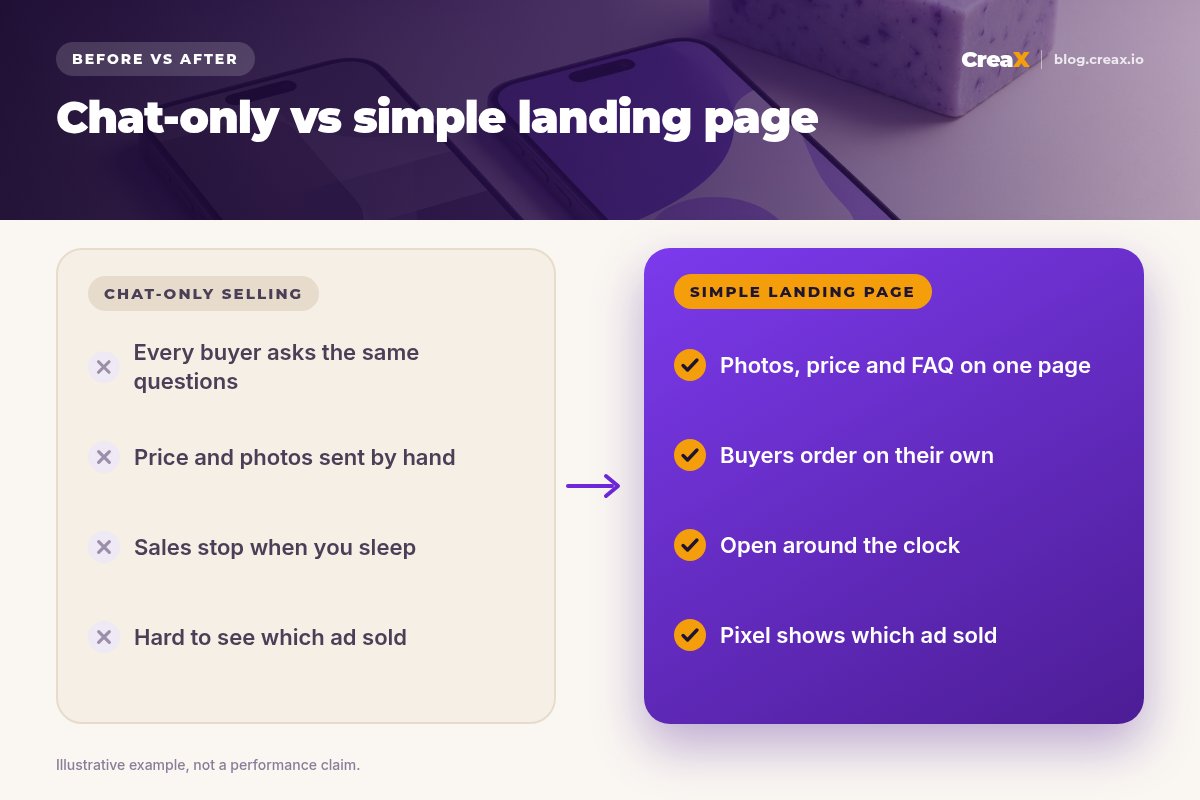
But it depends on what you sell. For leads, bookings and quick questions, no website is fine. For selling products to strangers at any real volume, a chat-only setup usually becomes the bottleneck: every buyer asks the same questions, you send photos and prices by hand, and sales stop when you sleep. That is when a simple page earns its keep.
Q1Can I advertise without a site?
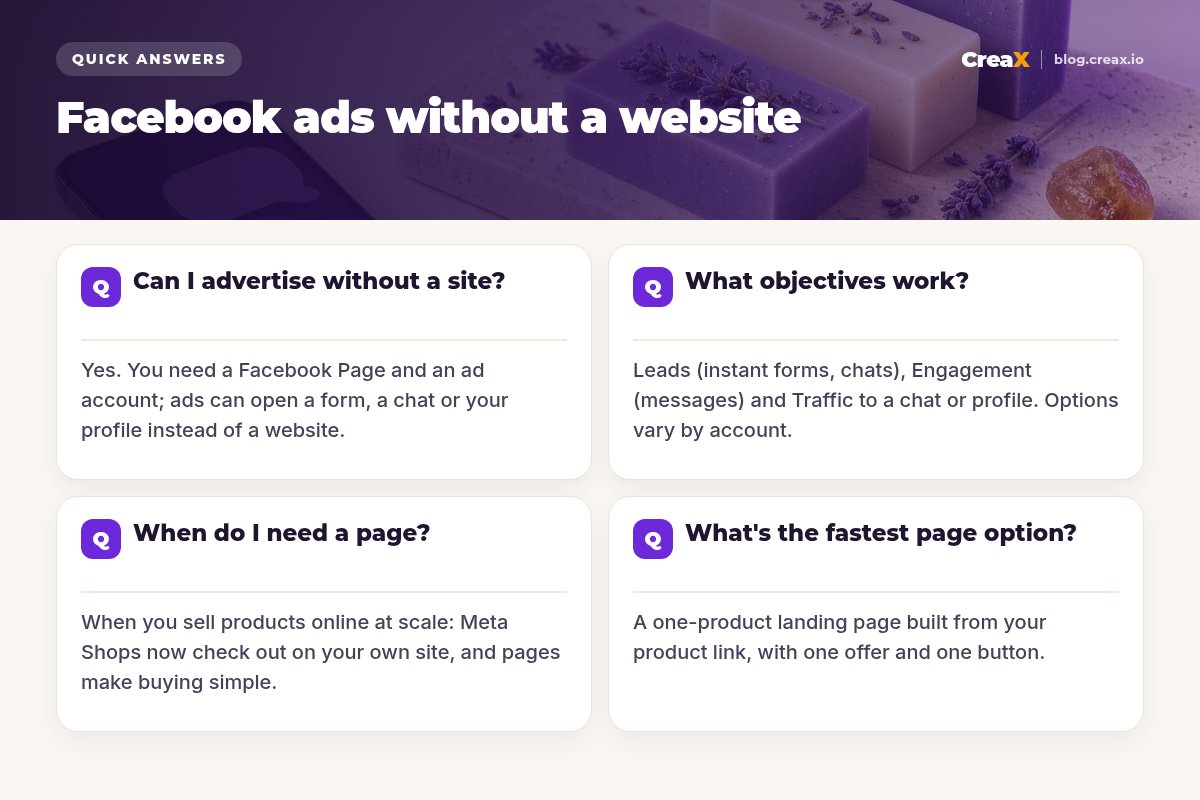
Yes. Here is what you need instead of a website:
- A Facebook Page for your business. Ads run from a Page, not from a personal profile.
- An ad account in Meta Ads Manager (through Meta Business Suite or Business Manager), with a payment method.
- An Instagram account connected to the Page if you want to run ads on Instagram or use Instagram Direct for chats.
- A WhatsApp Business account connected to the Page if you want ads that open WhatsApp.
- A privacy policy link if you use lead ads with instant forms. It can be a simple hosted page.
Then you choose where people go when they tap the ad. Without a website, the main destinations are:
| Destination | What happens | Good for |
|---|---|---|
| Instant form | A form opens inside Facebook or Instagram, often pre-filled | Leads, quotes, bookings, waitlists |
| Messenger chat | A conversation opens with your Page | Questions, custom orders, local sales |
| Instagram Direct | A DM opens with your Instagram account | Visual products, younger audiences |
| A WhatsApp chat opens with your business | Markets where WhatsApp is the main chat app | |
| Call | The phone dialler opens | Services and urgent needs |
| Your profile or post | People view, like, follow or comment | Awareness and building an audience |
Summarised from Meta's Business Help Center, October 2026. Exact options vary by objective, placement and country.
Q2What objectives work?
Meta Ads Manager groups campaigns into six objectives: Awareness, Traffic, Engagement, Leads, App promotion and Sales. Without a website, these are the ones sellers use most:
- Leads with an instant form, or with a chat where your business qualifies the lead in conversation.
- Engagement with messages as the goal, to start as many relevant conversations as possible.
- Traffic sent to a chat app or your profile, when you mainly want visits and conversations.
- Awareness to get your product or brand seen by more people, often as a first step before retargeting.
The Sales objective is built around purchases, which usually means a website or app where those purchases happen and can be measured. Some accounts can optimise for conversations in messaging apps, but options change and vary by region, so check what Ads Manager offers you.
iChats need a person (or a plan)
Q3When do I need a page?
A simple landing page becomes worth it when any of these is true:
- You sell products online to people who do not know you. Strangers want photos, price, details and reviews before they message anyone.
- You want to use a Shop. Meta has moved Facebook and Instagram Shops to checkout on your own website, so you need a site with a checkout to sell through a Shop.
- You are answering the same questions all day. A page with an FAQ answers them once.
- You want to know which ad sold. On a page where you can add the Meta pixel, Ads Manager can report purchases or orders per ad.
- You want to scale. Chats grow with your time; a page does not.
You do not need a full store to get these benefits. One focused page per product is enough to start. Our guide to landing pages vs product pages explains the difference.
Get a landing page without building a website
Paste a product link into CreaX and get a publish-ready landing page plus studio ads and UGC-style video ads that match it.
Q4What's the fastest page option?
The fastest option is a one-product landing page: one product, one offer, one button. It needs a headline that repeats your ad's promise, clear photos, the price, the key details, a short FAQ and a way to order. Here are the usual ways to get one:
| Option | Speed | Trade-off |
|---|---|---|
| AI landing page from a product link | Fastest | Review the copy and claims before you publish |
| Page builder template | Fast | You write and design each section |
| Full online store | Slower | More set-up, but ready to grow a catalog |
| Link-in-bio page | Fast | Good for links, weak for explaining one product |
With CreaX, you paste a product link or upload a product image and get a publish-ready landing page at Simple, Detailed or Advanced level in about 60–120 seconds, along with the ads that point to it. Read how to turn a product link into a landing page without a designer, or compare the best AI landing page generators.
Worked example: a handmade soap seller
Say you sell handmade soap bars and have no website. A sensible path could look like this:
| Stage | Destination | Why |
|---|---|---|
| Week 1: first ads | WhatsApp or Instagram Direct chats | Learn which scents and questions come up most |
| Week 2: tidy up | Same chats, with saved replies | Answer price, delivery and ingredients instantly |
| Week 3: add a page | One-product landing page for the best seller | Buyers order without waiting; chat stays as a backup |
| After that | Page for each best seller | Compare ads by orders, not by messages |
An illustrative plan, not a result.
Ingredient and skin claims should match what is on your label and what you can support. The page simply puts the answers you already give in chats where every buyer can see them.
★Keep the chat option too
MistakesCommon mistakes to avoid
- Sending ads to a Page with nothing on it. If people check your Page, they should find recent posts, clear product photos and contact details.
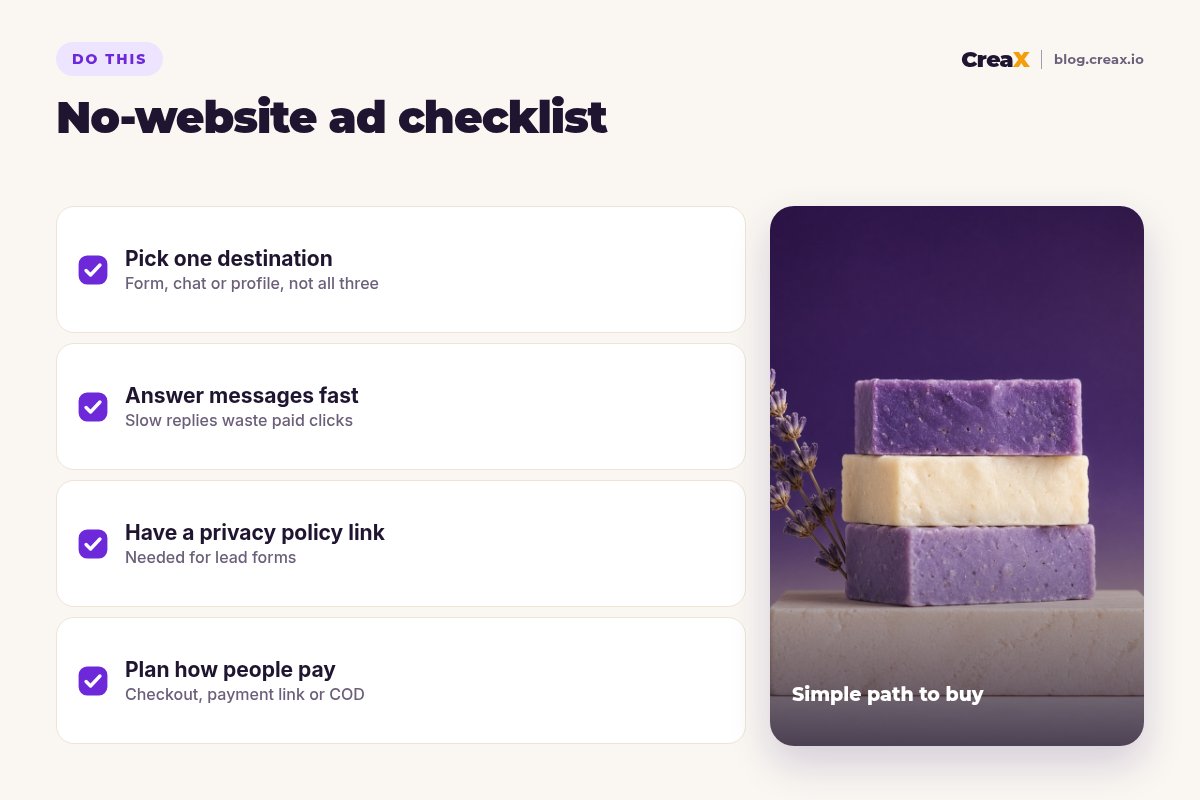
- Using every destination at once. Pick one per campaign so you know what works.
- Slow or no replies. Every unanswered chat is a paid click wasted.
- Lead forms that ask too much. Ask only what you need to follow up.
- No plan for payment. Decide upfront: checkout link, payment link or cash on delivery where you offer it.
- Judging by messages instead of sales. Track how many chats turn into orders, not just how many start. If ads get clicks but no sales, see creative fixes for Facebook ads that are not converting.
ChecklistChecklist you can copy
Before you launch
- ✓Facebook Page ready: profile photo, cover, recent posts, contact details.
- ✓Ad account set up with a payment method in Meta Ads Manager.
- ✓One destination chosen: instant form, chat, call or profile.
- ✓Privacy policy link ready if you use instant forms.
- ✓Saved replies written for price, sizes, delivery and payment.
- ✓Someone assigned to answer chats quickly, every day.
- ✓A clear way to pay: checkout, payment link or cash on delivery.
- ✓A plan for a simple page when chats become the bottleneck.
CreaXHow CreaX helps (briefly)
Whether you start with chats or a page, the ad creative does the heavy lifting. CreaX is an AI ecommerce creative OS: paste a product link or upload a product image and, in about 60–120 seconds, you get studio ad creatives (static ads in five styles and four sizes: 1:1, 3:4, 4:5 and 9:16), UGC-style video ads of 18, 30 or 45 seconds, a publish-ready landing page and a multi-tenant store.
That means you can start with message ads using CreaX creatives today, and switch the destination to a matching landing page when you are ready, without starting over. If you sell mainly through chats, see CreaX for Instagram and WhatsApp sellers.
Start with ads, add the page when you are ready
One product link, about 60–120 seconds: studio ads, UGC-style video and a landing page with the same message.
FAQMore questions sellers ask
Q.Do I need a website to create a Facebook ad account?
Q.Can I sell products with Facebook ads and no website?
Q.Do lead ads need a privacy policy?
Q.Can I still use Facebook and Instagram Shops without a website?
Q.Are message ads cheaper than website ads?
Q.Can I boost a post instead of using Ads Manager?
Ready to run your first ads?
Paste a product link and get the studio ads, UGC-style video and landing page for your first Meta campaign.
This guide is published by CreaX. Meta features are summarised from Meta's Business Help Center as of October 2026. Ad objectives, destinations and Shops rules change often and vary by country, so check Meta's current help pages before you launch.