
Retargeting Ads for Ecommerce: What Creative to Show Each Audience
How to · Retargeting creatives
Most retargeting ads for ecommerce show warm shoppers the exact ad they already ignored. This guide shows you how to do it properly: split your warm audiences by how close they came to buying, give each group one clear message, build creatives for each stage, send them to the right page, and read the results without letting retargeting take credit for sales that would have happened anyway.
Updated October 2026 · By the CreaX team
Key takeaways
- ✓Warm audiences are not one group. Engagers, product viewers, cart abandoners and past buyers each need a different message.
- ✓Retargeting creative should add a new reason to buy: proof, an answered objection, reassurance or a relevant offer, not the cold ad again.
- ✓Exclude recent buyers, segment by recency and watch frequency, so you remind people instead of annoying them.
- ✓Judge retargeting on incremental sales where you can. It is easy for it to claim credit for buyers who were coming back anyway.
In this guide
The goalWhat you'll have at the end
By the end you will have a simple retargeting plan for one store: three or four warm audiences, one message for each, a small set of creatives built for those messages, the right landing page for every ad, and rules for exclusions, frequency and refreshes.
Retargeting means showing ads to people who have already interacted with your brand: they watched a video, visited a product page, added something to the cart or bought before. They know you exist, so the job of the ad changes. A cold ad has to stop the scroll and explain the product. A retargeting ad has to answer the question that stopped them from buying.
PrepWhat you need before you start
- Working tracking. The Meta Pixel and Conversions API, the TikTok Pixel or your platform's equivalent, firing on product views, add to cart, checkout and purchase.
- Enough traffic. Retargeting audiences are built from people who already visited or engaged. If your store gets very little traffic, fix prospecting first.
- A product catalog connected to your ad account if you want catalog ads that show each shopper the products they viewed.
- Your real policies. Shipping times, returns and any guarantee, written down, because reassurance ads must only promise what you actually offer.
- A product page that converts. Retargeting can't fix a weak page; see what makes a high-converting product page.
iDo you even need a separate retargeting campaign?
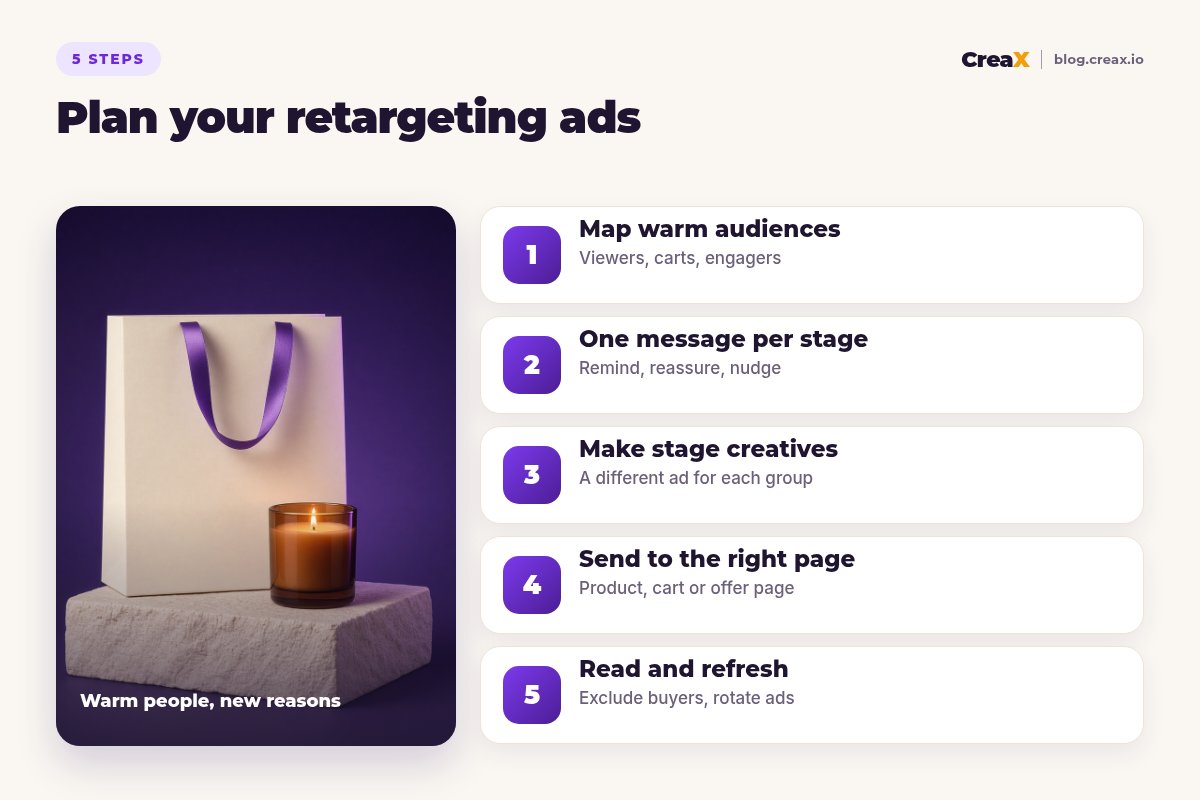
Step 1Step 1: Map your warm audiences
Split warm people by how close they came to buying. Each stage has a different reason for not buying yet:
| Audience | What they did | Why they probably didn’t buy |
|---|---|---|
| Engagers | Watched a video, liked or commented, but never visited | Interested, not convinced it is for them |
| Product viewers | Visited a product page, no add to cart | An open question: price, fit, quality, trust |
| Cart and checkout abandoners | Added to cart or started checkout | A last-minute doubt: shipping, returns, total cost, timing |
| Past buyers | Purchased before | They already bought; they need a new reason (a related product, a refill) |
Build these as custom audiences from pixel and engagement data in each ad platform.
Then split by recency. Meta's own guidance for catalog retargeting suggests separate ad sets for people who acted recently and people who acted longer ago, because someone who viewed a product yesterday is usually closer to buying than someone who viewed it two weeks ago. If your audiences are small, use longer windows so the ads can deliver.
!Always exclude recent buyers
Step 2Step 2: Pick one message per stage
Give each audience one job. A retargeting ad that tries to say everything says nothing:
Engagers: show it is for them
Product viewers: answer the question
Cart abandoners: reassure
Past buyers: give a new reason
Where do objections come from? Your own customer emails, comments on your ads and reviews of similar products. If people click but don't buy, our guide to creative fixes for Facebook ads that are not converting lists the usual suspects.
Make a creative for every stage in minutes
Paste a product link or upload a product image and CreaX generates studio ad creatives, UGC-style video ads and a landing page in about 60–120 seconds: a fast way to build stage-specific variations.
Step 3Step 3: Make stage-specific creatives
Now turn each message into ads. Formats that tend to suit each stage:
| Stage | Creative ideas | Avoid |
|---|---|---|
| Engagers | A UGC-style video with a new hook; a short demo; a before-and-after you can genuinely show | Re-running the cold ad unchanged |
| Product viewers | Close-up studio statics of details; an FAQ-style video; a carousel of real customer reviews | Generic “Still thinking about it?” with nothing new |
| Cart abandoners | A clean static of the product plus delivery and returns facts; catalog ads with the exact item | Fake countdown timers and invented scarcity |
| Past buyers | A complementary product in use; a bundle; a how-to-get-more-from-it video | Ads for what they just bought |
Use only real reviews and real policies. Invented testimonials and fake urgency break ad policies and trust.
For people who viewed several products, Meta's Advantage+ catalog ads can automatically show each shopper the items they looked at, using your catalog and pixel events. They need your pixel's product IDs to match the IDs in your catalog. Carousels are another good fit for this stage; see how to make carousel ads for ecommerce.
Keep a family resemblance with your cold ads (the same product, look and promise) so people recognise you, but change the angle so the ad feels new.
Step 4Step 4: Send each ad to the right page
The click should land somewhere that continues the conversation the ad started:
- Engagers → the product landing page, ideally one whose headline matches the new angle.
- Product viewers → the product page, scrolled to or leading with the section that answers their objection (sizing, details, comparison, FAQ).
- Cart abandoners → back to the product or cart, with the same reassurance visible at the top.
- Past buyers → the complementary product or a bundle page; our guide to creating a bundle offer landing page shows how.
If you test a new angle in retargeting, generate a matching page variant too, so the ad and the page tell the same story.
Step 5Step 5: Read results and refresh
Retargeting reports often look great, and that is exactly why you should read them carefully:
Ask what is incremental
Watch frequency
Compare stages, not just campaigns
Refresh on a schedule
For the signals that a creative is worn out, see the signs of ad creative fatigue.
Keep retargeting fresh without a designer
CreaX turns one product link or image into studio ads, UGC-style video ads and a matching landing page in about 60–120 seconds, so refreshing each stage takes minutes.
ExampleWorked example
Say you sell a scented soy candle with a matching gift box. Here is a simple retargeting plan:
| Audience | Message | Creative | Page |
|---|---|---|---|
| Video engagers | It makes a room feel calm in the evening | UGC-style video: lighting the candle, a cosy room | Product landing page |
| Product viewers | Here is exactly what you get | Studio close-ups: wax, wick, label, box | Product page, details first |
| Cart abandoners | Safe to order | Static: the candle plus your real delivery and returns facts | Back to cart |
| Past buyers | Complete the set | The matching gift box in use | Bundle page |
Illustrative plan. Every claim (scent, burn time, delivery) must match what you actually sell.
Recent buyers are excluded from the first three audiences. Each audience gets its own small budget and two creatives. After the first round, compare cost per purchase per audience, check frequency, and replace the weaker creative in each stage with a new variation.
Common pitfallsMistakes to avoid
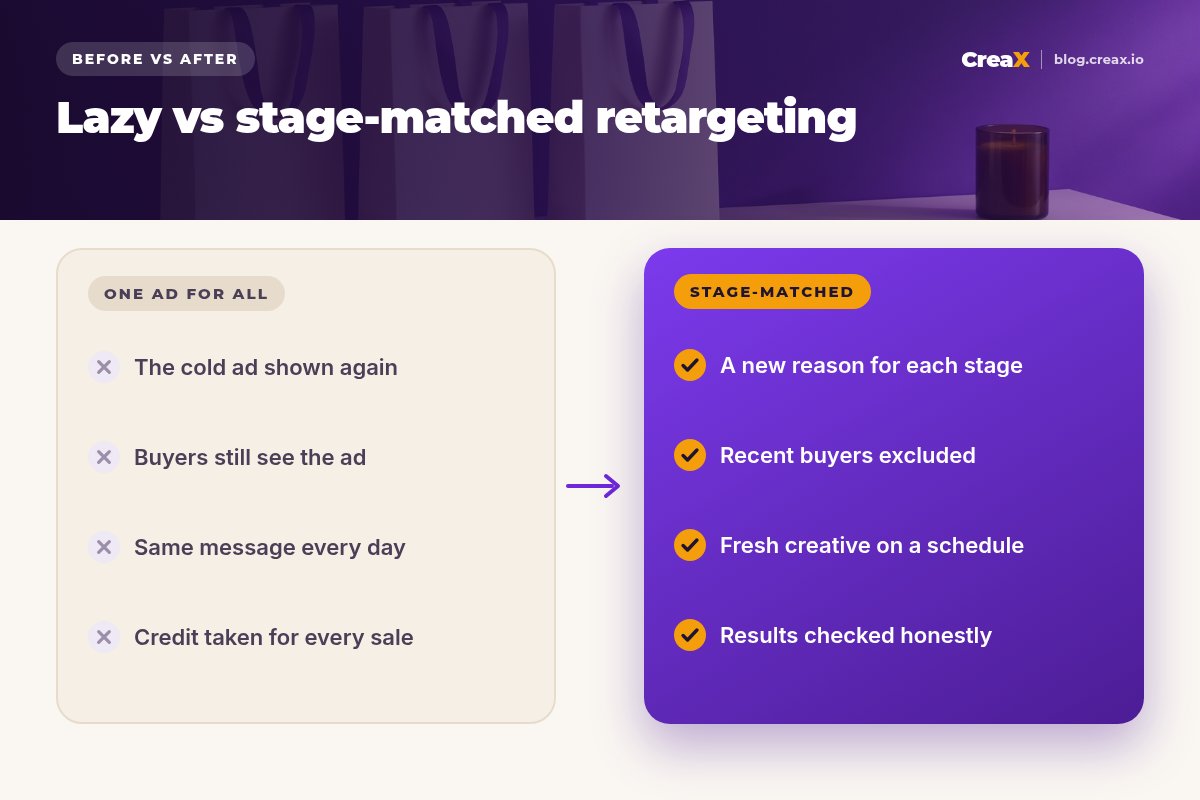
- One ad for every warm person. Engagers and cart abandoners have different questions.
- Showing the cold ad again. They already saw it and didn't buy. Give them something new.
- Forgetting exclusions. Buyers keep seeing ads for what they just bought.
- Discounting by reflex. Training shoppers to wait for a discount eats your margin. Try reassurance first.
- Fake urgency or reviews. Invented scarcity and testimonials break ad policies and trust.
- Believing every attributed sale. Retargeting reports can overstate impact; check incrementality where you can.
Before you launchChecklist
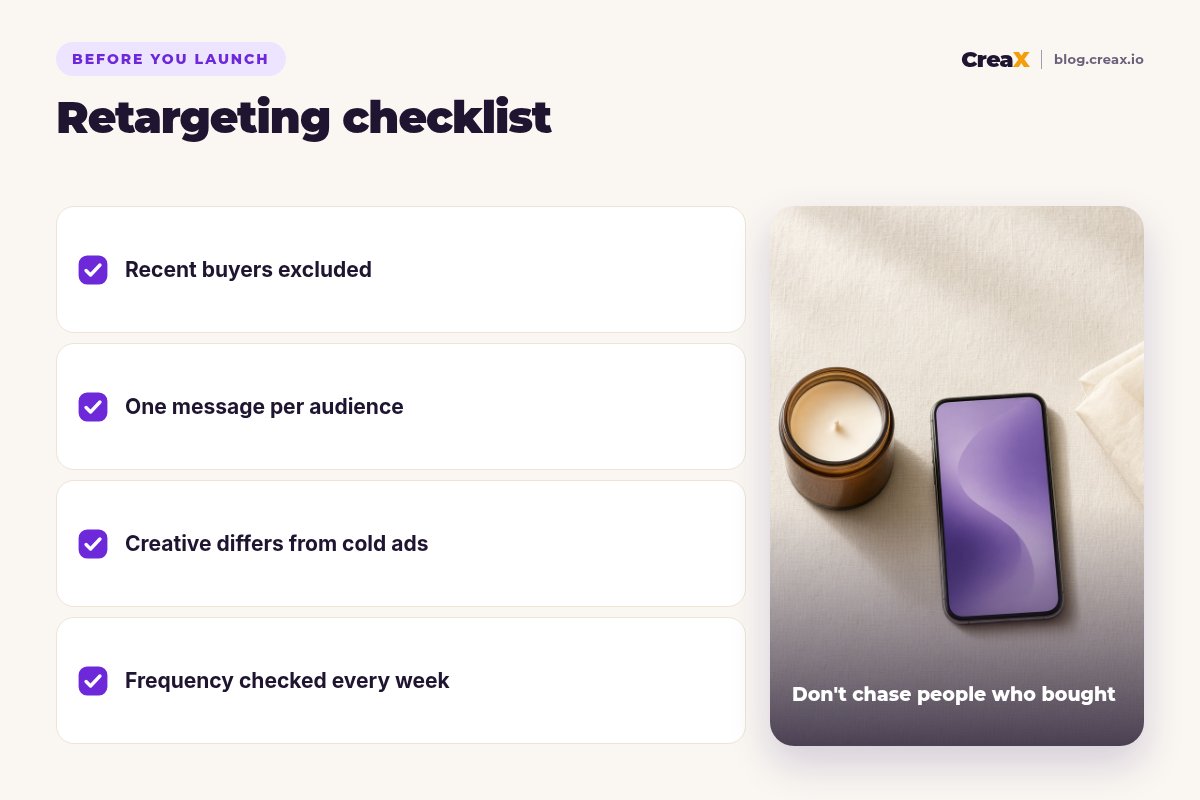
Retargeting launch checklist
- ✓Pixel and conversion events firing on view, cart, checkout and purchase
- ✓Warm audiences split by stage and recency
- ✓Recent buyers excluded (except from cross-sell audiences)
- ✓One message per audience, written down
- ✓Creatives different from your cold ads, with real proof and policies only
- ✓Every ad pointing to the page that continues its message
- ✓Frequency and cost per purchase reviewed per audience every week
- ✓A refresh date set for each creative
FAQFrequently asked questions
Q.What are retargeting ads in ecommerce?
Q.What is the best creative for retargeting?
Q.How long should my retargeting window be?
Q.Should I offer a discount to cart abandoners?
Q.Do retargeting ads work on TikTok?
Q.Can CreaX make retargeting creatives?
Bring warm shoppers back with better creatives
Open CreaX, paste a product link or upload an image, and get studio ads, UGC-style video ads and a landing page to build each retargeting stage.
This guide is published by CreaX. It describes general retargeting practice and public platform documentation as of October 2026, contains no invented statistics, and results depend on your traffic, product, offer and ad platform.